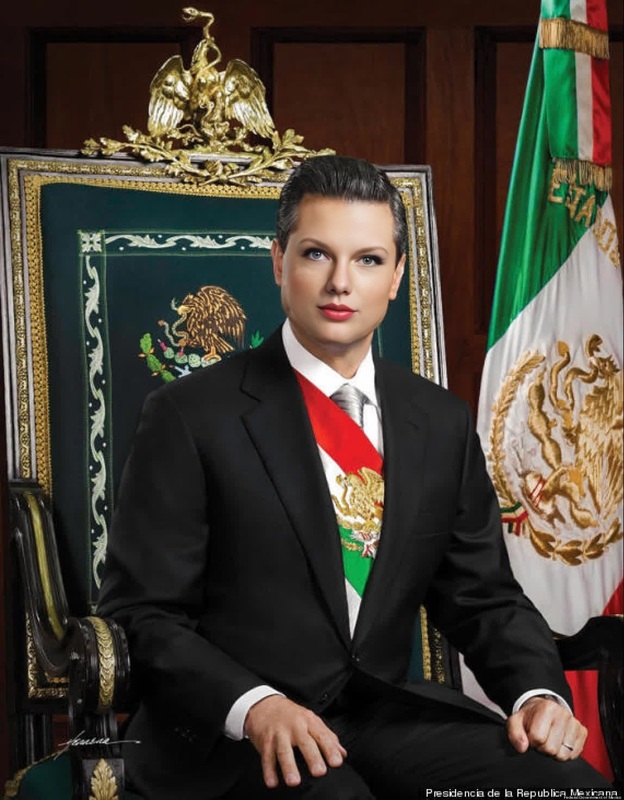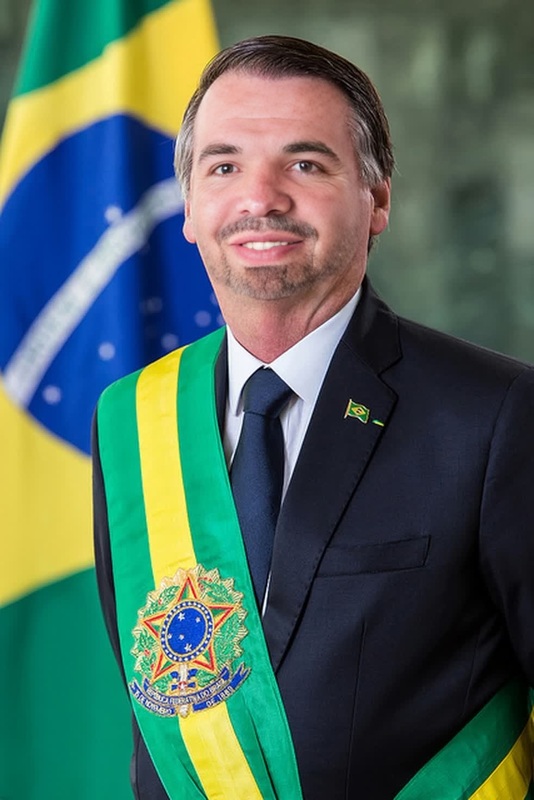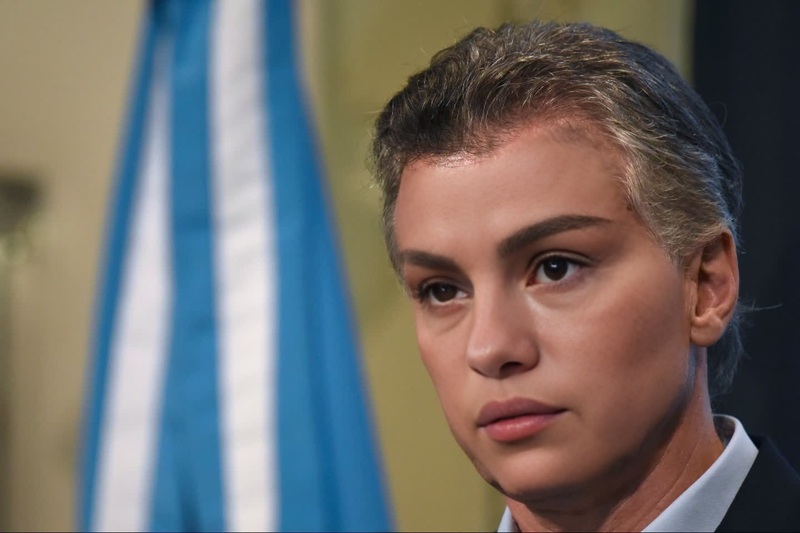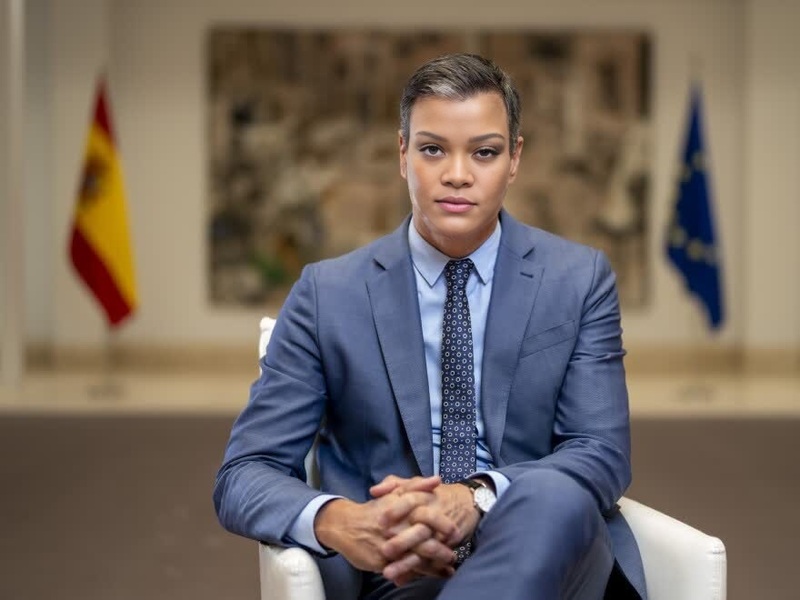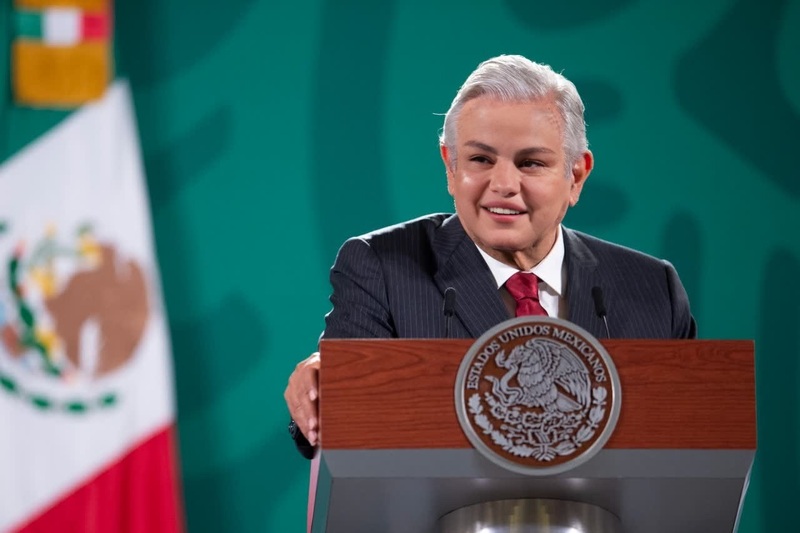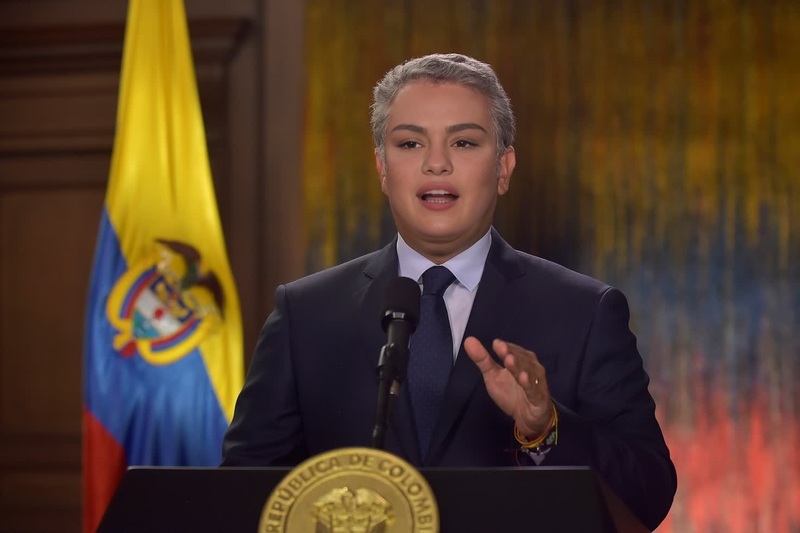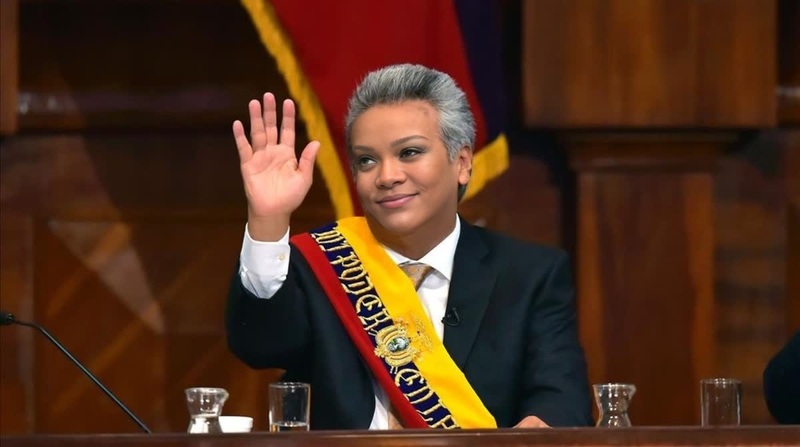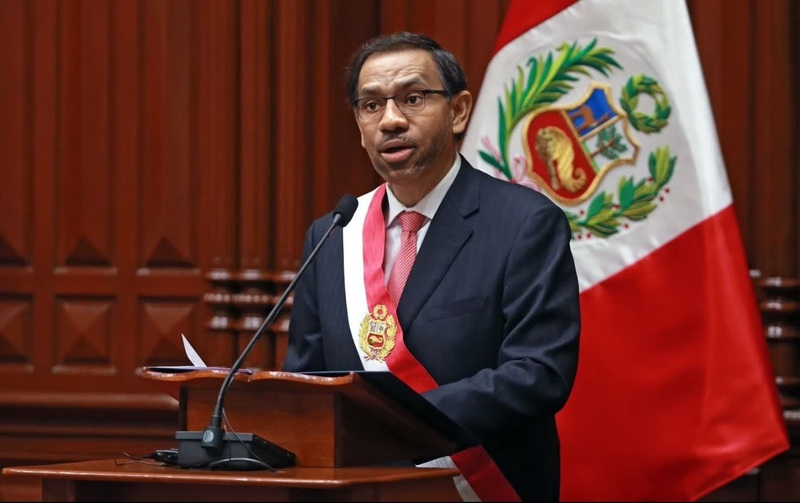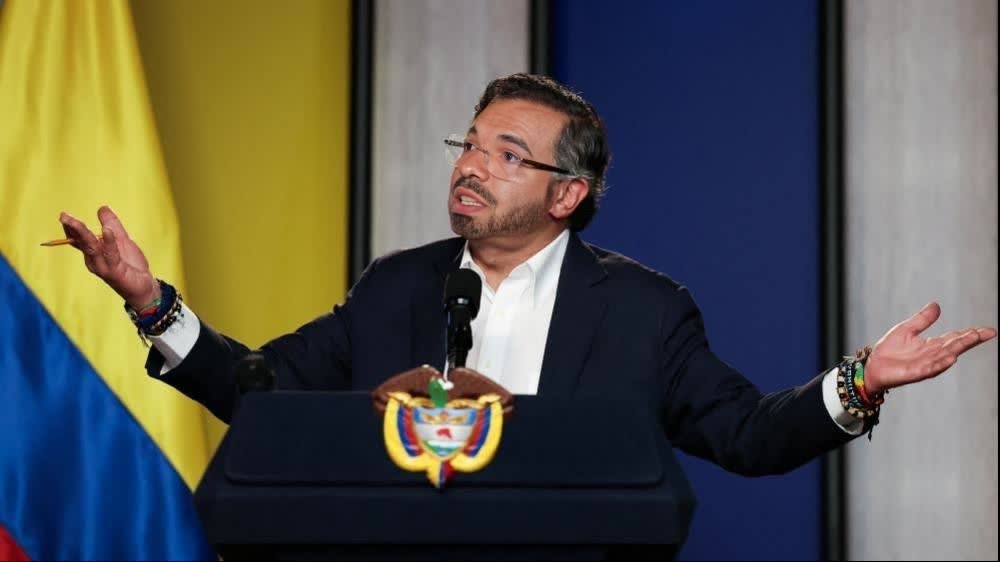
Gustavo Petro Colombia President Press Portrait
- Image
- 1000 × 562 px
Any aspect ratio
Overview
Experience the power of advanced video editing with the Gustavo Petro Colombia President Press Portrait template. Designed as a Video Face Swap tool, it enables creators to overlay the Colombian president's face onto any chosen character, making it ideal for creating impactful and engaging political content.
What It Does
This template provides a realistic video face swap of Gustavo Petro. By leveraging sophisticated AI models, it seamlessly fits Petro's image onto your specified video file. The result is a compelling transformation that maintains high-quality visuals throughout the process.
For further enhancements, consider pairing it with the AI Image Editor to refine your video's look or use the Text-to-Video product to add dynamic captions or graphics to your final output.
Who It's For
Journalists, satirists, content creators, and educators will find this tool exceptionally useful. Whether you're aiming to create humorous content, political commentary, or educational material, this template offers a robust foundation for a variety of projects. It's also a great fit for social media managers looking to boost engagement with innovative content.
Summary
Incorporate the Gustavo Petro portrait with this easy-to-use video face swap template. Elevate your content creation to new heights, embracing political satire or educational content with unparalleled ease. Discover the range of possibilities available by integrating AI Voice Changer to add voice effects, enhancing the overall realism of your project.
How to Use
Choose Your Template

Customize Your Video

Generate and Export

Use Cases
Political Satire Videos
- Capture audience attention with creative storytelling
- Perfect for social media shares and viral content
Educational Content
- Ideal for teachers and digital learning platforms
Promotional Media
- Great for campaign managers and creative agencies
Best Practices
Choose High-Quality Source Material
Start with a high-resolution video file to ensure the face swap looks as realistic as possible.Adjust Lighting and Color
Using the AI Image Editor can help match the lighting and color tones between the source video and the swapped face.Consider Creative Use Cases
Think outside the box for applications – political commentaries or engaging educational videos can benefit significantly.
Frequently asked questions
More Like This