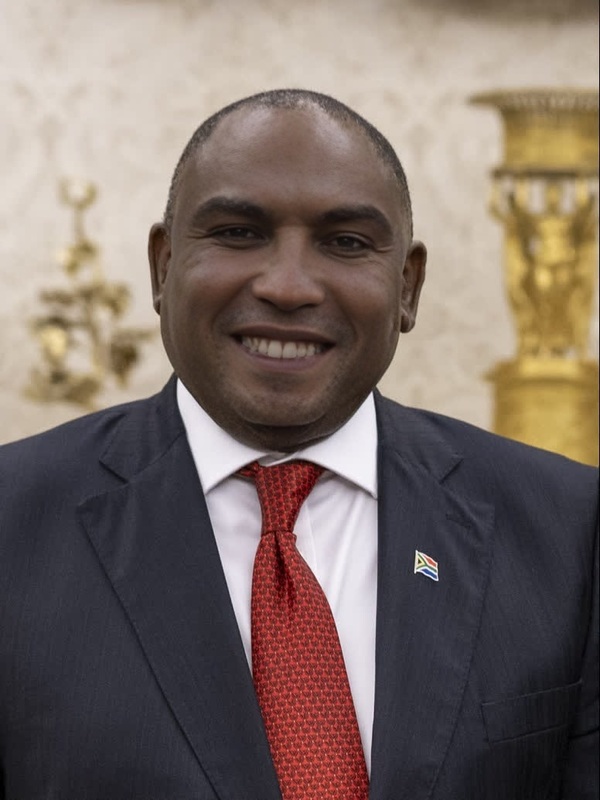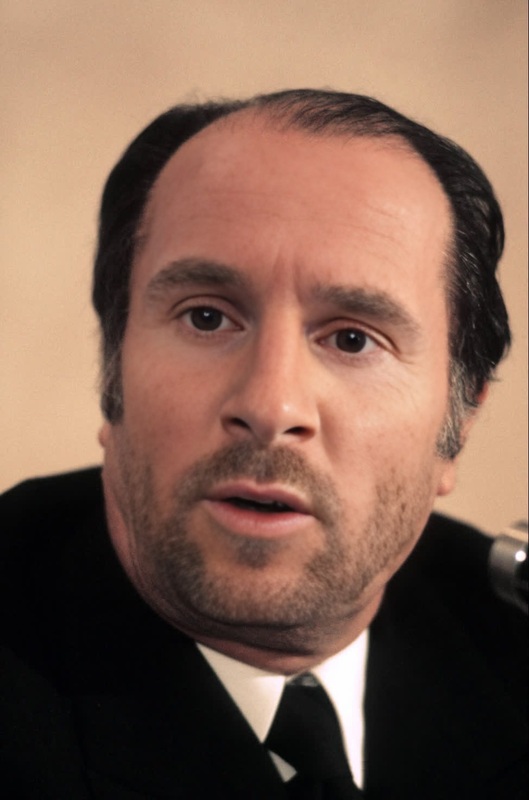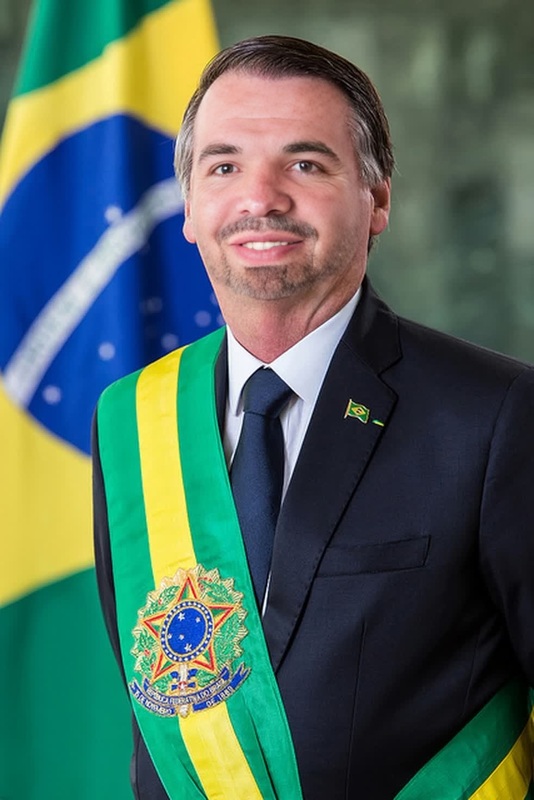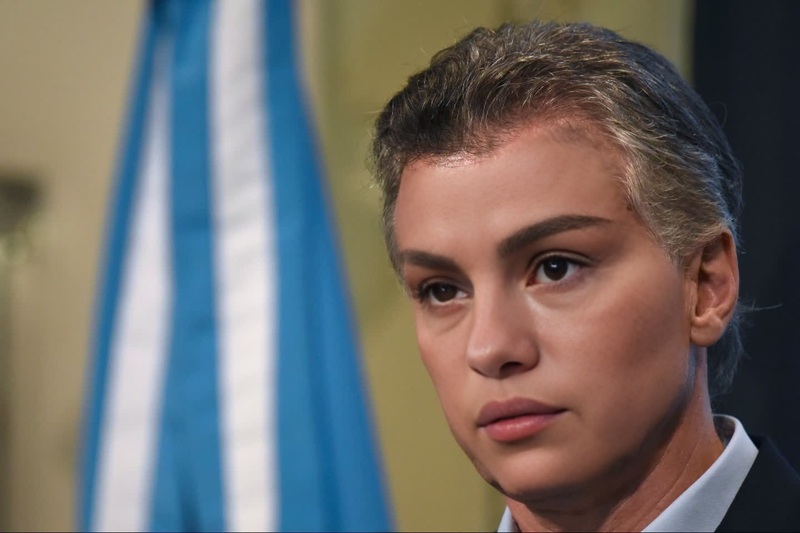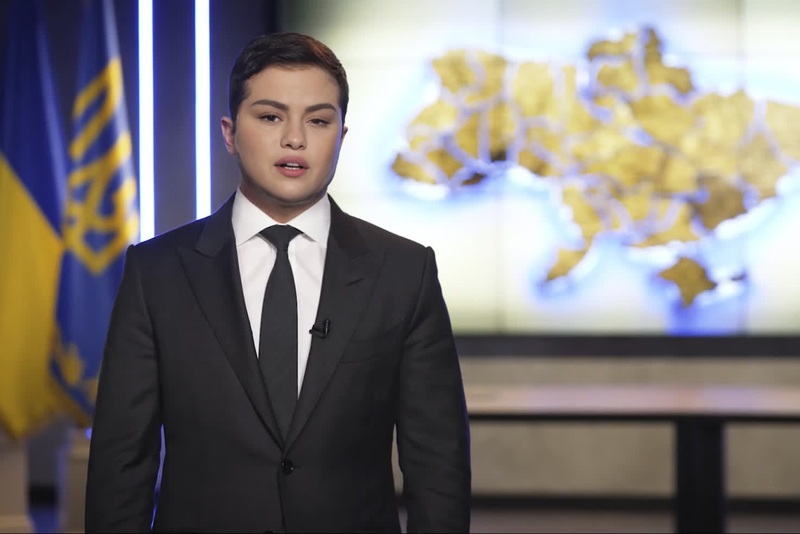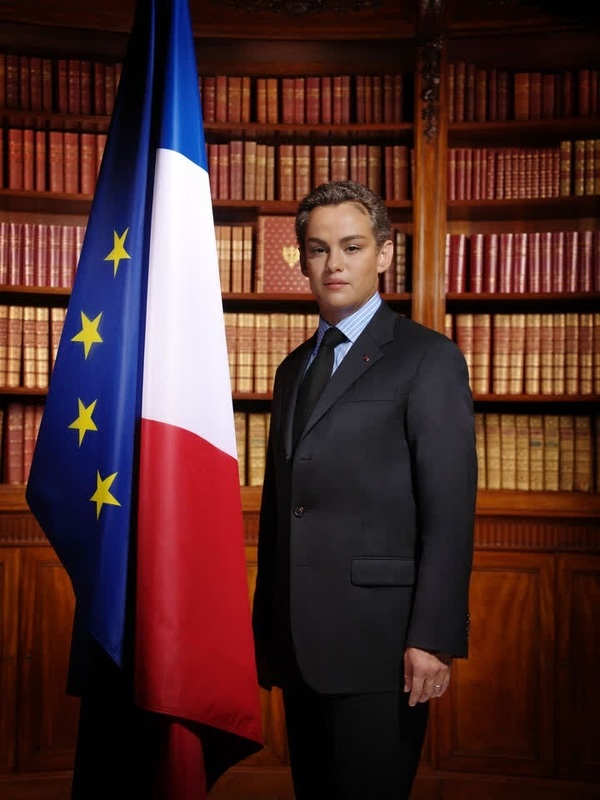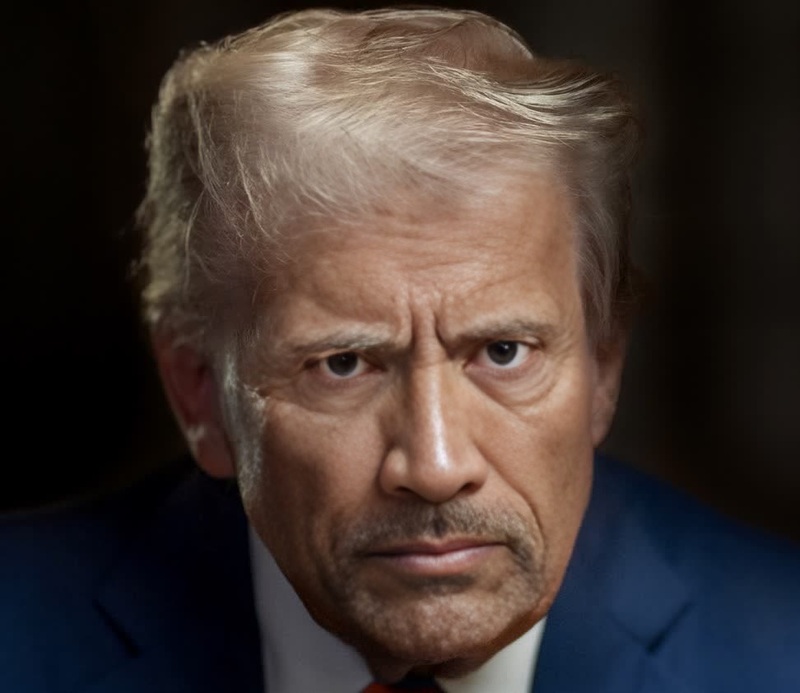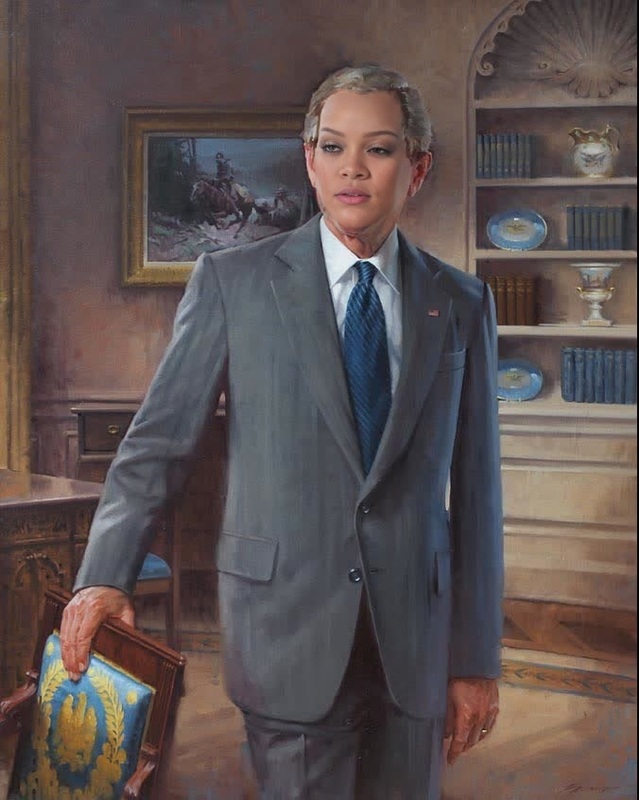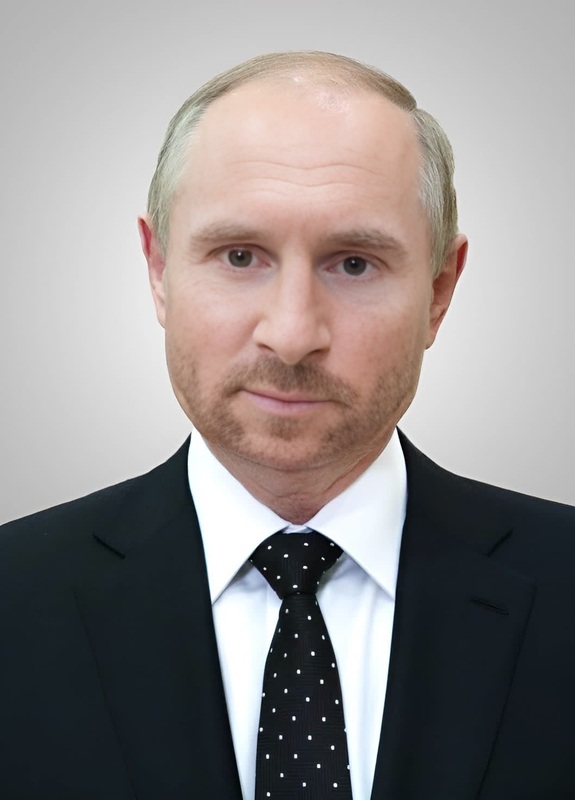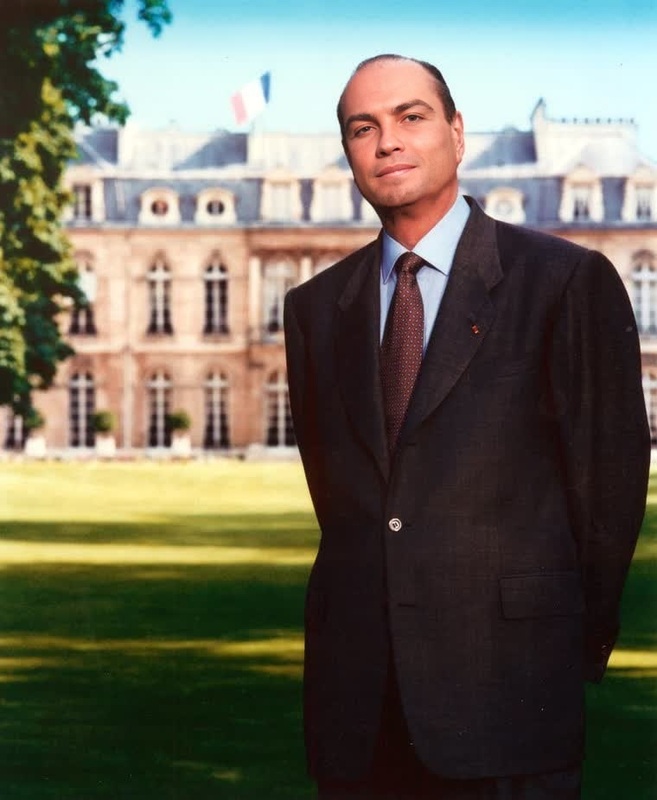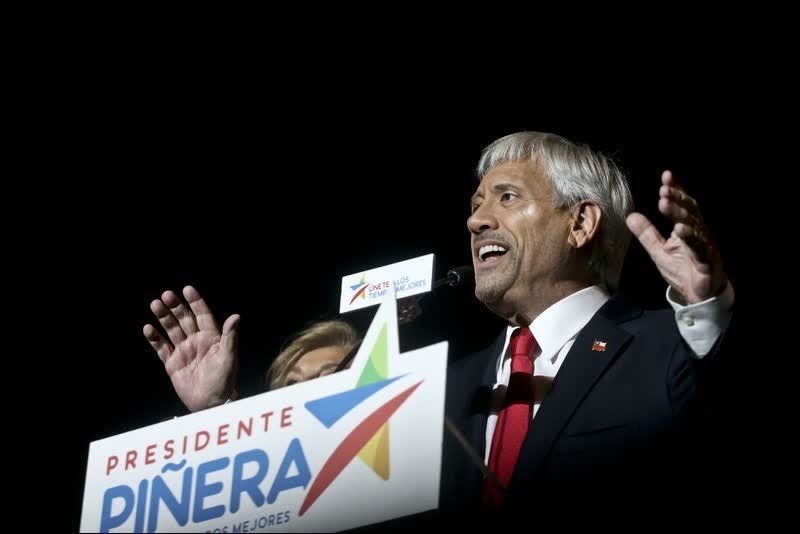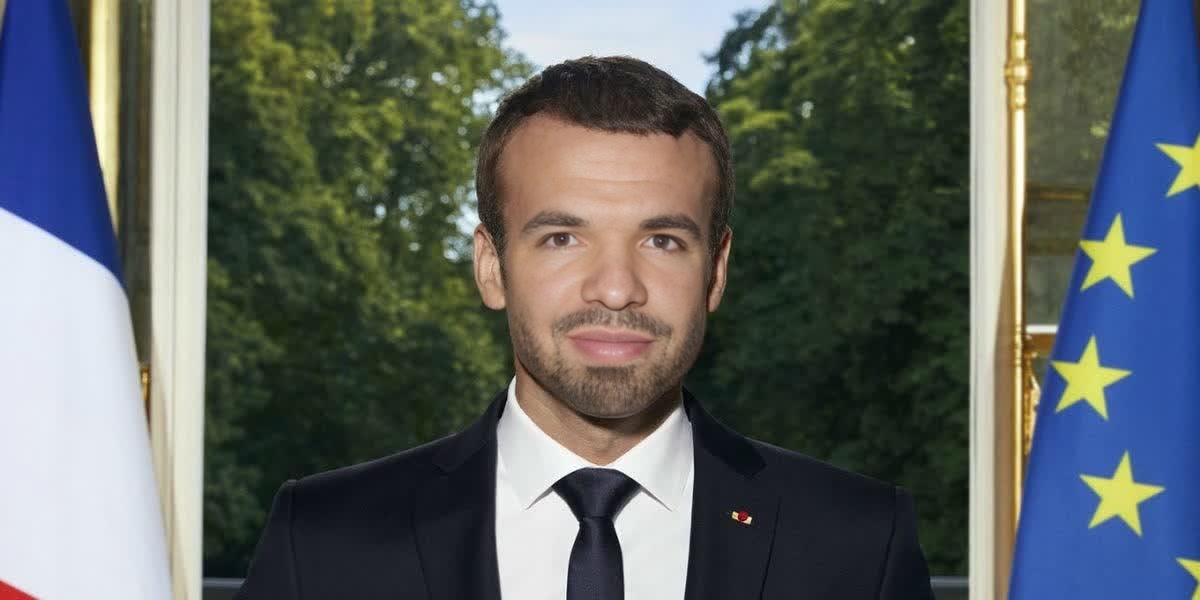
Emmanuel Macron French President Press Portrait
face-swap
Any aspect ratio
Tags
transformationsTurn any face into a cinematic reaction meme with this reusable Face Swap template. Ideal for fast-moving social campaigns, editorial content, or growth experiments where you need on‑brand reactions at scale.
What this template does
This template uses Magic Hour’s AI Face Swap technology (via the Face Swap Video creator) to:
- Replace the original face in the source clip with your own (or any approved face)
- Preserve the original expressions, head movements, and timing
- Output a ready-to-share reaction video you can reuse across campaigns
Because it’s built as a Magic Hour template, you can quickly remix it into variants for different personas, brands, or audiences without rebuilding your workflow from scratch.
Best use cases
This template is optimized for:
Reaction memes & replies
- Quote-tweet responses
- Comment replies on TikTok, Reels, Shorts, and LinkedIn
- “Brand POV” meme formats that need a consistent face
Brand & creator personas
- Put your founder, mascot, or spokesperson into trending clips
- Localize reactions with different faces for different markets
- Keep the same reaction structure while testing multiple identities
Performance marketing & growth
- A/B test different faces against the same script or scenario
- Quickly generate variations for different segments or platforms
- Swap in new faces while keeping the winning creative intact
For longer narrative content, you can combine this with Video to Video or Animation templates to build full sequences that share the same character.
How to remix this template in Magic Hour
You can create your own version of this reaction meme template in minutes:
Open Face Swap Video
Go to the Face Swap Video creator. This is where you’ll build your base template.Choose your base reaction clip
- Use a short, clear reaction shot (2–10 seconds works well).
- Make sure the subject’s face is visible and expressive.
- Vertical video works best for TikTok, Reels, and Shorts; square or horizontal for X/YouTube.
Add your target face
- Upload a face you’re allowed to use (your own, your team’s, or properly licensed talent).
- For consistent results, use a well-lit photo with the face looking toward the camera.
- You can maintain a library of faces to reuse across multiple templates.
Generate your swapped reaction video
- Run Face Swap on your chosen clip.
- Review the output to ensure identity, expression, and emotion feel aligned with your brand or persona.
Save as a reusable “reaction meme” template
- Keep the clip structure the same (beats, pacing, and movement).
- You can then duplicate this project and only change the face for each new persona or market.
From here, you can build a full stack of reaction templates—same clip, different faces—so your social or growth team can ship new assets in minutes instead of re‑shooting.
Power-user remix ideas
To level up this template and create more advanced variants:
Turn your reaction into a talking character
- Use the swapped-face output as input to AI Talking Photo or Lip Sync to sync speech to your reaction.
- Pair with AI Voice Generator or AI Voice Cloner to match voice and face.
Chain with video and image tools
- Use Image to Video to animate static character art, then apply Face Swap on top.
- Create custom personas with the AI Face Generator or AI Character Generator, then use those faces as inputs for this template.
- Upscale and clean up your final meme with the Video Upscaler for crisp output on high‑resolution feeds.
Build a brand-safe meme system
- Generate on-brand “stock faces” using the AI Headshot Generator or AI Selfie Generator.
- Use those faces across multiple Face Swap Video templates to create a consistent visual language without repeated shoots.
Creative directions that work well
If you’re designing your own version of this template, consider these patterns:
Simple, recognisable emotions
- Shock, disbelief, slow realization, quiet satisfaction, subtle cringe
- These map well to generic captions like “When the metrics finally update…”
“POV” and “Galaxy brain” styles
- Build a series where your persona reacts to:
- New features or product launches
- Competitor announcements
- Market news, funding rounds, or benchmarks
- Build a series where your persona reacts to:
Localized reaction packs
- Keep the same base clip, but use different faces per region.
- Combine with localized captions or overlays created via Text to Video or third‑party editing tools.
You can also experiment with adjacent visual styles generated via tools like the AI Meme Generator, AI Art Generator, or Comic Book Generator, then layer Face Swap on top for a hybrid meme format.
Tips for better results
When remixing or adapting this template:
Use clear, frontal faces
Face Swap works best when the original subject’s face is well lit and mostly unobstructed (no heavy sunglasses, extreme motion blur, or strong occlusions).Match emotion and persona
If your brand voice is calm and analytical, avoid overly chaotic reaction clips. The closer the base performance is to your persona, the more convincing the swap.Stay compliant and ethical
- Only use faces you have explicit rights and consent to use.
- Avoid impersonating real people without permission—especially public figures.
- Consider adding a line in your content guidelines noting AI-assisted production.
Optimize for platform
- Short, punchy clips (3–7 seconds) tend to perform well on TikTok, Reels, and Shorts.
- For X and LinkedIn, slightly longer reactions can work, especially when paired with commentary threads.
For technical and ethical context around face-swapping and synthetic media, you may find resources like the Partnership on AI’s “Responsible Practices for Synthetic Media” and academic overviews of deepfake detection useful when designing your internal policies.
Expand this into a broader creative system
This Face Swap reaction template is a strong nucleus for a wider AI-first content pipeline. You can:
- Prototype visual ideas with the AI Image Generator or AI Photo Generator.
- Create stylistic variants (anime, Disney-style, manga, dark fantasy) with tools like the AI Anime Generator, Disney AI Generator, AI Manga Generator, or Dark Fantasy AI.
- Turn images into motion with Image to Video and then apply Face Swap Video.
- Clean and enhance assets with the AI Image Upscaler, Unblur Image, or Old Photo Restoration.
The result is a flexible, modular system where you can generate new reaction memes, test creatives, and scale content without repeatedly going back to production.
Start remixing
To create your own version of this template:
- Open the Face Swap Video creator.
- Import or upload your preferred reaction clip.
- Add a face you’re allowed to use.
- Generate, review, and save as a reusable template for your team.
Once set up, you can spin out new variations—new faces, new captions, new contexts—in a few clicks, while keeping a consistent, recognizable reaction format across your brand.