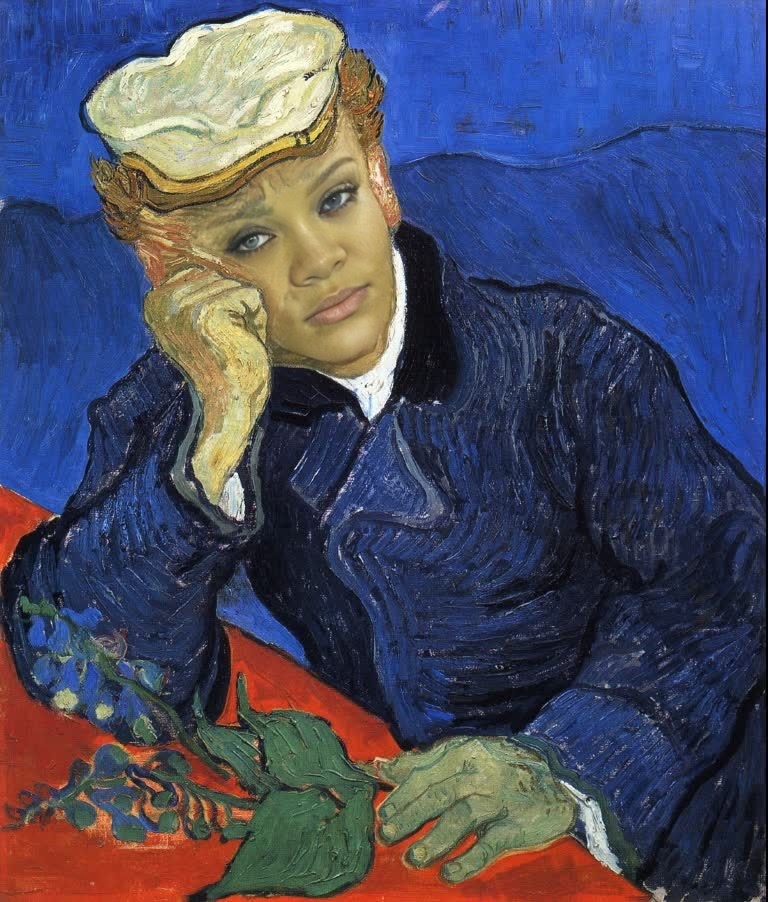
Portrait Of Dr Gachet Vincent Van Gogh Oil Painting
- Image
- 768 × 902 px
Any aspect ratio
Overview
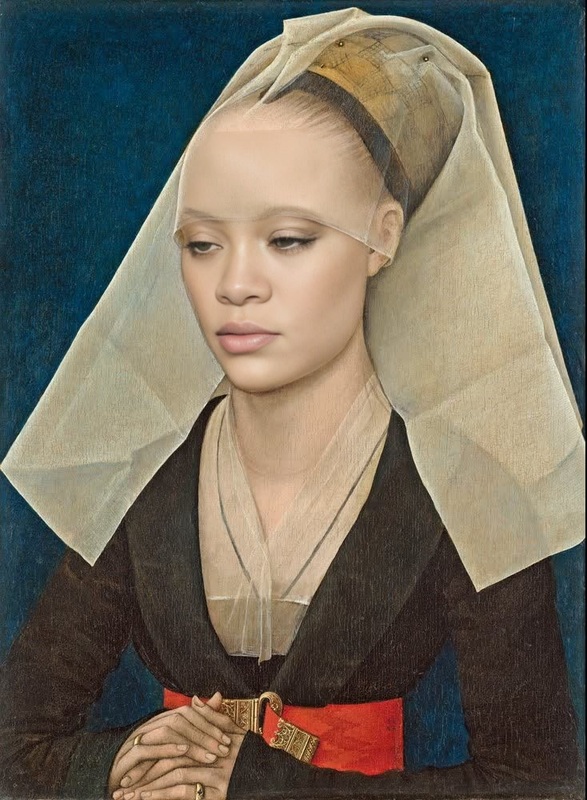
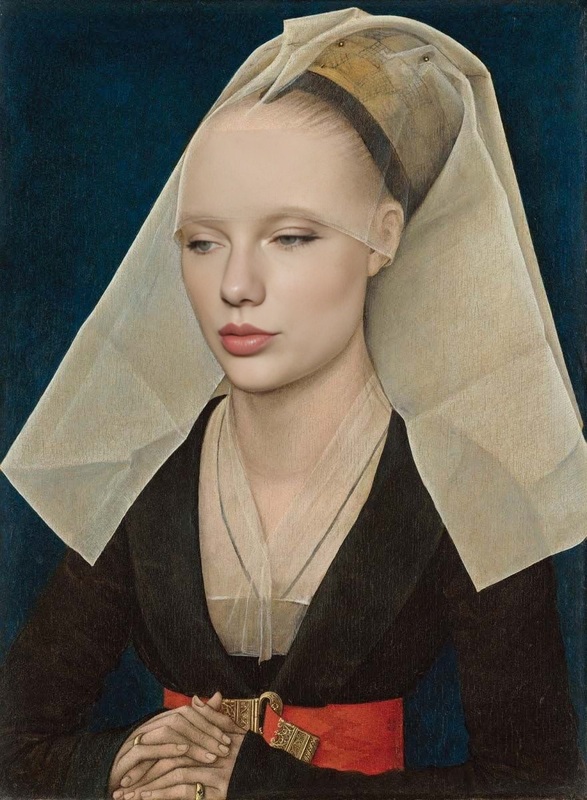
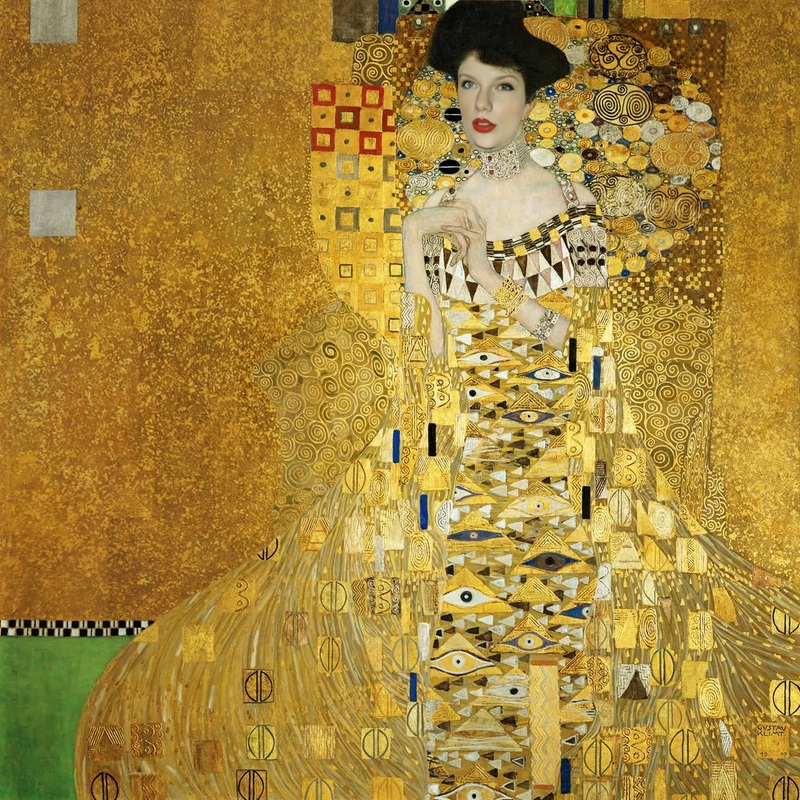
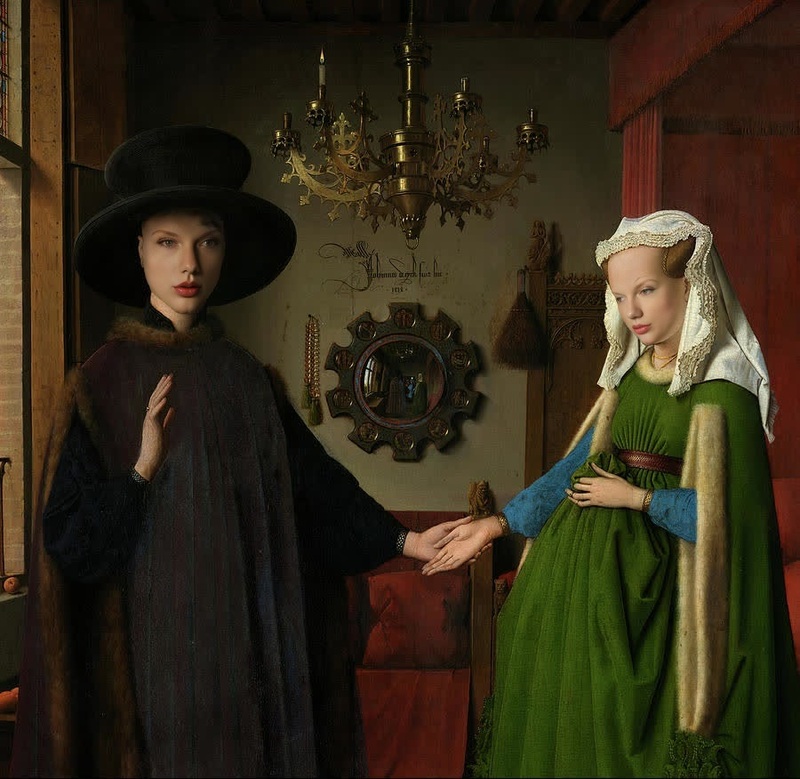
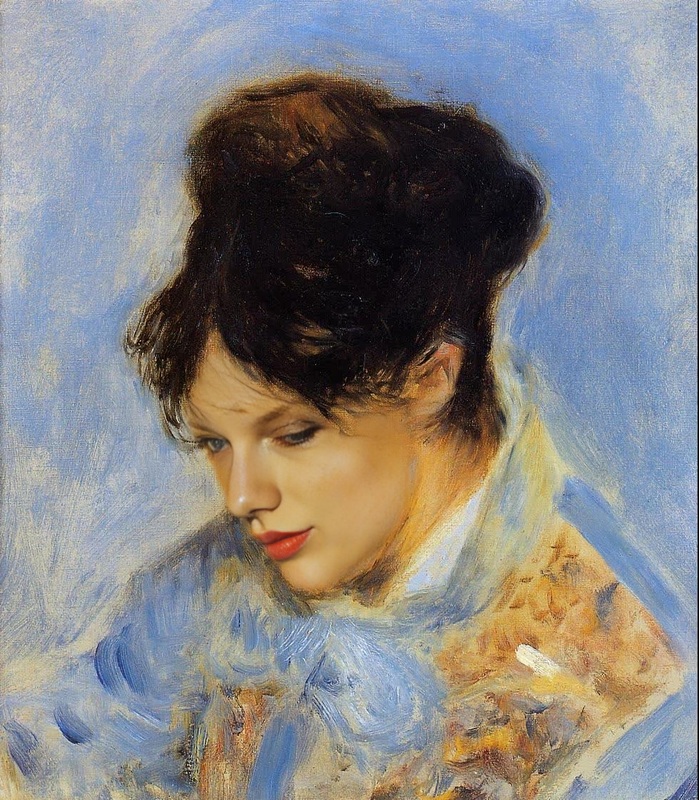
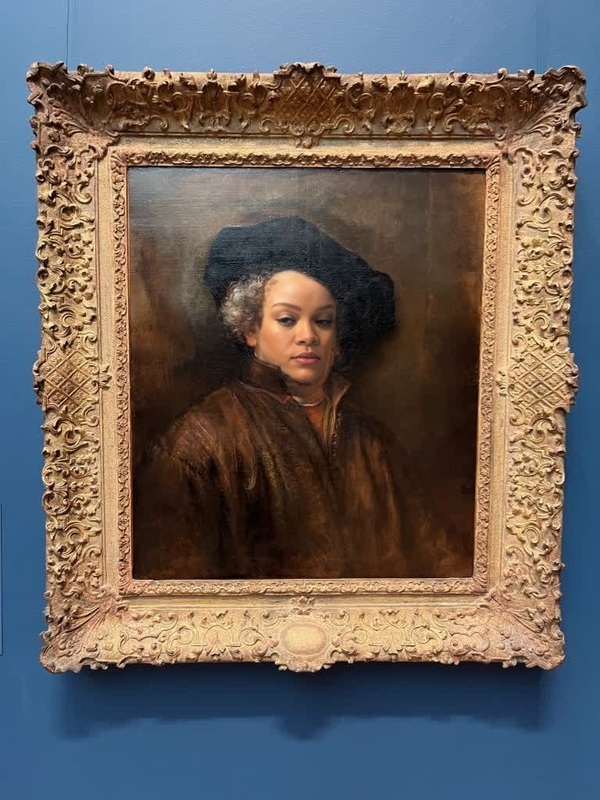
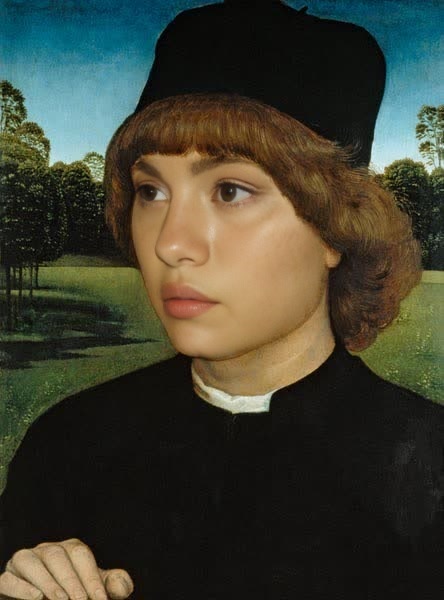
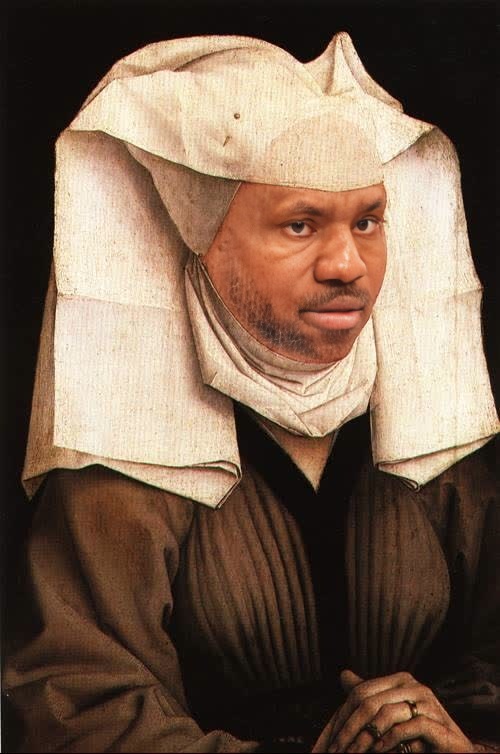
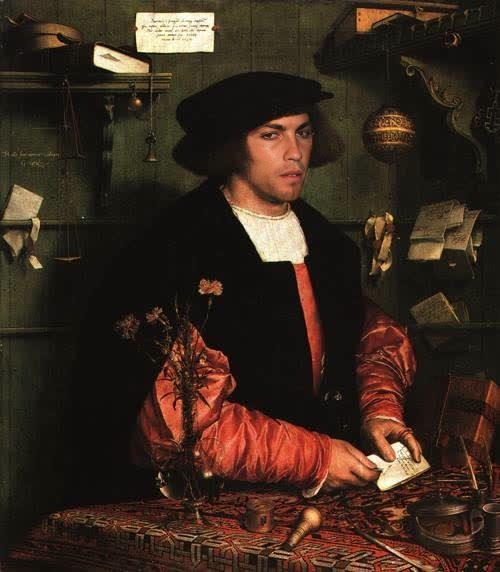
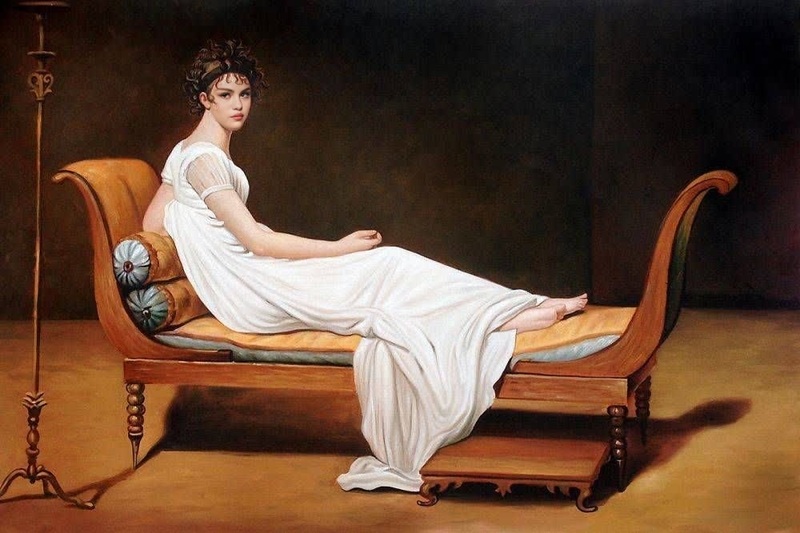
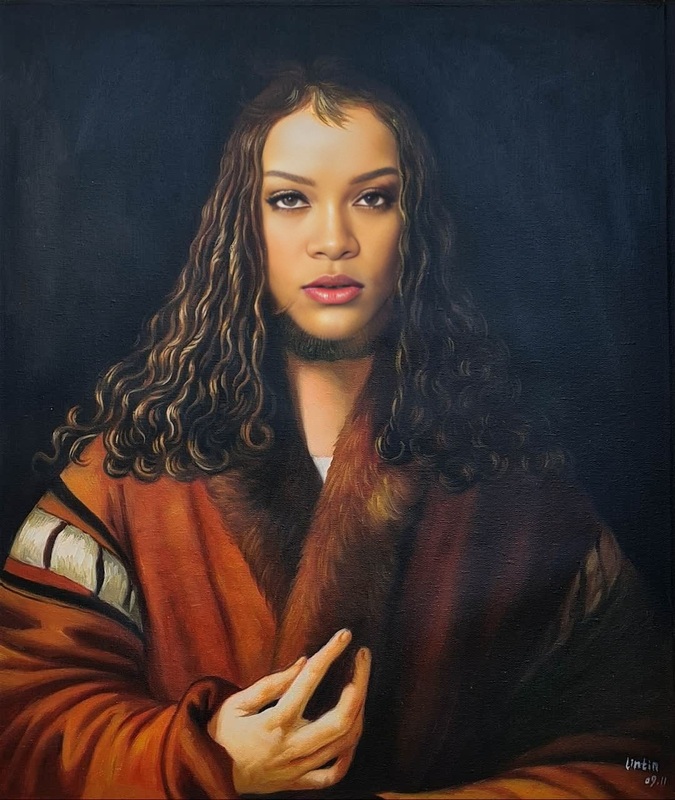
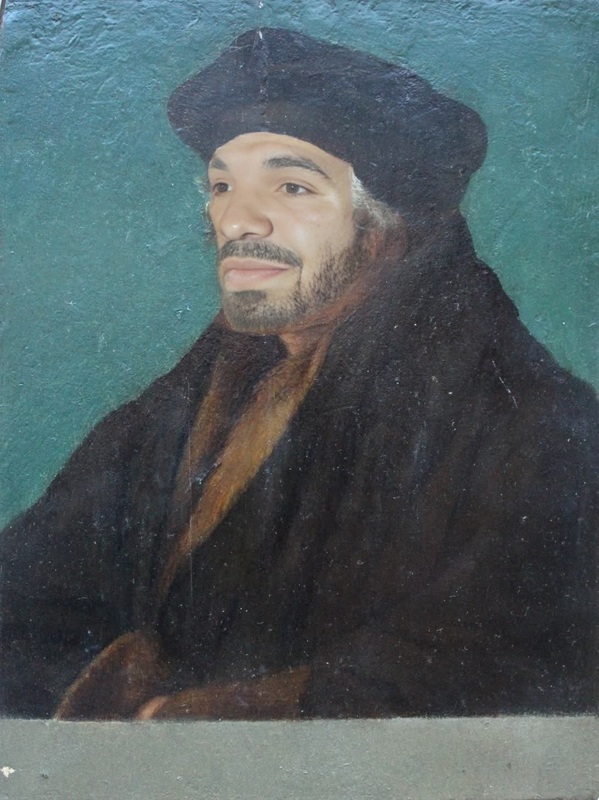
Transform yourself into the mesmerizing world of Vincent Van Gogh with our Video Face Swap template. This tool allows you to take on the hue and brush strokes of Van Gogh's "Portrait of Dr. Gachet." Bring your face into this iconic painting, creating a unique blend of history and modern technology.
What It Does
The Video Face Swap with "Portrait of Dr. Gachet" brings the legendary artwork to life by integrating your facial features into the painting. By utilizing advanced AI, this template modifies your video feed to mirror the distinct style of Van Gogh. Explore additional transformation options with our AI Image Editor and discover more creative ways to engage with art and technology.
Who It's For
This template is perfect for art enthusiasts, historians, and creators seeking to bridge the gap between classic art and digital innovation. It's ideal for educators looking to make art history interactive, as well as content creators who want to make their videos distinctly memorable. Try pairing it with tools like the AI Voice Changer for a complete storytelling package.
Summary
Experience the fusion of art and innovation with our Video Face Swap template based on Van Gogh's "Portrait of Dr. Gachet." Whether you aim to educate, entertain, or explore, this tool provides a sophisticated method to reimagine the way we interact with art. For those seeking new heights of creativity, consider using our AI Video Generator to fully realize your vision.
How-To
Choose the Template

Customize Your Inputs

Generate Your Video

Use Cases
Educational Videos
- Interactive art history lessons
- Virtual museum tours featuring personal engagement
Social Media Content
- Themed TikTok videos
- Instagram reels featuring famous art styles
Artistic Projects
- Art installations blending modern and classic elements
- Promotional content for art exhibits
Best Practices
Use High-Quality Video
For best results, upload videos with clear resolution and good lighting. This ensures that the AI can accurately map your face onto the painting.Experiment with Angles
Different viewing angles can yield varying effects. Test multiple angles to find the most compelling transformation.Integrate Soundscapes
Pair your visual creation with audio that complements the theme, like classical music, using the Audio to Video tool.
Frequently asked questions
More Like This