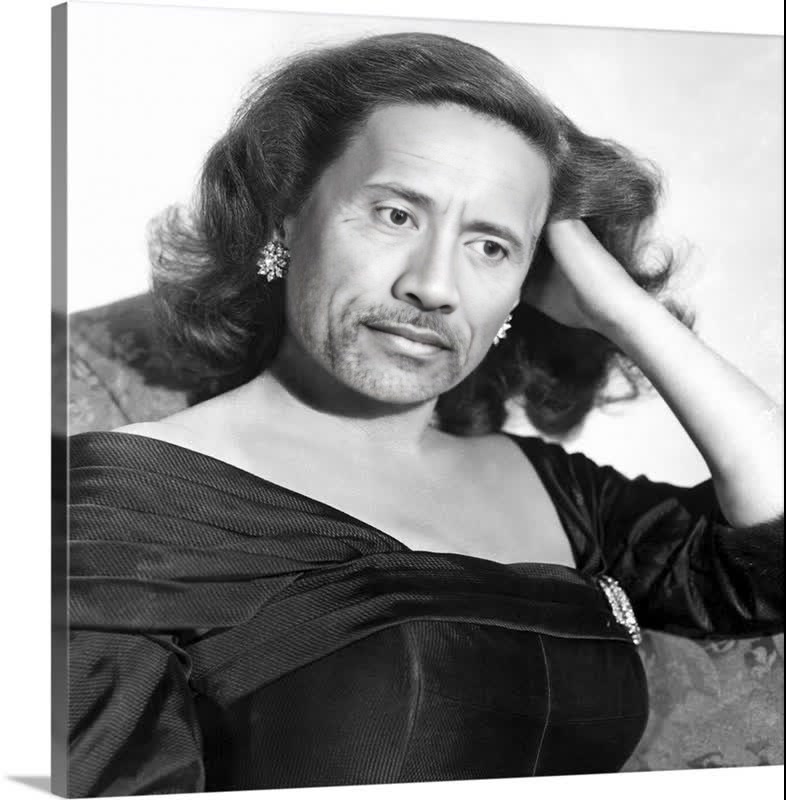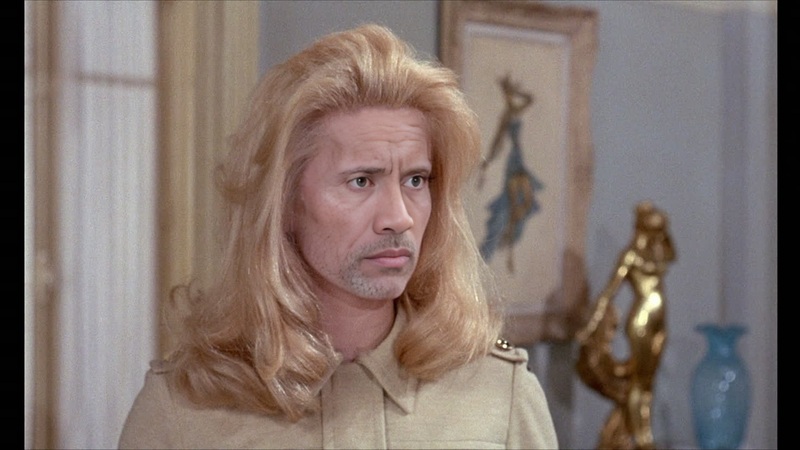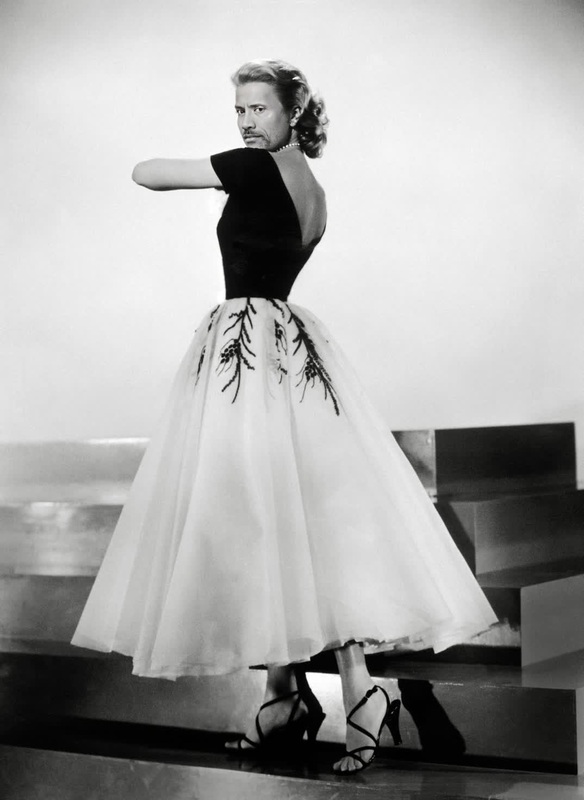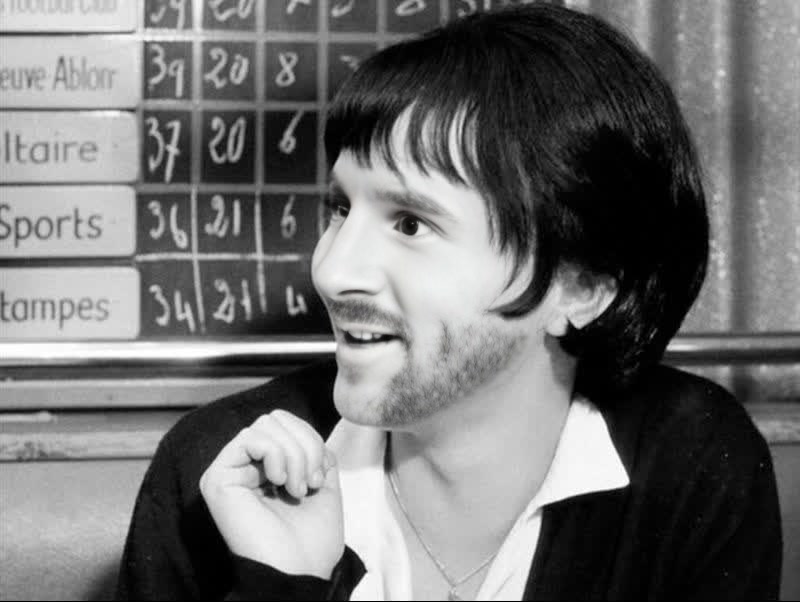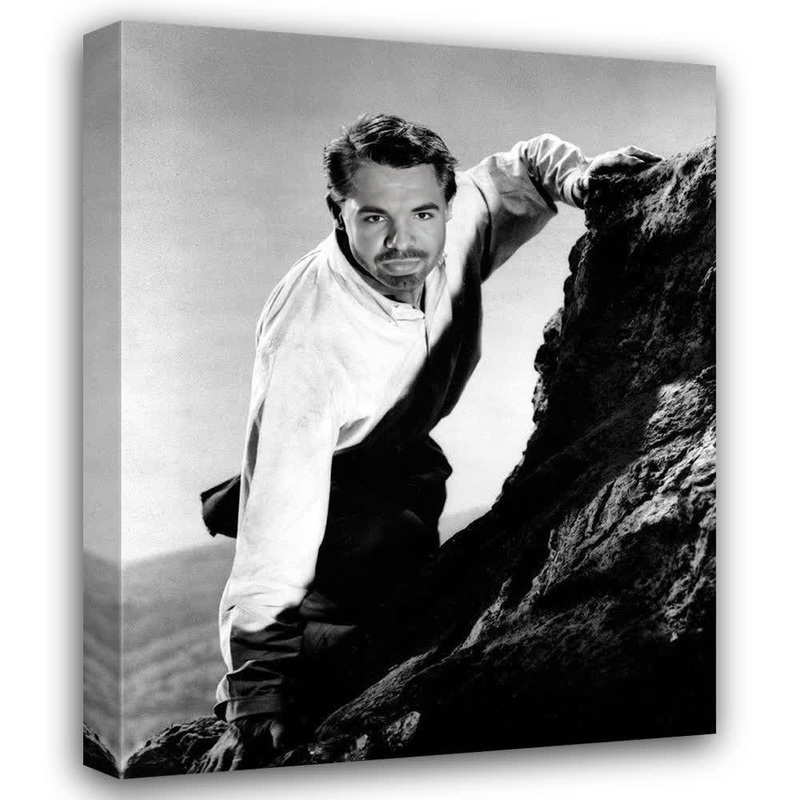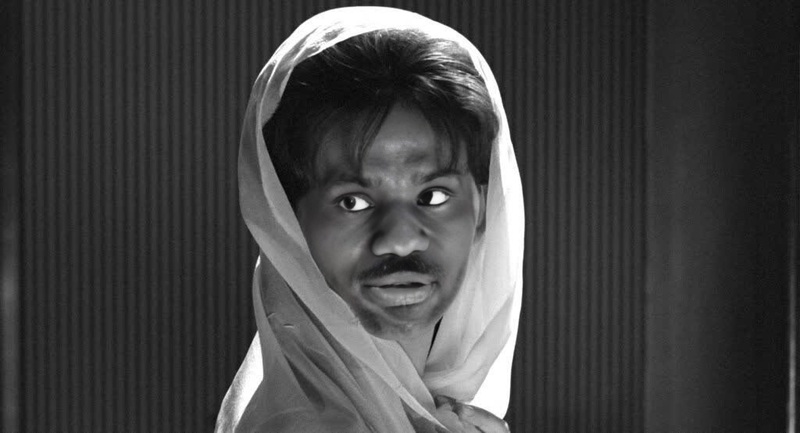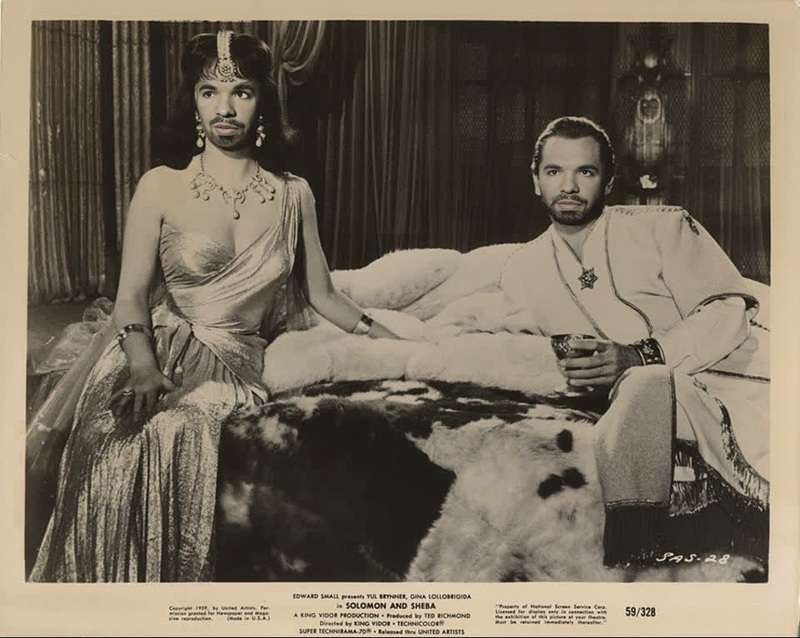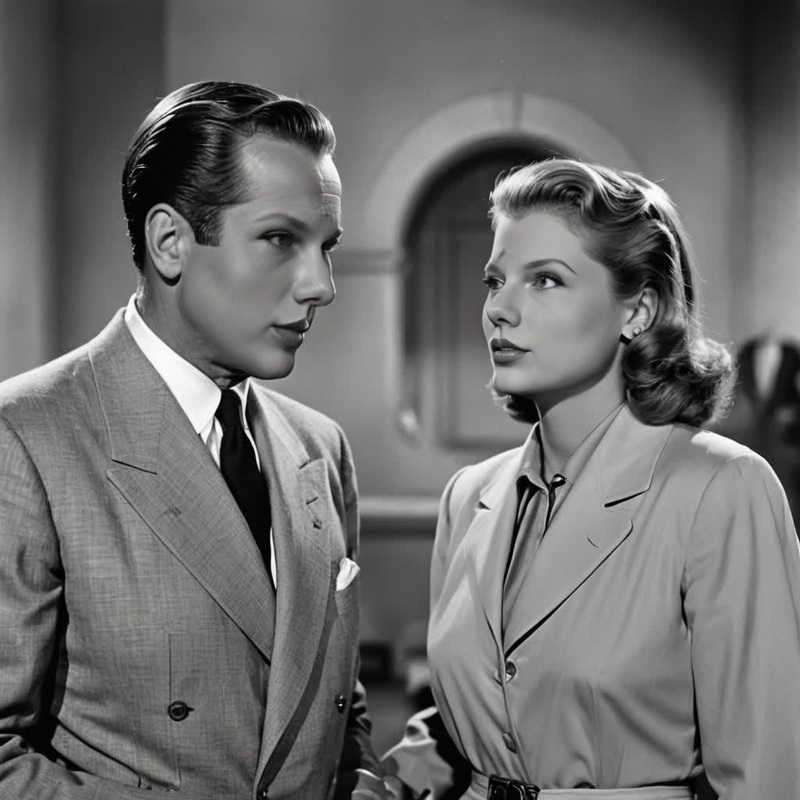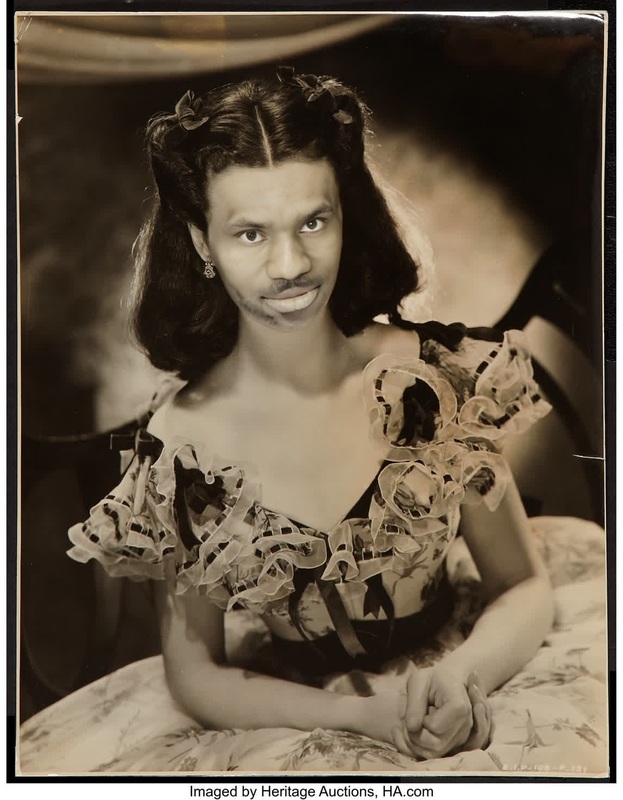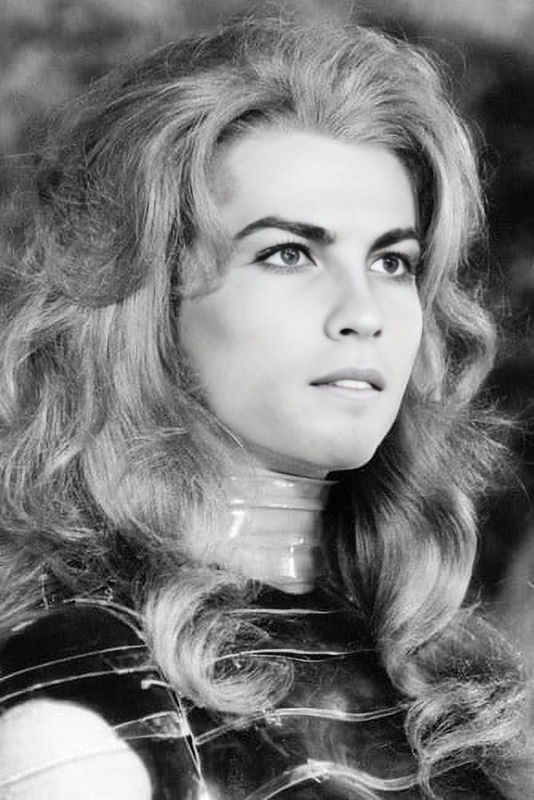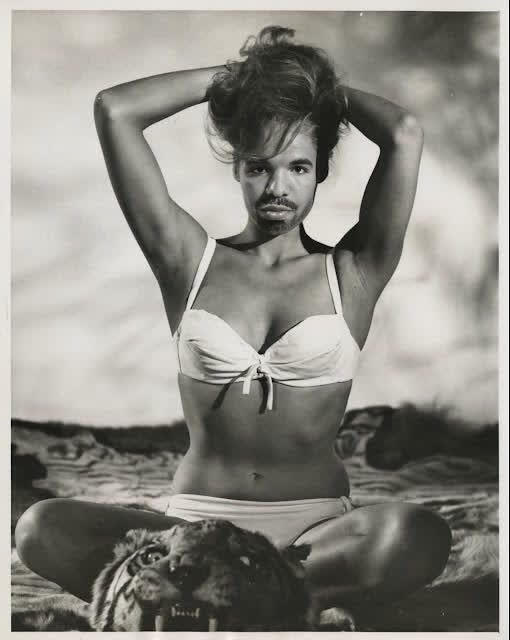
Ursula Andress Dr No Studio Portrait
- Image
- 510 × 640 px
Any aspect ratio
Overview
Capture the timeless allure of iconic cinema with the Ursula Andress Dr No Studio Portrait template. This Video Face Swap tool allows you to transform your footage by replacing faces with that of the legendary Bond girl from the classic film, "Dr. No." Utilize this template to add a touch of classic film glamour to your projects.
What It Does
This Video Face Swap template utilizes advanced AI to seamlessly integrate Ursula Andress's iconic visage into your existing video content. By leveraging our cutting-edge Face Swap technology, you can create compelling and dynamic visuals that captivate any audience. Import your footage, apply the face swap, and witness a remarkable transformation.
Who It's For
This template is perfect for video editors, content creators, and filmmakers who wish to infuse a sense of nostalgia and cinematic elegance into their projects. Whether you're developing explainer videos, preparing product launch videos, or crafting social media content, this tool enhances visual storytelling with ease.
Summary
Embrace the glamour of vintage cinema with the Ursula Andress Dr No Studio Portrait template. With its advanced Video Face Swap capabilities, this tool allows creatives to bring iconic film characters directly into their own storytelling, merging classic style with modern media.
How To
Choose Template

Customize Your Project

Generate and Download

Use Cases
Social Media Content
- Enhance engagement with unique transformations
- Attract views with instantly recognizable faces
Marketing Campaigns
- Differentiate your ads from competition
- Leverage the nostalgia factor to enhance brand recall
Entertainment and Filmmaking
- Bring historical film icons into modern media
- Evoke nostalgia with classical faces
Best Practices
Select High-Quality Footage
The quality of the original video greatly impacts the final result. Always start with high-resolution footage for the best face swap outcomes.Consider Lighting Conditions
Ensure the lighting in your footage is consistent with the lighting on the face being swapped for a natural-looking integration.Use Compatible Formats
Work with common video formats for seamless processing; this ensures optimal performance and output quality.
Frequently asked questions
More Like This