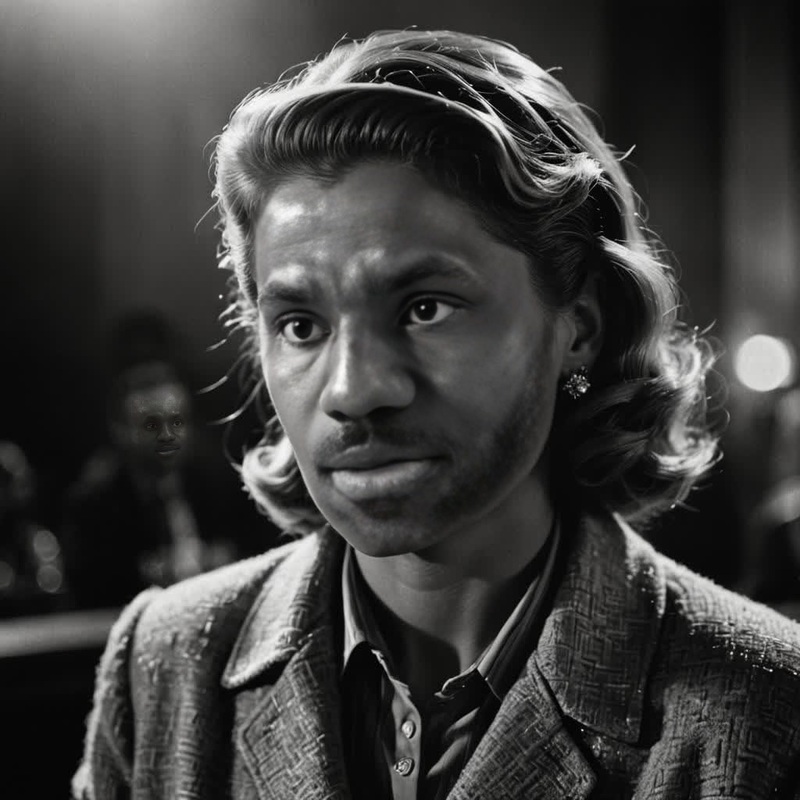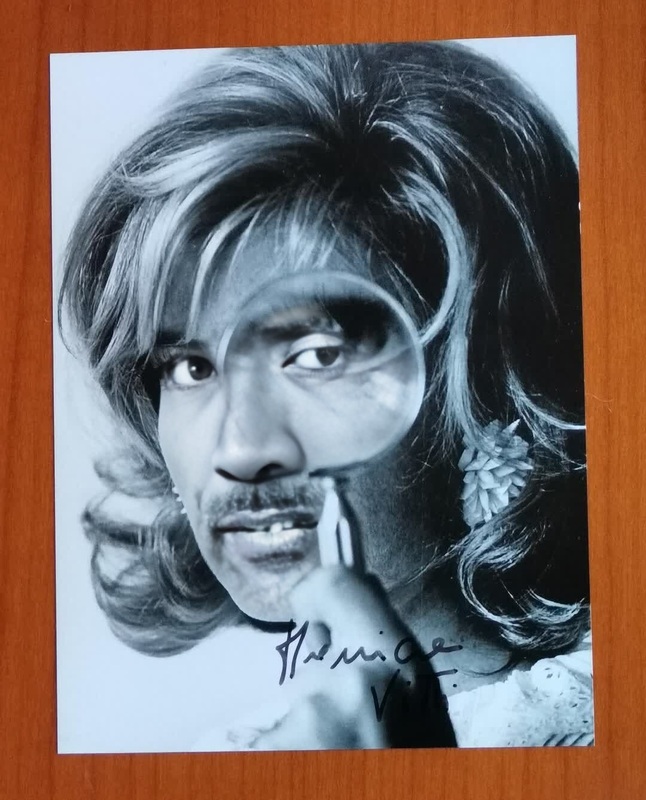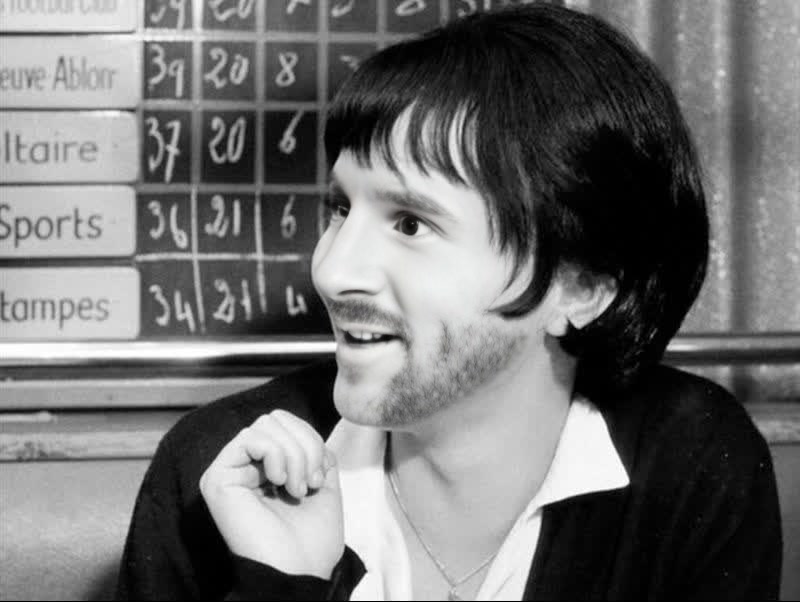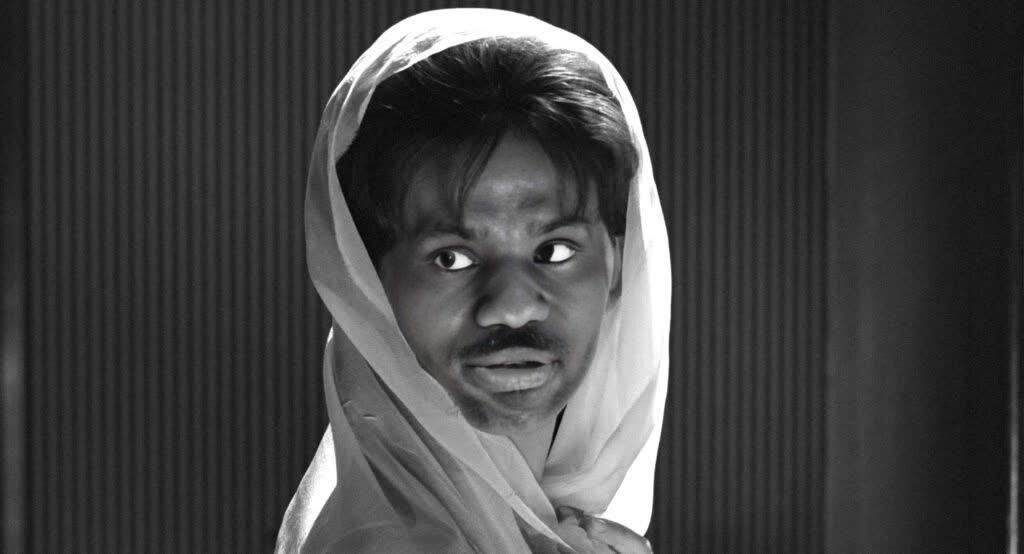
Claudia Cardinale 8 And A Half Studio Portrait
- Image
- 1024 × 554 px
Any aspect ratio
Overview
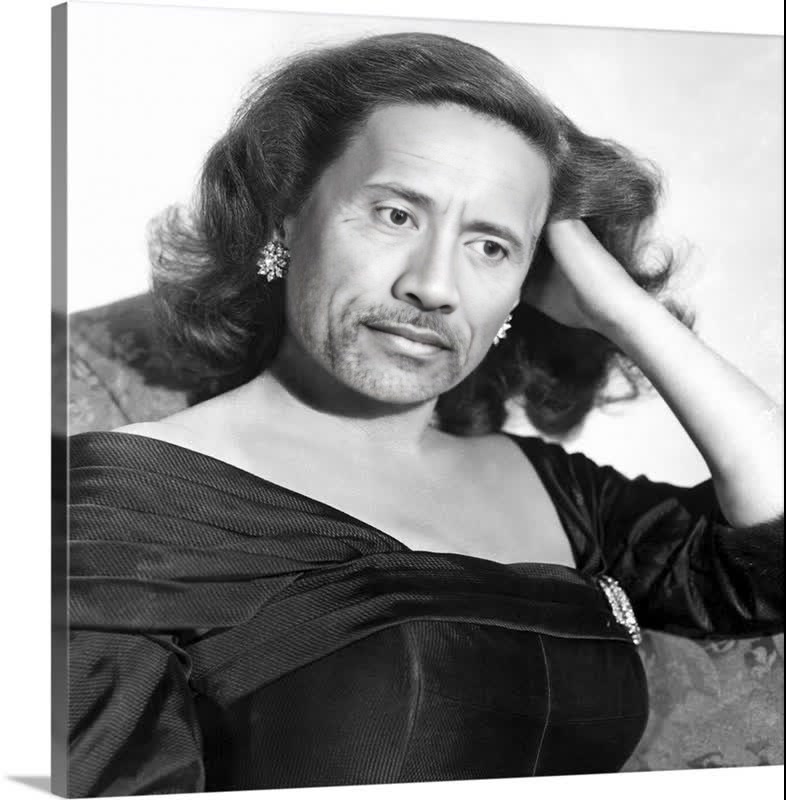
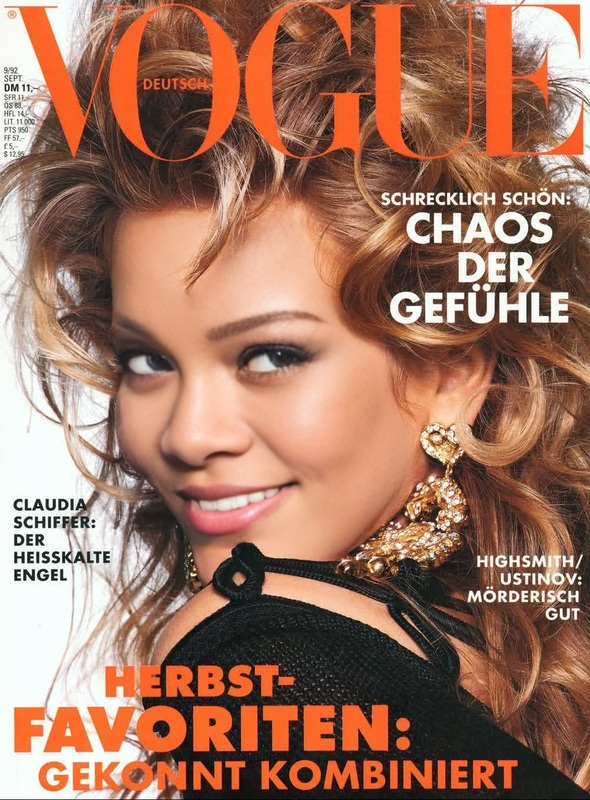
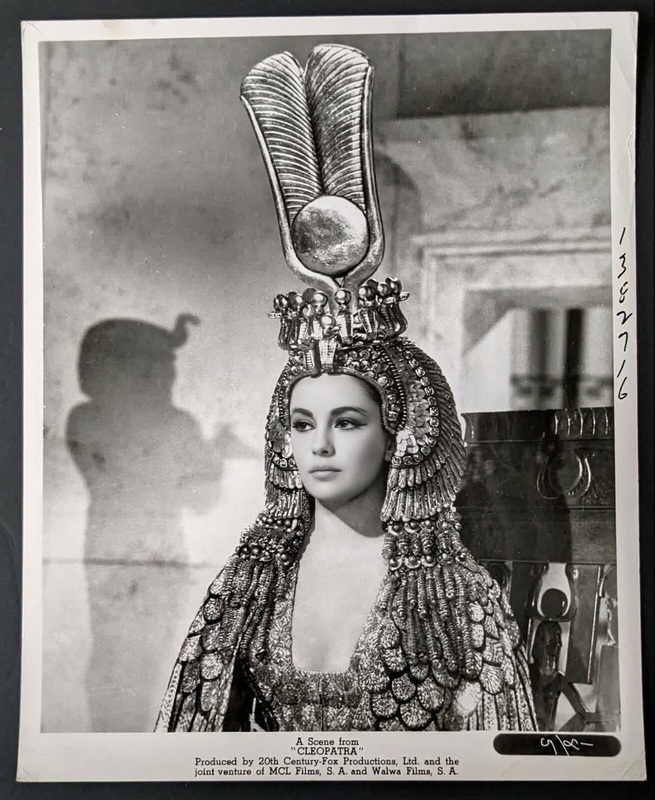
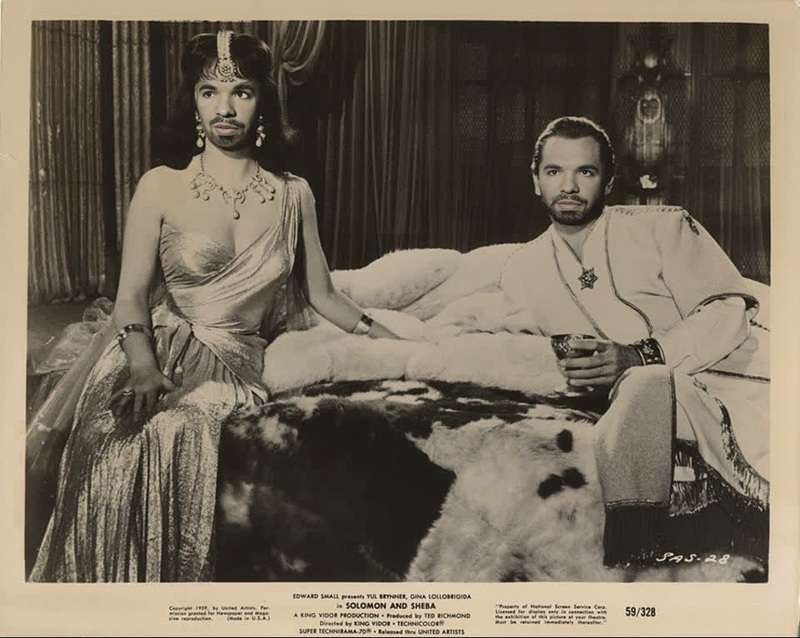
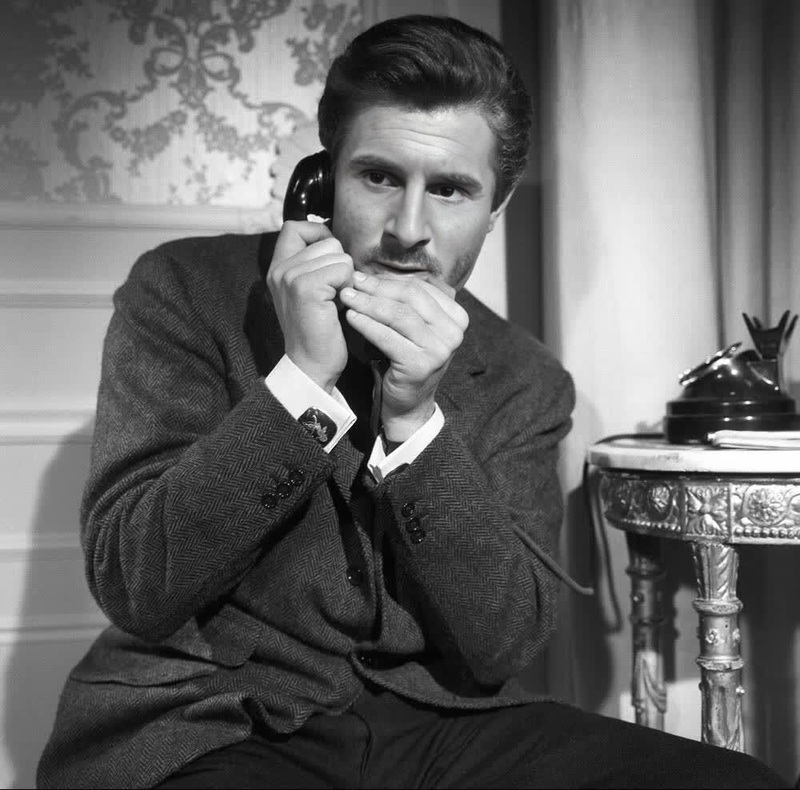
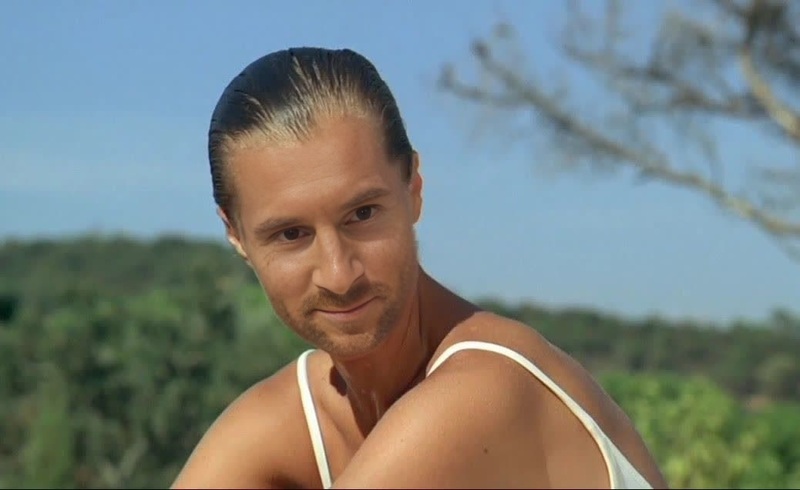
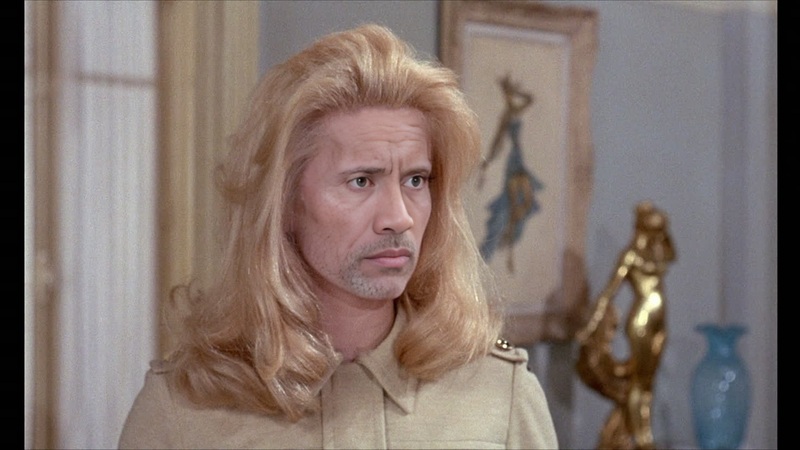
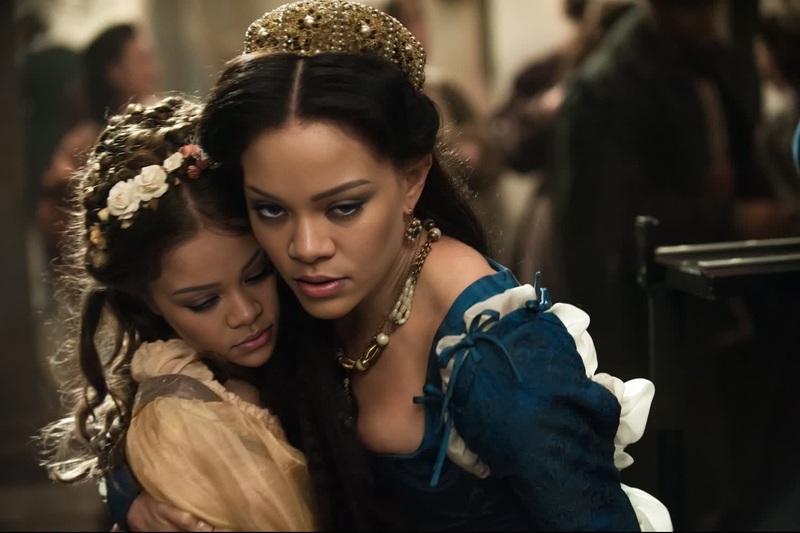
Delve into the world of classic cinema with our Claudia Cardinale 8 And A Half Studio Portrait template. This Video Face Swap tool allows you to integrate modern faces into iconic cinematic settings, all while maintaining the ethereal quality of the original film.
What It Does
The Claudia Cardinale template uses advanced video face swap techniques to let you place any face into a scene from the iconic movie 8½. It seamlessly replaces the original face with your chosen photograph or video frame, adapting lighting and tones to match the original studio setting.
Combine this with other tools like the AI Image Editor to fine-tune features or adjust colors. You can also explore the AI Video Generator for crafting additional scenes.
Who It's For
This template is ideal for filmmakers, video editors, and content creators who aim to experiment with classic film aesthetics. Whether you're creating a period film project or engaging in fan fiction, this tool provides an opportunity to mix vintage charm with modern visuals. Collaborate with platforms like the AI Profile Picture Generator to ensure your input face is picture-perfect.
Summary
The Claudia Cardinale Studio Portrait template offers a sophisticated way to immerse any face within a classic film setting. Enhance your storytelling or comedic sketches with this reliable Video Face Swap tool. For further creative ventures, consider leveraging complementary products such as Text-to-Video converters to narrate your masterpiece.
How to Use
Choose Your Template

Customize Your Inputs

Generate Your Video

Use Cases
Classic Film Remakes
Social Media Content
Celebrity Parodies
Best Practices
Select High-Resolution Images
Ensure the photos you use for swapping are of high quality to maintain clarity and realism.Match Skin Tones and Lighting
Use the platform's editing tools to adjust lighting and skin tones, ensuring a seamless blend with the original footage.Preview Before Finalizing
Take advantage of the preview feature to make necessary tweaks before generating the final video.
Frequently asked questions
More Like This