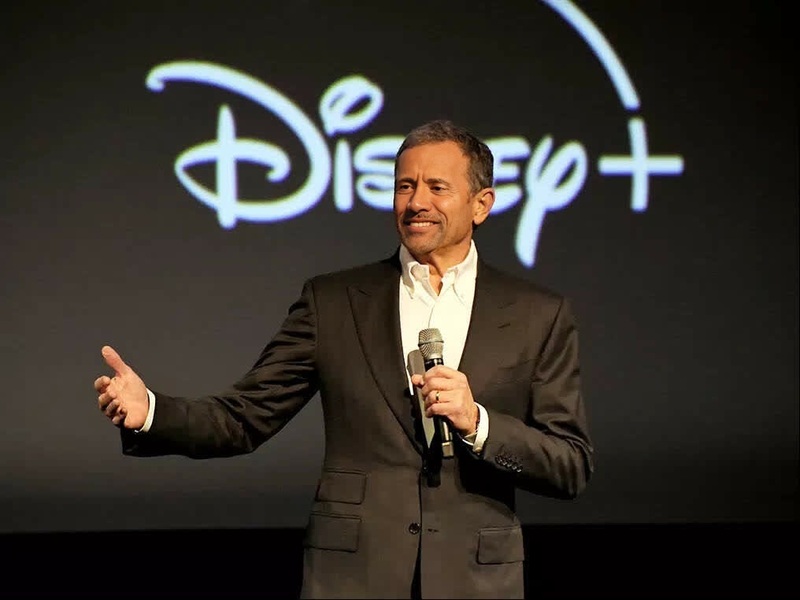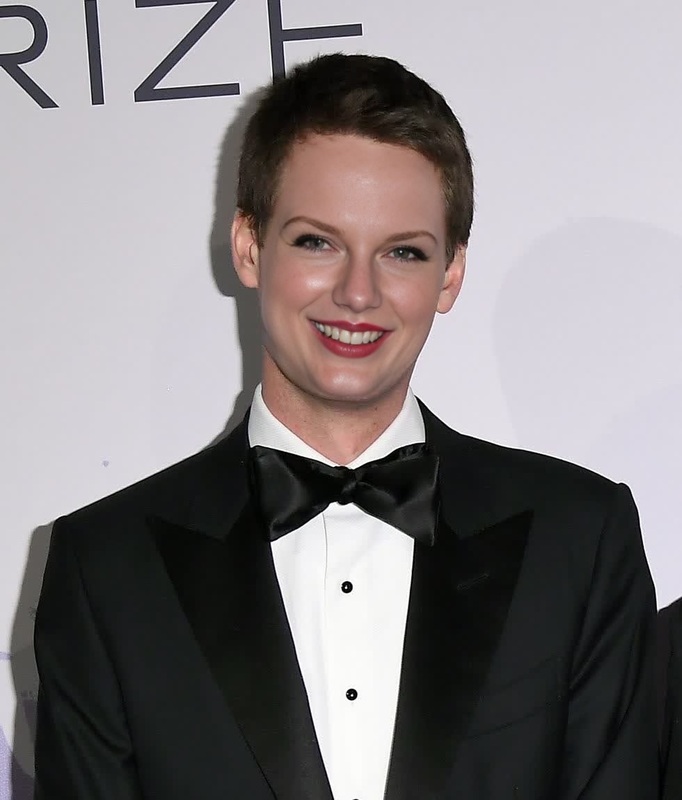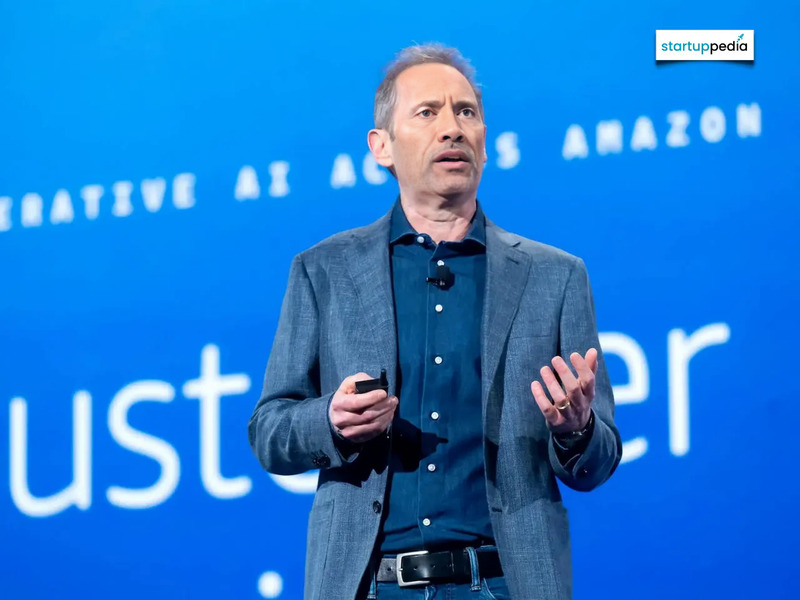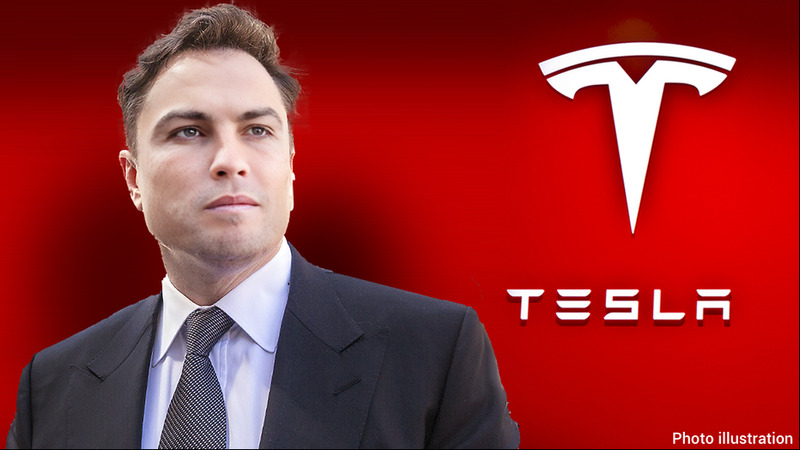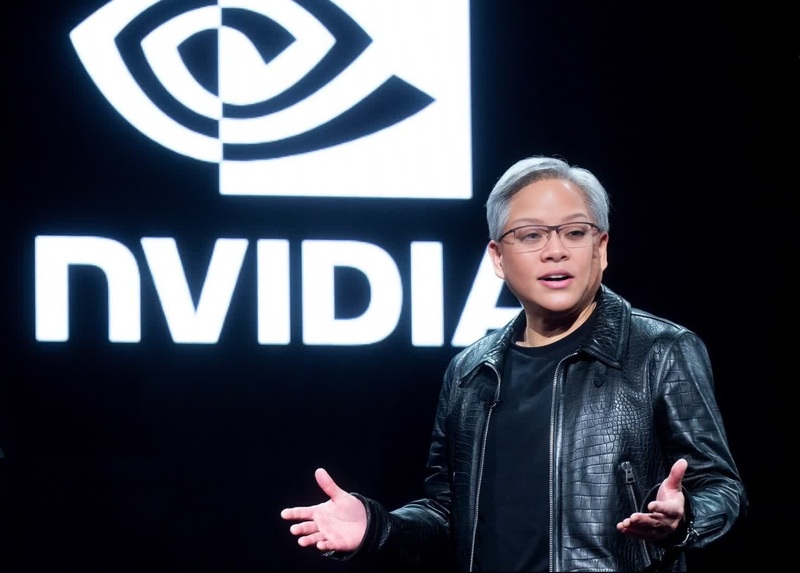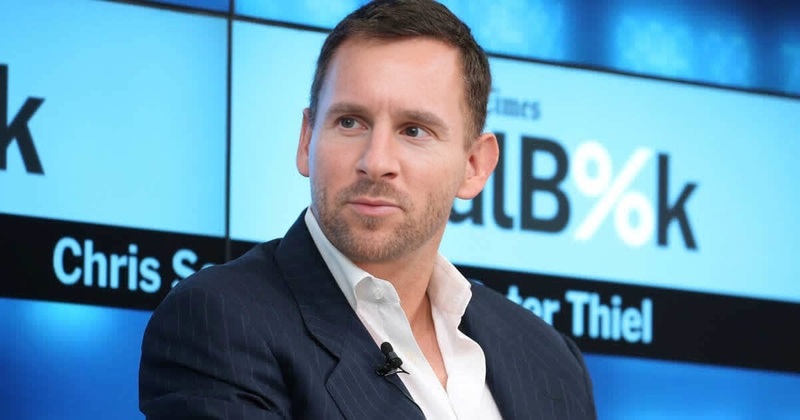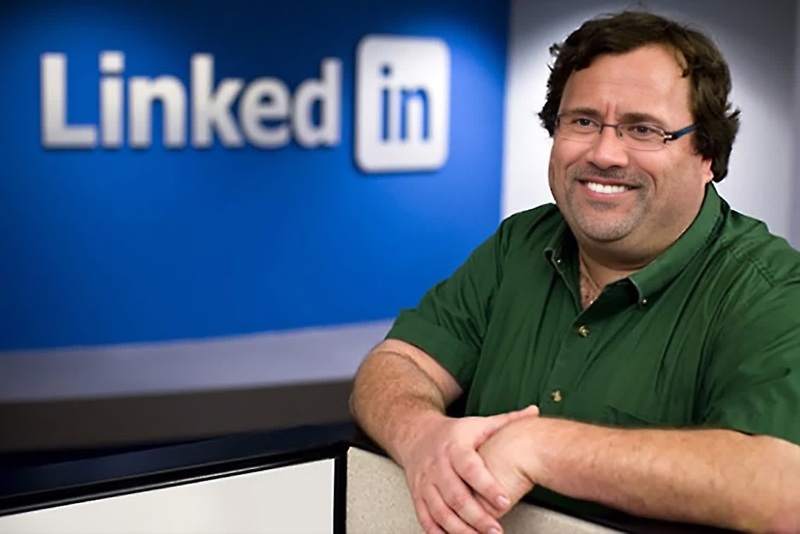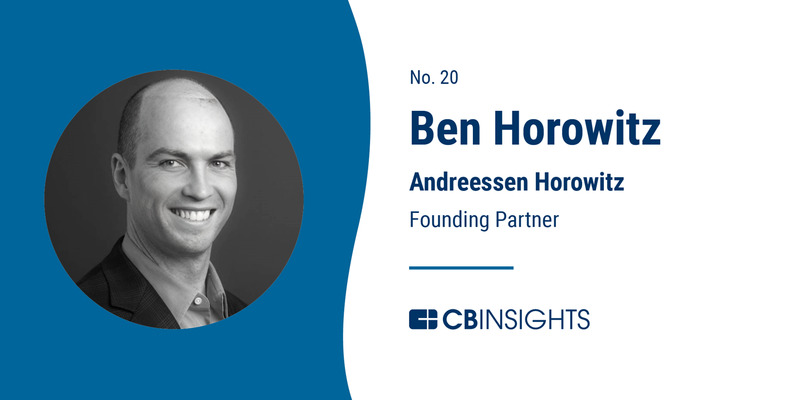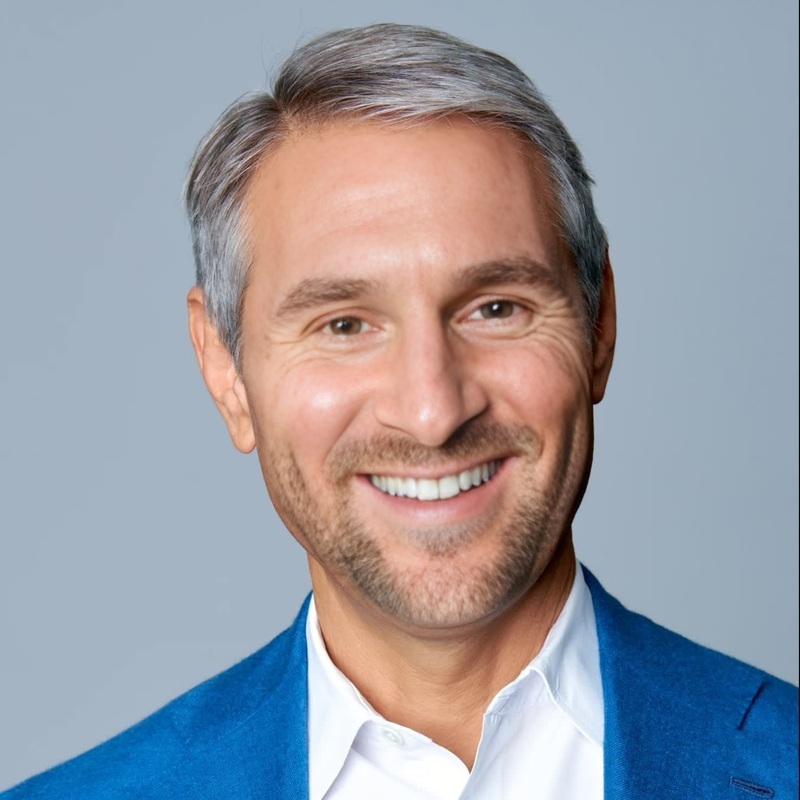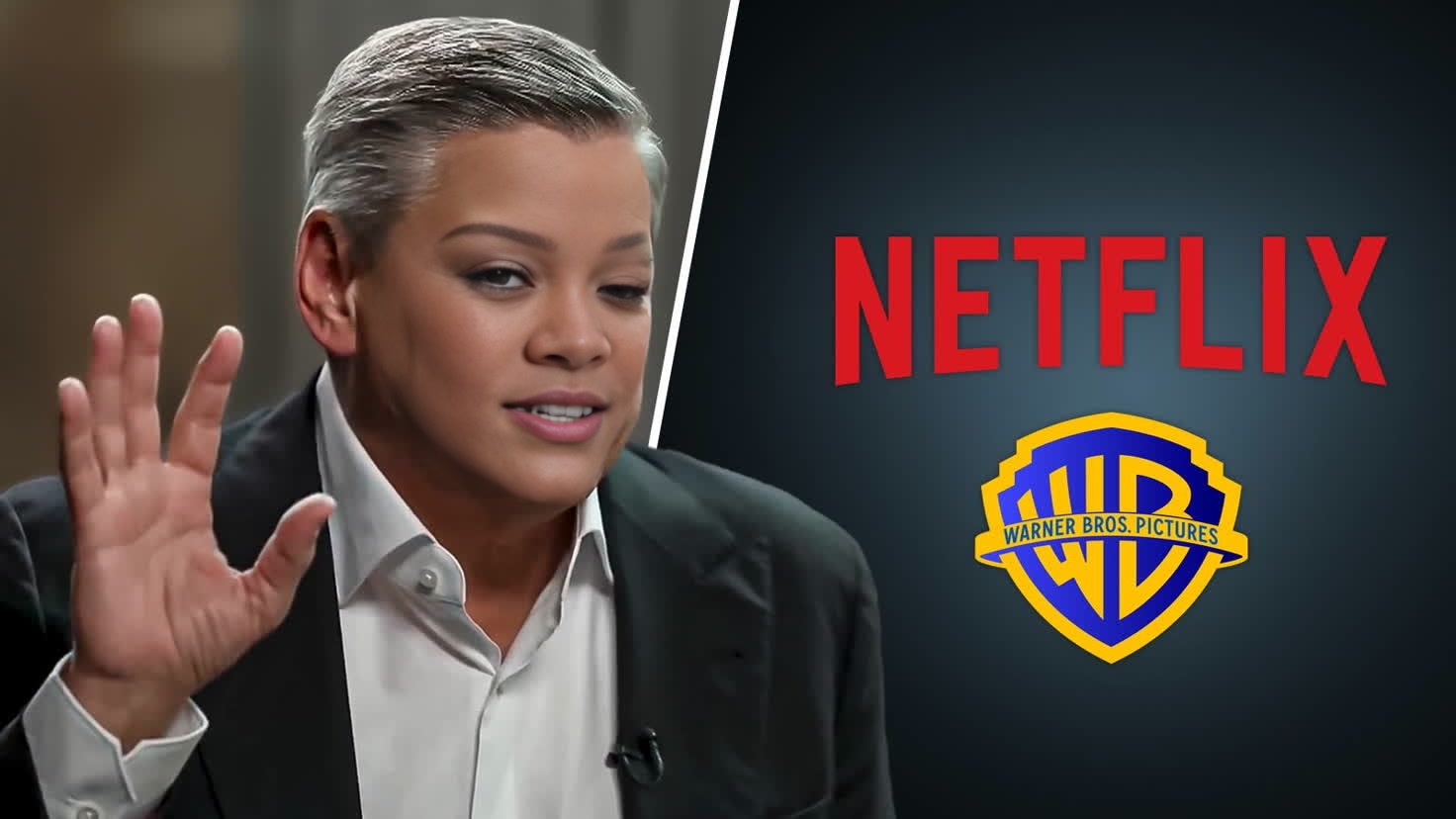
Ted Sarandos Netflix Ceo Press Portrait
- Image
- 1472 × 828 px
Any aspect ratio
Overview
The Ted Sarandos Netflix CEO Press Portrait template lets you create amusing and engaging video parodies by swapping in the iconic face of Netflix's CEO. Designed for simplicity and creativity, this Video Face Swap tool is your go-to choice for marketing, social media content, or personal storytelling.
What It Does
This template utilizes Video Face Swap technology to superimpose Ted Sarandos's face onto any compatible video. Offering high-quality renders, it enables you to transform any scene by adding a touch of humor or surprise. Perfect for professionals and enthusiasts looking to elevate their content.
Who It's For
The template is ideal for content creators, marketers, and video enthusiasts who are looking to add a comedic twist to their projects. It's also perfect for anyone interested in innovative video generation tools to boost audience engagement or make standout social media content.
Summary
Transform your videos with the Ted Sarandos face swap template. Whether you're crafting a parody video or spicing up your marketing material, this tool offers a simple yet powerful way to alter your footage with recognizable celebrity features. Explore more on AI Image Editor for additional creative options.
How to Use
Choose Your Template

Customize Your Video

Generate Results

Use Cases
Marketing Campaigns
- Engage audiences with recognizable features.
- Add a modern touch to traditional campaigns.
Social Media Content
- Increase engagement with tagged personalities.
- Stand out in crowded social media feeds.
Educational Purposes
- Demonstrate technology's impact on media.
- Explore ethics in digital modifications.
Best Practices
Choose High-Quality Source Videos
Ensure the original video is of high resolution for the best face swapping results.Use Clear and Well-Lit Footage
Lighting and clarity affect the accuracy of the face swap. Opt for footage where the face is clearly visible.Check Legal Considerations
When using celebrity images, make sure you have the right permissions or are using them in a fair use context.