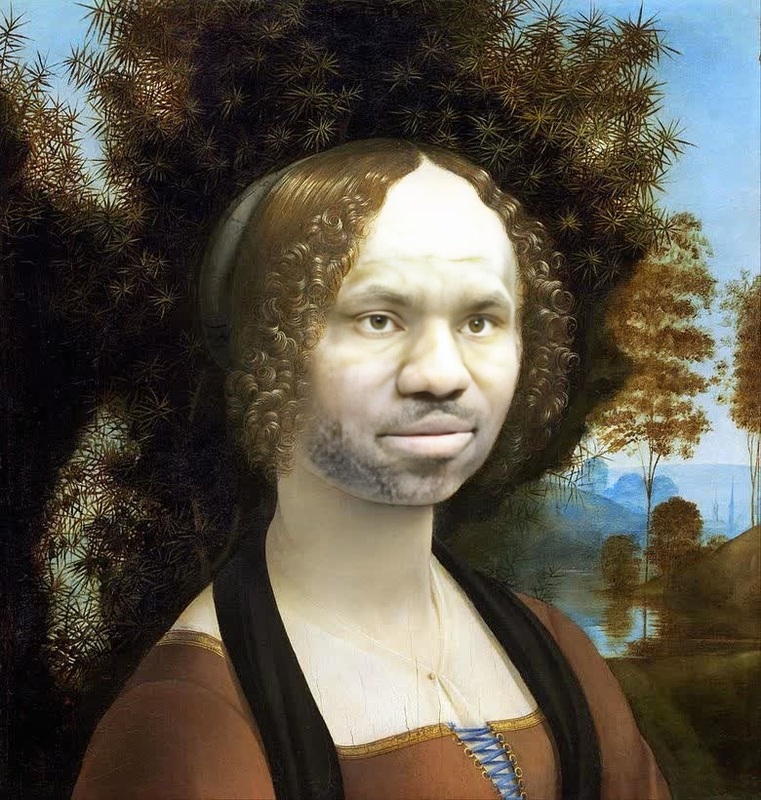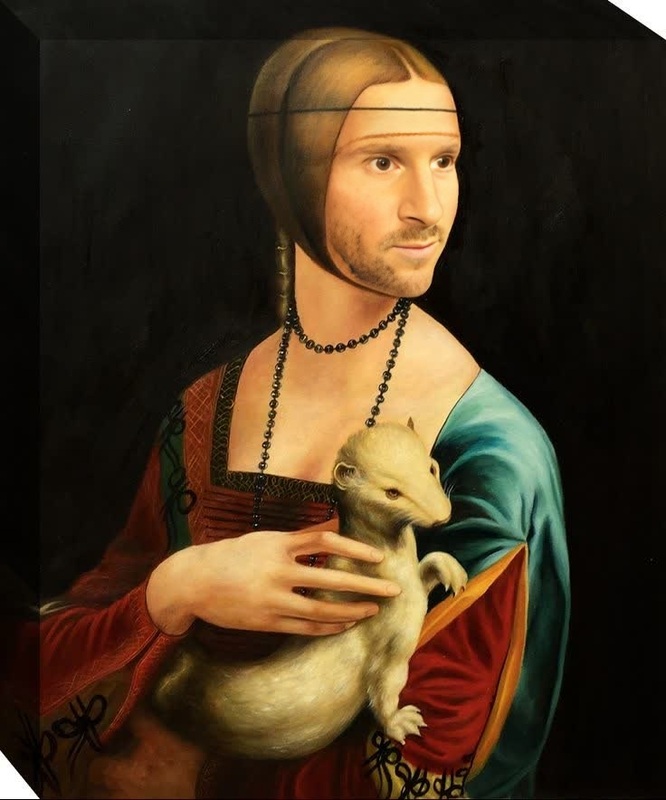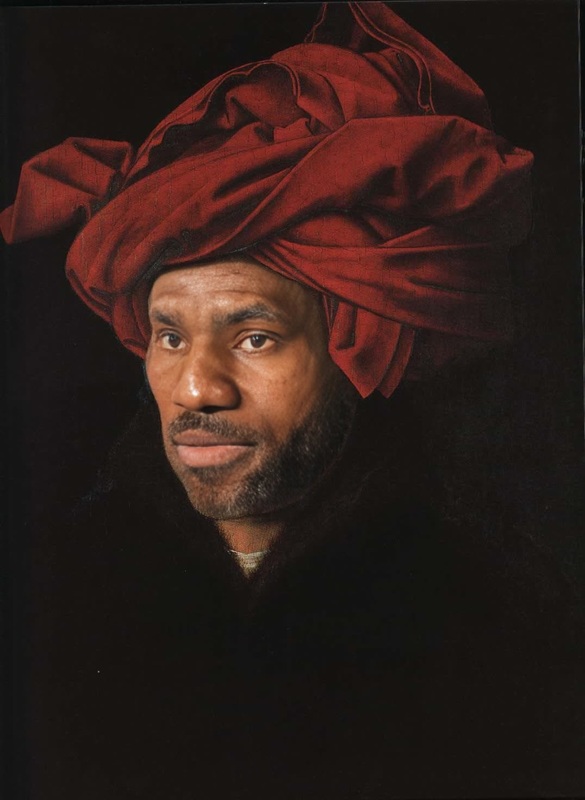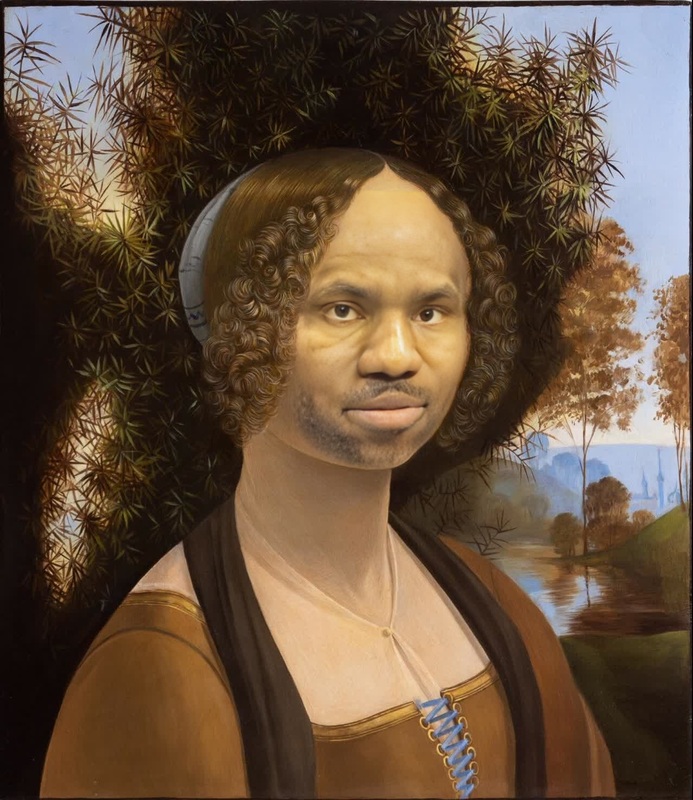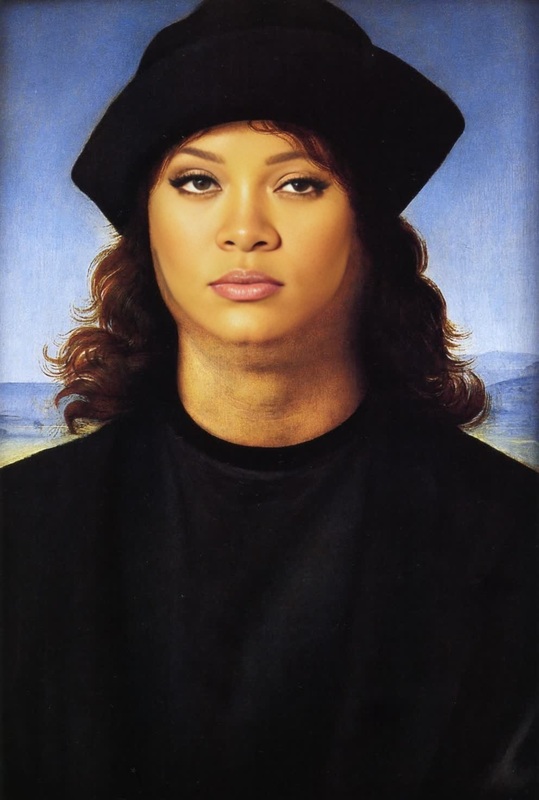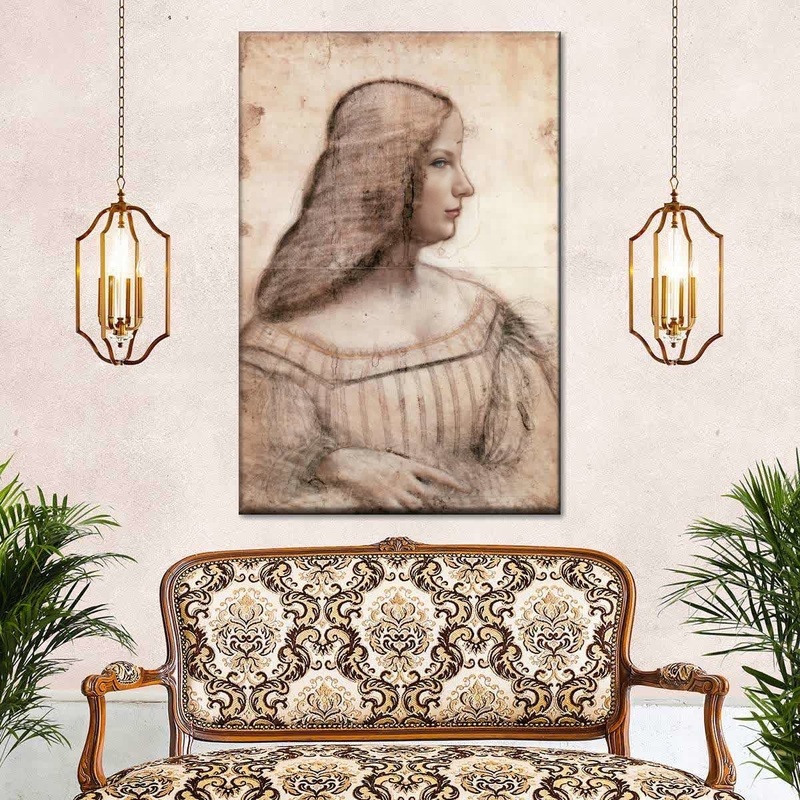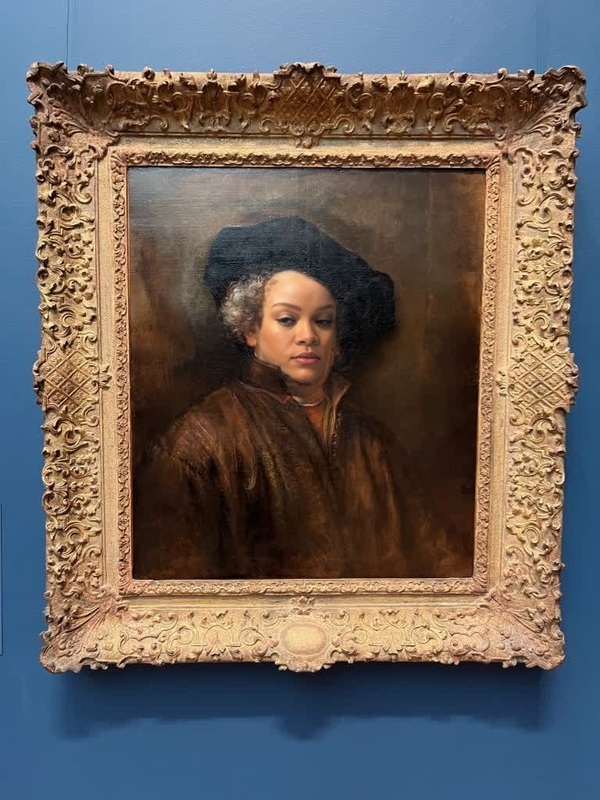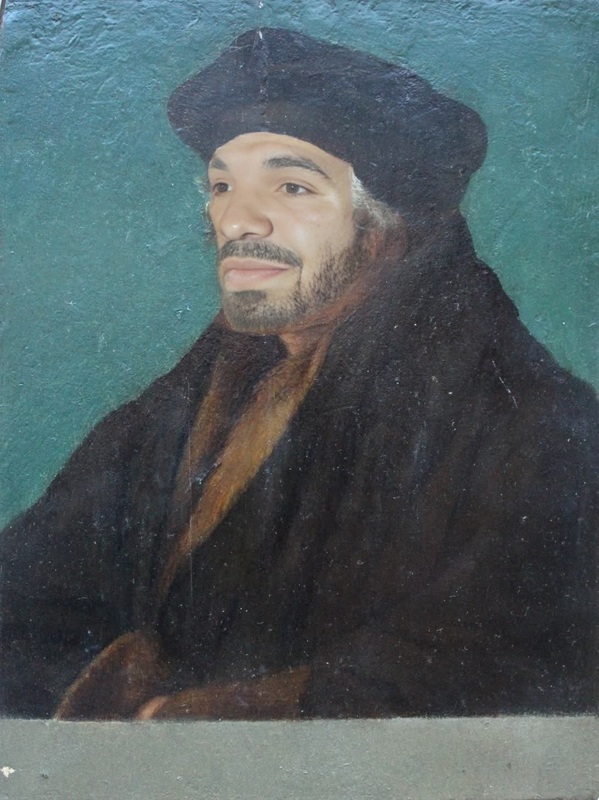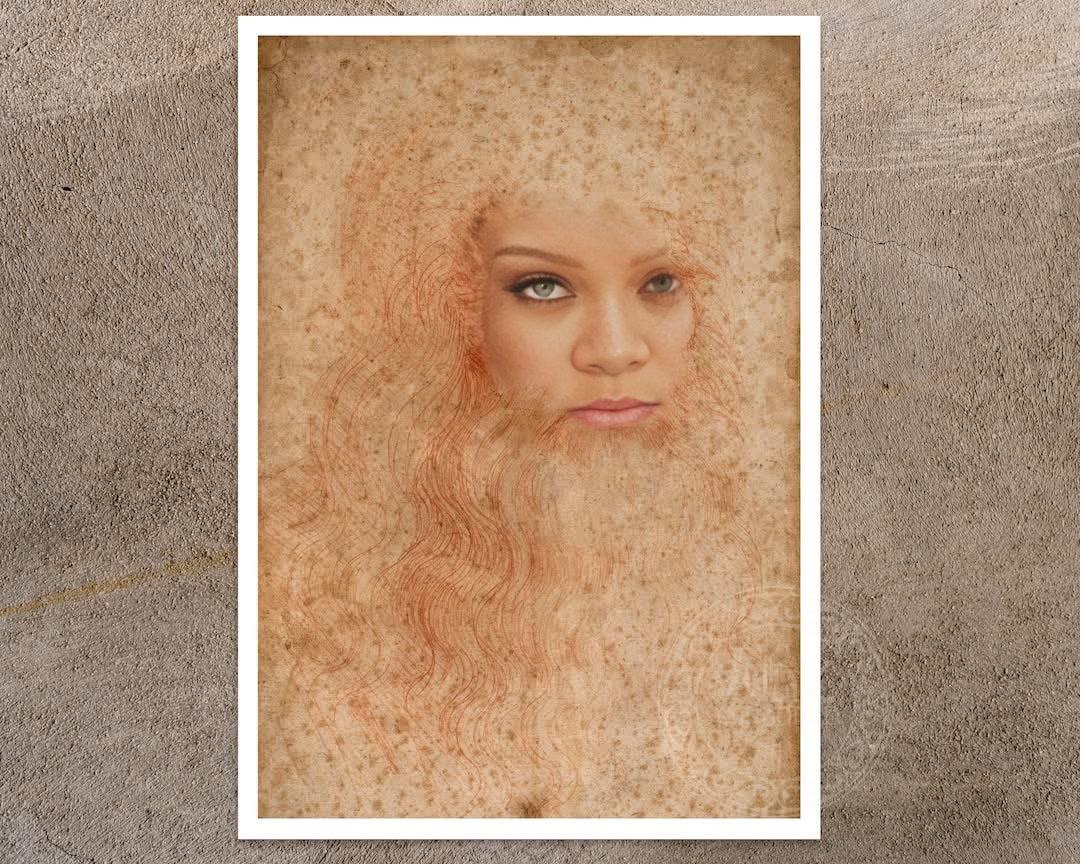
Self Portrait Leonardo Da Vinci Red Chalk Drawing Portrait
- Image
- 1080 × 864 px
Any aspect ratio
Overview
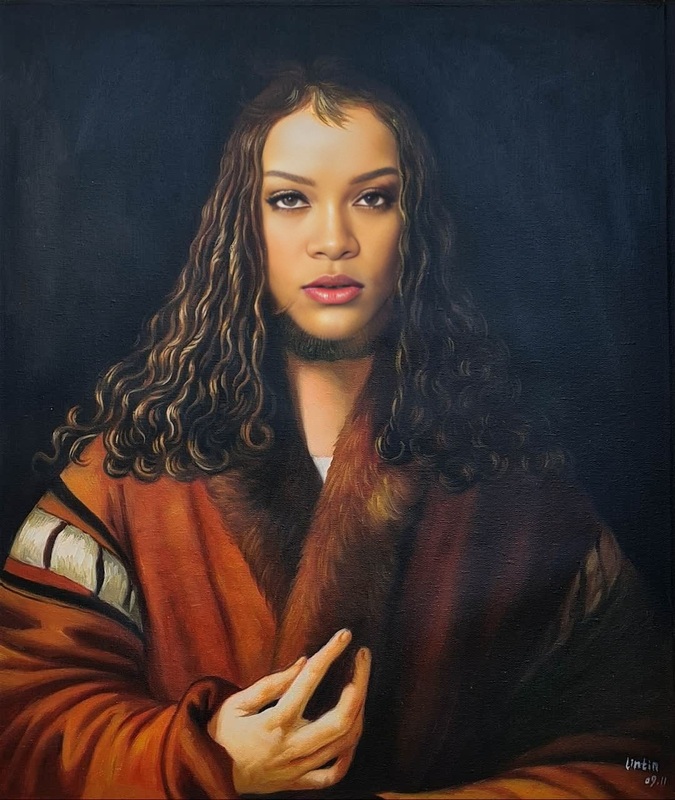
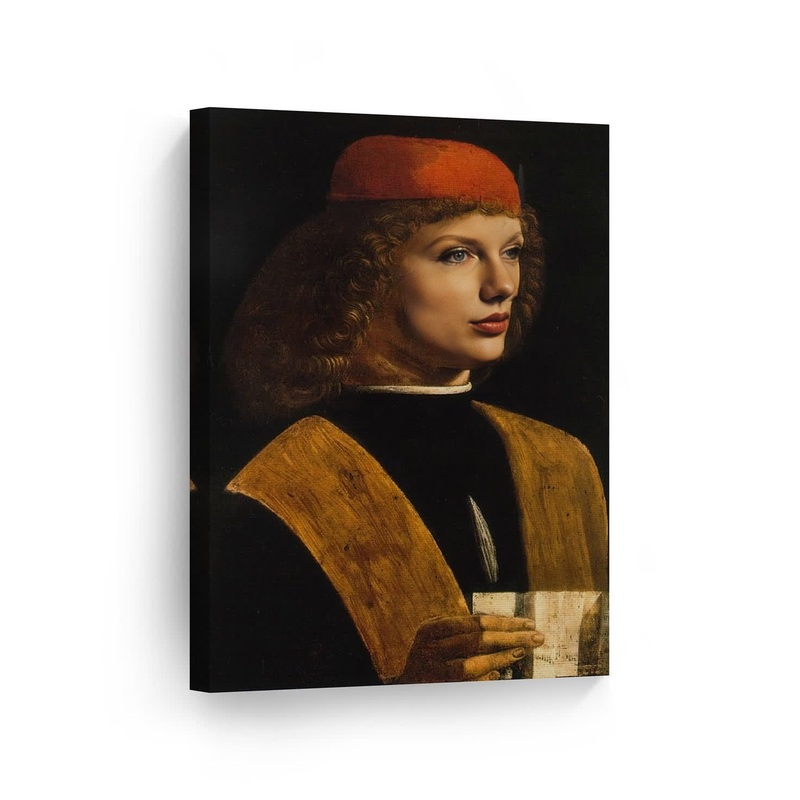
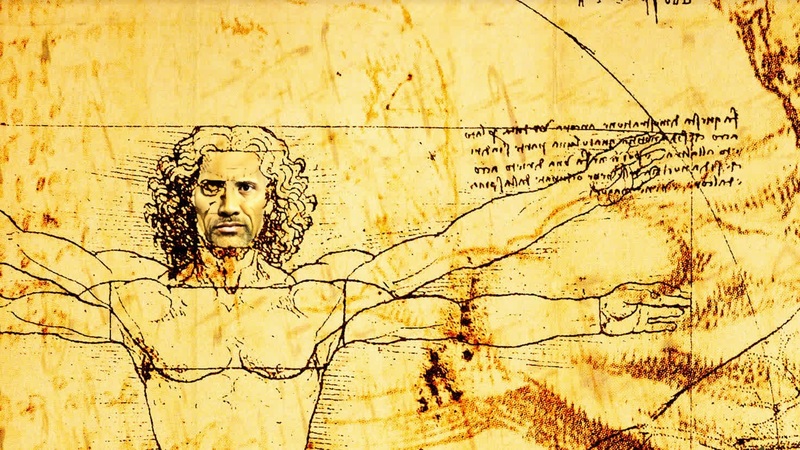
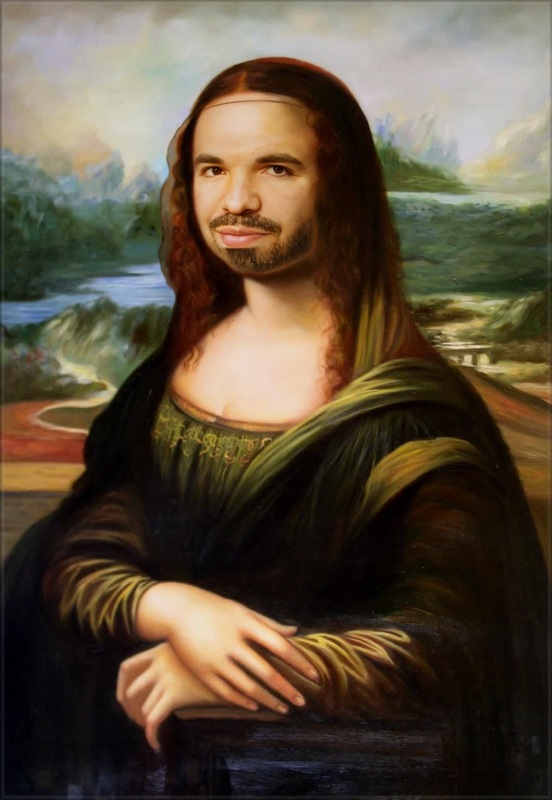
Step into the world of Leonardo da Vinci with our "Self Portrait Leonardo Da Vinci Red Chalk Drawing Portrait" template. This Video Face Swap tool transforms your face into an iconic piece of art, capturing the essence of Renaissance creativity. Ideal for those looking to merge classical art with modern technology.
What It Does
This template utilizes advanced video face swap technology to overlay your face onto da Vinci's renowned red chalk portrait. The result is a stunning video that combines historical artwork with your features, making it perfect for both educational content and personal projects.
Who It's For
This template is designed for educators, content creators, and art enthusiasts who want to explore and share historical art in innovative ways. It's also suited for creative professionals looking to add a unique twist to their video projects, embracing both tradition and innovation seamlessly. Explore more with the AI Video Generator.
Summary
Unleash your inner da Vinci with a simple video face swap. This tool offers a novel way to experience art through your own likeness. Perfect for those interested in blending personal expression with timeless masterpieces, it brings the past into the present with grace and precision.
How To
Choose the Leonardo Template

Customize Your Inputs

Generate the Video

Use Cases
Educational Videos
Social Media Content
Personal Projects
Best Practices
Choose a High-Quality Photo
Ensure your face is clearly visible in the photo, with good lighting and minimal background distractions.Match the Expression
Align your facial expression to the original portrait for more authentic results.Experiment with Angles
Test different angles and headshots to see which composition works best with the template.
Frequently asked questions
More Like This