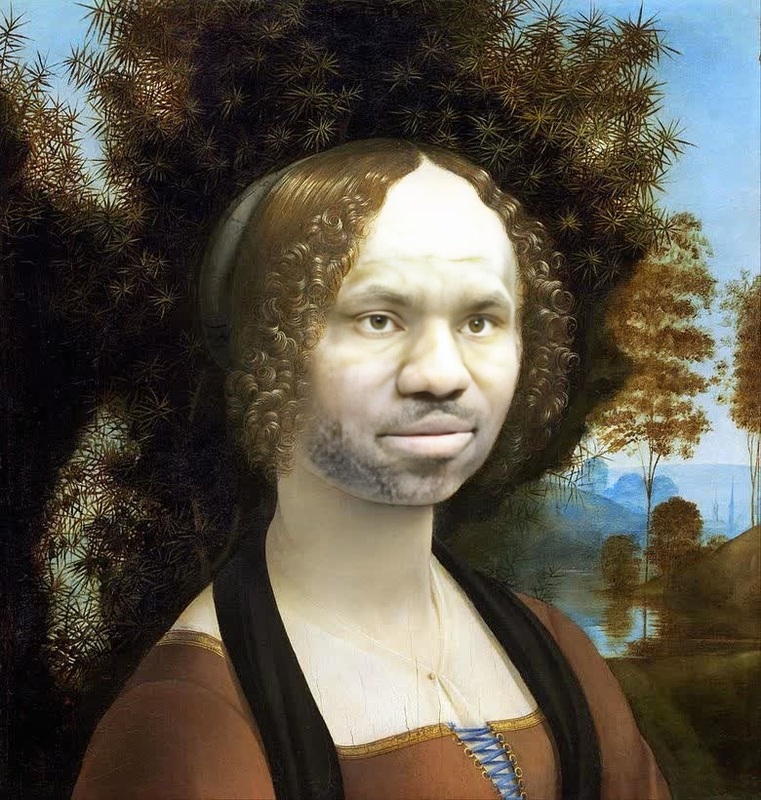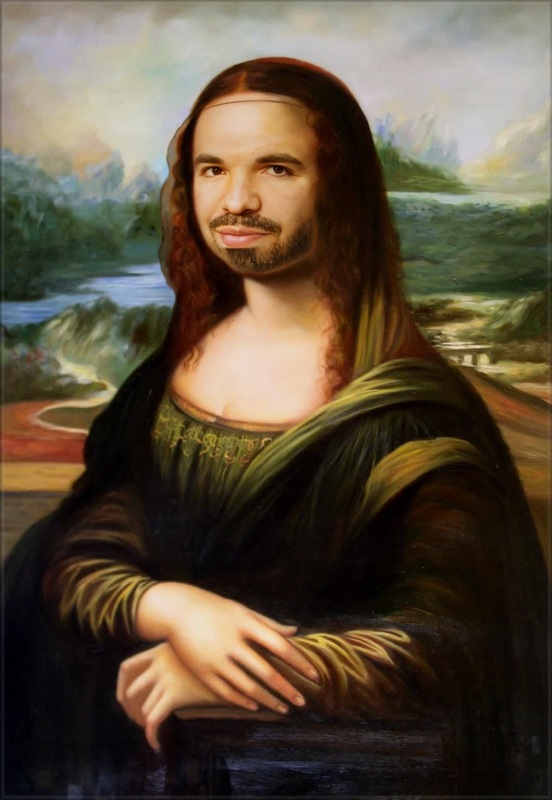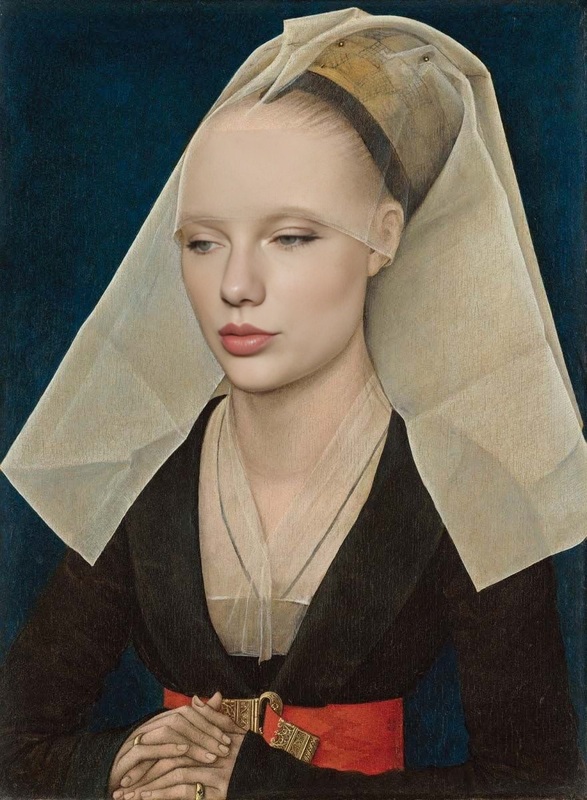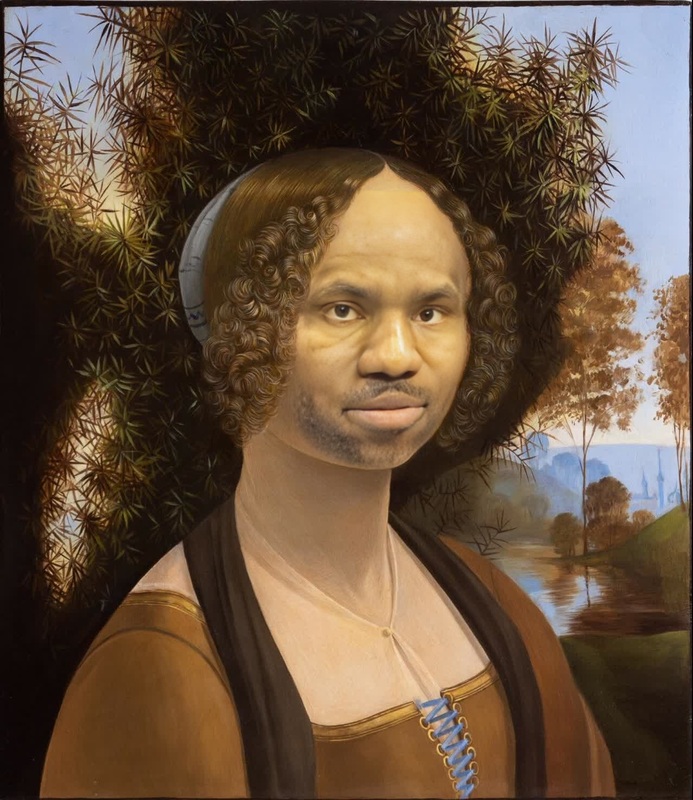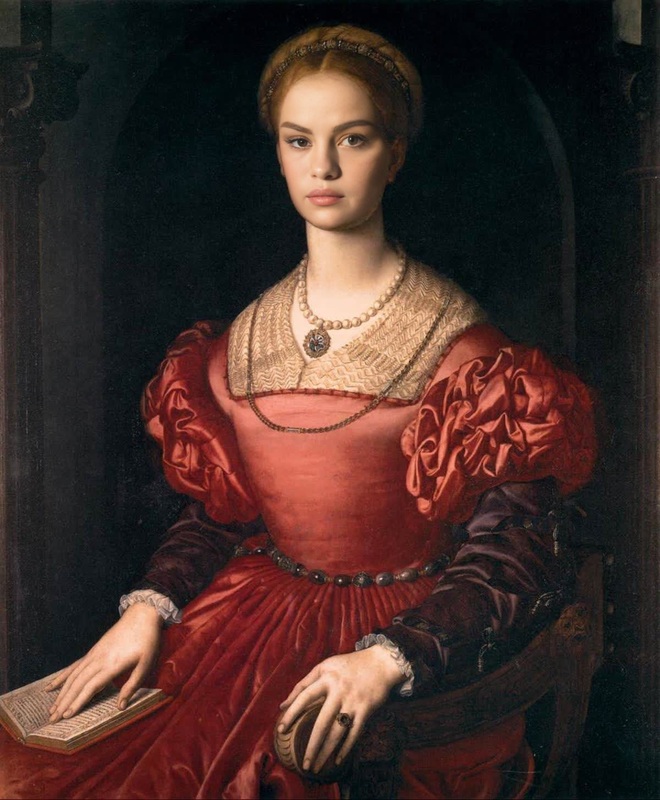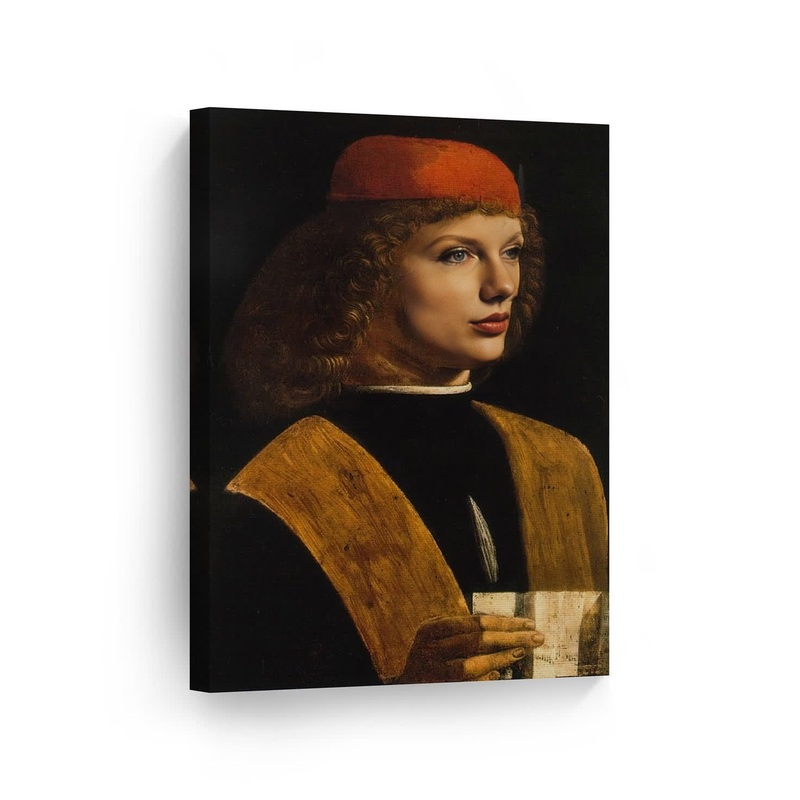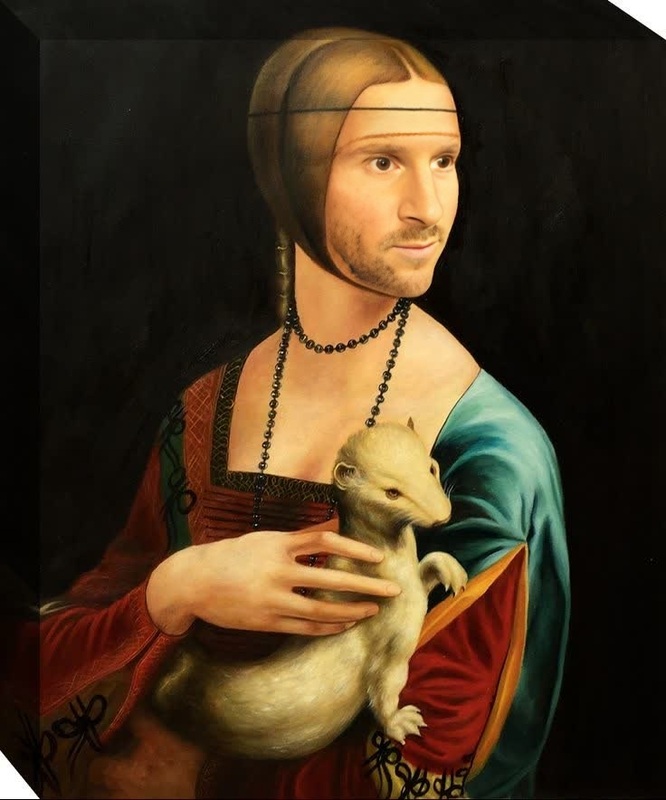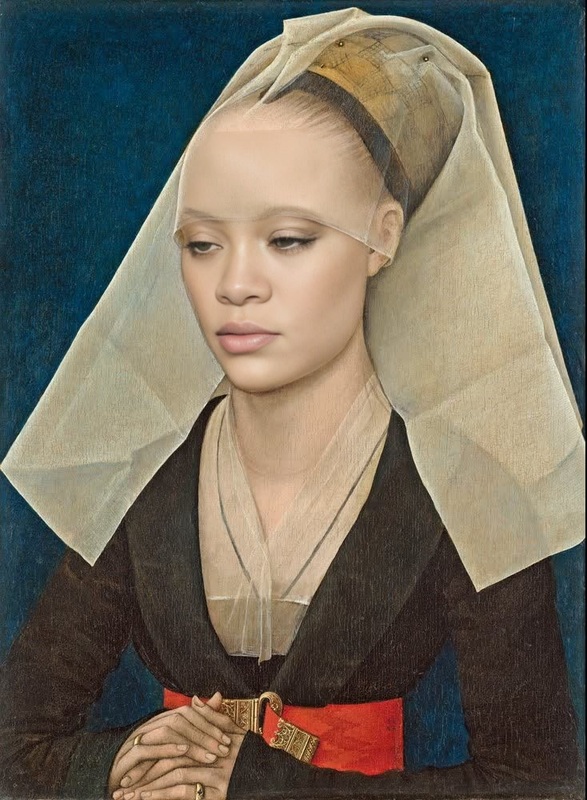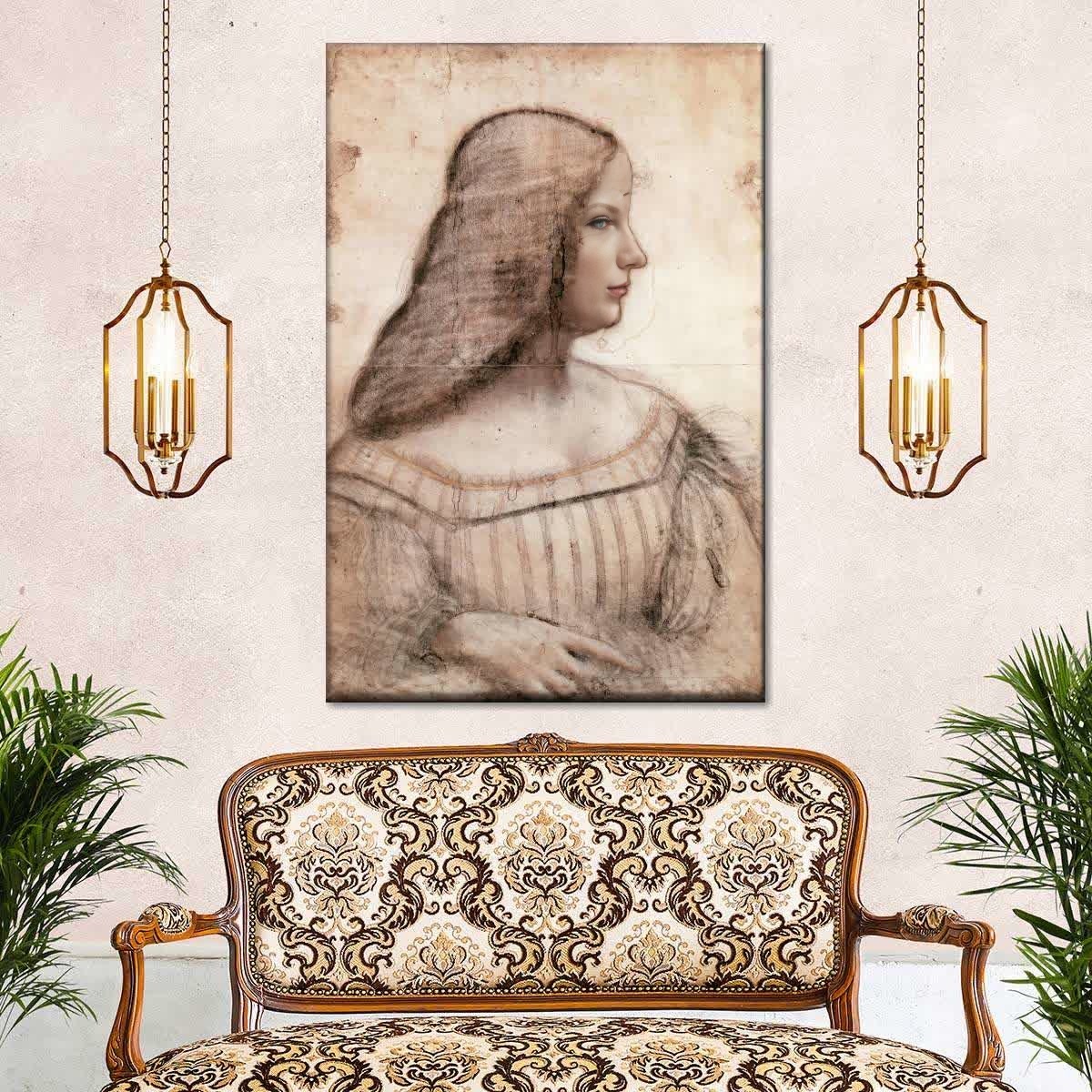
Portrait Of Isabella DEste Leonardo Da Vinci Oil Painting
- Image
- 1200 × 1200 px
Any aspect ratio
Overview
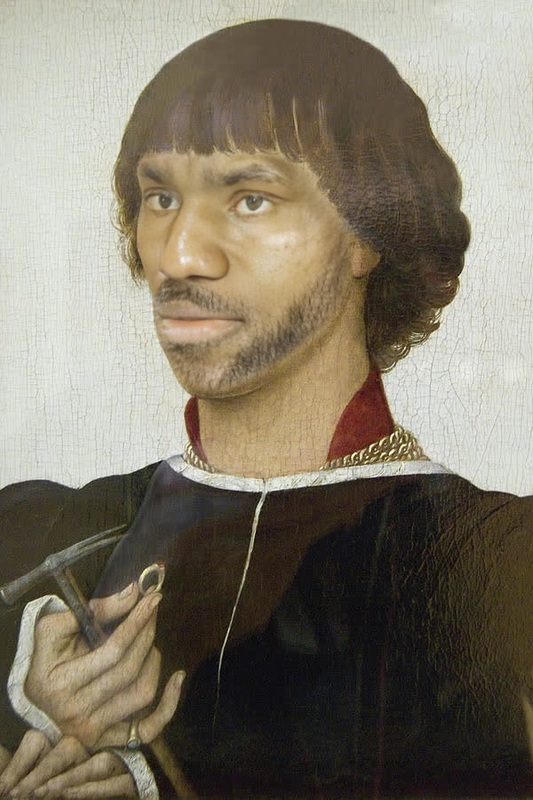
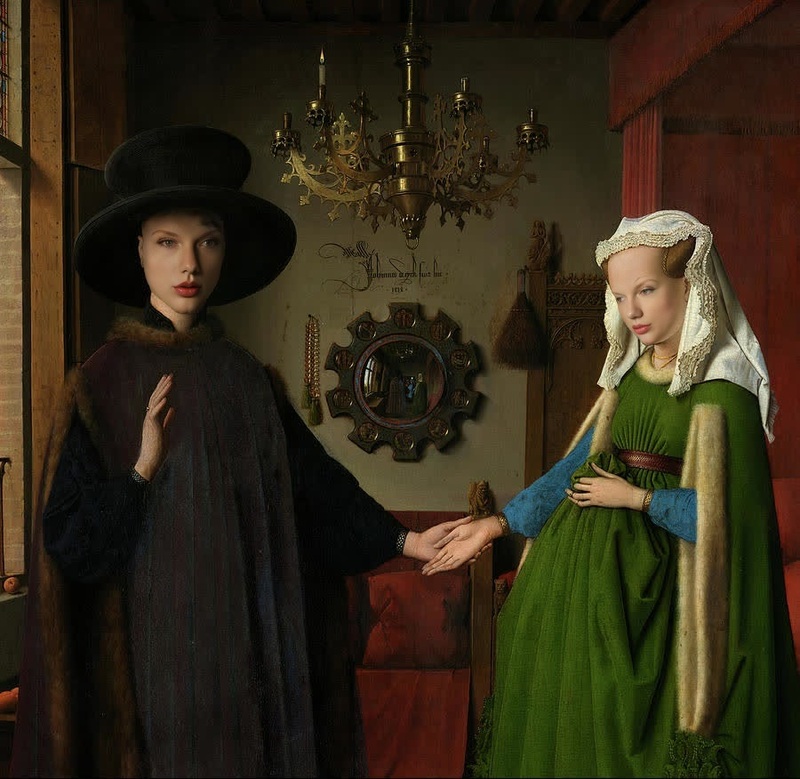
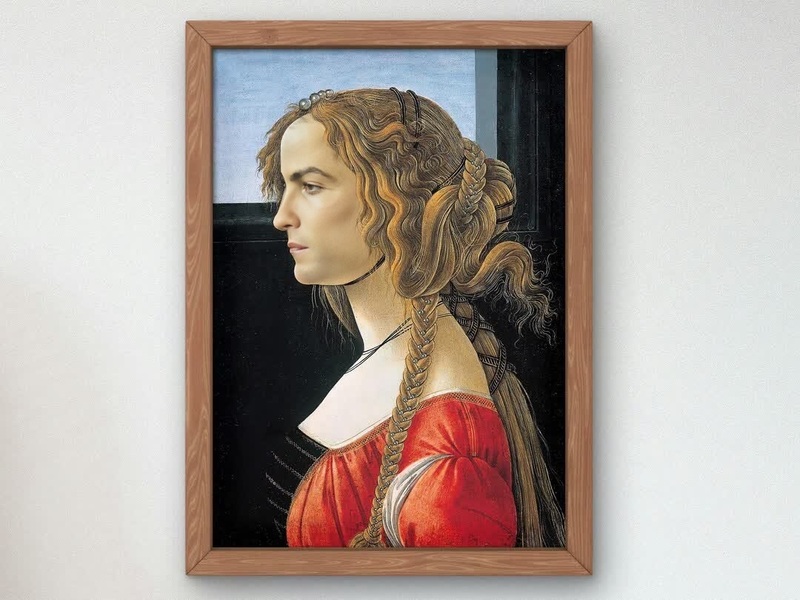
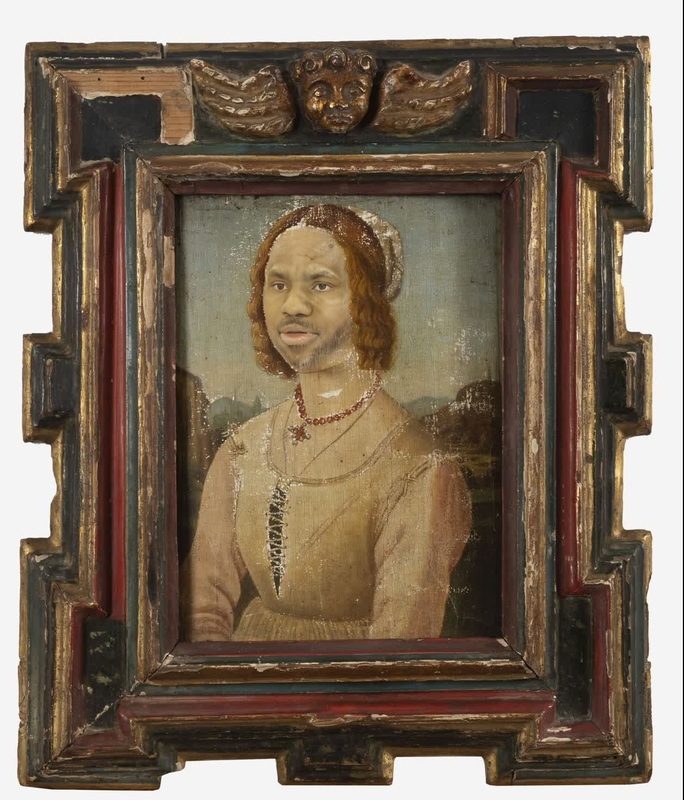
Infuse your videos with the classic elegance of Renaissance art by using the Video Face Swap template featuring Leonardo Da Vinci's Portrait of Isabella D'Este. This template allows you to replace faces in videos with the timeless visage depicted by Da Vinci, making it perfect for historical themes or artistic concepts.
What It Does
This Video Face Swap template overlays the distinctive facial features from Leonardo Da Vinci's masterpiece onto your selected video. It utilizes advanced facial recognition and mapping technologies to ensure the swap is realistic and maintains natural expressions. This tool connects seamlessly with other Magic Hour products like the Face Swap and AI Video Generator for expanded creativity.
Who It's For
This template is ideal for video creators, artists, and educators looking to bring a unique, artistic flair to their content. It's particularly useful for creators working in the fields such as art history education, creative marketing campaigns, and social media content creation, where capturing imagination with a historical twist is key.
Summary
Incorporate the grace of Renaissance art into modern videos with this Video Face Swap tool. This template not only adds a cultural dimension but also maintains high precision in swapping facial features. Explore this along with our AI Image Editor to enhance details or the AI GIF Generator to create engaging social media content.
How To
Choose the Template

Customize Your Video

Generate and Download

Use Cases
Art-Inspired Content Creation
- Educational videos for art history lessons
- Art-based social media posts
Historical Reenactments
- Museum or exhibition digital content
- Documentary films
Creative Marketing Campaigns
- Branded video content with historical themes
- Viral marketing videos
Best Practices
Choose High-Quality Source Videos
Ensure the video you select for the face swap is of high quality for the best results.Match Lighting and Angles
Try to use videos where the lighting and face angles match the portrait's for more seamless swaps.Review and Fine-Tune
After generating, review your video for any discrepancies and use the AI Face Editor for adjustments.
Frequently asked questions
More Like This