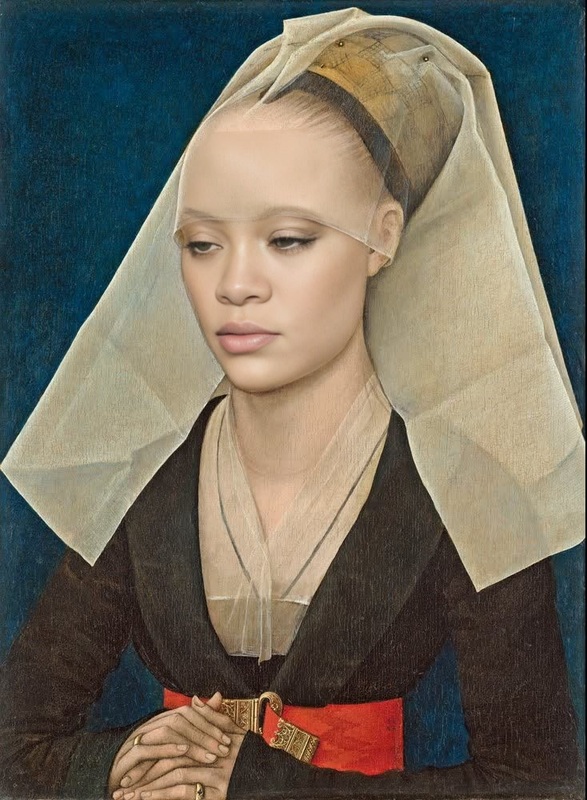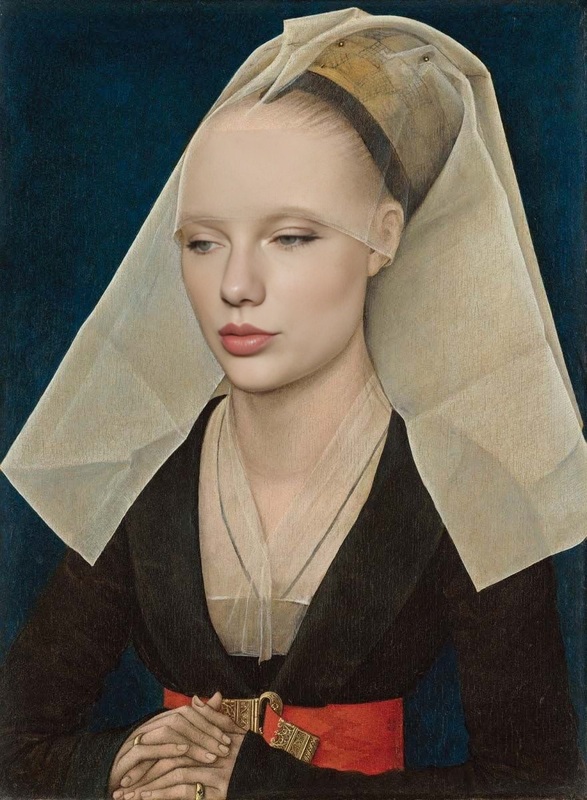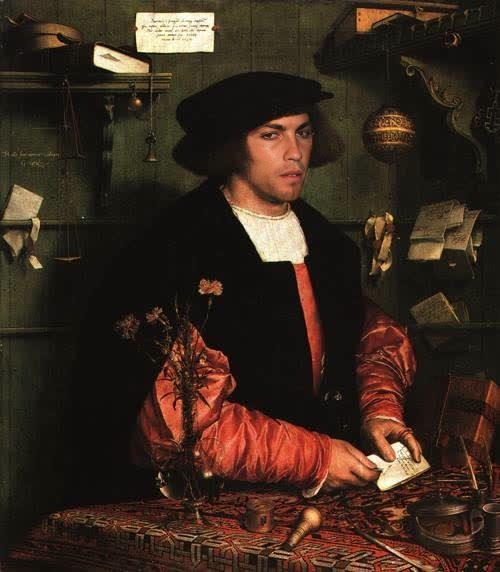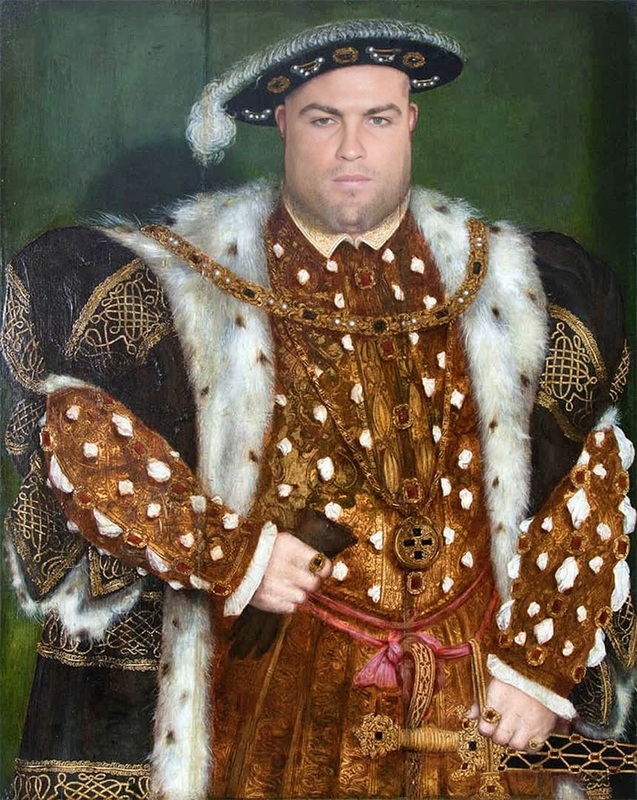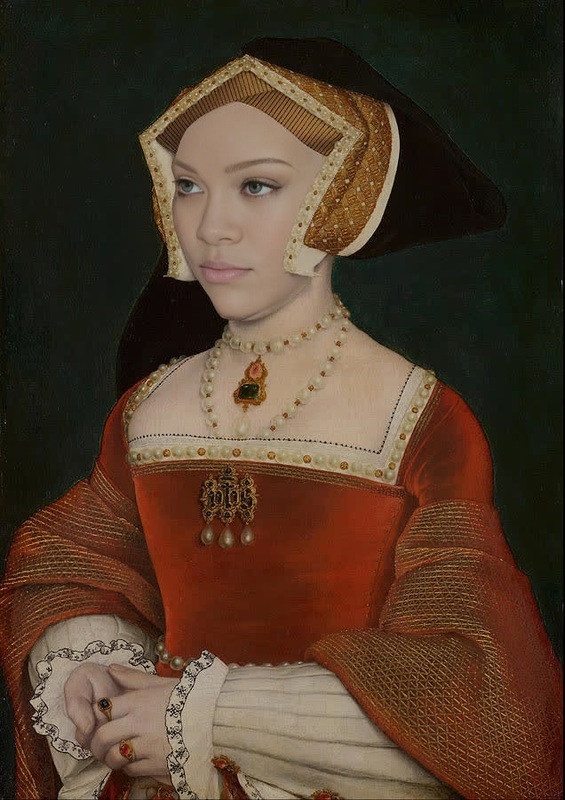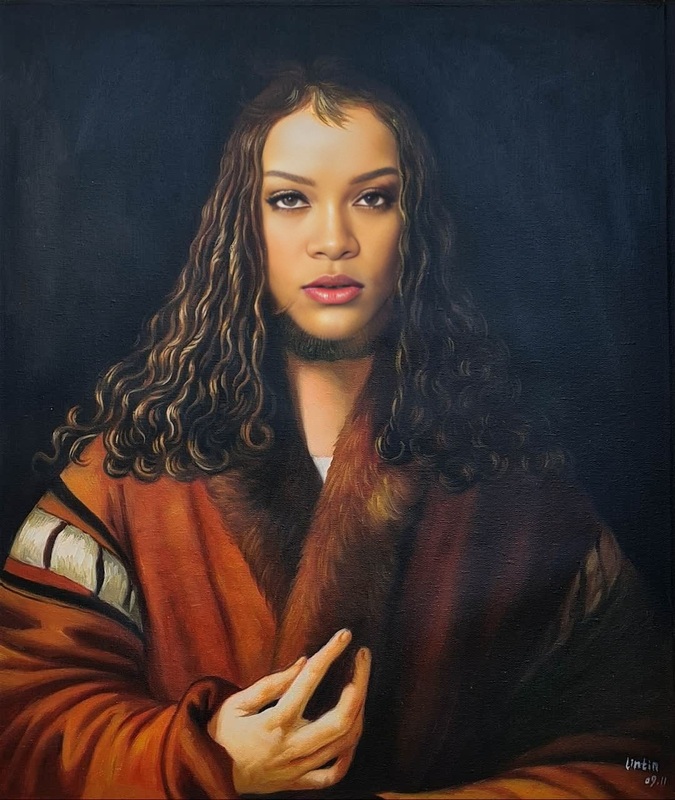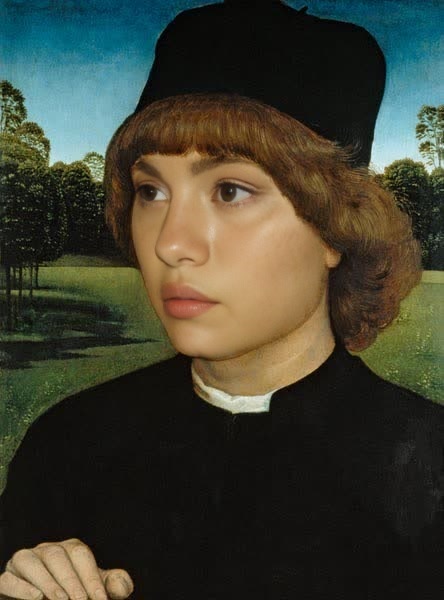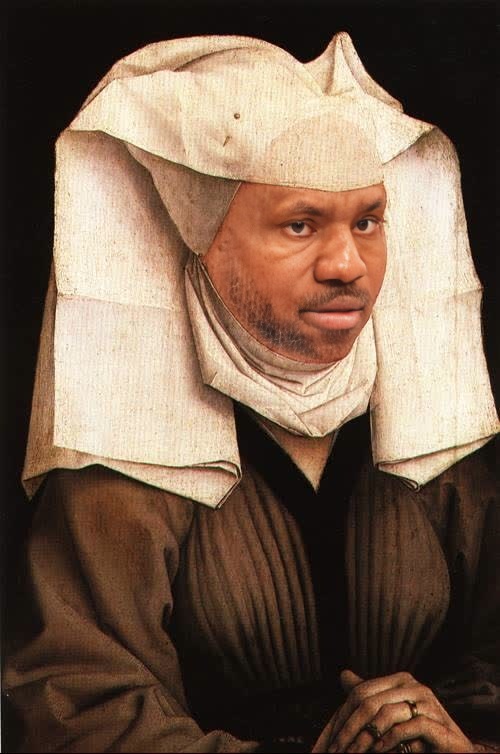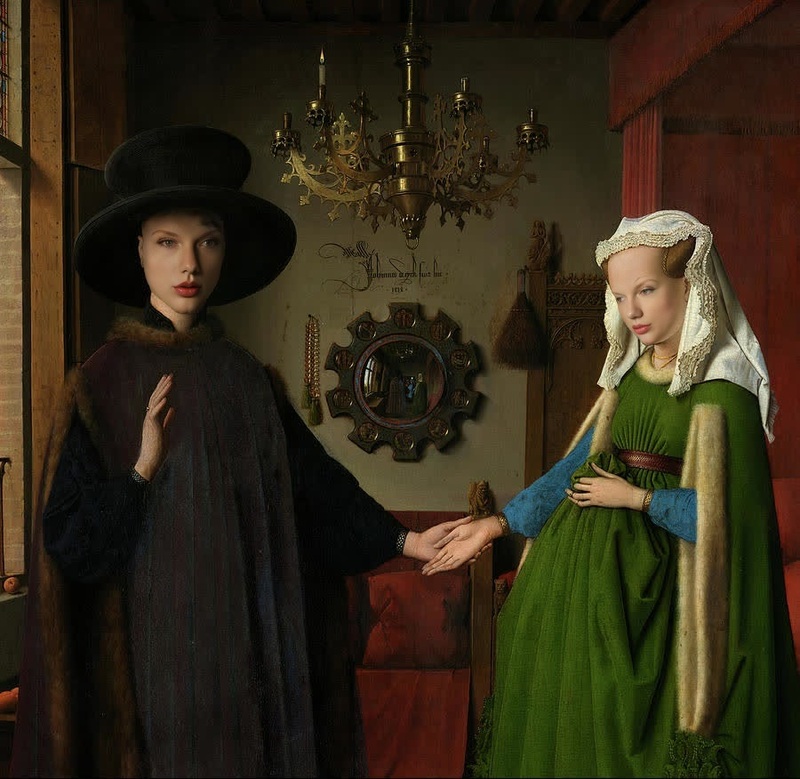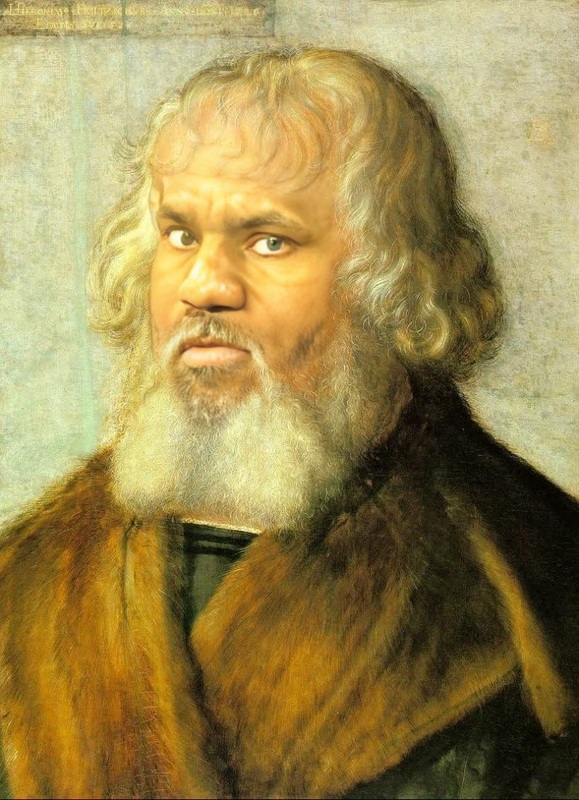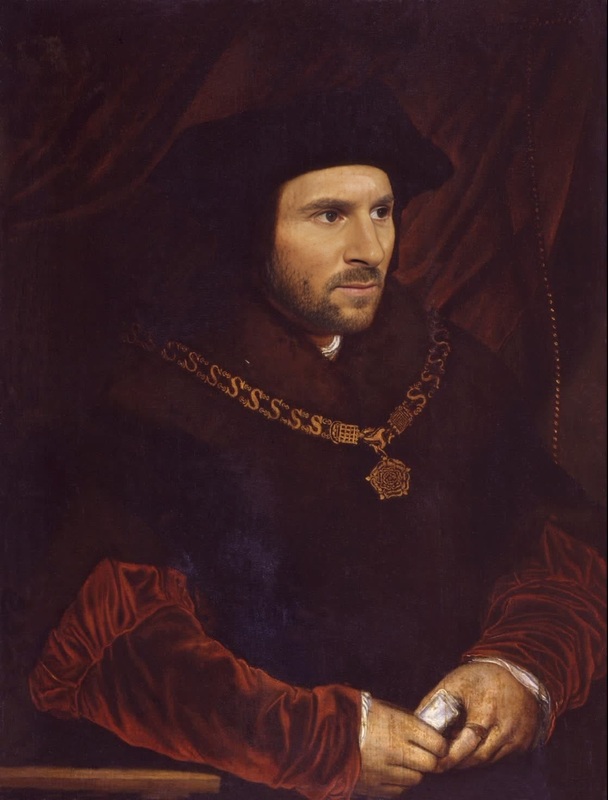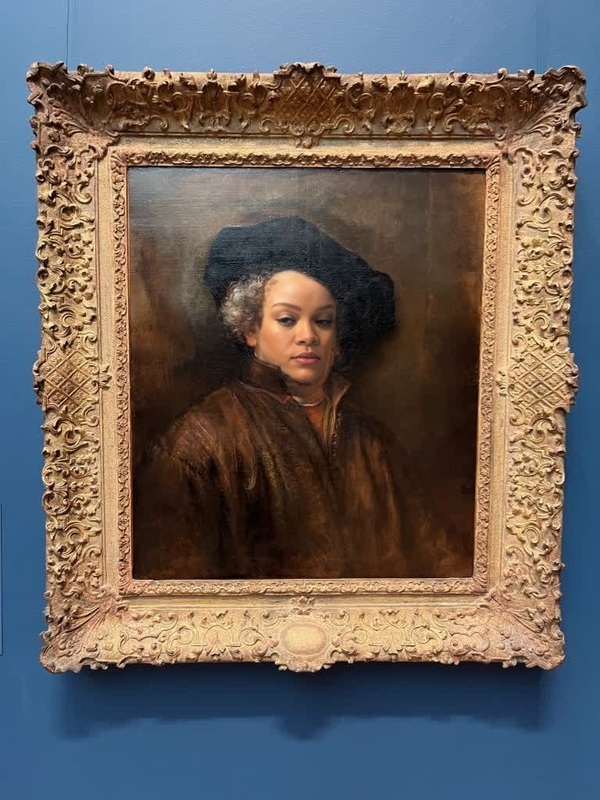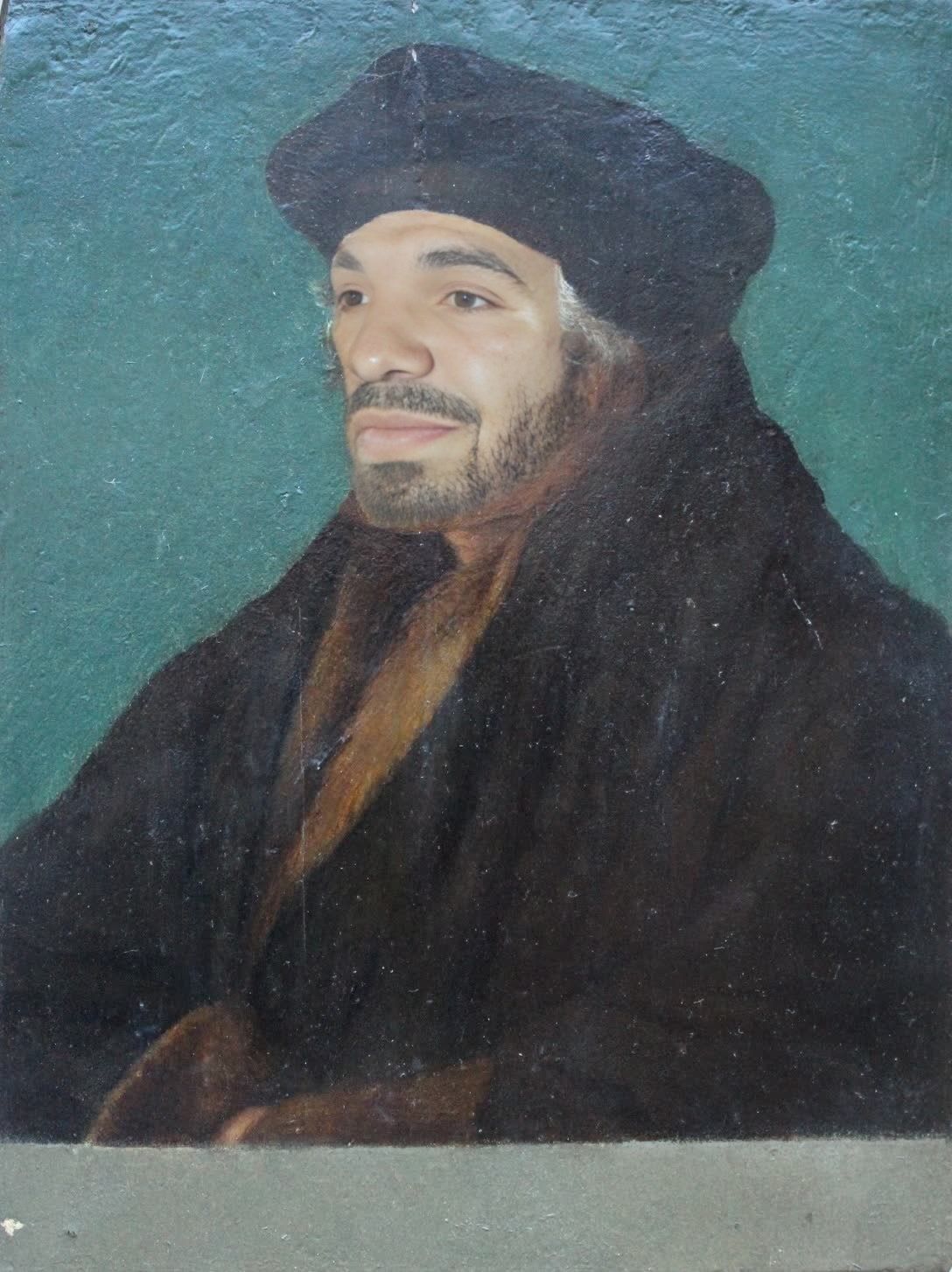
Portrait Of Erasmus Hans Holbein The Younger Oil Painting
- Image
- 1088 × 1454 px
Any aspect ratio
Overview
Transform historical art into a personalized masterpiece with the Video Face Swap template featuring the Portrait of Erasmus by Hans Holbein the Younger. This template allows you to integrate any face into this iconic painting, animating it to create a compelling video.
Explore how you can merge classic art with modern technology by utilizing our Video Face Swap tool, part of a suite of AI-driven transformation tools.
What It Does
This template revamps the renowned Portrait of Erasmus by replacing the original face with one of your choosing. The sophisticated Face Swap technology ensures a seamless transition that retains the classic art style of Hans Holbein the Younger while integrating modern facial features.
Perfect for educational content or unique personal projects, this template provides a stunning video output that bridges past and present.
Who It's For
This template is ideal for content creators, educators, or anyone interested in blending history with modern identity. Art enthusiasts can recreate historical figures with contemporary faces, offering a fresh perspective on classical works. Educators can use it for engaging history or art lessons, utilizing our AI Video Generator for additional creative opportunities.
Summary
Bring art to life by inserting today's faces into historical masterpieces. With the Portrait of Erasmus template, you'll have the tools to animate and personalize this famed artwork, blending technology with tradition seamlessly.
Discover other transformation possibilities via our AI Image Editor, expanding your creative boundaries beyond static images.
How-To
Choose Template

Customize

Generate Video

Use Cases
Educational Videos
- Introduce students to historical figures in a novel way.
- Create interactive lessons with animated portraits.
Social Media Content
- Boost engagement with novel historical content.
- Create promotional material with a twist.
Art Restoration Projects
- Explore restoration ideas for museums and galleries.
- Engage audiences with updated versions of classic art.
Best Practices
Use High-Resolution Images
Start with high-quality and high-resolution images for the face to ensure a seamless face swap transformation.Maintain Consistent Lighting
Match the lighting and angle of the source image to the template for a more natural look.Review Final Output
Always preview the generated video for any necessary tweaks before finalizing. Use the AI Image Upscaler if needed to enhance the resolution.
Frequently asked questions
More Like This