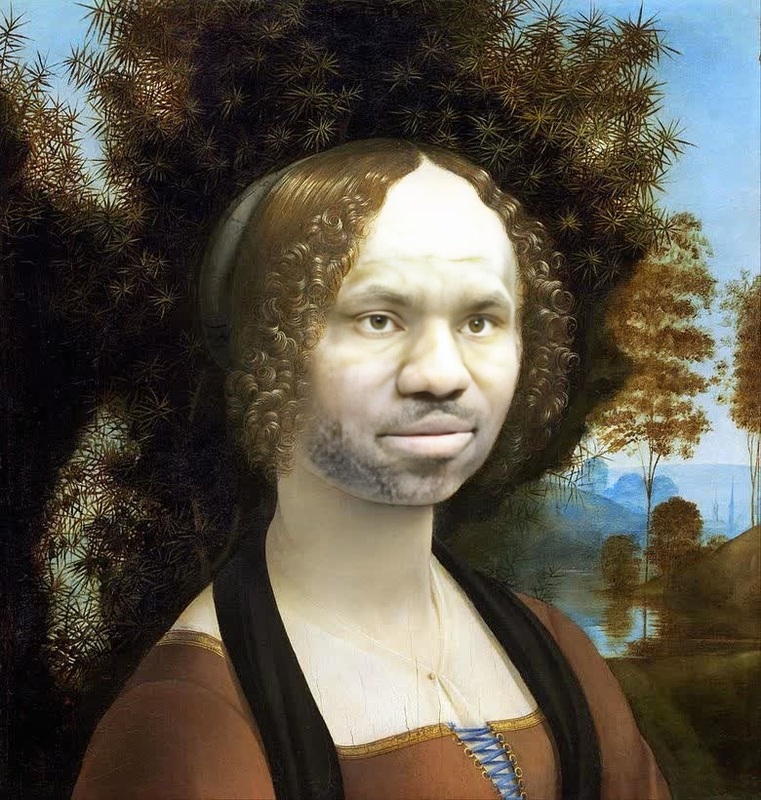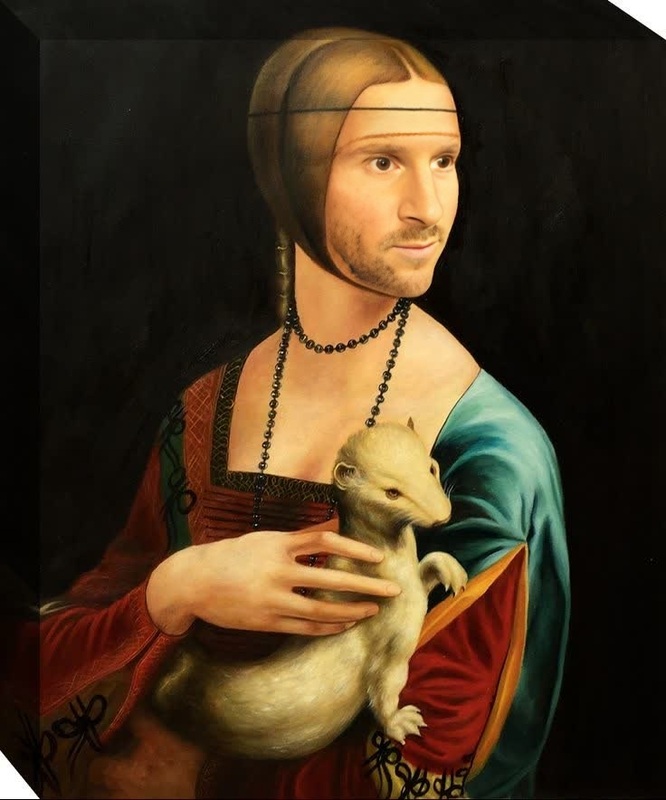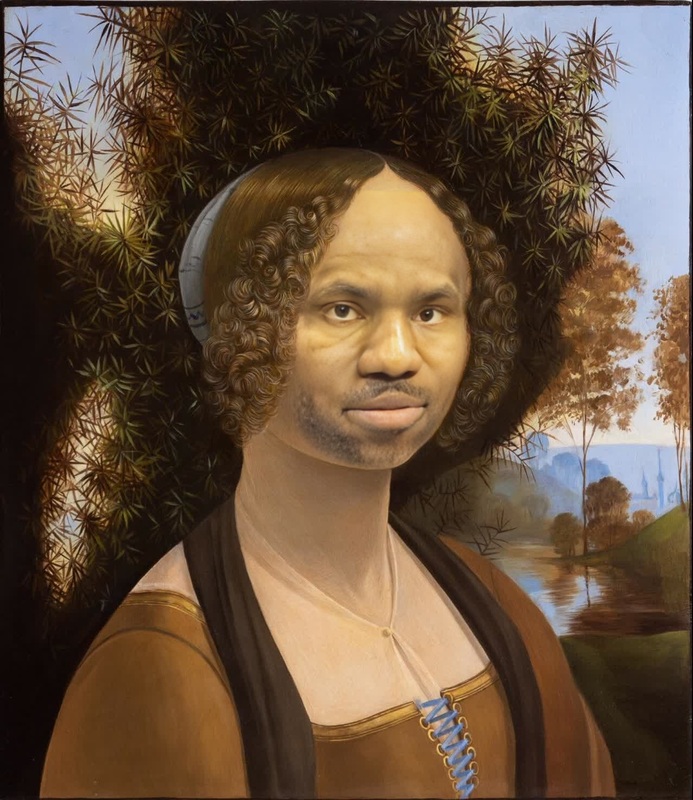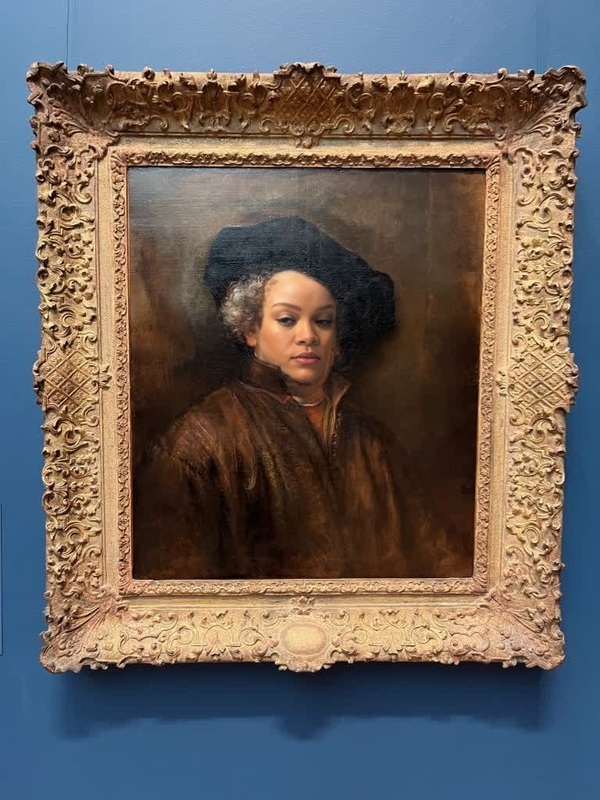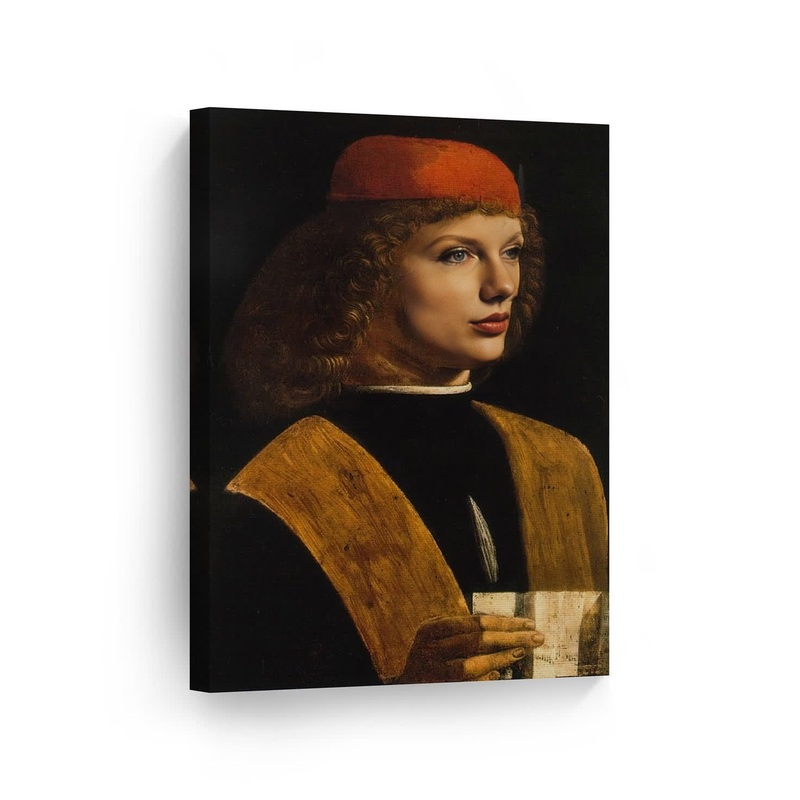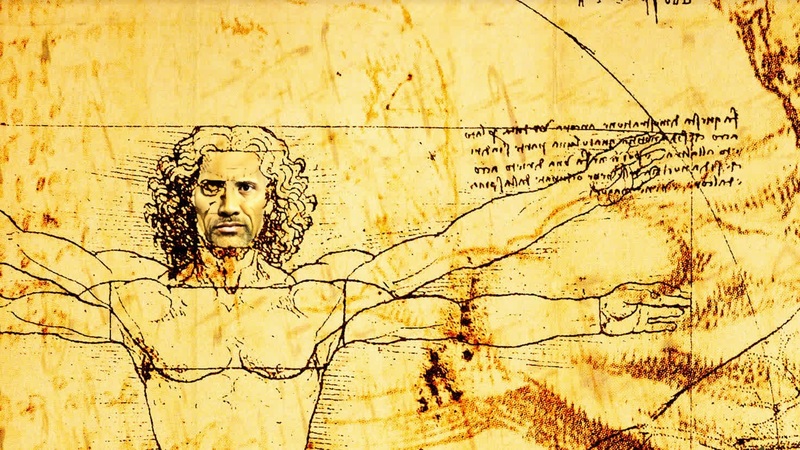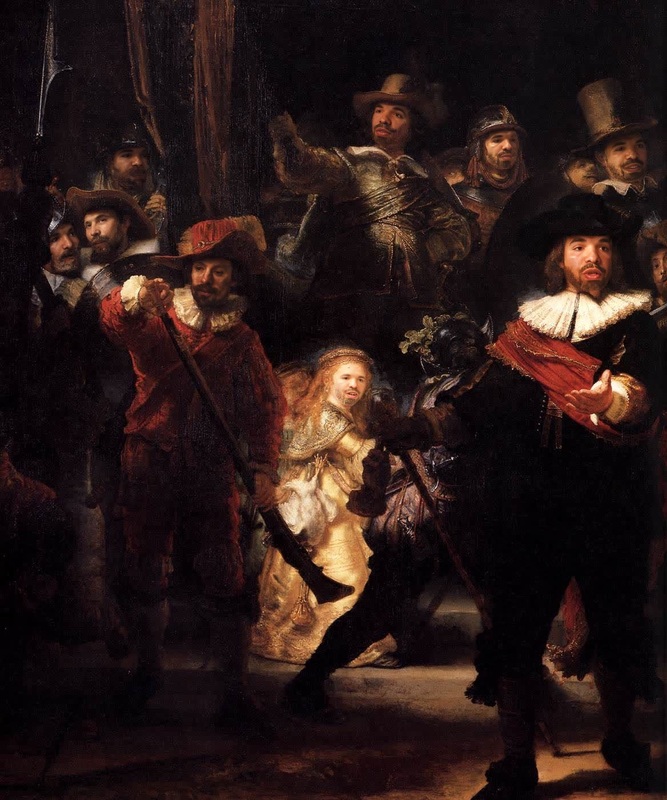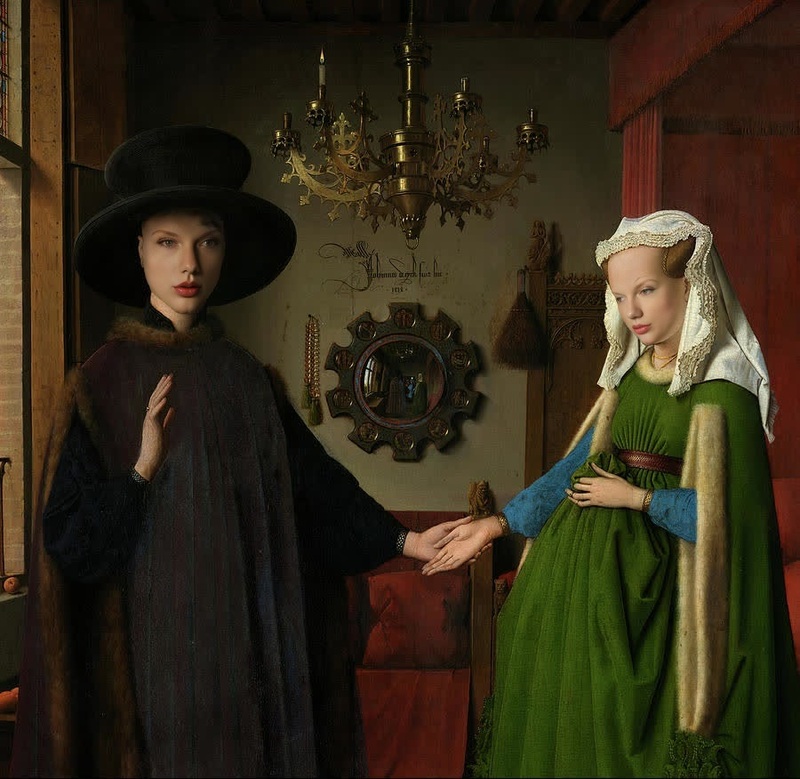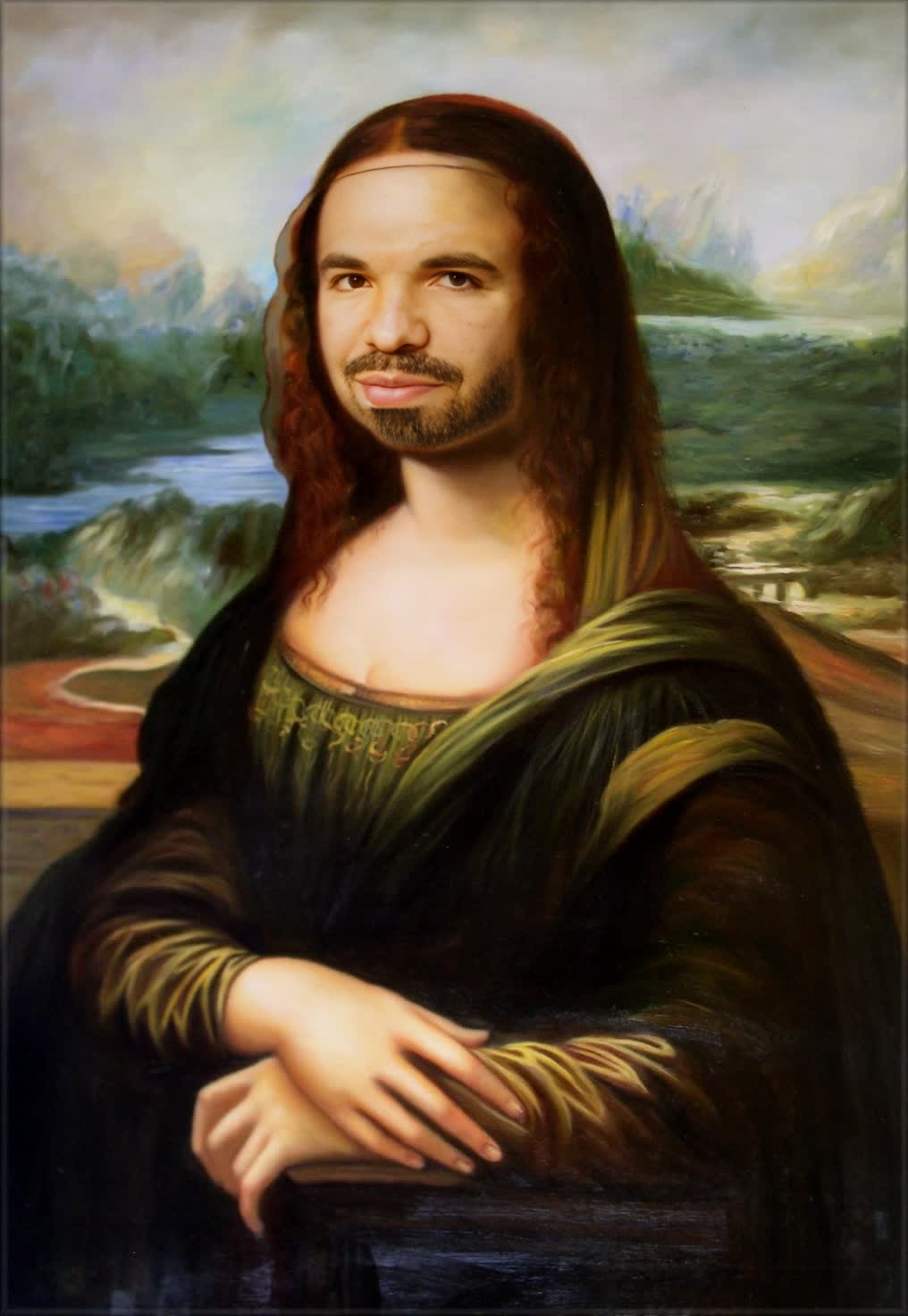
Mona Lisa Leonardo Da Vinci Oil Painting Portrait
- Image
- 1016 × 1472 px
Any aspect ratio
Overview
Experience the fusion of classical art and modern technology with our Mona Lisa Video Face Swap template. This tool allows you to integrate the timeless visage of Leonardo Da Vinci's iconic painting into your videos, adding a touch of historic elegance. It uses advanced face swapping techniques that are ideal for creating engaging visual experiences.
What It Does
This template utilizes video face swap technology to overlay the face of the Mona Lisa onto subjects in your videos. Perfect for special projects or creative storytelling, it maintains the nuances of Da Vinci's artistry by preserving facial expressions and movements. For a more comprehensive editing suite, explore our AI Image Editor to enhance your visuals further.
Who It's For
This template is perfect for creators seeking to merge classical art with modern digital content. It's particularly beneficial for educators looking to add artistic flair to learning materials or marketers aiming to produce eye-catching content. Artists and video producers will also find value in combining historical aesthetics with contemporary media forms. Consider pairing this with our AI GIF Generator for diversified digital content creation.
Summary
The Mona Lisa Video Face Swap template provides a unique way to incorporate classic art into videos. By seamlessly integrating artistic elements, this template enables the creation of captivating visual stories. To enhance your project, consider using our AI Video Extender for lengthier productions without losing quality.
How To
Choose Your Template

Customize Your Video

Generate Your New Video

Use Cases
Artistic Video Productions
- Create art-based film scenes
- Develop educational content with historical context
Engaging Marketing Campaigns
- Feature in social media ads
- Use in storytelling campaigns
Academic and Cultural Presentations
- Create compelling lecture materials
- Introduce art history in an engaging format
Best Practices
Choose Appropriate Videos
Select videos where the subject's head is clearly visible for best results. The clarity and position of the face will significantly affect the outcome.Adjust Parameters Accordingly
Use the parameters settings to align the Mona Lisa's face accurately. Test different settings to ensure expressions are maintained realistically.Check Video Compatibility
Ensure your videos are in supported formats for smoother processing and optimal quality. If needed, convert them using our AI Video Generator.
Frequently asked questions
More Like This