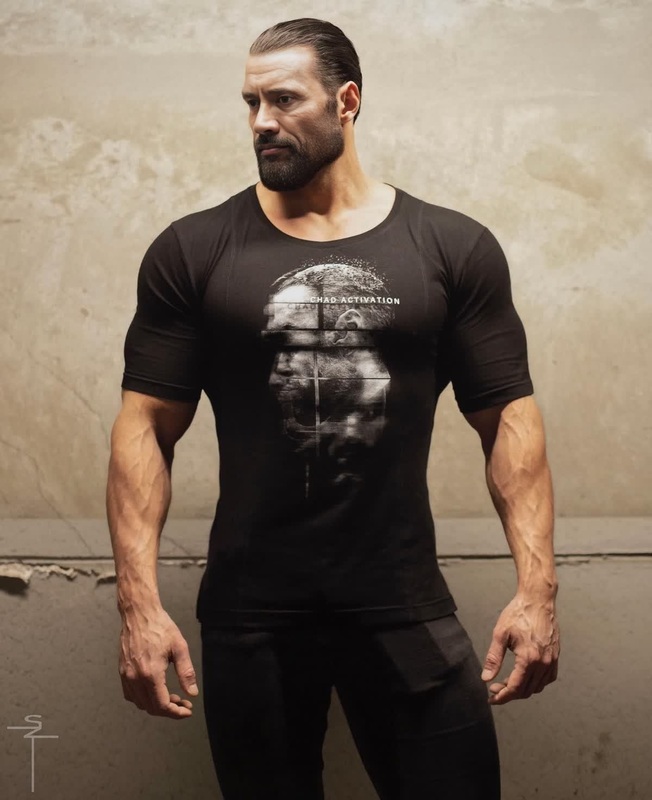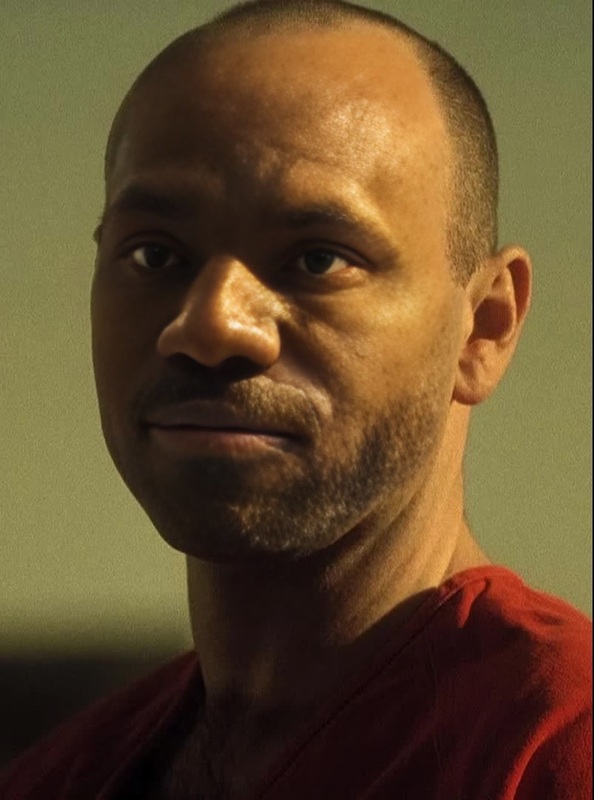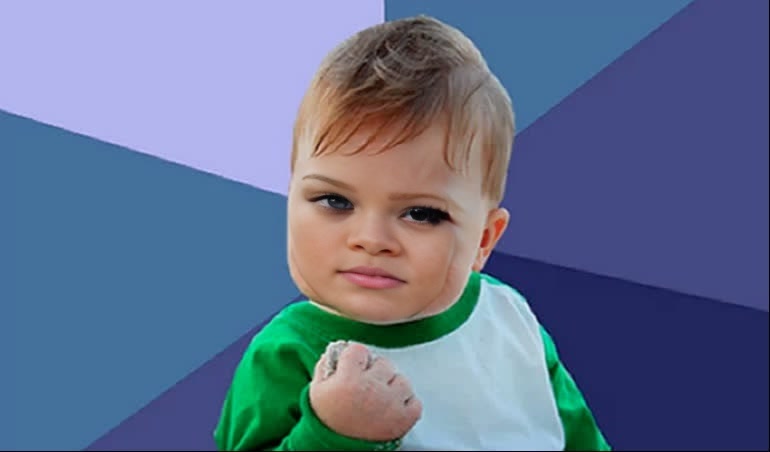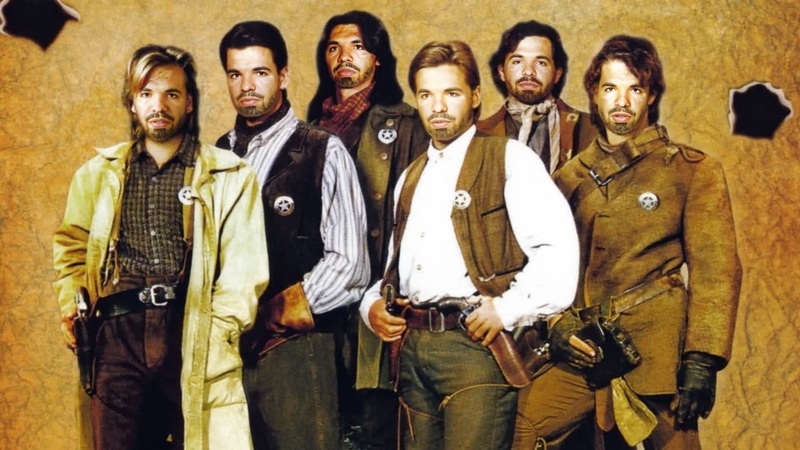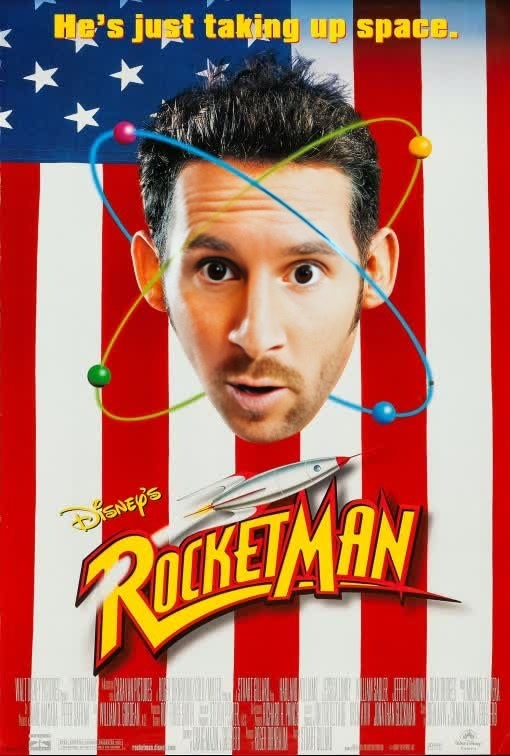
Rocket Rocketman Portrait
- Image
- 510 × 756 px
Any aspect ratio
Overview
The Rocket Rocketman Portrait is a cutting-edge Video Face Swap template designed for creative transformations. With this tool, you can blend your face into the iconic imagery of Rocketman for visually stunning and dynamic video outputs. Ideal for projects that demand a touch of musical flair, this template is tailored for both professionals and hobbyists seeking to explore new creative avenues.
What It Does
This Rocketman-inspired template leverages advanced video face swap technology to seamlessly merge your face with the iconic character's look. Ideal for music video projects and creative video montages, it allows you to inject personality and style into your content. Whether you are creating videos for social media or a personal montage, this template offers professional-grade results.
For more face-swapping capabilities, explore our Face Swap product line for additional options.
Who It's For
The Rocket Rocketman Portrait is perfect for content creators, music video producers, social media influencers, and anyone who wants to explore the creative potential of video transformations. From fashion marketers to creative agencies, anyone looking to add a touch of star power to their content will find this tool invaluable. Looking to swap faces in GIFs? Our Face Swap for GIFs might be what you need.
Summary
Embrace innovation with the Rocket Rocketman Portrait template. As part of our Video-to-Video suite, this tool enables unique video transformations, making it a must-have for those who want to stand out with engaging content. Transform your face into Rocketman's and elevate your video projects to new heights.
How to Use
Choose the Rocket Rocketman Portrait

Customize Your Inputs

Generate Your Video

Use Cases
Musical Video Productions
Social Media Content
Creative Marketing Campaigns
Best Practices
Select High-Quality Footage
For the best results, ensure the source video is high-resolution and well-lit.Match Facial Expressions
Align facial expressions in the original footage and the template to achieve more realistic swaps.Preview Before Download
Always preview the generated video to ensure all elements align correctly before downloading the final version.