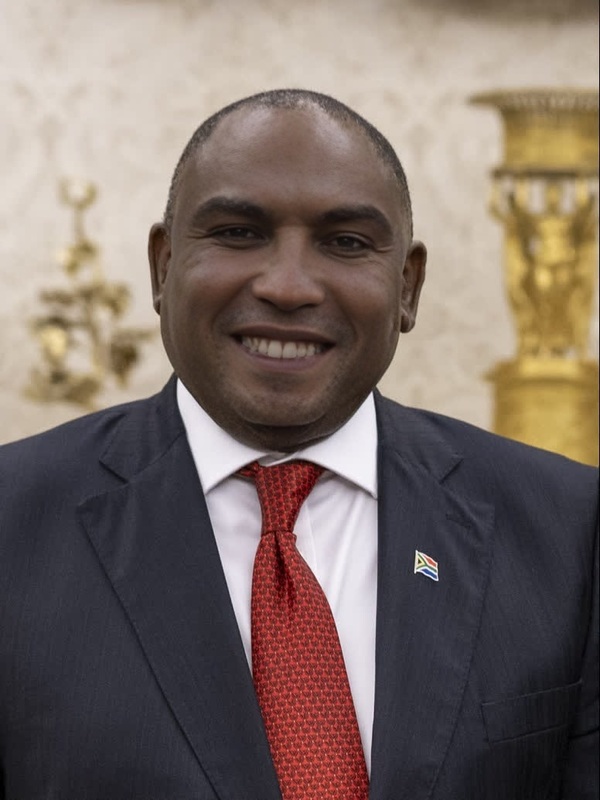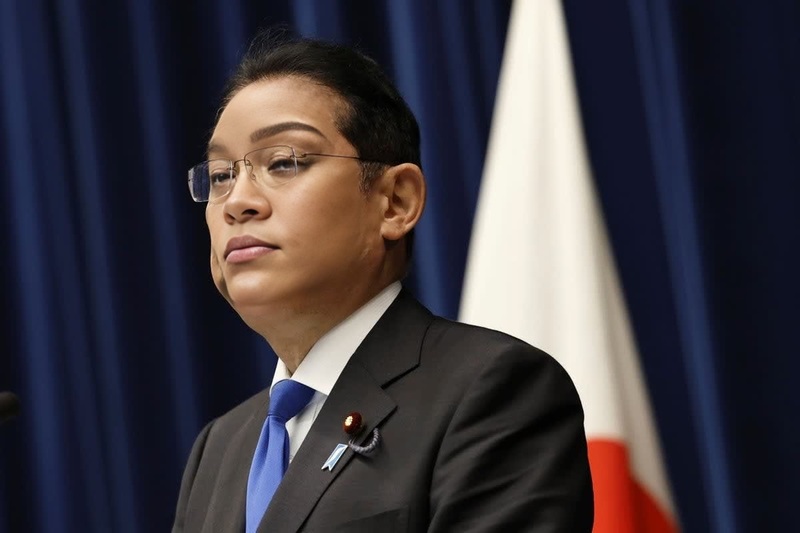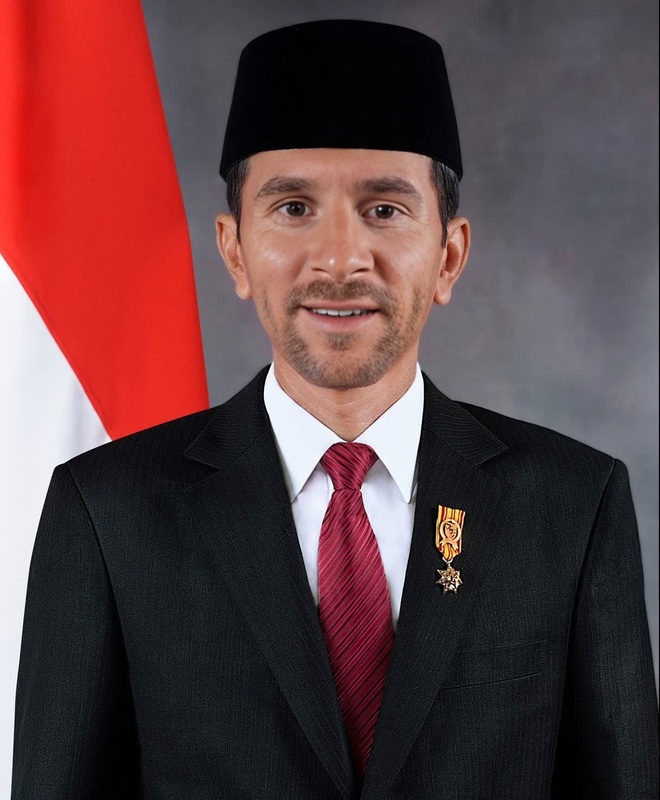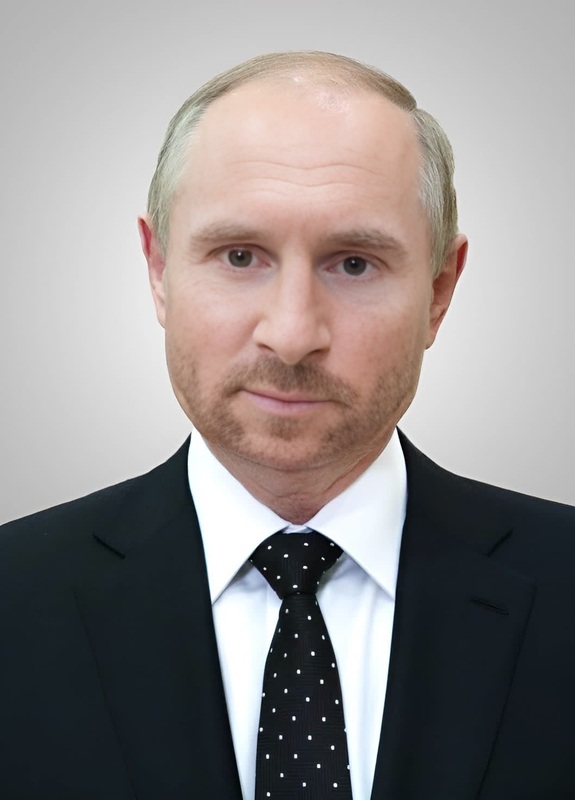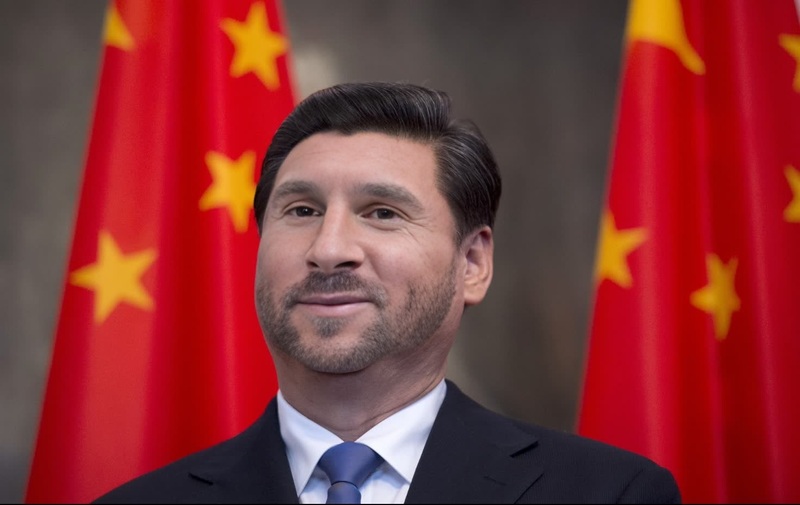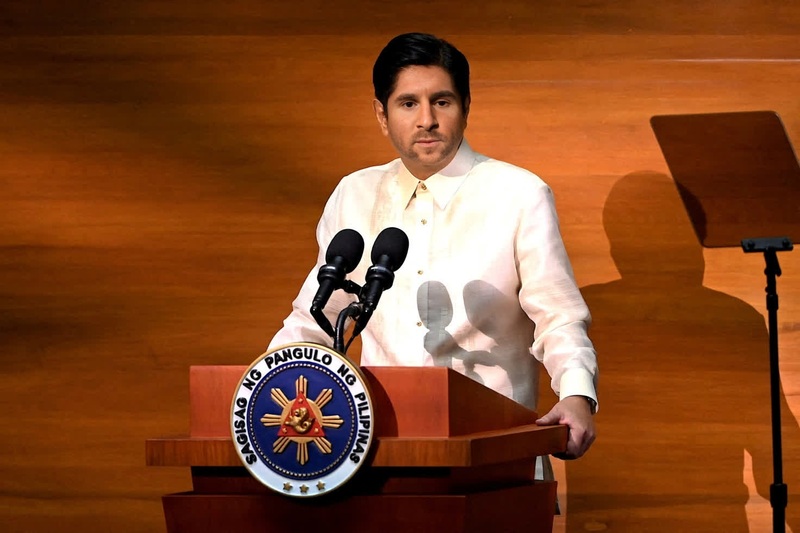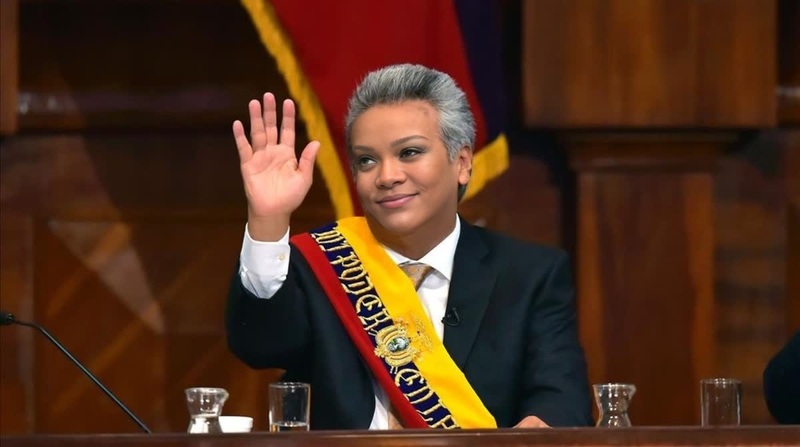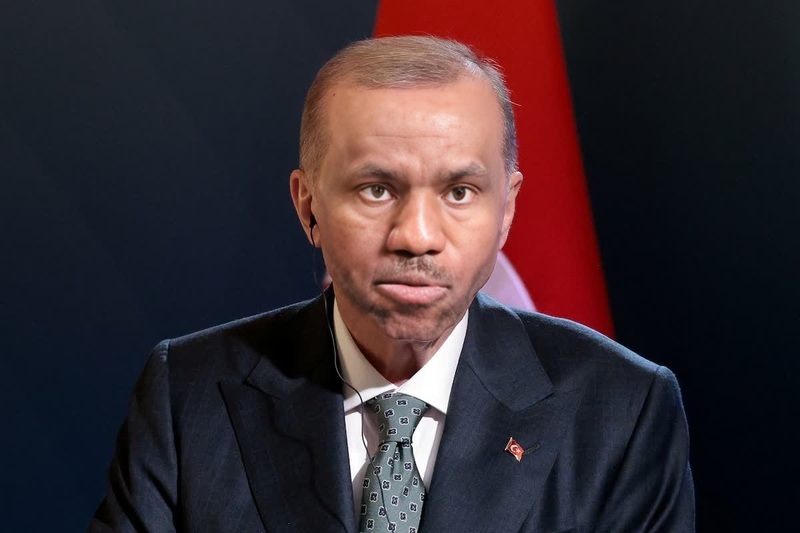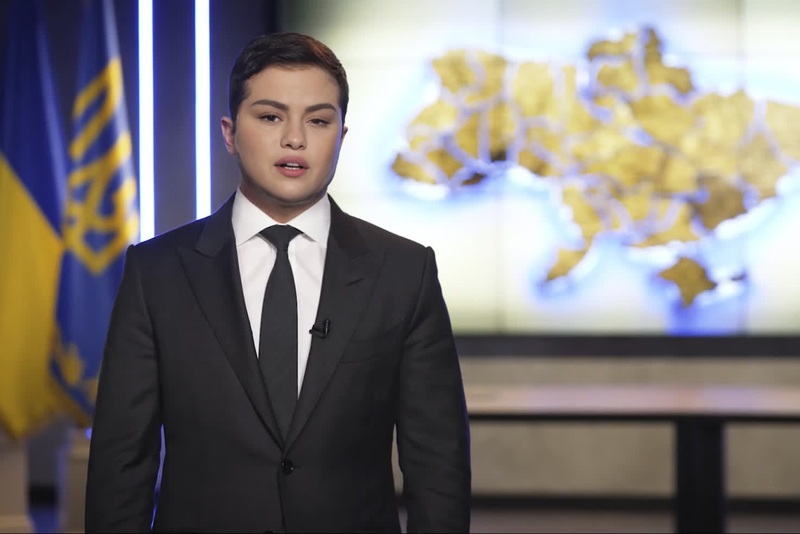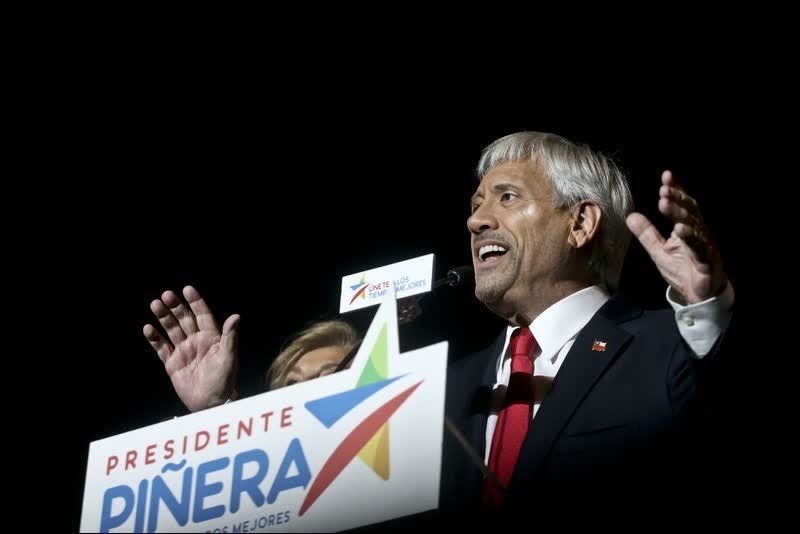
Yoon Suk-Yeol South Korea President Press Portrait
- Image
- 960 × 1280 px
Any aspect ratio
Overview
The "Yoon Suk-Yeol South Korea President Press Portrait" video template offers a unique way to merge faces in video scenes. By swapping your face with that of South Korea's President, Yoon Suk-Yeol, this template allows you to create engaging and possibly humorous press photos in video format. Perfect for those looking to experiment with Face Swap technology.
What It Does
This Video Face Swap template enables you to replace your face with the likeness of Yoon Suk-Yeol in any press setting video. It utilizes cutting-edge AI to ensure realistic facial transformations, maintaining consistent lighting and expressions. The result is a cohesive video that looks stunningly authentic. Explore more ways to edit faces in videos with our AI Video Generator.
Who It's For
This template is perfect for content creators, journalists, and social media enthusiasts who want to add a unique twist to their content. Whether for entertainment, satire, or educational purposes, this tool suits anyone looking to leverage advanced video editing. Discover other creative tools like the AI Voice Changer for further customization.
Summary
Transform any video with this innovative Video Face Swap template. It offers both flexibility and creativity for users aiming to create captivating content featuring President Yoon Suk-Yeol. Perfect for producing content that stands out on platforms like YouTube or Instagram. Start exploring today with the Image to Video tool to complement your projects.
How To
Choose Template

Customize Inputs

Generate and Download

Use Cases
Political Satire Videos
- Enhance satirical content with realistic visual effects.
- Bring a humorous twist to political discussions.
Educational Content
- Illustrate how media can influence public perception.
- Discuss the impact of visual manipulation in media.
Social Media Campaigns
- Craft viral videos for platforms like TikTok and Instagram.
- Build engagement with eye-catching transitions.
Best Practices
High-Quality Source Video
Start with a high-resolution video to ensure the best quality output.Facial Alignment
Ensure facial landmarks are well-aligned for a realistic swap effect.Appropriate Lighting
Check that lighting conditions match for both the source and destination faces.
FAQs
More Like This