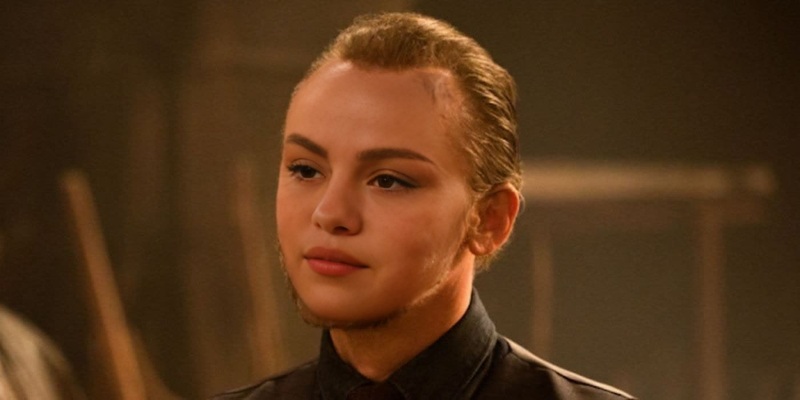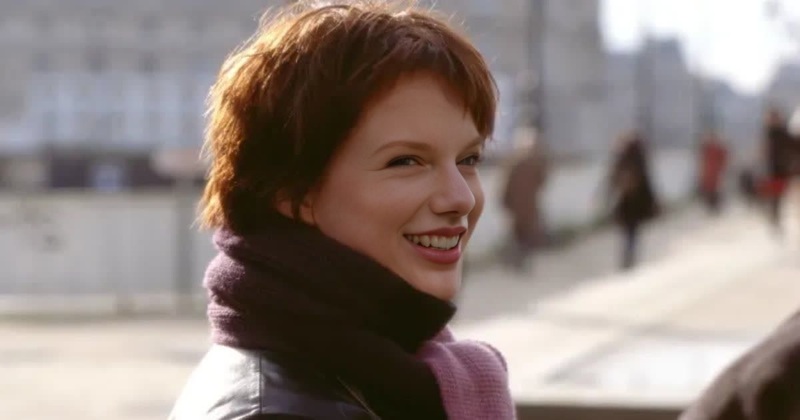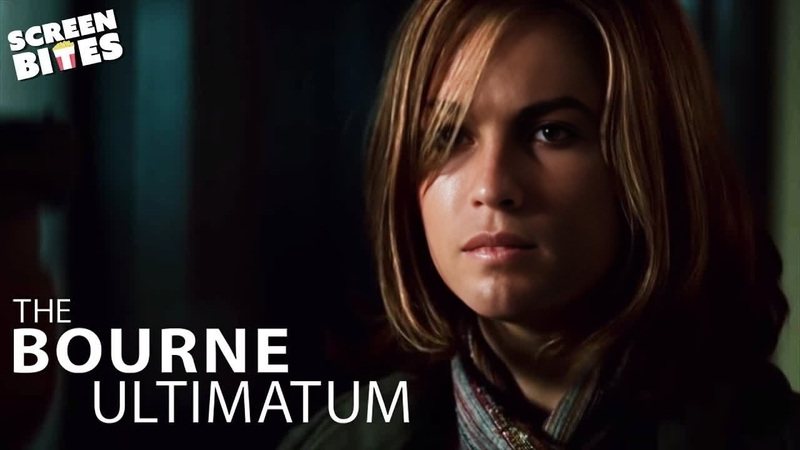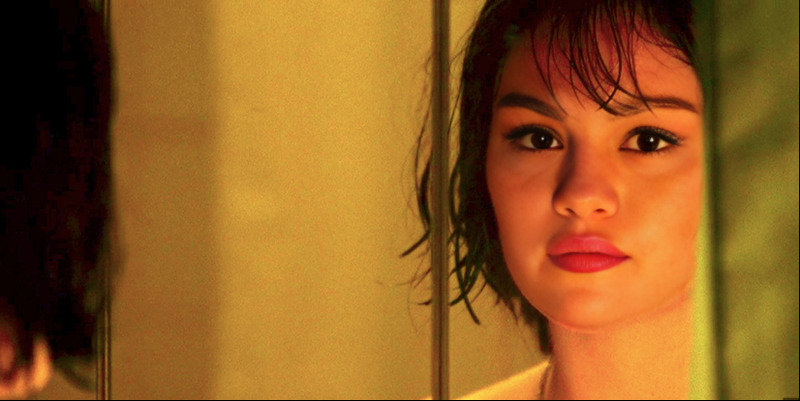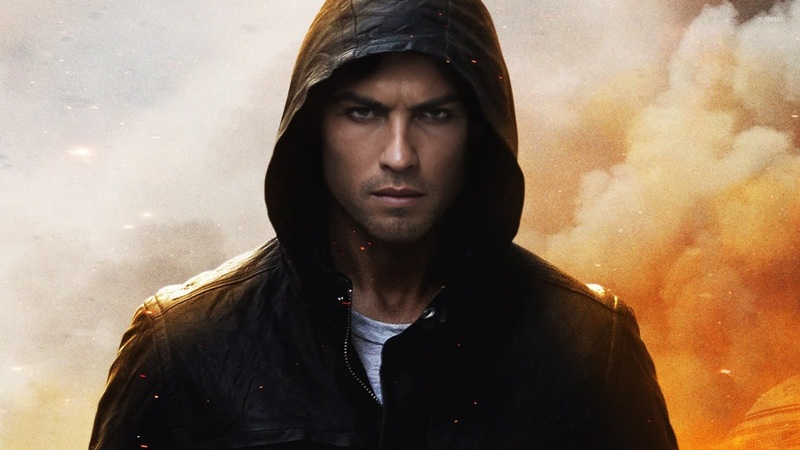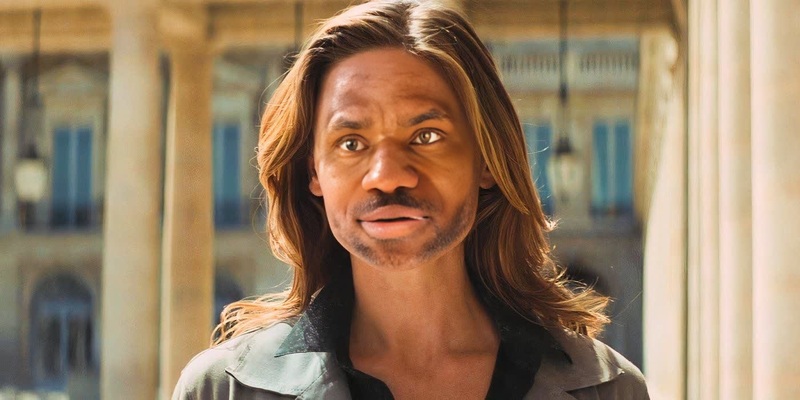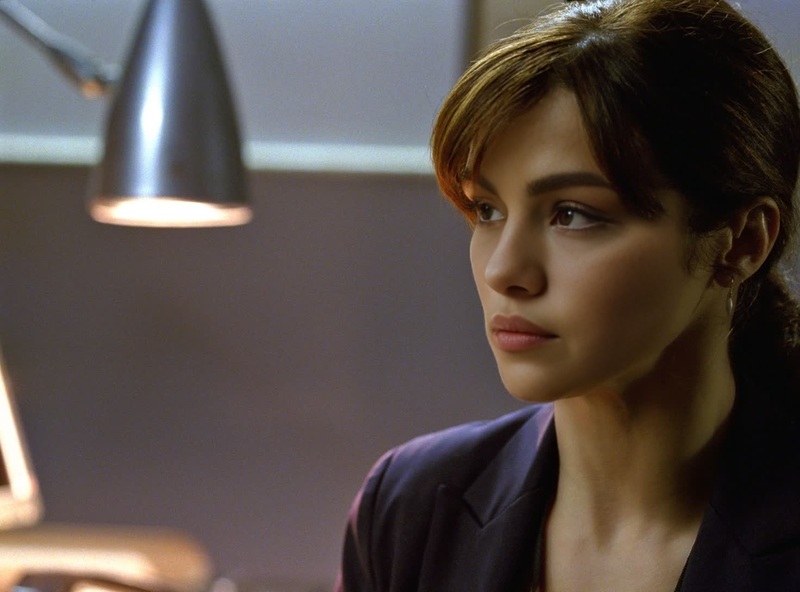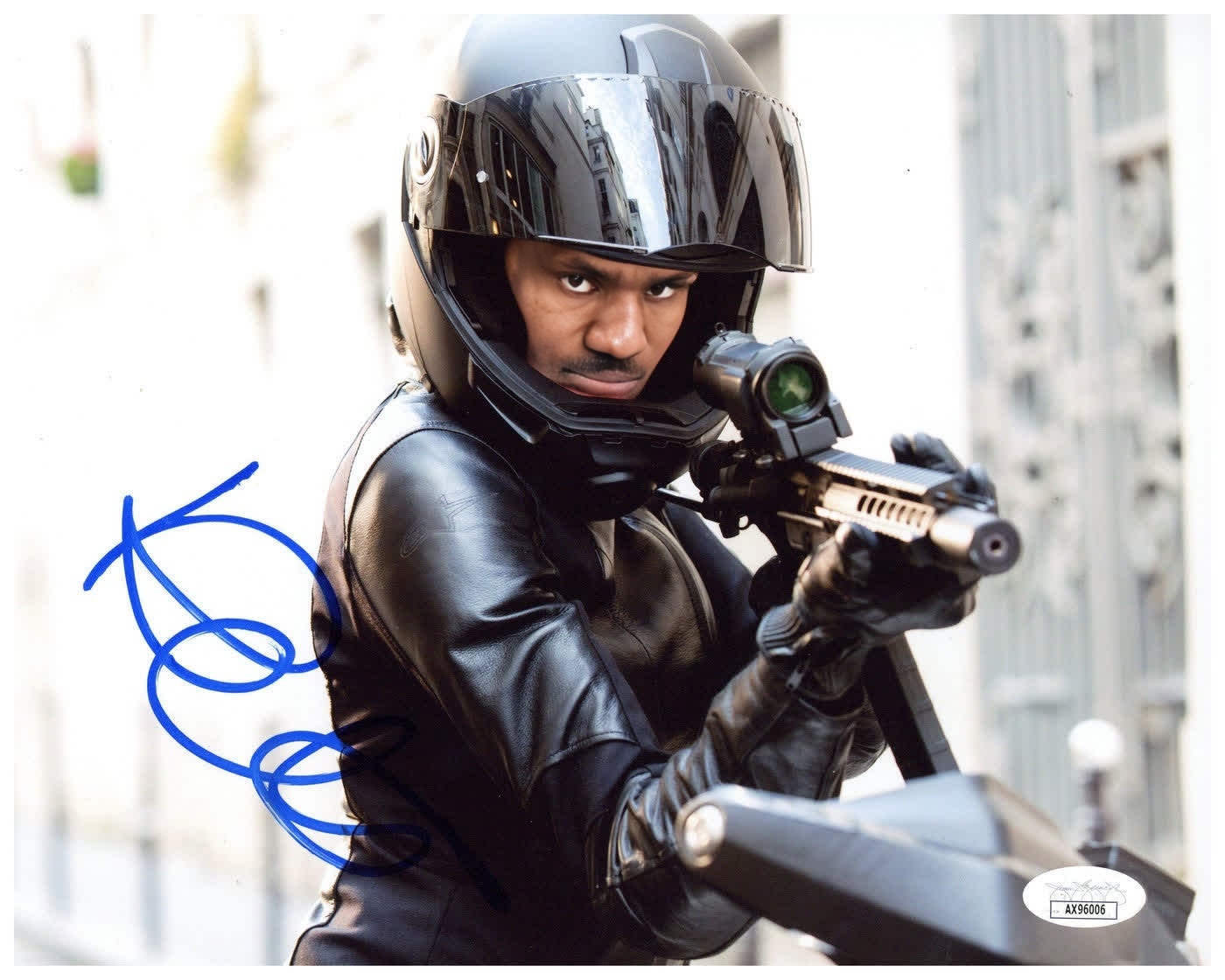
Rebecca Ferguson Mission Impossible Fallout Portrait
- Image
- 1400 × 1120 px
Any aspect ratio
Overview
The Rebecca Ferguson Mission Impossible Fallout Portrait template allows you to step into the action by swapping faces in iconic scenes from the film. This approach merges your likeness with Rebecca Ferguson's role, providing a unique opportunity to experience cinematic storytelling from a personal perspective.
What It Does
This Video Face Swap template meticulously maps your face onto Rebecca Ferguson's in selected scenes of Mission Impossible Fallout. It uses advanced facial recognition algorithms to ensure that lighting, angles, and expressions match seamlessly for a convincing visual output. Download the final video in standard video formats like MP4 or MOV for easy sharing and enjoyment.
Who It's For
This template is ideal for movie enthusiasts, creators, and marketers looking to engage audiences with personalized content. It's perfect for anyone interested in creating entertaining social media content, personalized movie scenes, or even promotional videos that capture attention with a recognizable movie setting.
Summary
With the Rebecca Ferguson Mission Impossible Fallout Portrait template, you can bring any video project to life with custom scenes from a blockbuster film. By utilizing the precise capabilities of our AI Video Generator, you can create immersive content that stands out, whether for personal use or marketing strategies.
How to
Choose the Template

Customize Your Inputs

Generate and Export

Use Cases
Social Media Adventures
- Create engaging posts for Instagram and TikTok.
- Boost interactive content on Facebook and YouTube.
Promotional Videos
- Enhance personalized advertising content.
- Develop unique brand storytelling angles.
Personalized Gifting
- Surprise loved ones with a starring role in their favorite scenes.
- Create memorable birthday or holiday gifts.
Best Practices
Choose High-Quality Inputs
Use high-resolution images or footage for both your face and the video clip. This ensures that facial details are captured accurately during the swap.Align Expressions
Match the expressions and angles in your input photo with those in the movie scene for a more realistic integration.Optimize Settings
Leverage enhancements in the AI Video Extender to improve video length and clarity for extended projects.