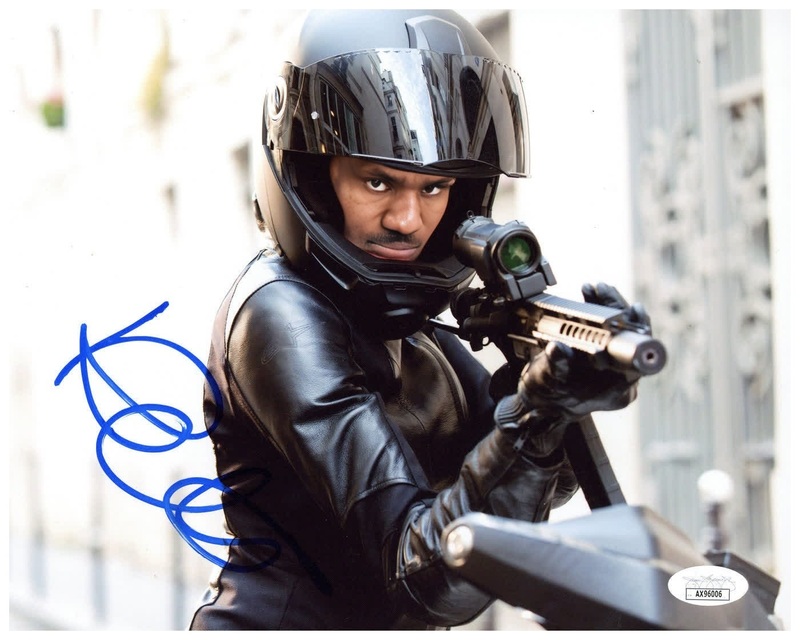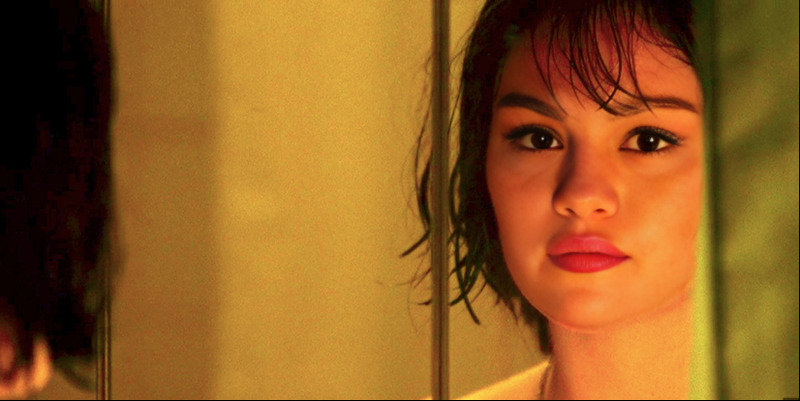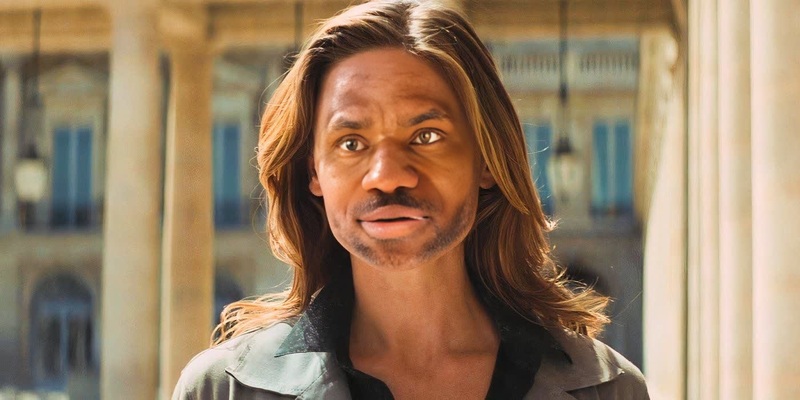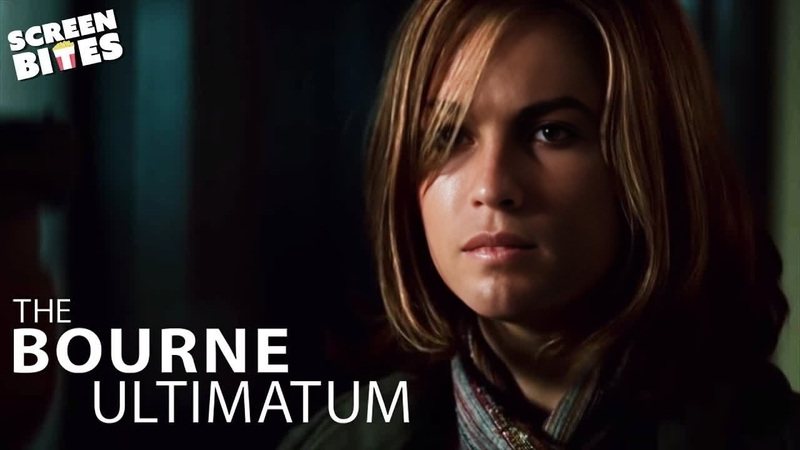
Max Mikkelsen Kari Mission Impossible
- Image
- 1104 × 1472 px
Any aspect ratio
Overview
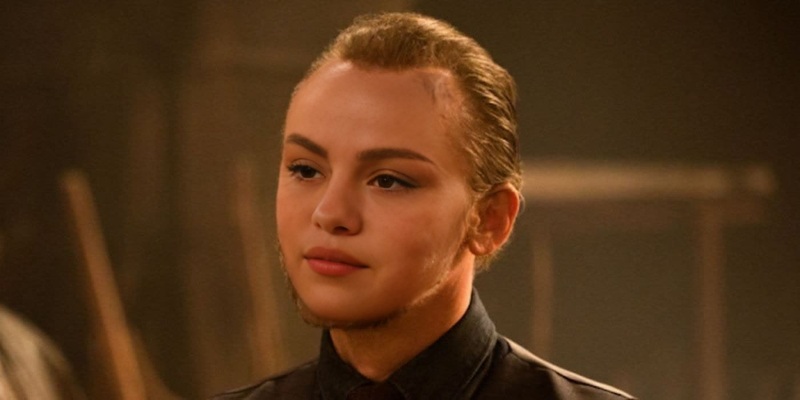
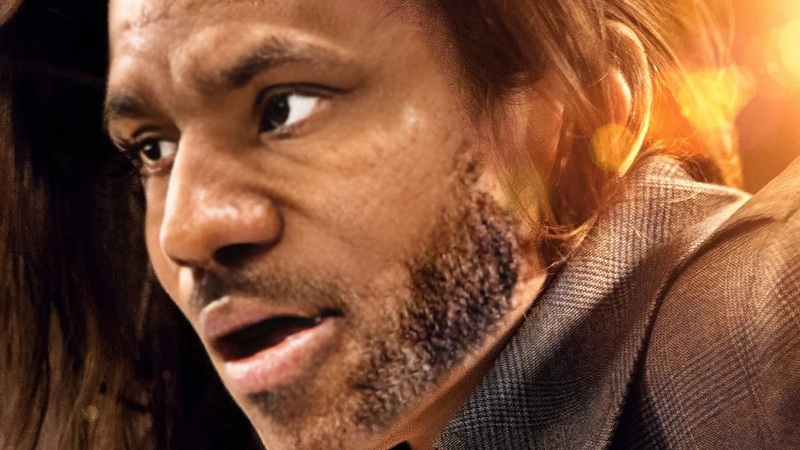
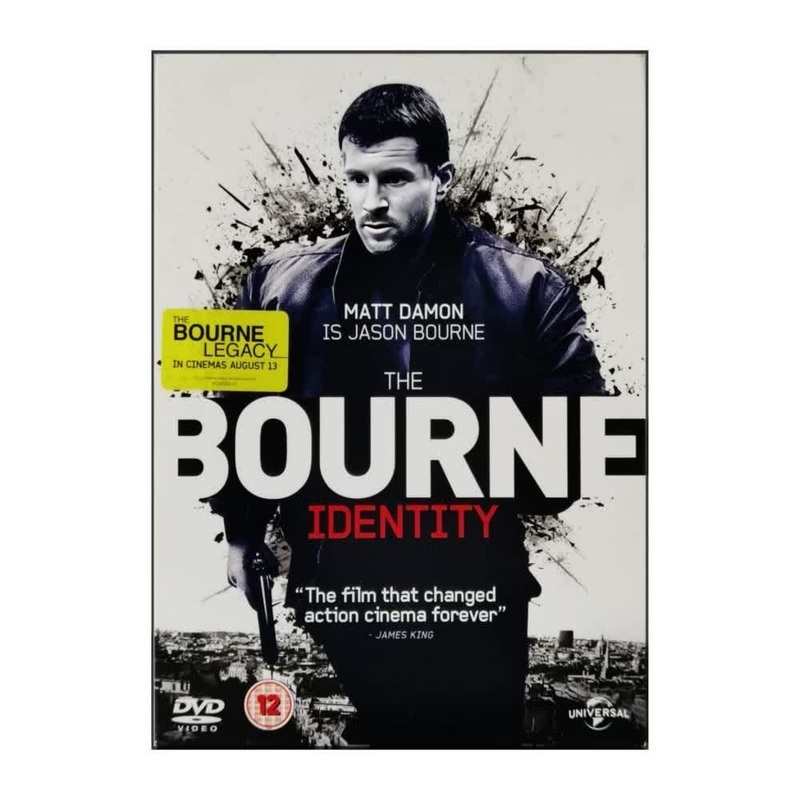
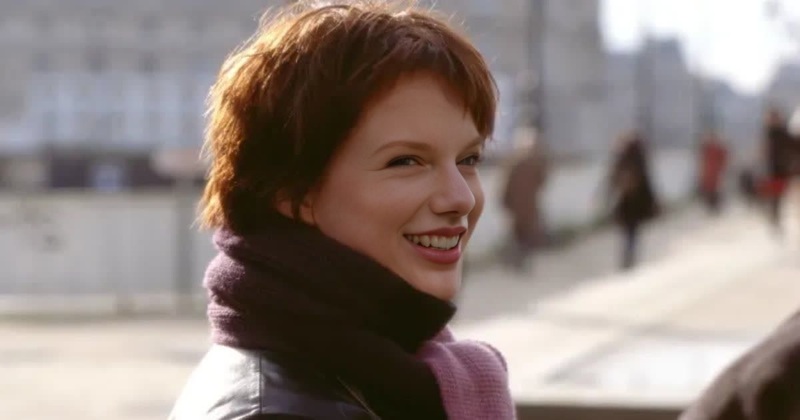
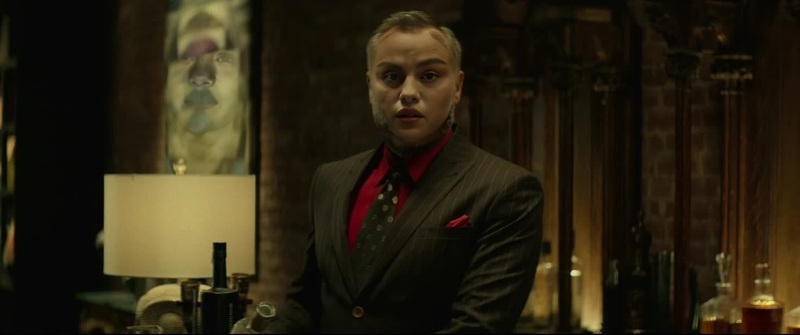
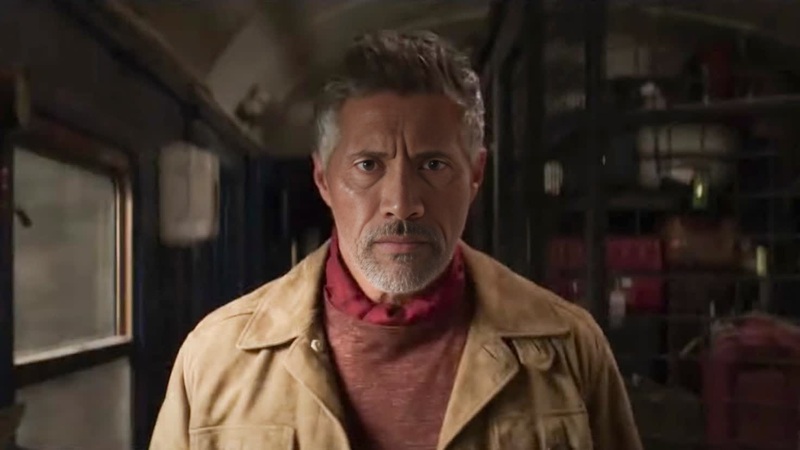
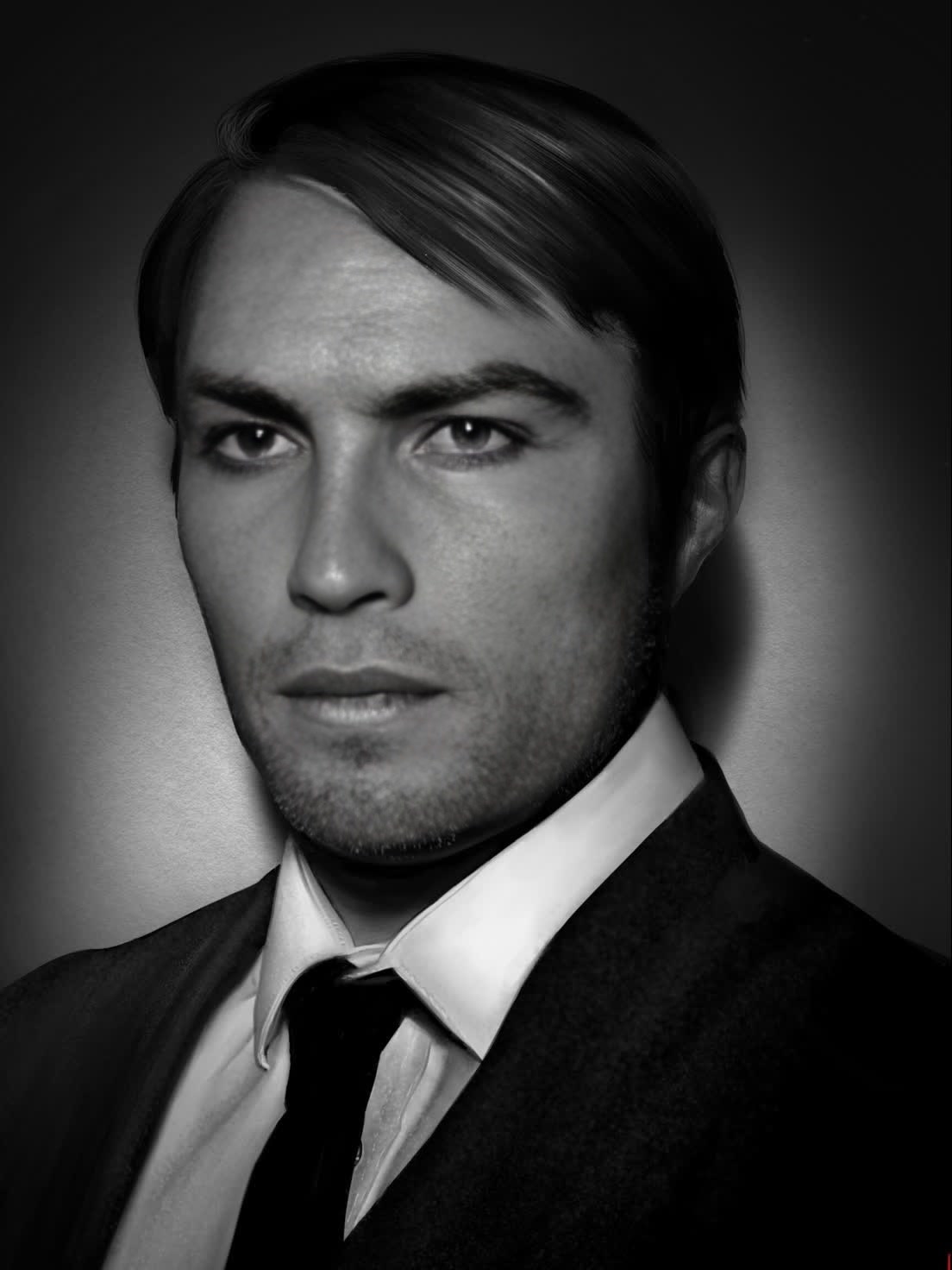
Dive into the thrilling world of espionage with the Max Mikkelsen Kari Mission Impossible video template. This Video Face Swap template allows users to seamlessly integrate their faces into action-packed scenarios, inspired by the Mission Impossible series.
What It Does
This template replaces existing faces in the video with your chosen ones, creating a personalized action scene. Using sophisticated algorithms, it maps and adjusts facial expressions to fit seamlessly into each frame. This results in a natural and realistic transformation suitable for both personal and professional projects.
Who It's For
Perfect for filmmakers, social media influencers, and content creators looking to add a unique touch to their videos. It's also fantastic for fans of the Mission Impossible series who want to appear in their own high-stakes adventure. Educational institutions can use it to spice up storytelling and media projects.
Summary
With the Max Mikkelsen Kari Mission Impossible template, you can turn any video into a dynamic, personalized experience. This template is part of our extensive video tools selection, including products like the AI Video Generator and Video to Video transformation tools.
How To
Choose Your Template

Customize Your Inputs

Generate Your Video

Use Cases
Film and Video Production
- Create unique short films
- Design promotional content
- Personalize tutorial videos
Social Media Content
- Boost engagement with interactive stories
- Share funny or inspiring personal moments
- Utilize in viral social challenges
Training and Education
- Incorporate into multimedia storytelling projects
- Use in language learning through role-play
- Create captivating history re-enactments
Best Practices
Choose High-Quality Source Material
Ensure that the source video clips are of high resolution for best results. Use clear, front-facing photos for face swaps.Match Lighting and Angles
Select images with similar lighting and angles to the original video for seamless and realistic output.Experiment with Settings
Take advantage of various customization options to align the face swap effect with your specific branding or storytelling needs.
Frequently asked questions
More Like This