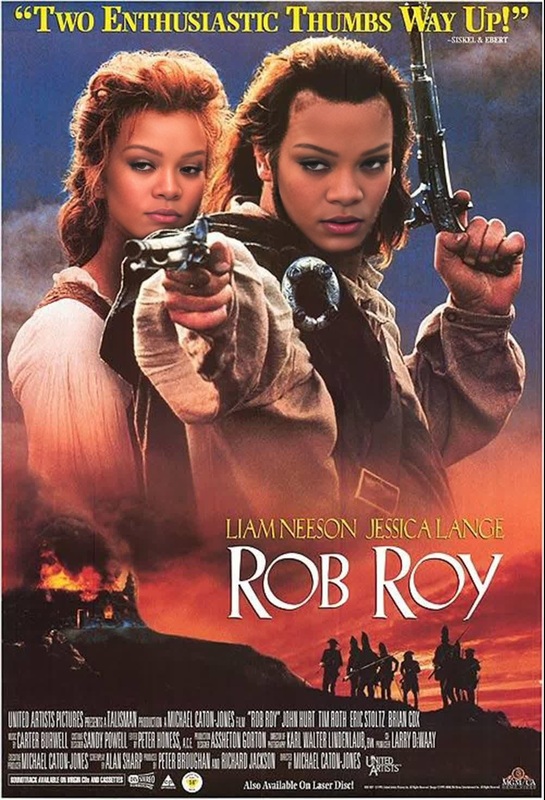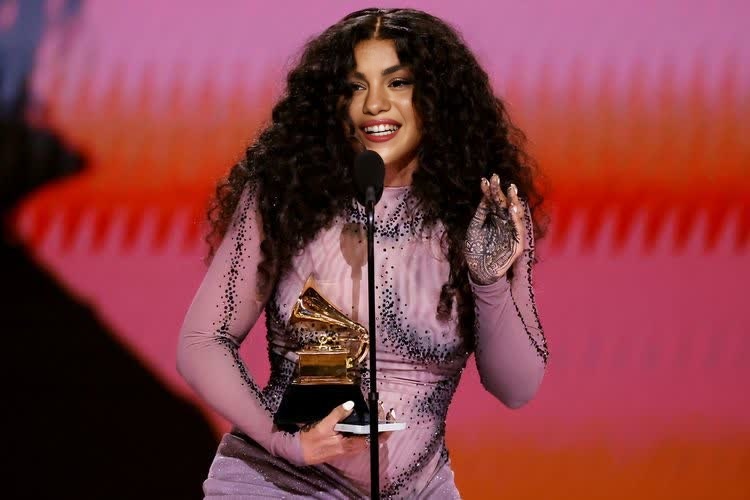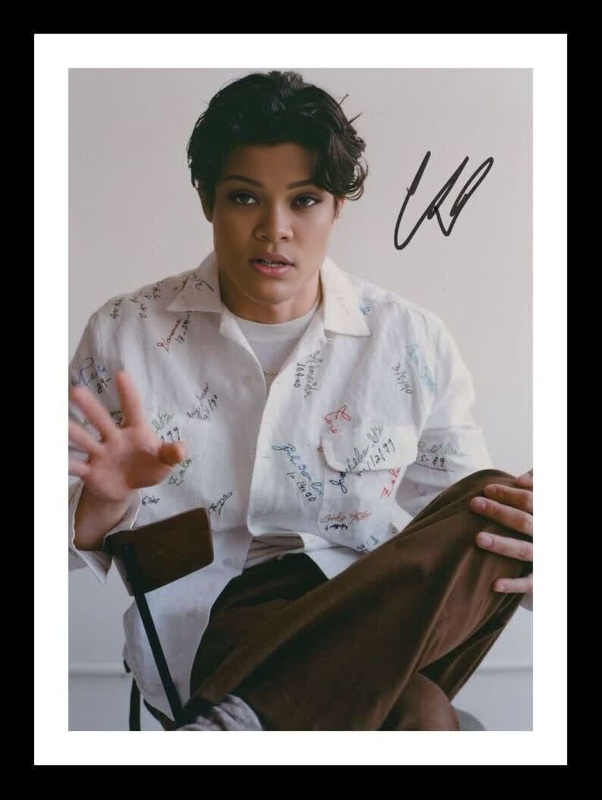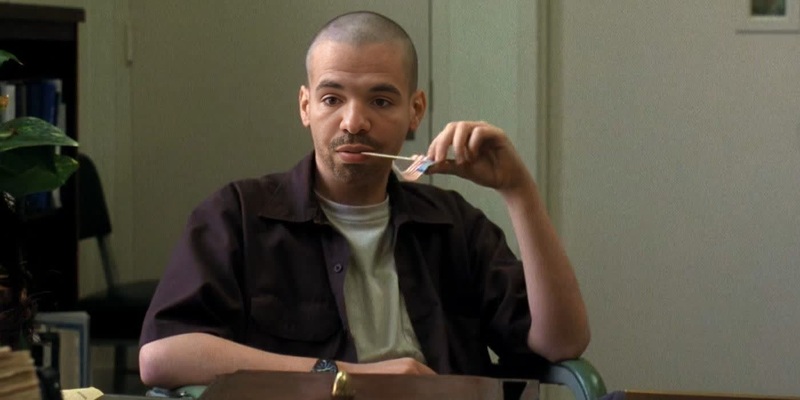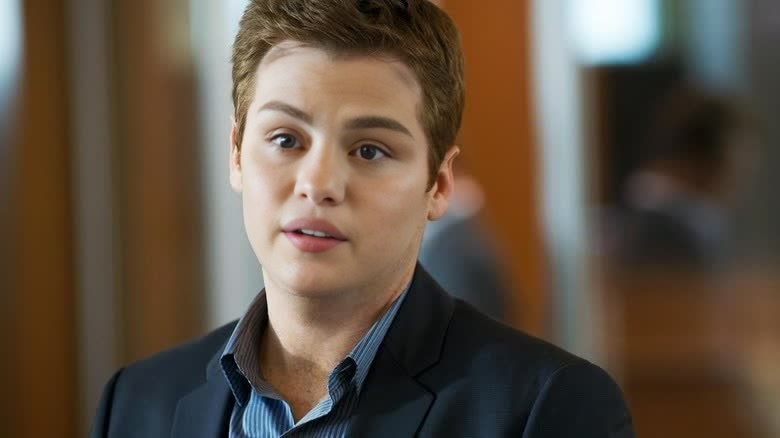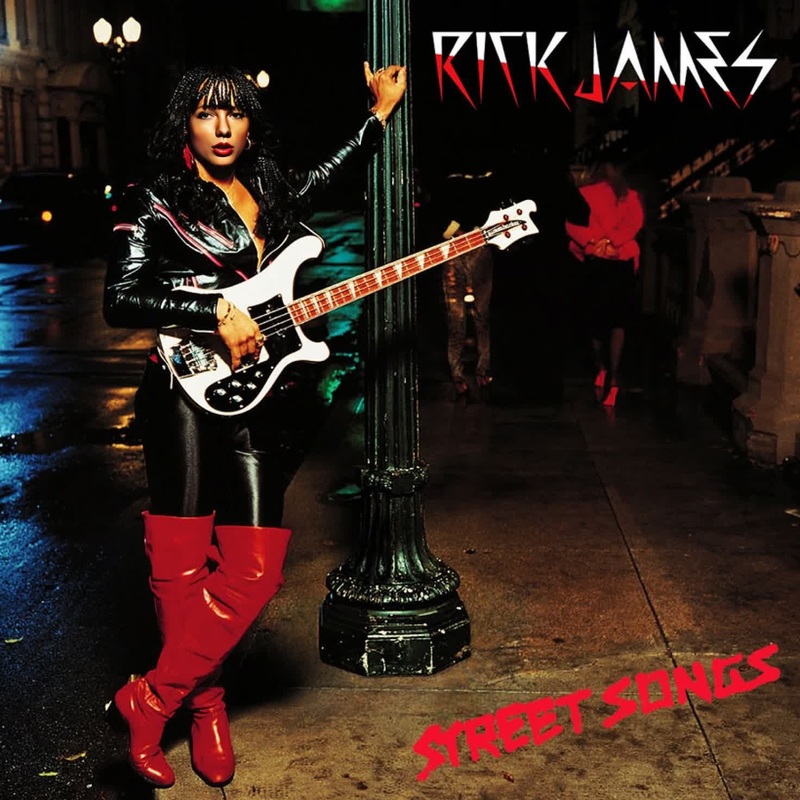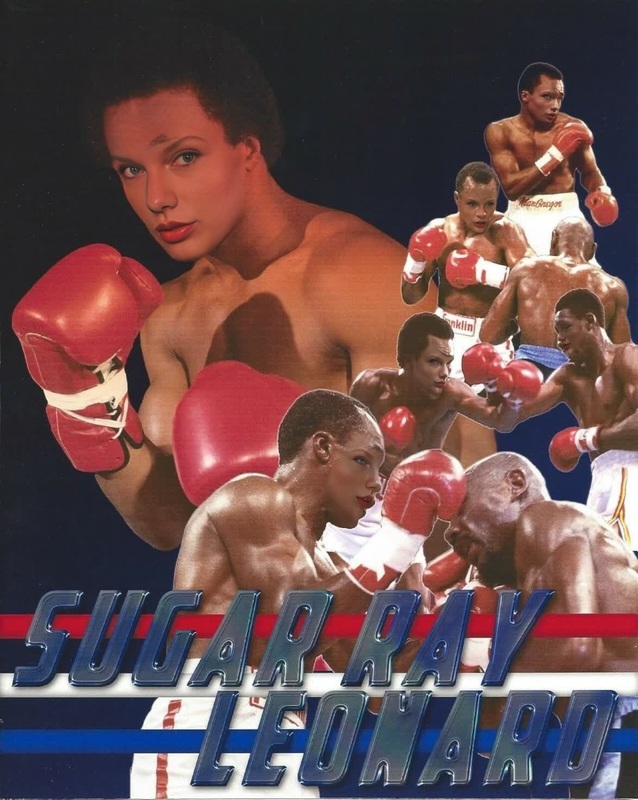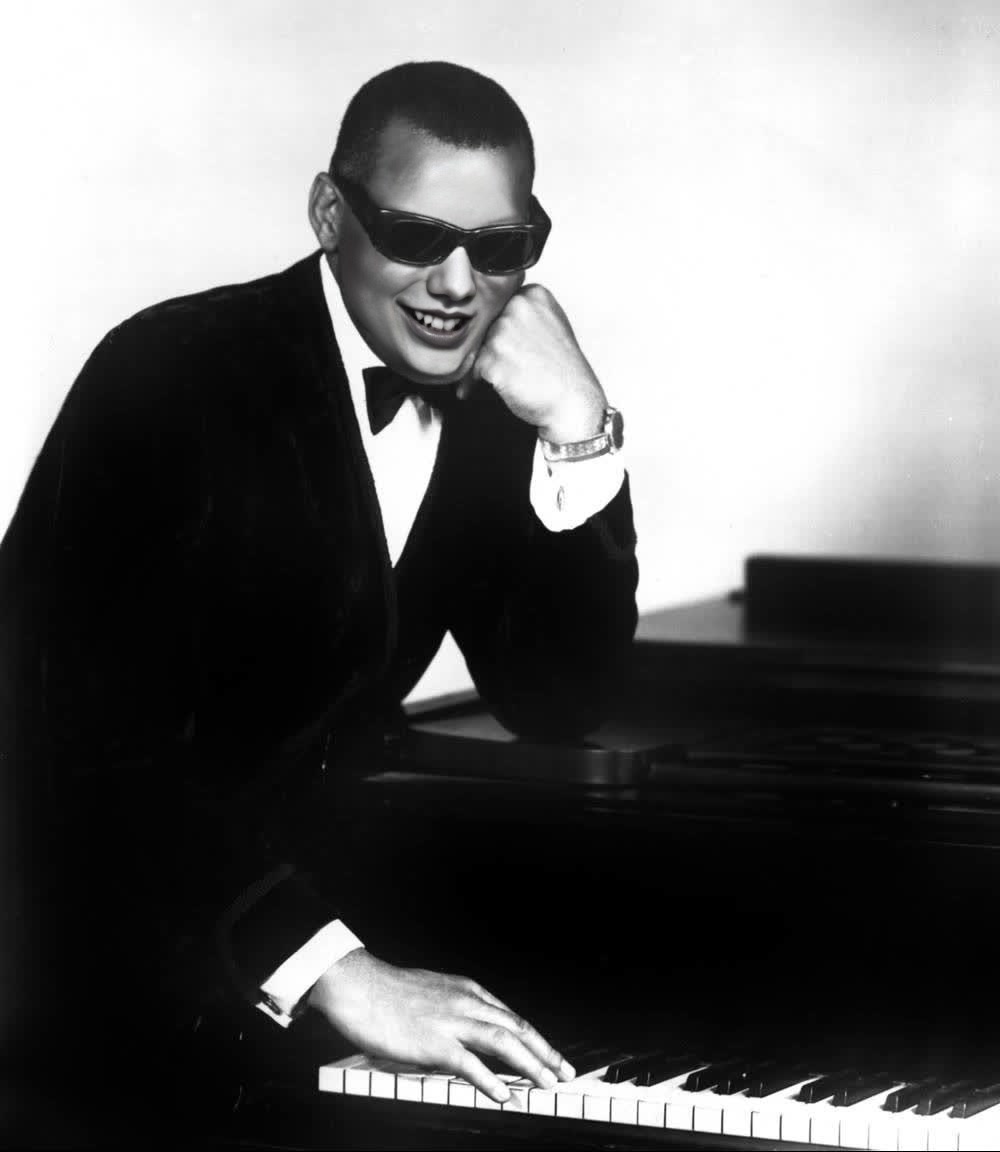
Ray Charles Ray Portrait
- Image
- 1000 × 1152 px
Any aspect ratio
Overview
Transform your videos by swapping any face with the iconic Ray Charles using the Ray Charles Ray Portrait template. This user-friendly tool allows you to create compelling and entertaining content, ideal for social media posts or personal projects.
What It Does
The template leverages AI to perform Video Face Swap operations that replace faces in your video clips with those of Ray Charles. By using this template, you maintain the original video quality while adding a creative twist.
It's designed to seamlessly integrate with any content that could benefit from a humorous or musical angle. Perfect for creators looking to enrich their social media presence or enhance their entertainment portfolio.
Who It's For
This template is perfect for content creators, digital marketers, and entertainers who need to produce engaging and comedic material. Whether you're preparing a quirky promo video, an eye-catching social media post, or a humorous segment, the AI Video Generator aids in delivering top-tier content.
Additionally, those working in marketing or entertainment industries can benefit greatly from the template's ease of use and high quality output.
Summary
The Ray Charles Ray Portrait template offers a straightforward way to enhance video content with a touch of celebrity humor. It's an ideal tool for those who want to stand out with unique, viewer-friendly content using AI Talking Photo technologies.
How-To
Choose the Template

Customize Your Inputs

Generate and Download

Use Cases
Social Media Content
Entertainment Projects
Marketing Material
Best Practices
Ensure High-Quality Inputs
To achieve the best results, use high-resolution source videos. This elevates the final output's quality, making the face swap appear more natural.Check Video Timing
Align the template for key performance scenes to ensure the Ray Charles features sync well with the music or dialogue present in your video.Preview Before Finalizing
Take advantage of the preview option to make any necessary adjustments before generating the final file, ensuring perfection in every frame.