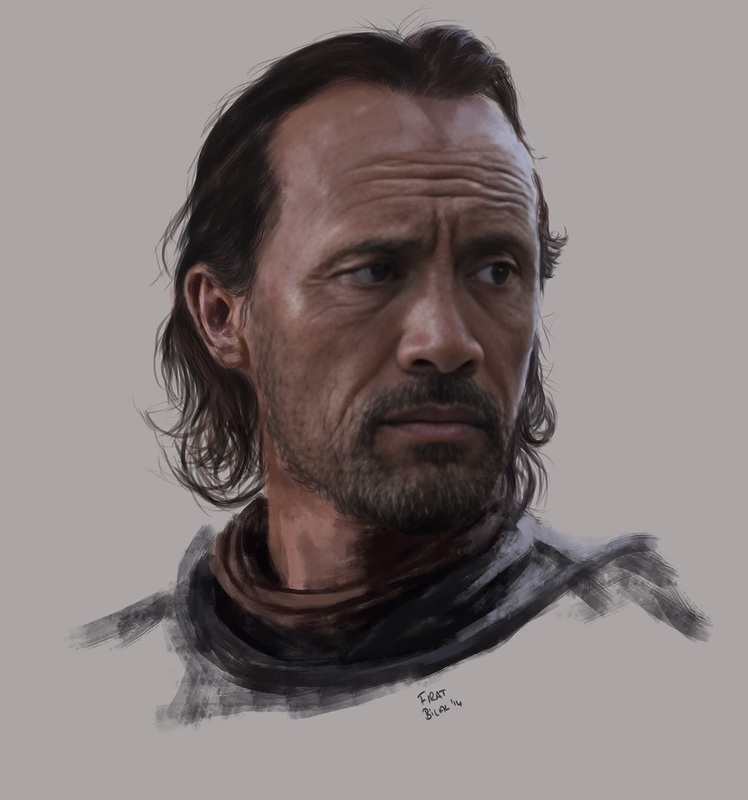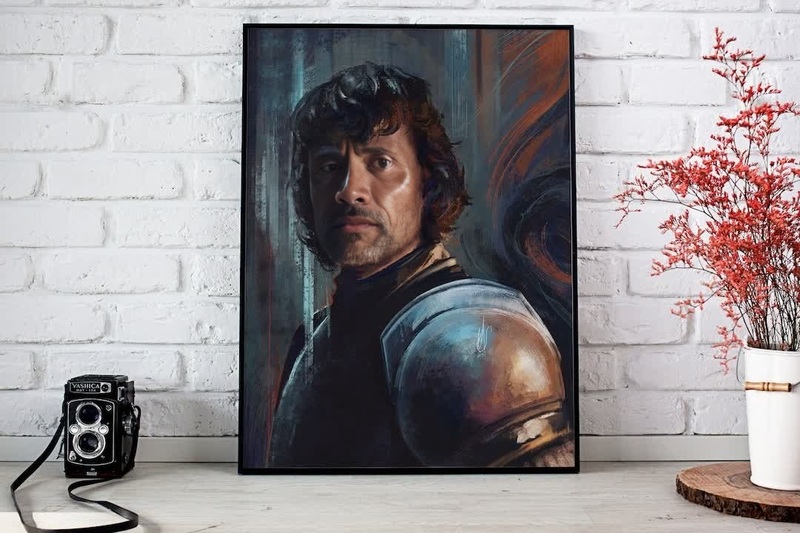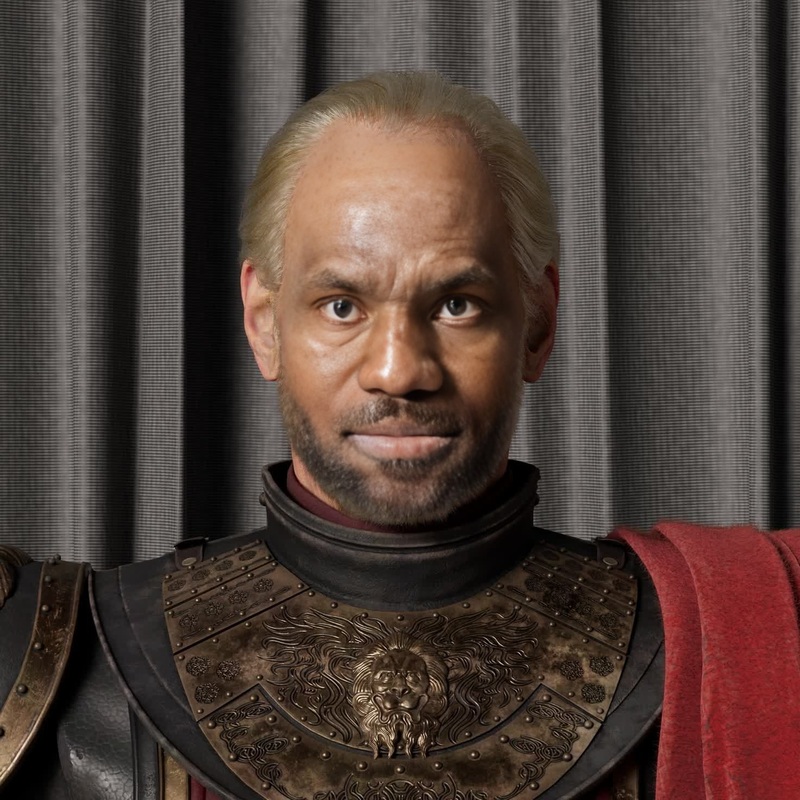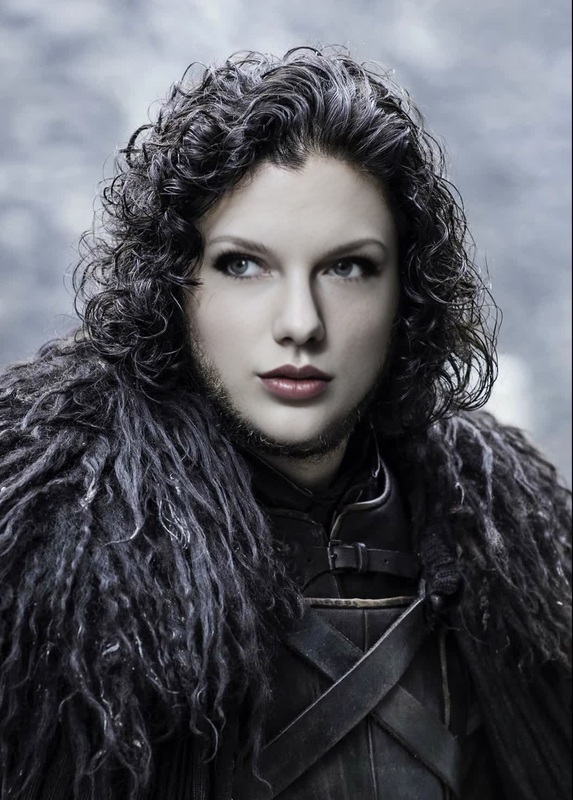
Ramsay Bolton Game Of Thrones
- Image
- 622 × 1012 px
Any aspect ratio
Overview
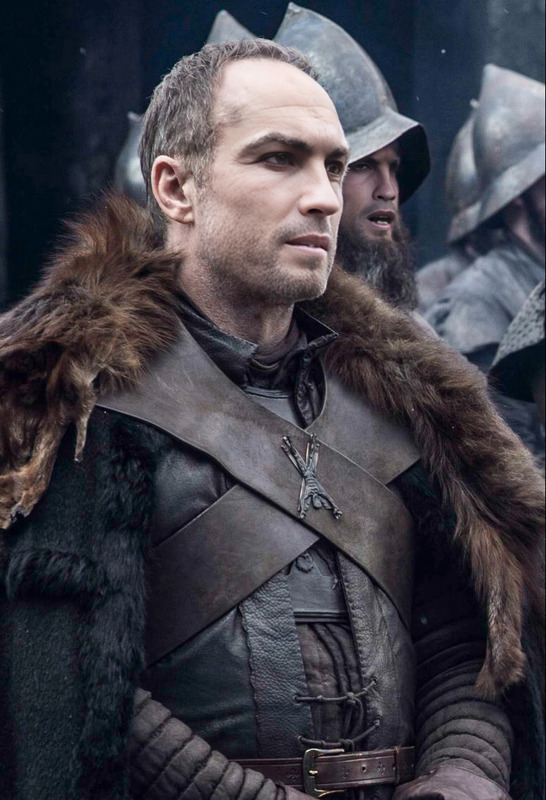
Step into the shoes of Ramsay Bolton, the fearsome character from Game of Thrones, with our Video Face Swap template. This tool allows you to swap your face onto Ramsay's body in iconic scenes, creating a believable transformation that captures the character's essence.
What It Does
The Ramsay Bolton Video Face Swap template utilizes advanced AI technology to seamlessly overlay your facial features onto scenes of this iconic Game of Thrones villain. You can create videos that maintain the original cinematic quality while showcasing your unique expressions intertwined with Ramsay Bolton's persona.
Not only does it focus on realistic facial alignment and expression matching, but it also preserves the scene's lighting and environment, ensuring high-quality results.
Who It's For
This template is ideal for Game of Thrones enthusiasts looking to bring a touch of villainy to their content. It's also a fantastic tool for content creators who produce themed entertainment videos, such as parody channels or fan remixes, and for marketers referencing pop culture in creative campaigns.
Summary
Transforming into Ramsay Bolton is just a video away with our Video Face Swap template. With easy customization options and top-notch face overlay technology, you can create videos that excite and engage your audience. Explore other transformation tools like the Face Swap, or enhance images before your swap with the AI Image Editor. For beyond-imaginative creations, check out our Character Replace product that lets you go beyond face swapping.
How To
Choose the Template

Customize Your Scene

Generate Your Video

Use Cases
Fan Tribute Videos
- Add your face to key Ramsay Bolton moments
- Use for personal enjoyment or fan communities
Social Media Engagement
- Perfect for TikTok, Instagram Reels
Themed Event Promotions
- Premiere related events
- Leverage Ramsay Bolton’s popularity
Best Practices
Choose High-Quality Images
Ensure your face photo is well-lit and clear for the best overlay quality.Match Facial Expressions
Align your facial expression in the photo with Ramsay's to enhance realism.Test Various Angles
Upload different photo angles to see which one fits best with the video scene.