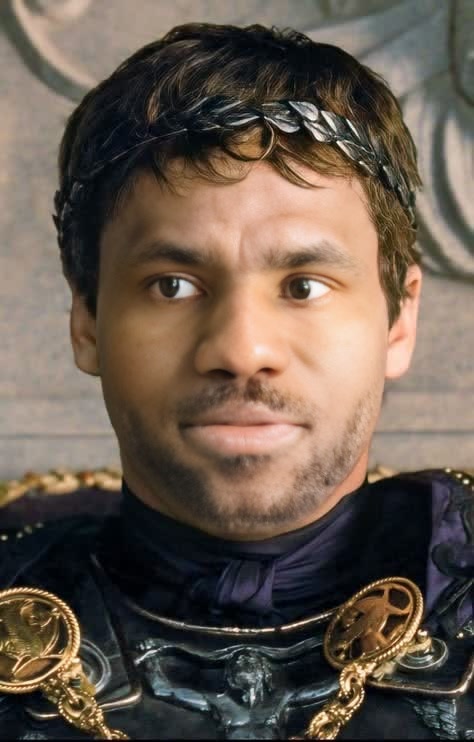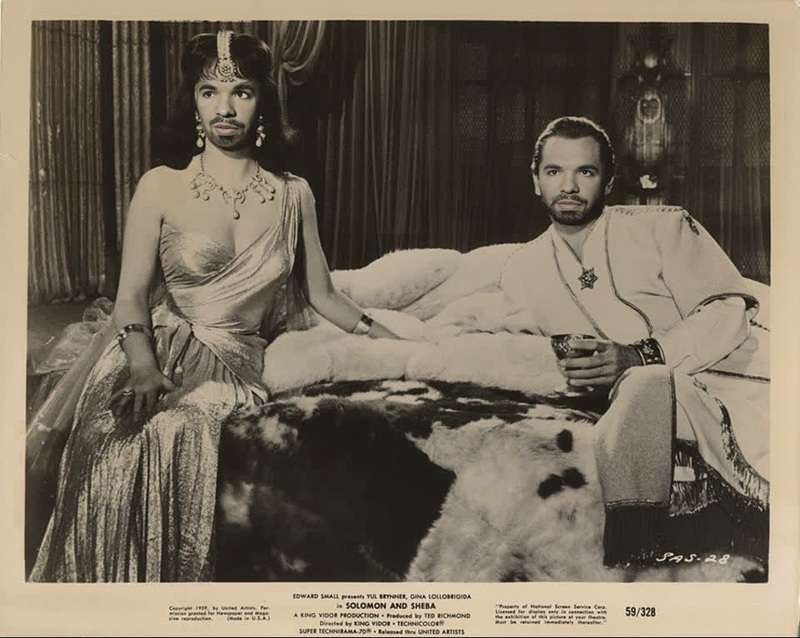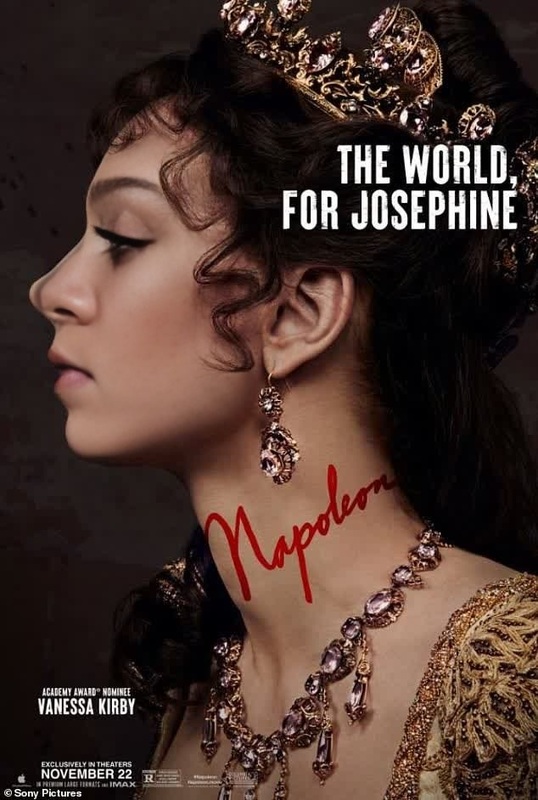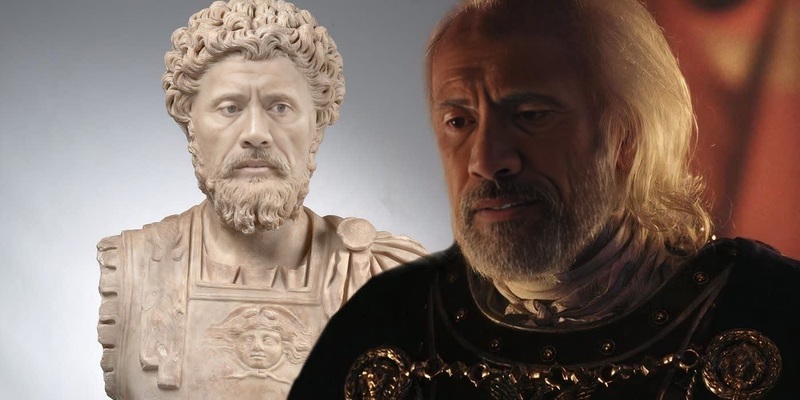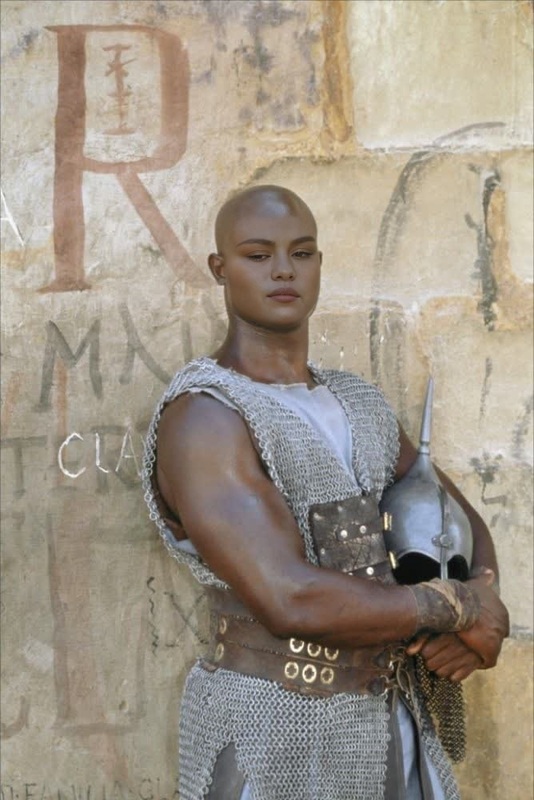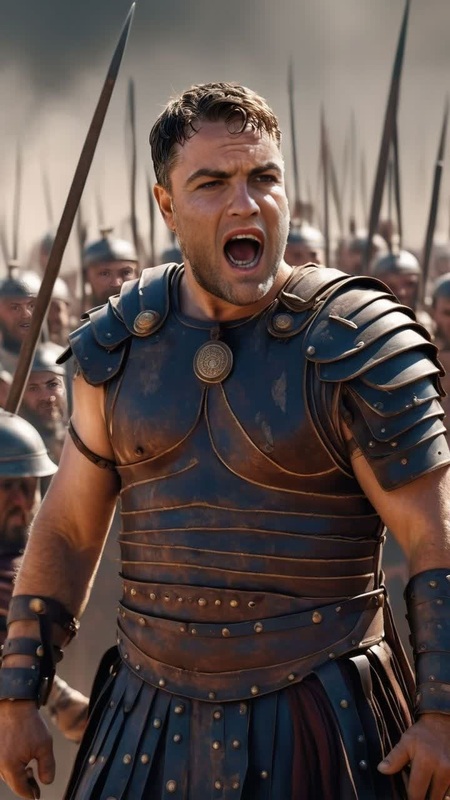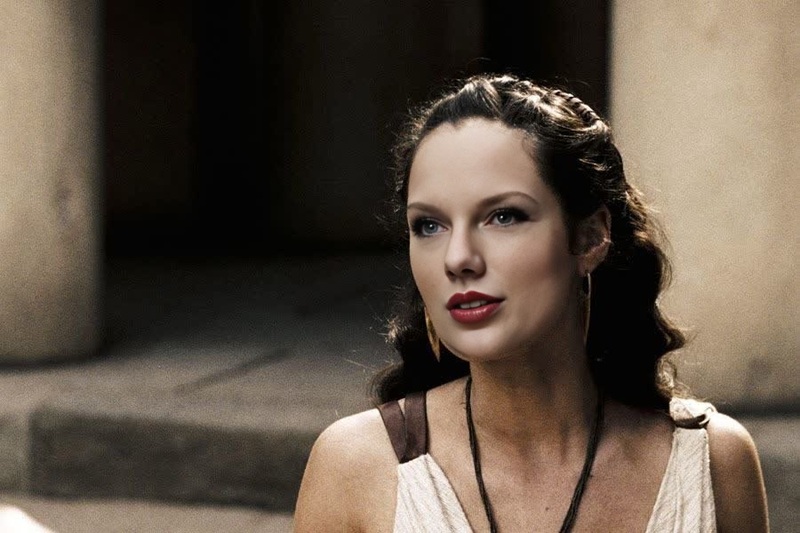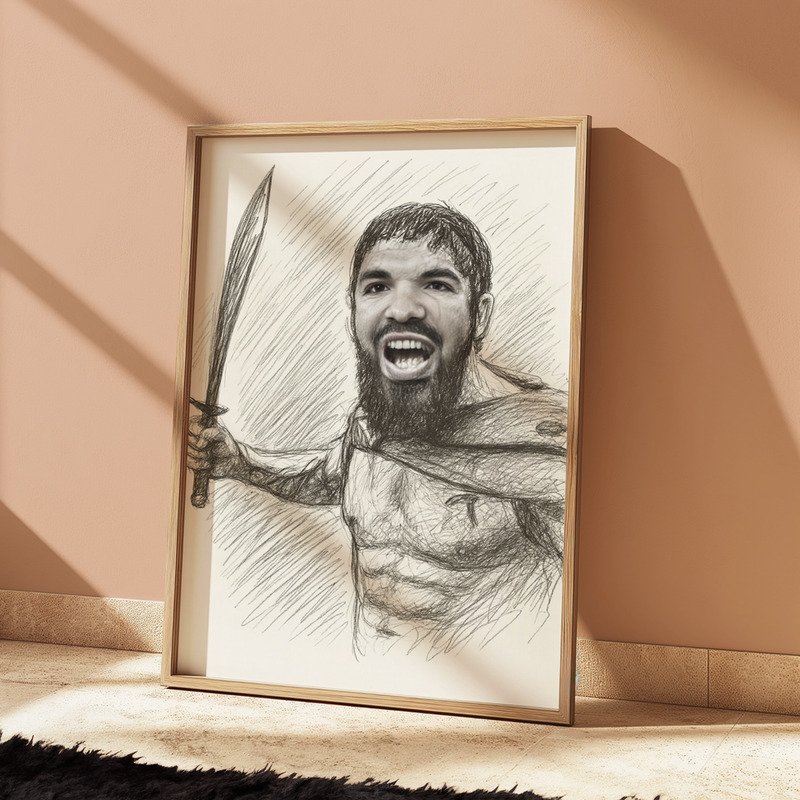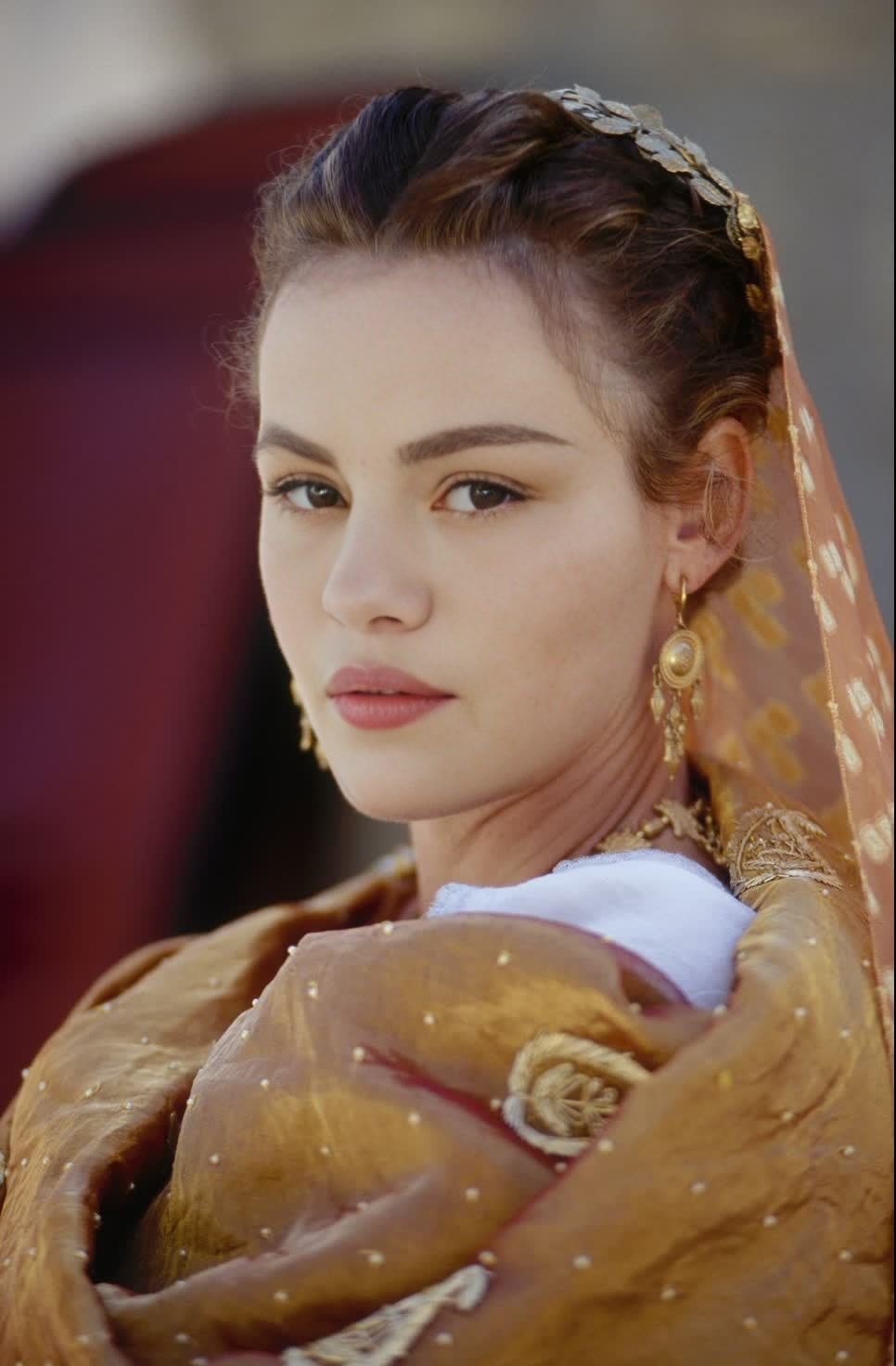
Lucilla Gladiator Film Portrait
- Image
- 966 × 1472 px
Any aspect ratio
Overview
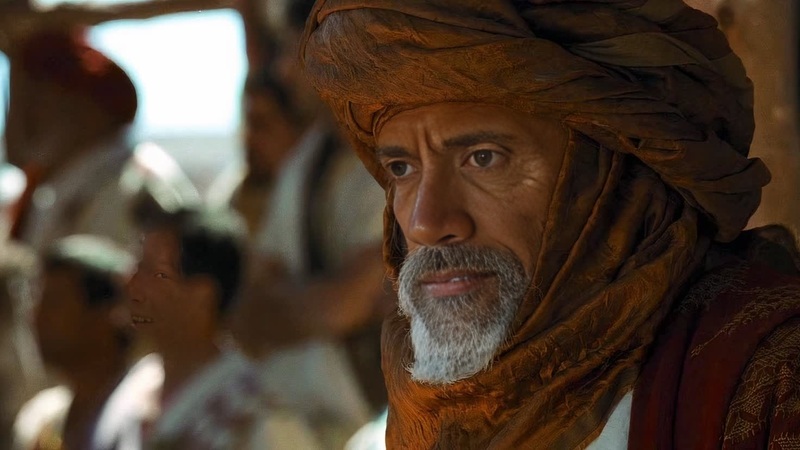
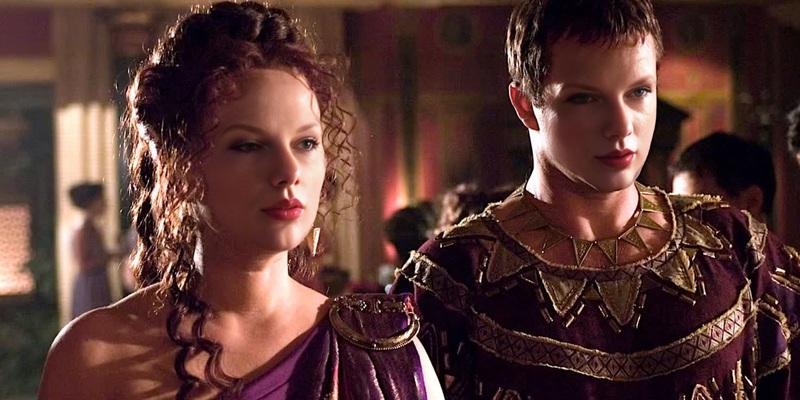
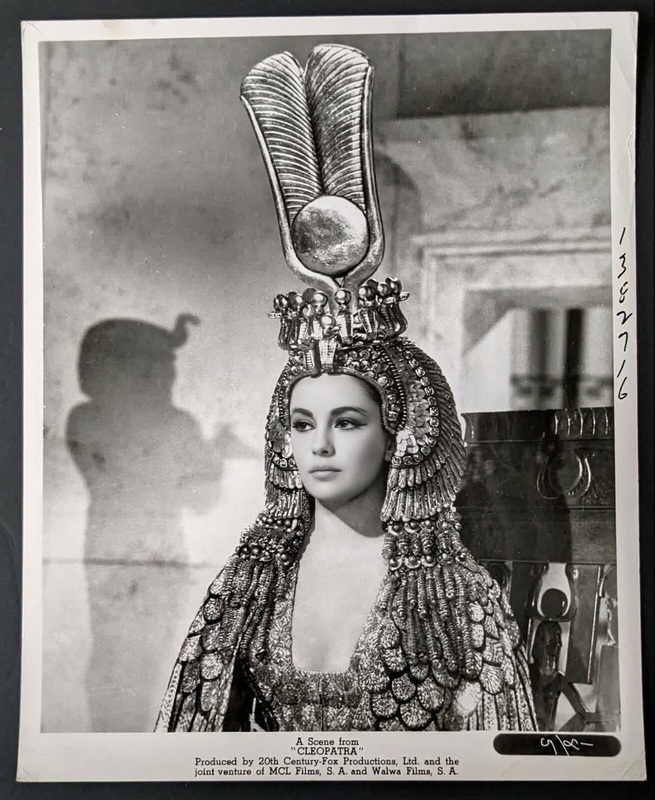
Step into ancient Rome by transforming yourself into Lucilla from the famous Gladiator movie using our Video Face Swap template. This tool allows you to create a personalized cinematic experience by placing your face into iconic film scenes.
What It Does
This template makes it easy to swap your face with Lucilla's in classic scenes from the Gladiator film. Utilizing advanced AI technology, it seamlessly integrates your facial features, maintaining authenticity in expression and emotion. Ensure your studio is equipped with the best, like the Face Swap Video Product, allowing for stunningly realistic results every time.
Who It's For
The Lucilla Gladiator Film Portrait is perfect for movie buffs, social media content creators, and anyone interested in recreative filmmaking. Whether you're a digital storyteller or a history enthusiast, this tool lets you inject your personality into legendary film moments. To fully capitalize on such creative possibilities, consider complementing this with the AI Video Generator for additional scene development.
Summary
Our Video Face Swap template transports creators to the thrilling world of Gladiator, offering opportunities to reinvent movie narratives with personal touches. Perfect for educational demos, creative projects, or just fun, this tool stands out as a pathway to immersive storytelling. For further enhancements and creative liberties, pair this with the AI Course Generator to explore educational content creation.
How to Use
Choose Your Template

Customize Your Inputs

Generate Your Video

Use Cases
Social Media Content
- Enhance your TikTok or Instagram stories with film re-enactments
- Engage your audience through unique video narratives
Educational Resources
- Create compelling demos for classics like Gladiator
- Exemplify historical storytelling
Entertainment Events
- Enable live guests to star in iconic film scenes
- Provide a memorable event memento
Best Practices
Photo Selection
Choose a high-resolution image with similar lighting and angle to the original scene for the best results.Editing Balance
Adjust facial features settings to preserve the natural look and feel of the cinematic character.Complementary Tools
Use alongside the AI Image Editor to fine-tune facial details and maintain realistic facial expressions.
Frequently asked questions
More Like This