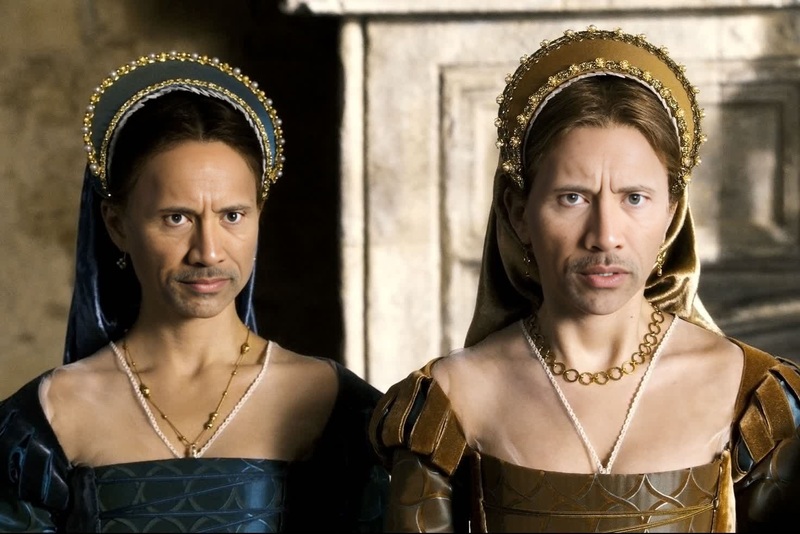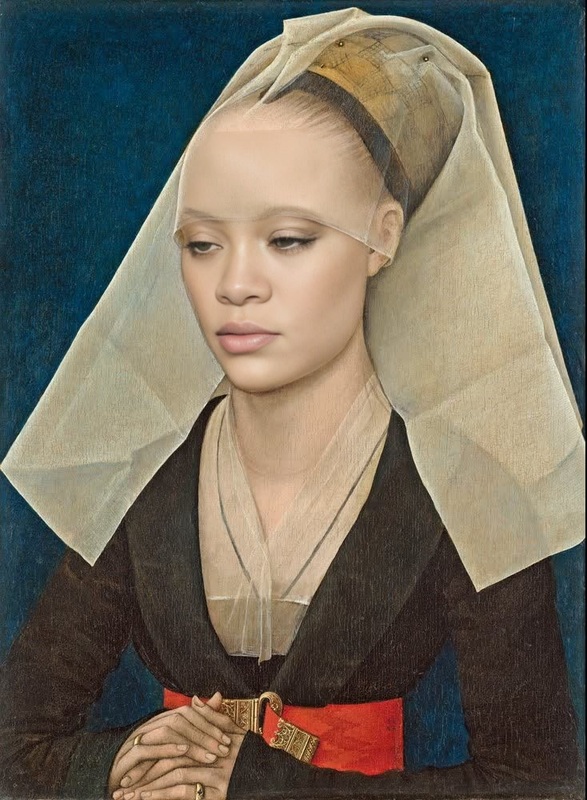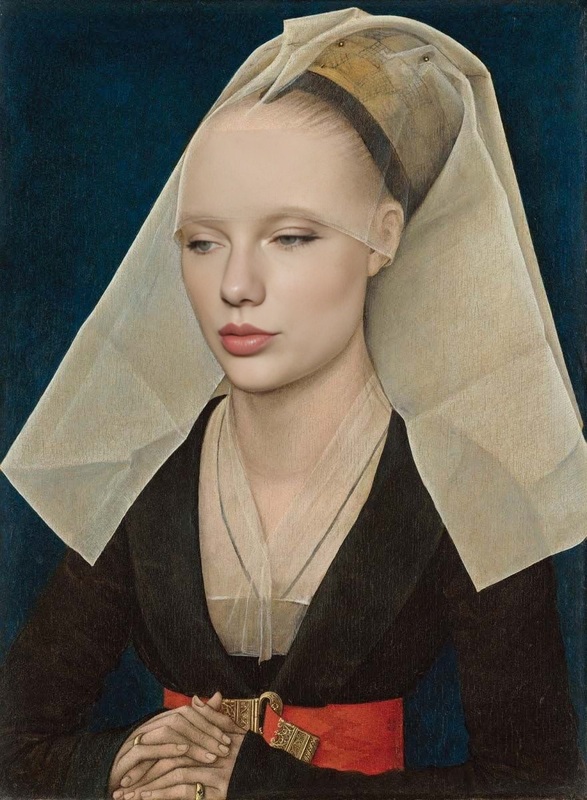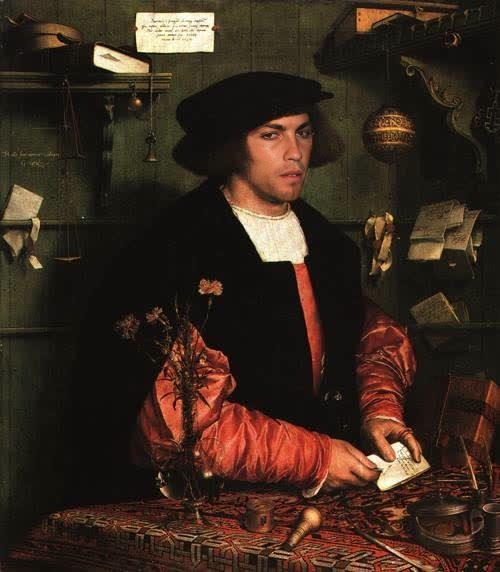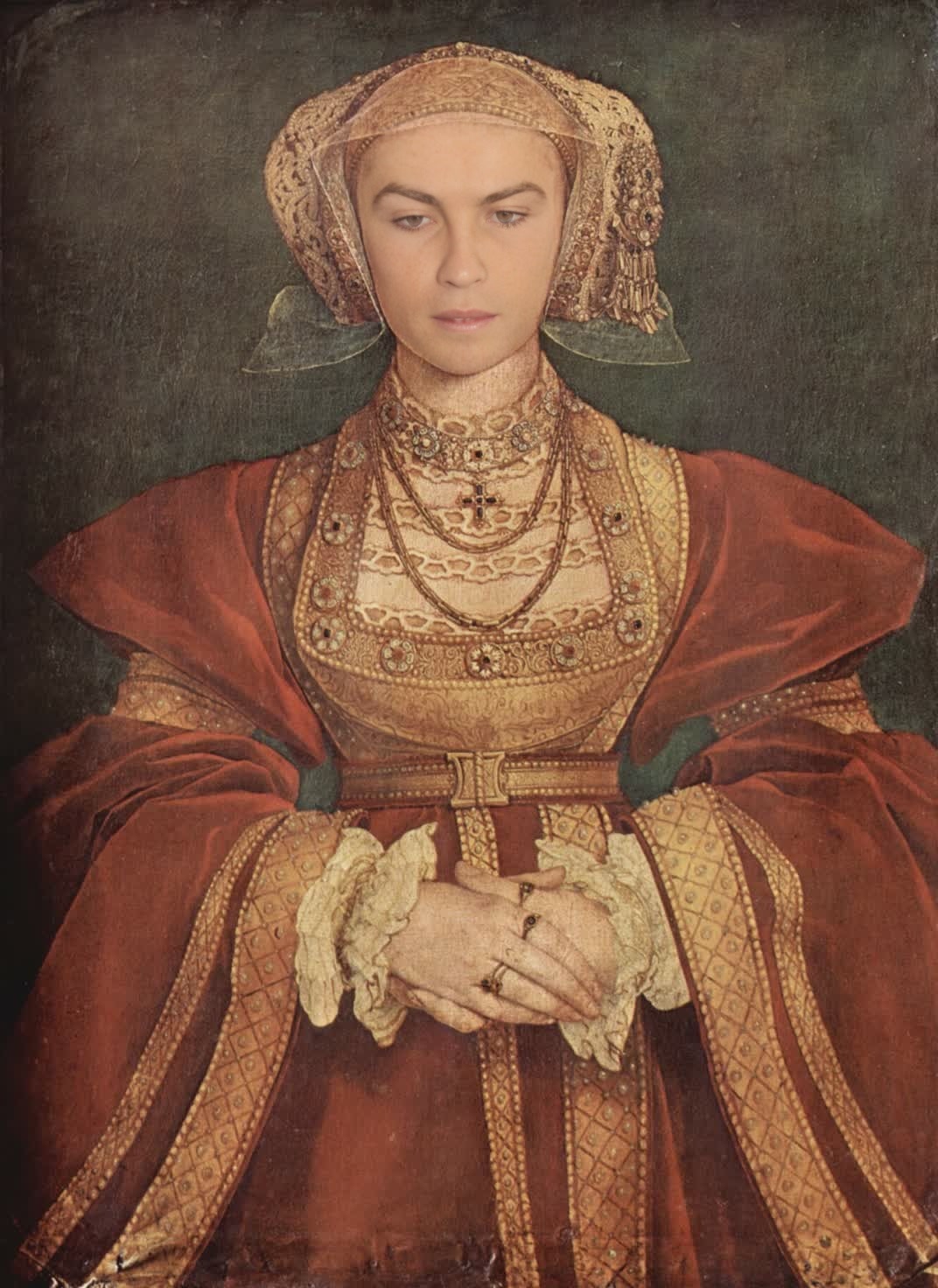
Portrait Of Anne Of Cleves Hans Holbein The Younger Oil Painting
- Image
- 1072 × 1472 px
Any aspect ratio
Overview
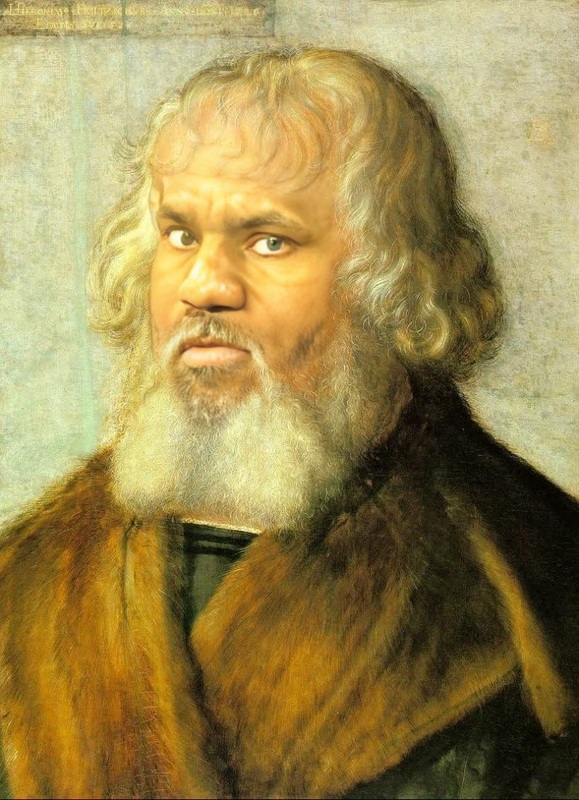
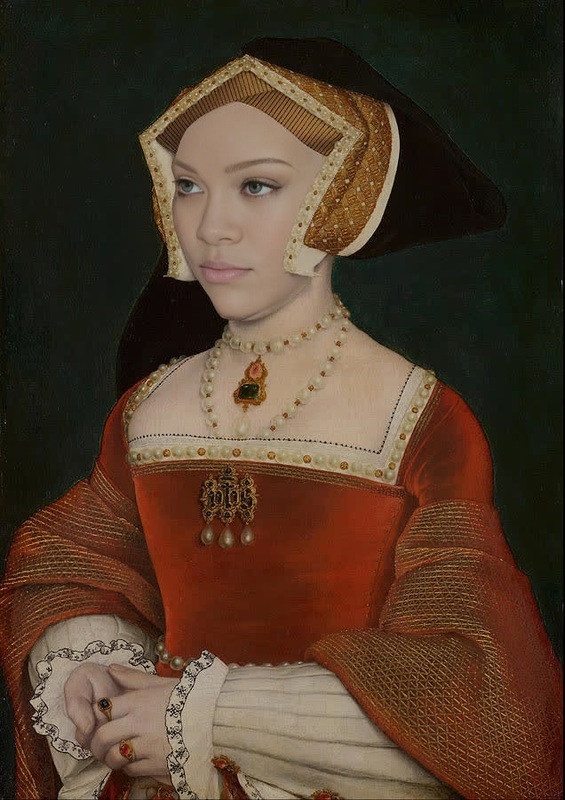
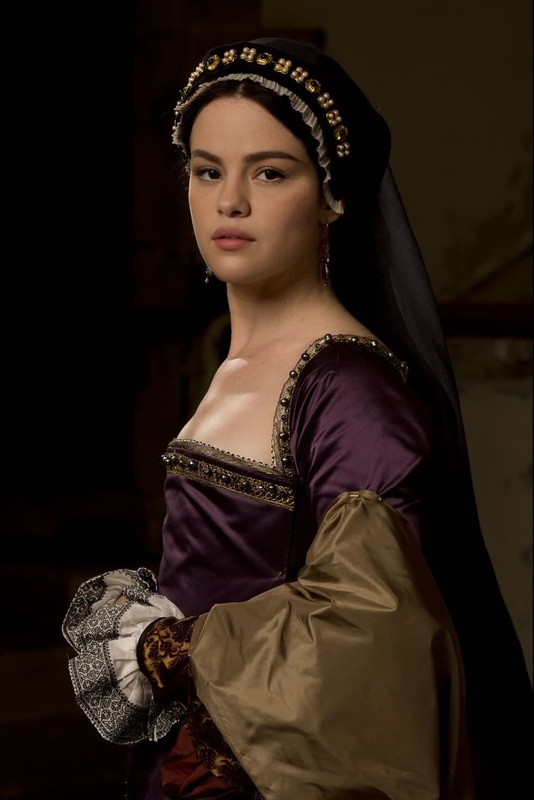
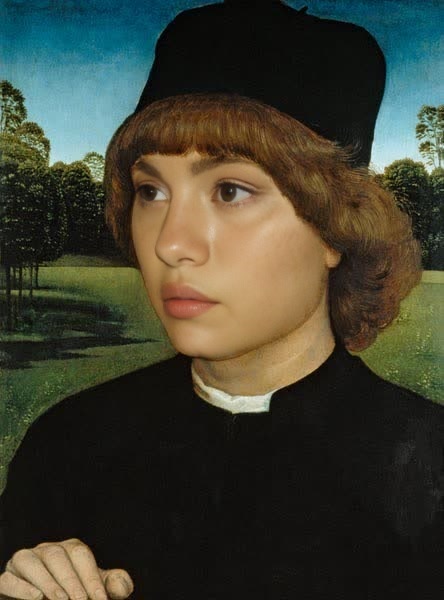
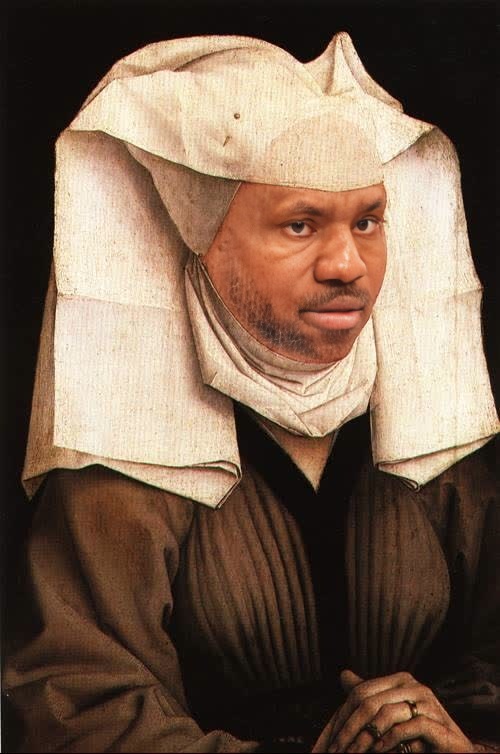
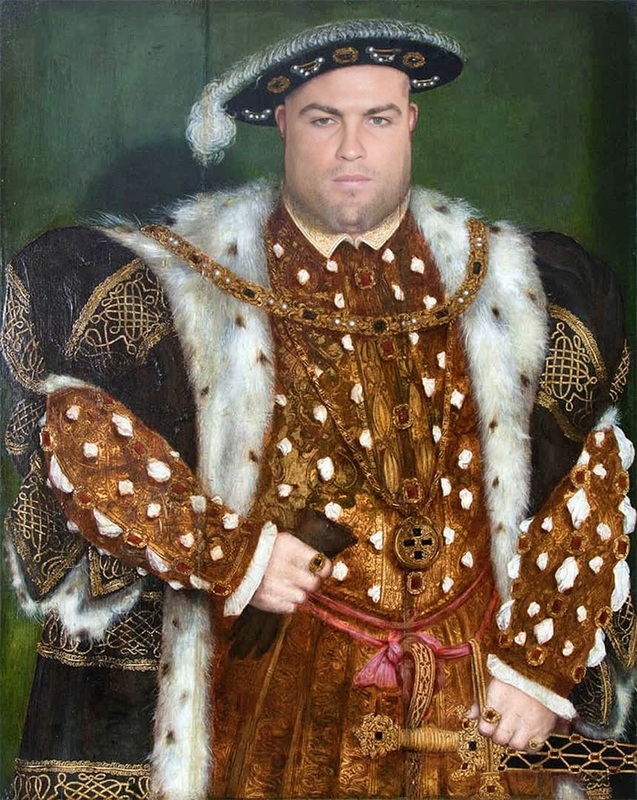
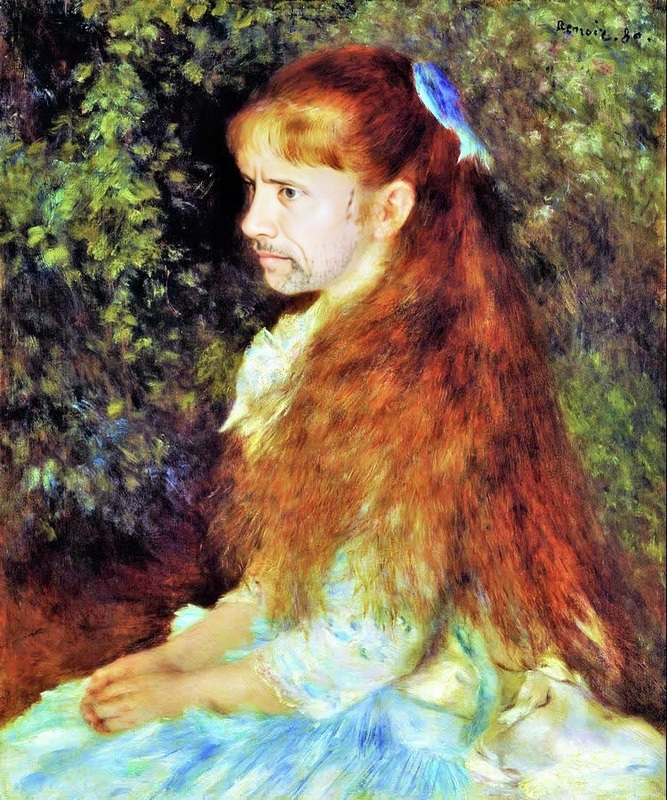
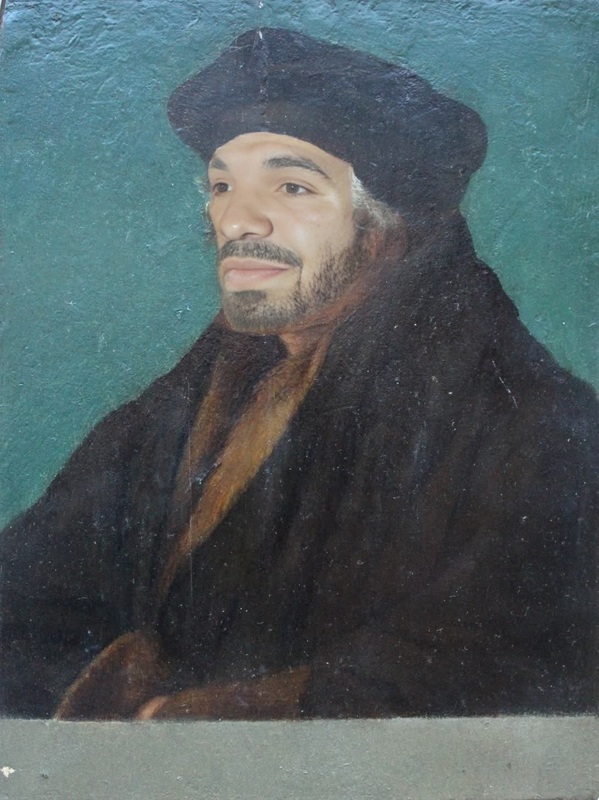
Step into the world of Renaissance art with the Portrait Of Anne Of Cleves Hans Holbein The Younger Oil Painting template. This Video Face Swap tool allows you to layer a classical oil painting aesthetic onto your videos, giving them an artistic transformation that stands out. Perfect for creators looking to blend historical art with modern video media.
What It Does
This template specifically focuses on transforming digital faces in your videos with the likeness found in the renowned portrait of Anne Of Cleves by Hans Holbein the Younger. By incorporating this classic artwork style into your videos, you leverage Magic Hour's Face Swap technology, allowing your footage to echo the grandeur of historical portraits. This process involves accurately mapping facial features from the video to the artwork style, ensuring a seamless transformation.
Who It's For
This template is perfect for content creators, filmmakers, and artists who wish to add an artistic flair to their projects. Educators and art enthusiasts can also use it to engage audiences in art history topics by presenting contemporary content within classical art contexts. With tools like the AI Video Generator, creators can further enhance their storytelling by blending different video styles.
Summary
The Portrait Of Anne Of Cleves template combines the elegance of Hans Holbein's portraiture with modern technology, providing an innovative face swap solution. Use this tool to transform your videos into visual masterpieces that align with classical art themes. To explore similar transformative capabilities, check out our Text-to-Video offerings to convert scripts into video narratives.
How to Use
Select Your Template

Customize Your Inputs

Generate and Download

Use Cases
Renaissance Art Projects
- Art-themed documentaries
- Educational videos on art history
Creative Video Editing
- Music videos with a historical twist
- Short films portraying historical narratives
Marketing and Branding
- Brand storytelling through art history
- Advertisements with a classic appeal
Best Practices
Choose High-Quality Videos
Ensure your original video is of high quality to achieve the best results when swapped with a detailed portrait.Fine-Tune Swap Settings
Adjust facial mapping settings to match the subtle nuances of the portrait style for a realistic look.Combine With Other Tools
Use alongside the AI Image Editor for post-production modifications and enhanced quality.
Frequently asked questions
More Like This