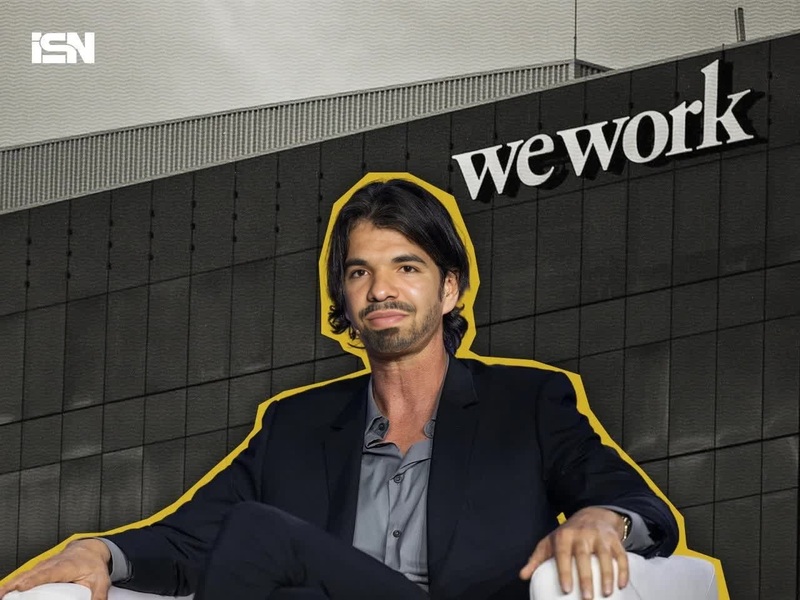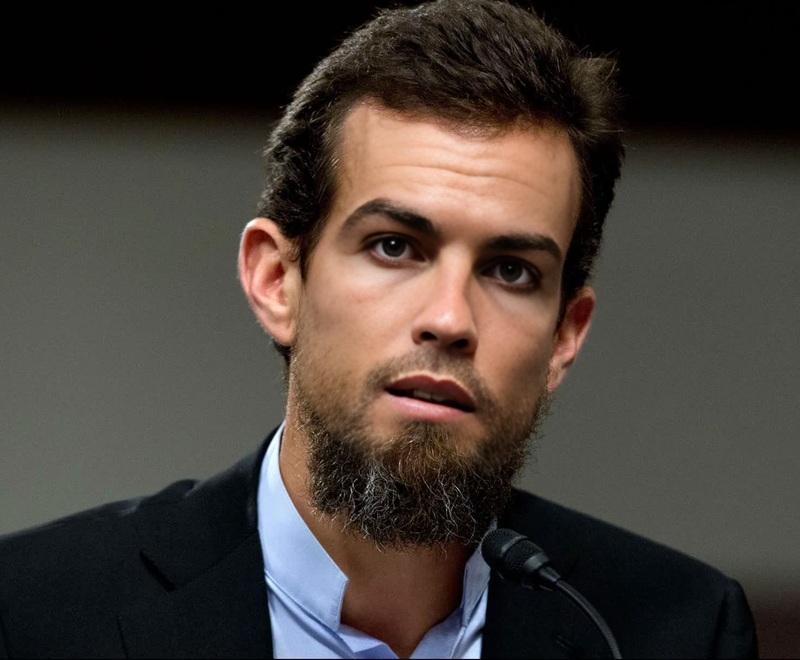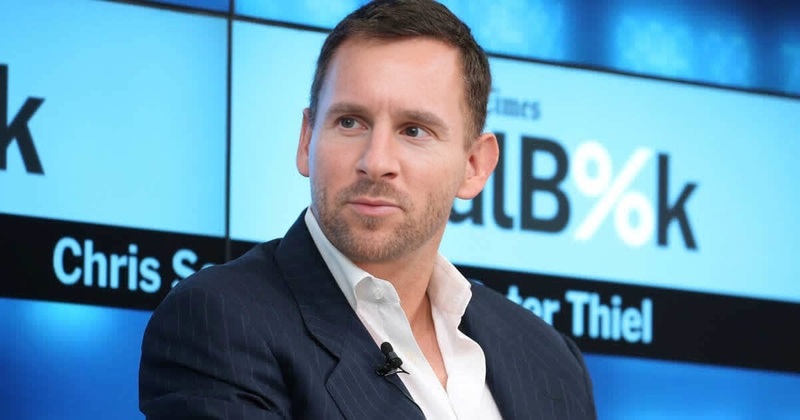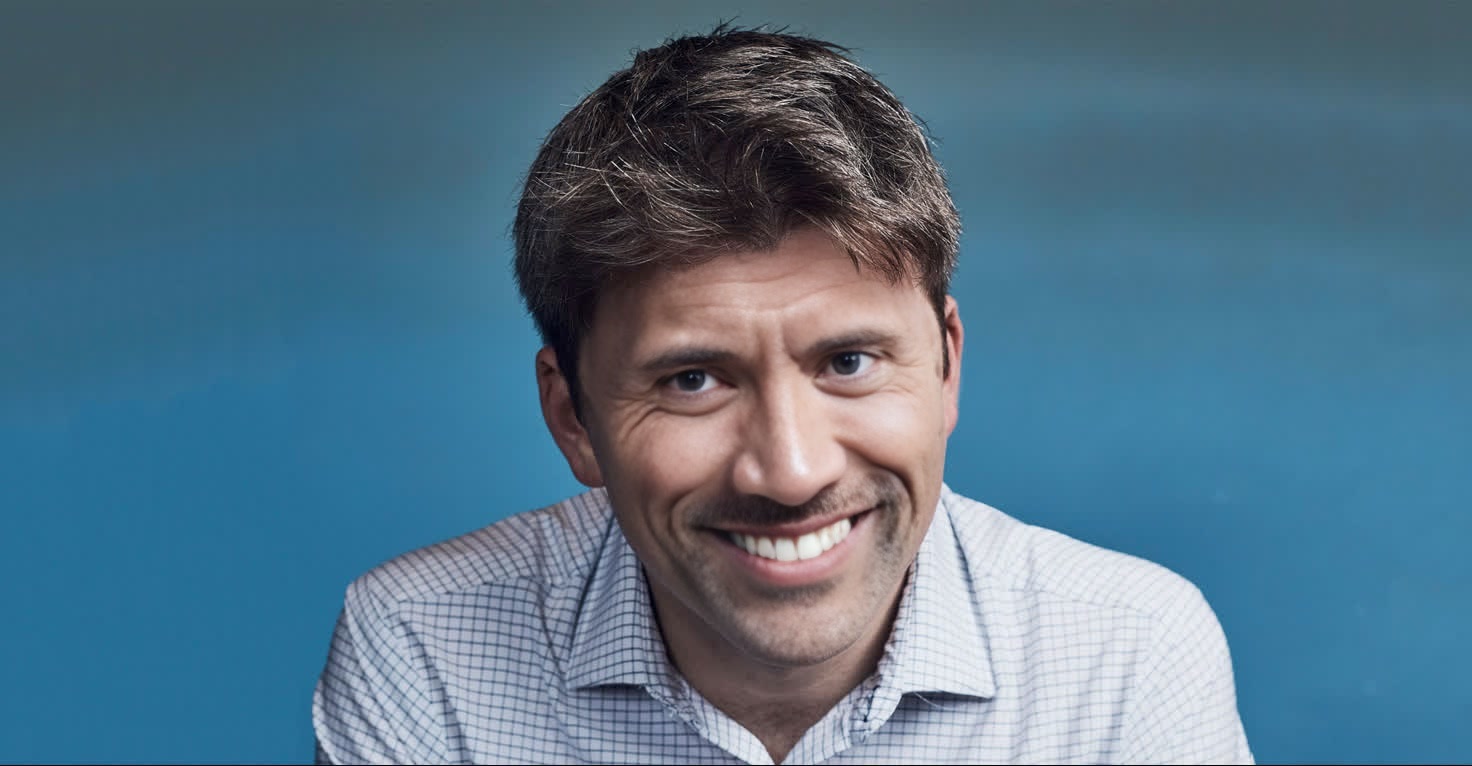
John Collison Stripe Founder Press Portrait
face-swap
Any aspect ratio
Tags
transformationsTurn any face into a cinematic reaction shot with this Face Swap template. In a few clicks, you can drop your own face (or a character, client, or influencer) into a pre-edited video and export studio-quality clips for social, product walkthroughs, memes, or A/B tests.
This template is built on Magic Hour’s AI Face Swap engine and the Face Swap Video workflow, so you can remix it, customize it, and scale it into your own reusable system.
What you can do with this Face Swap template
Use this template as a starting point for:
Creator & influencer content
- Test different “hosts” for the same script by swapping faces on the base video.
- Localize content by featuring different regional faces without reshooting.
- Spin out short reaction clips for YouTube, TikTok, Shorts, and Reels.
Startup & marketing teams
- Create quick founder-intro or “face of the brand” videos with no camera or studio.
- Generate multiple audience-specific versions of the same ad or explainer.
- Run creative experiments: same script, different personas, faster than traditional production.
Product & UX demos
- Overlay a consistent presenter across different product walkthroughs.
- Keep a stable “brand persona” even as you update UI or messaging.
Meme & entertainment formats
- Drop your team’s faces into trending meme videos.
- Combine with AI Meme Generator or AI GIF Generator for fast, shareable content.
How to remix this template in Magic Hour
You can treat this template as a pre-built workflow. To create your own version:
Open the Face Swap Video tool
Go to Face Swap Video. This is where you’ll import both:- The base video (the clip whose body and motion you want to keep).
- The face image or face clip you want to insert.
Bring your own base video
- Use an existing talking-head, reaction, or acting clip as the base.
- For the best results, choose footage with:
- Clear, front-facing or ¾-angle faces
- Stable lighting
- Minimal heavy motion blur
- You can also generate a base clip with:
- Video to Video — restyle your footage into a different visual look (cartoon, 3D, painterly, etc.) and then swap faces on top.
- Animation — create an animated character sequence, then face-swap for stylized personas.
Add your source face
- Upload a sharp, well-lit photo or selfie of the face you want to appear in the final video.
- For more controlled faces, you can first generate them using:
- AI Face Generator for synthetic identities.
- AI Headshot Generator for professional, branded personas.
- Avatar Generator or AI Character Generator for stylized hosts.
Run the face swap
- Apply the face to the base video using the Face Swap flow.
- Preview and export once you’re satisfied with the overall look and motion.
Save your setup as a reusable pattern
- Keep the same base video and swap in new faces to:
- Test new personas.
- Produce recurring series content.
- Localize or personalize for different audiences.
- Keep the same base video and swap in new faces to:
Advanced remix ideas
You can extend this template into more elaborate pipelines by combining it with other Magic Hour tools:
Lip-sync and talking photos
- Use AI Talking Photo to animate a single image into a talking avatar.
- Or start from the Lip Sync template to ensure the face syncs tightly to your audio.
- Then apply Face Swap to keep the same body and motion while rotating different faces.
Stylized or animated hosts
- Generate a character with:
- Turn your still image into motion with Image to Video or Text to Video.
- Finally, use Face Swap to inject your own face (or a synthetic brand face) into that stylized body.
Realistic ad creatives at scale
- Generate product scenes or backgrounds via:
- Turn those images into motion with Image to Video.
- Swap in different faces to match target demographics, then up-level final quality with:
- Video Upscaler
- AI Image Upscaler for thumbnails and stills.
Experiments with identity & style
- Combine with Gender Swap and AI Face Editor for creative or research use-cases around identity, cosmetic changes, or aging.
- Use AI Clothes Changer or AI Fashion Generator to iterate on styling while the face remains constant.
Best practices for high-quality face swaps
To get robust, production-ready outputs:
Use high-quality input faces
- High resolution, clear eyes, minimal motion blur.
- Neutral or lightly expressive faces usually transfer better across different base videos.
- Consider preprocessing with:
- Unblur Image
- AI Image Editor
- AI Remover or Remove Object from Photo to clean backgrounds if needed.
Choose compatible base videos
- Aim for similar head angles and lighting between your source face and the base footage.
- Avoid extremely fast head turns or heavy occlusions (hands fully covering the face).
Enhance and package for publishing
- Polish clips with:
- Auto Subtitle Generator for accessible, high-retention social assets.
- Thumbnail Maker and Album Cover Generator for clickable cover images.
- For GIF-based formats, use the dedicated Face Swap GIF path.
- Polish clips with:
Stay ethical and compliant
- Only swap faces you’re allowed to use — your own image, licensed talent, or synthetic faces.
- Be transparent with audiences where required and avoid impersonation or misleading content.
- Many platforms have specific policies around deepfakes and AI-generated media; check current guidelines before publishing.
For broader context on responsible face swapping and deepfake use, see:
- Chesney & Citron, “Deep Fakes: A Looming Challenge for Privacy, Democracy, and National Security” (2020, California Law Review).
- WITNESS & First Draft, “Prepare, Don’t Panic: Synthetic Media and Deepfakes” (guidance on ethical use and detection).
When to use this template vs. other Magic Hour tools
Use this Face Swap template when:
- You already have (or can easily create) a good base video and just need to change the face.
- You care about body motion and realism, not just talking lips.
- You want a repeatable workflow for multi-persona or multi-market content.
Consider starting instead from:
- Lip Sync if audio-driven mouth movement is your primary concern.
- Animation if you’re building from scratch and want a stylized or fully animated character first.
- AI Talking Photo when you only have a single static image and don’t need full body motion.
Building your own Face Swap systems on Magic Hour
For creators, marketers, and builders who want to operationalize this:
Create your “base library”
- Record or generate a small set of evergreen base videos (e.g., intro, explanation, CTA, reaction).
- Store them and reuse them as the stable body/motion layer.
Maintain a persona bank
- Generate and curate different faces with:
- Tag each persona by market, use-case, or campaign.
Automate your creative testing
- For each campaign, pick:
- 1–2 base videos (script/message)
- 3–5 personas (faces)
- Use Face Swap Video to spin up many variants quickly, then measure performance downstream.
- For each campaign, pick:
Use this template as your reference implementation: duplicate the flow in Face Swap Video, swap in your own base video and faces, and iterate until it matches your brand and use-case. Once you have your first working remix, you’ve effectively built a reusable Face Swap “engine” you can keep scaling inside Magic Hour.