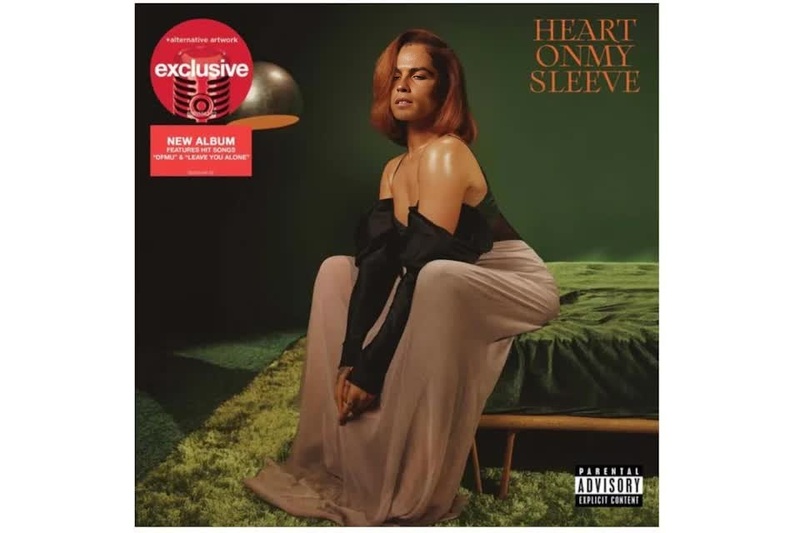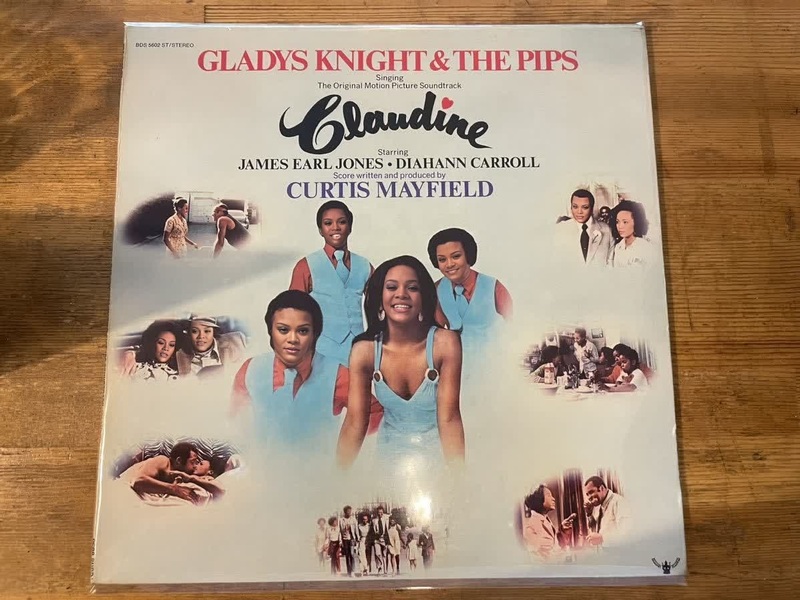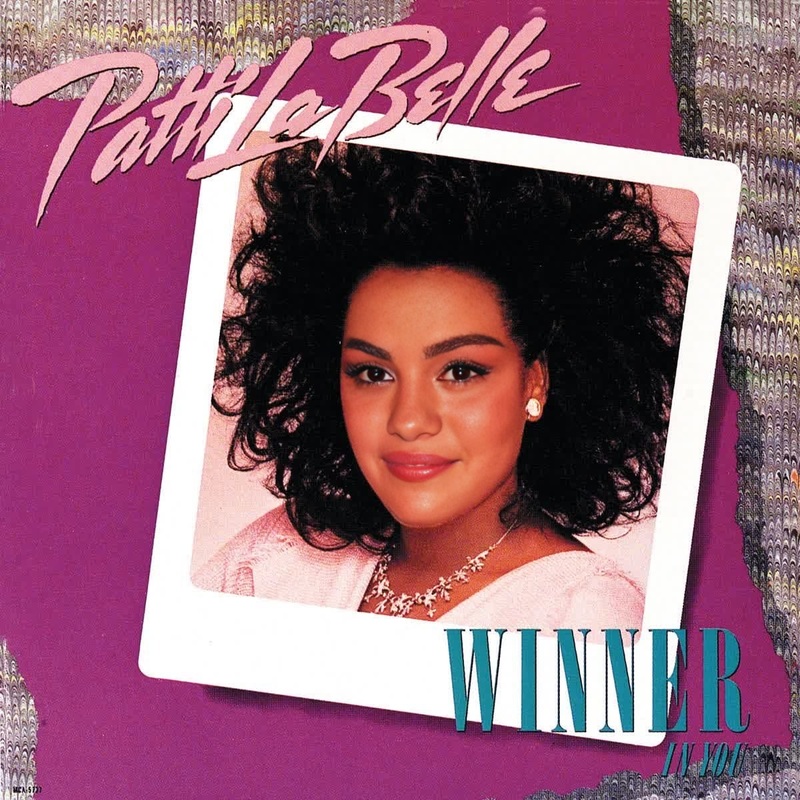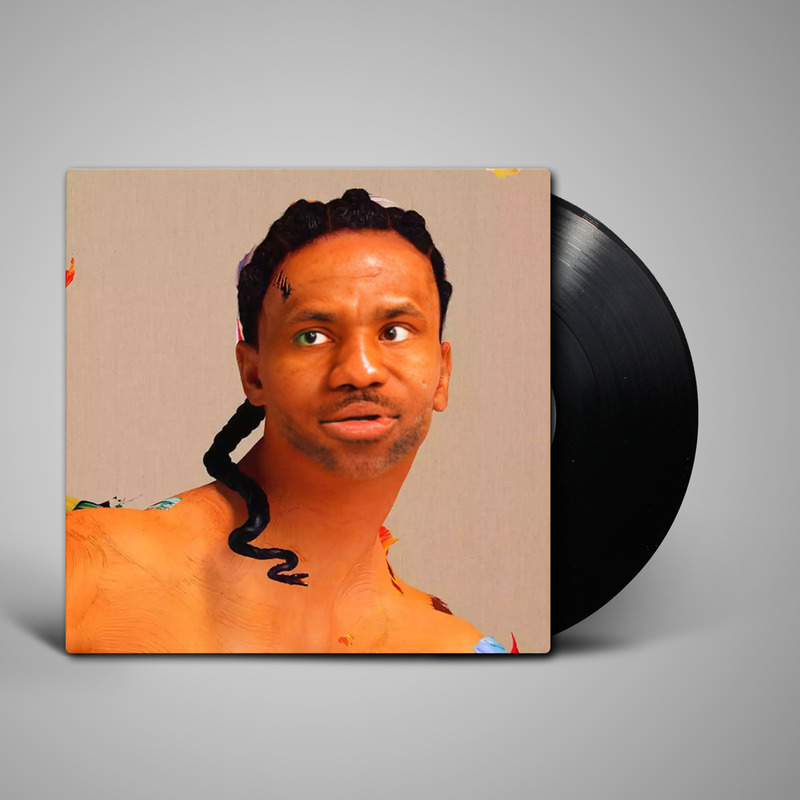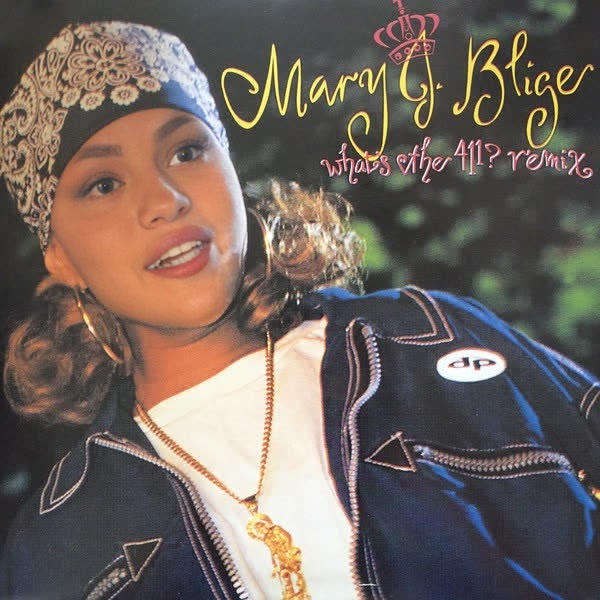
Mary J Blige WhatS The 411 Press Portrait
- Image
- 600 × 600 px
Any aspect ratio
Overview
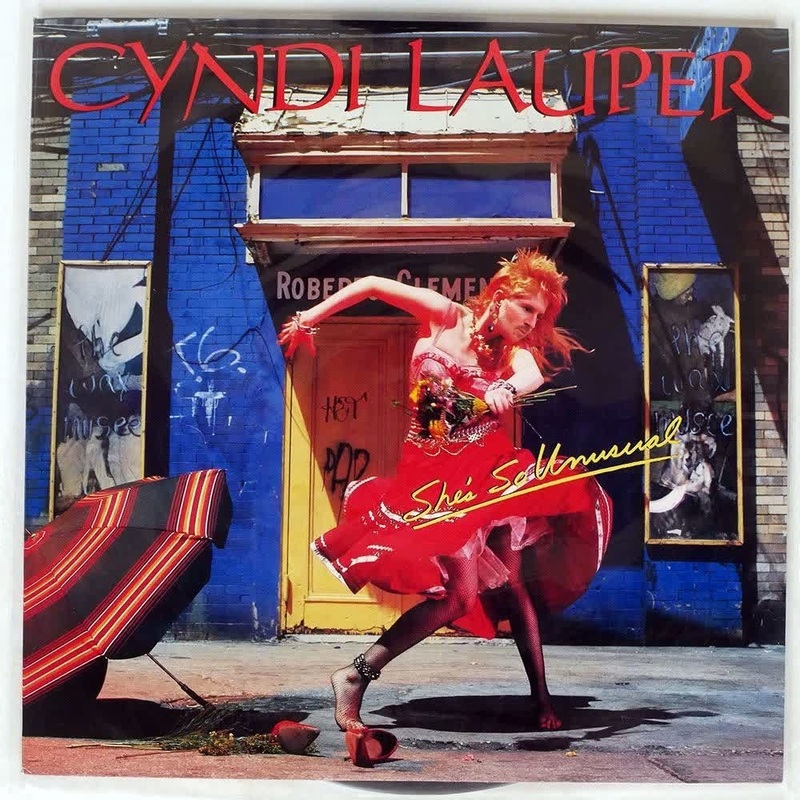
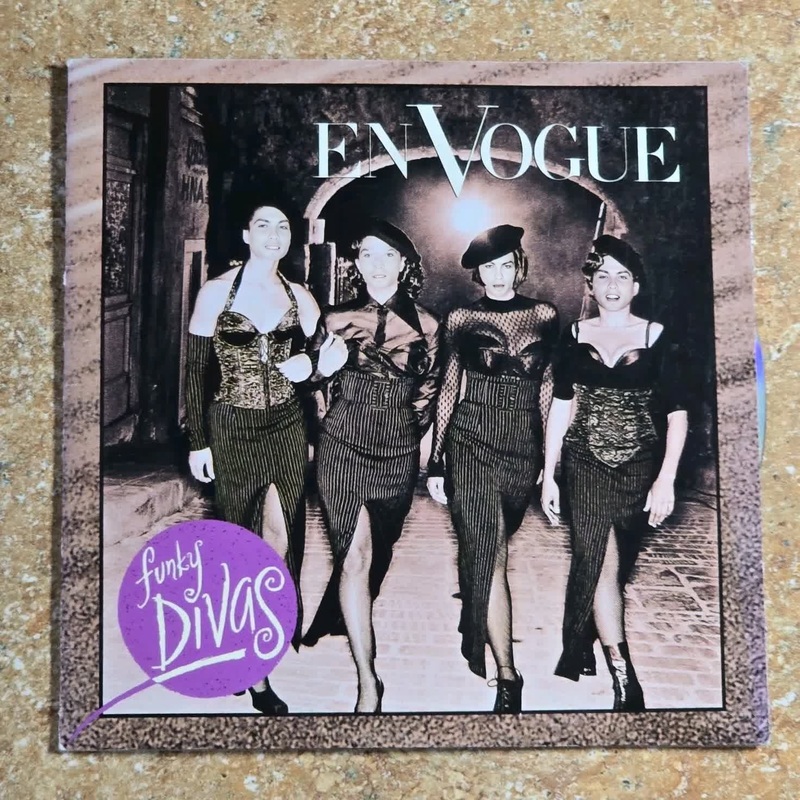
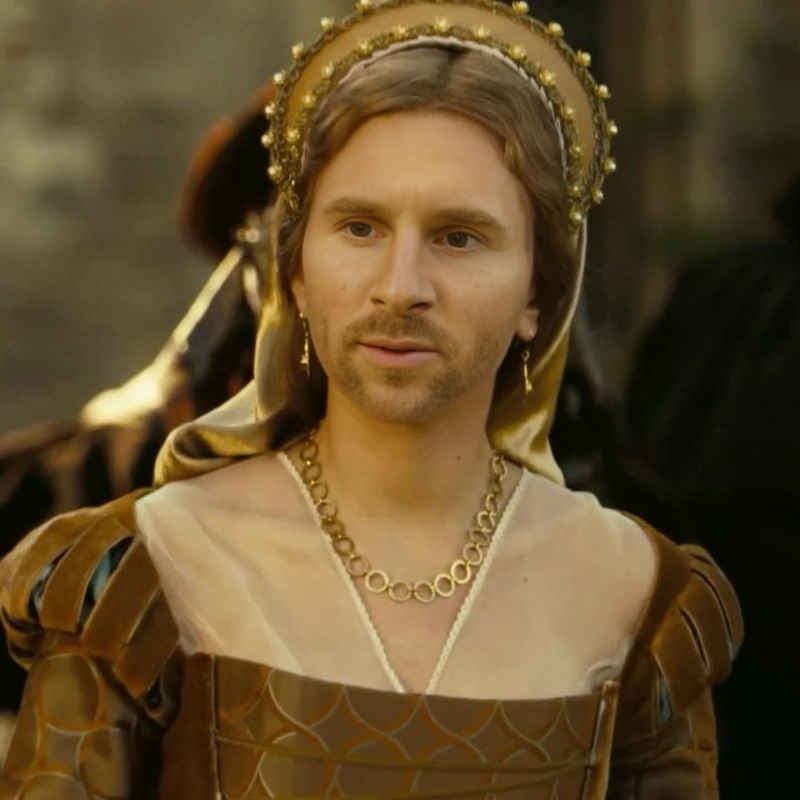
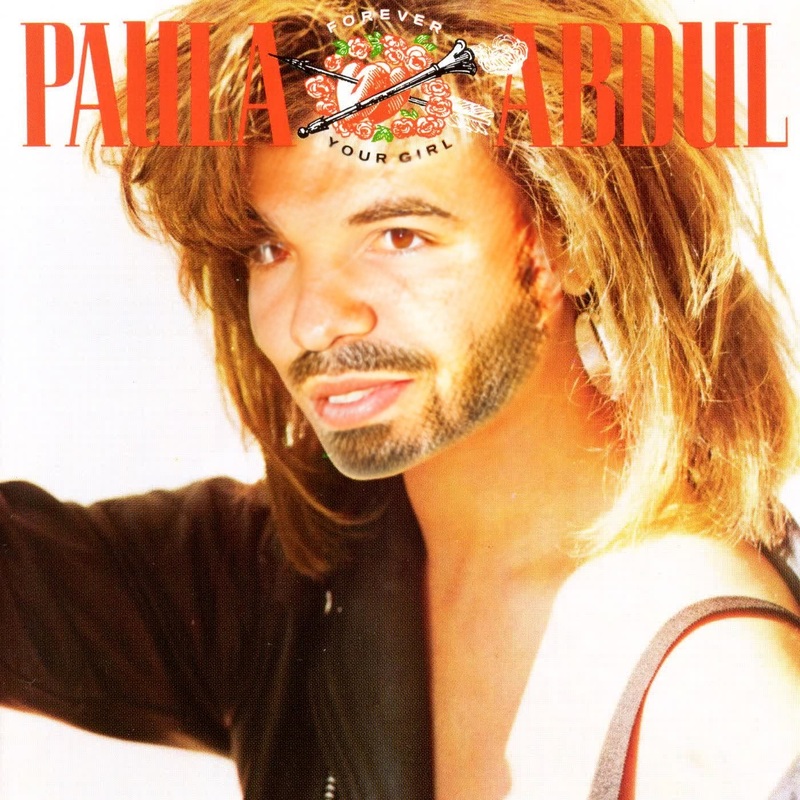
Dive into the world of face swapping with the Mary J Blige What's The 411 Press Portrait template. Transform your videos by incorporating Mary J Blige's iconic press photo from the What's The 411 album. This face swap template allows users to blend creativity with technology, producing engaging and memorable content.
What It Does
This Video Face Swap template enables users to overlay their faces with Mary J Blige's distinct features from her famous press portrait. Whether creating new video content or enhancing existing footage, this tool offers a seamless integration of faces for unique visual storytelling.
Who It's For
Ideal for content creators, social media influencers, and fans of Mary J Blige, this template provides a fun way to engage audiences. It's also suitable for marketers looking to create social media ads that stand out. Musicians and creatives can leverage this tool for meme videos and other dynamic content.
Summary
The Mary J Blige What's The 411 Press Portrait face swap template is a powerful yet simple way to breathe new life into video content. Leveraging this tool can elevate the storytelling potential of your projects by merging personal creativity with iconic imagery. Explore more with our AI Video Extender to make your content even more captivating.
How To
Choose Your Template

Customize Your Video

Generate and Download

Use Cases
Cultural Event Promotions
- Create promo videos featuring iconic music personalities
- Generate buzz on social media with creative content
Social Media Engagement
- Stand out on Instagram and TikTok
- Drive follower interaction with iconic face swaps
Influencer Content
- Collaborate with artists and use their likeness
- Produce viral video challenges
Best Practices
Ensure Proper Alignment
To achieve the best results, ensure that your video subject's face is properly aligned with the template guide to match Mary J Blige's iconic features.Lighting Matters
Use videos that have even lighting to avoid mismatched tones when the face swap is applied.Experiment with Angles
Different angles can produce varying effects; try uploading clips with diverse facial angles for a more dynamic output.