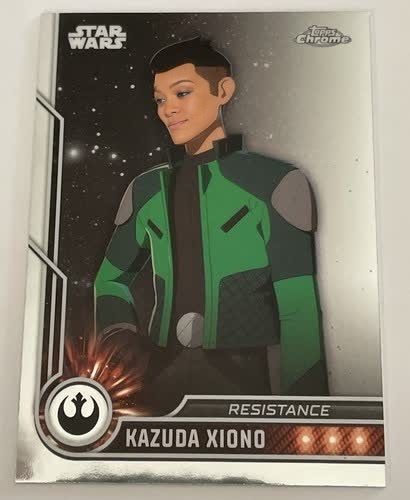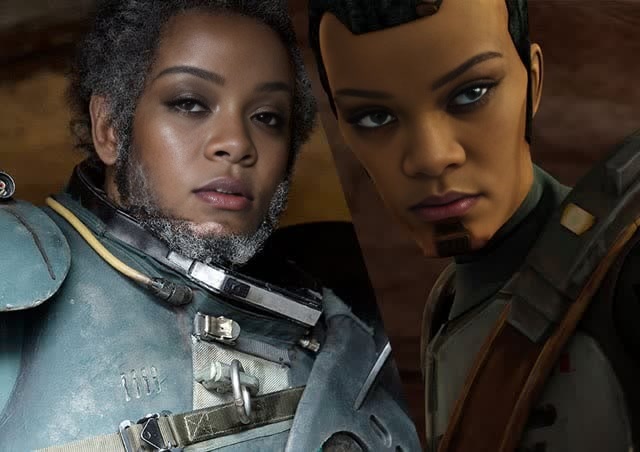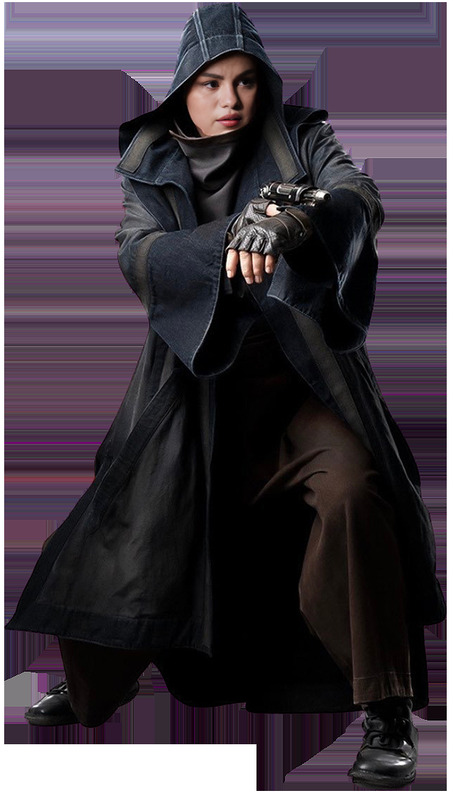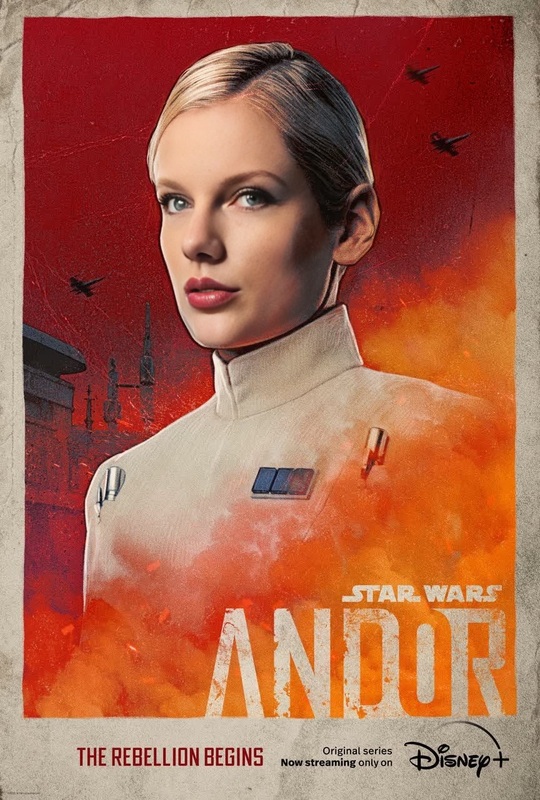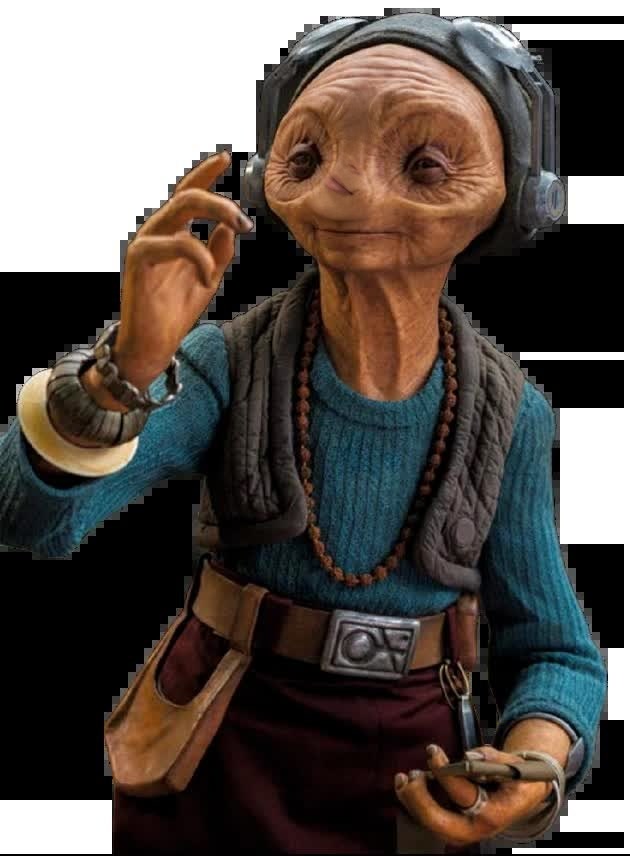
Maz Kanata Star Wars
- Image
- 630 × 856 px
Any aspect ratio
Overview
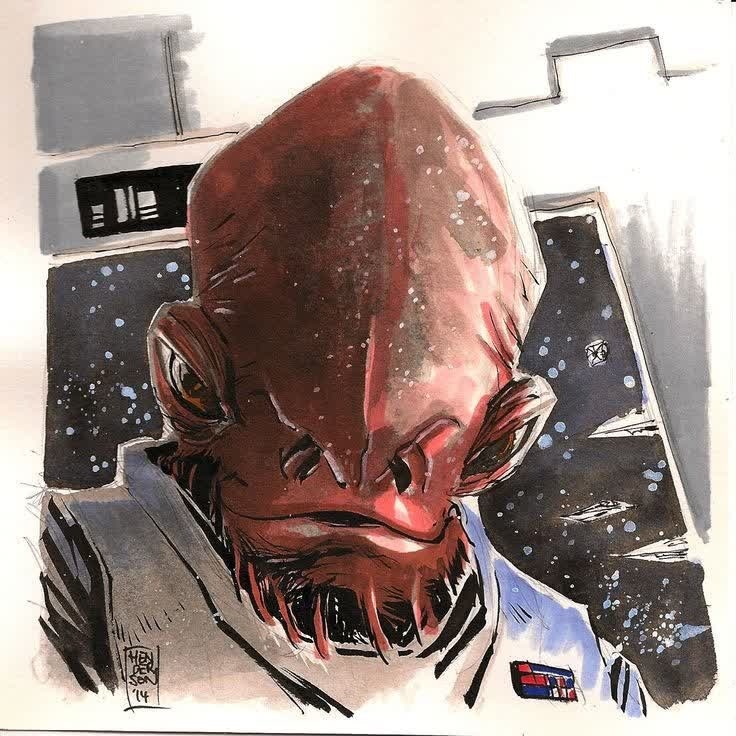
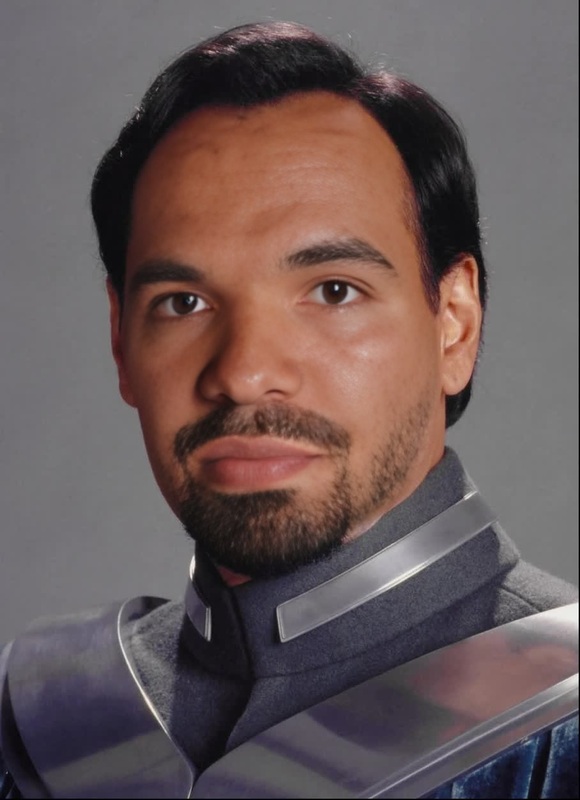
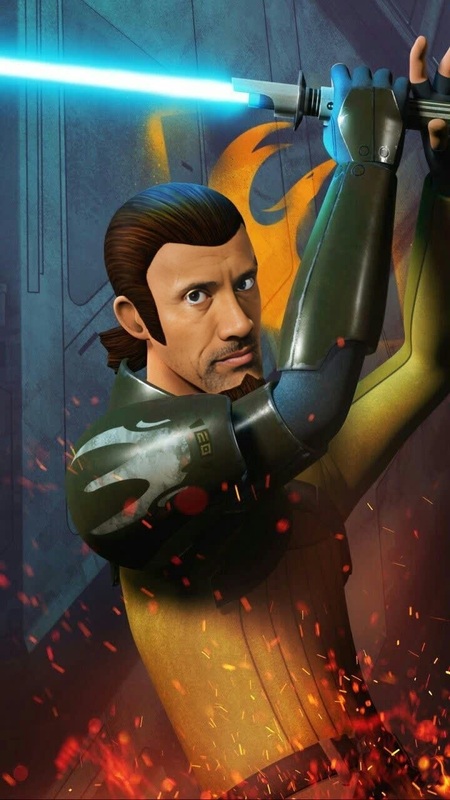
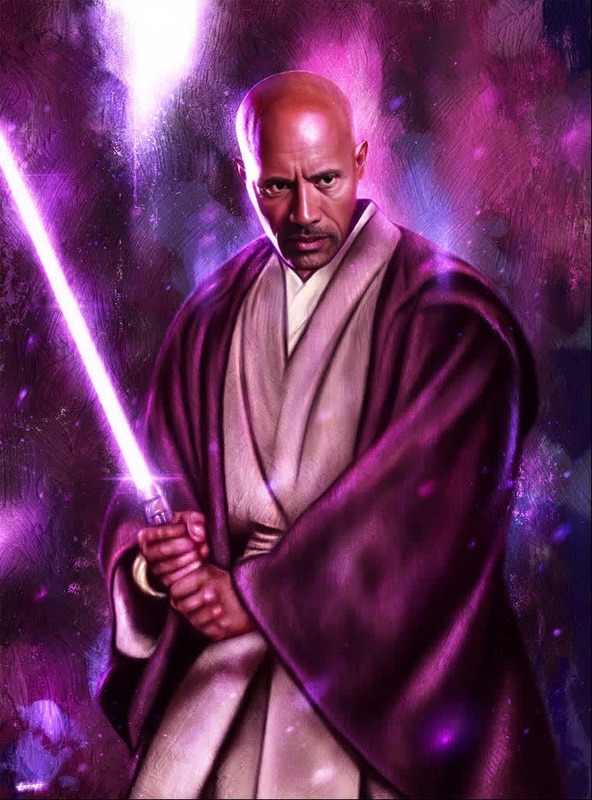
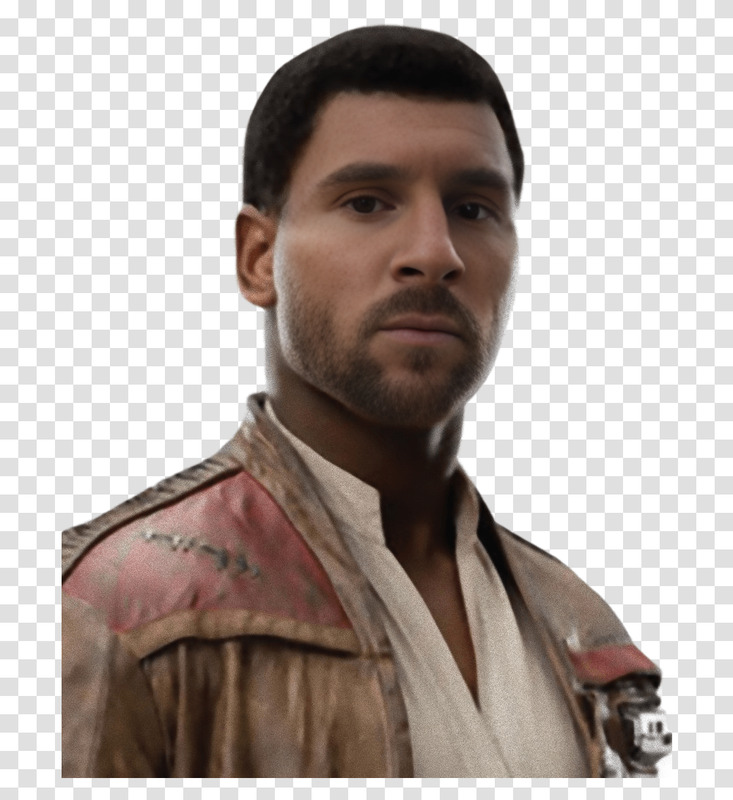
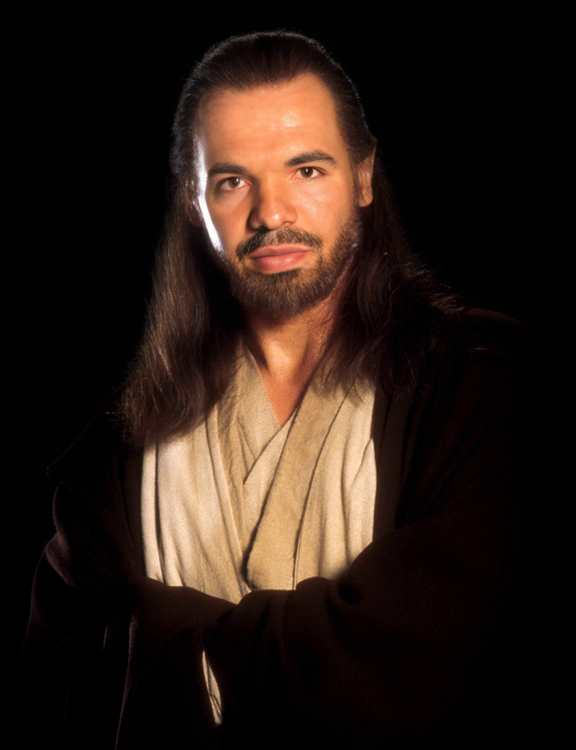
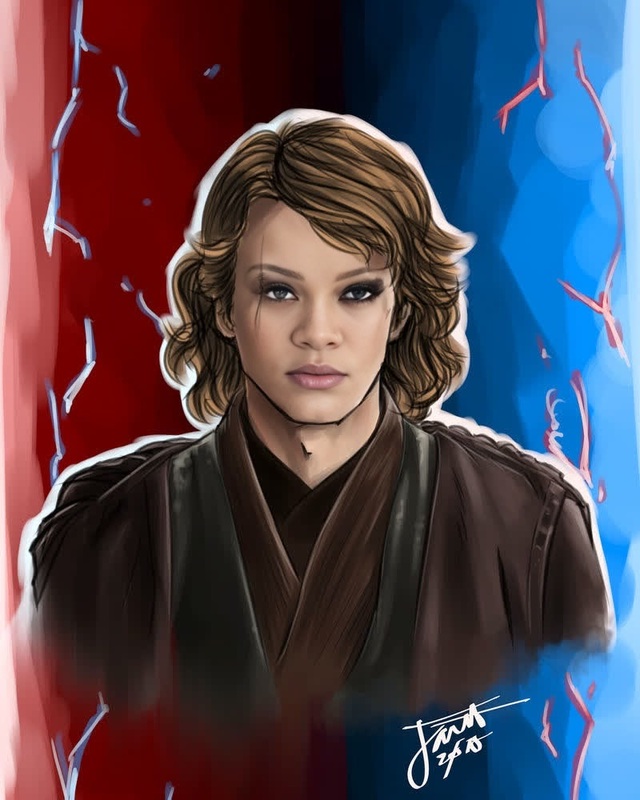
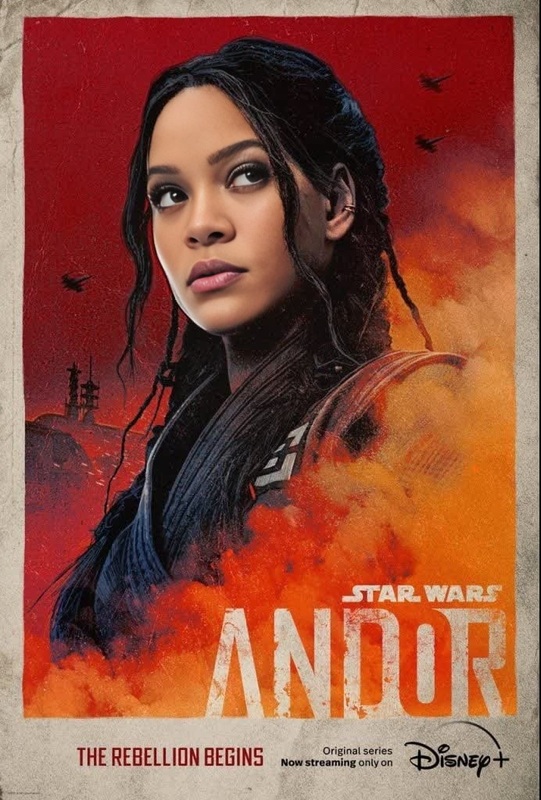
Dive into the Star Wars universe by transforming yourself or anyone into Maz Kanata using our Video Face Swap template. With just a few simple steps, your videos can feature the iconic pirate and smuggler from a galaxy far, far away.
What It Does
This Video Face Swap template lets you overlay Maz Kanata's features onto your own in any video, creating a seamless transformation. Perfect for fans and creators alike, the tool taps into advanced AI algorithms to maintain facial expressions and lighting conditions for a convincing result. Pair it with the AI Image Editor for further enhancements, or explore other cosmic transformations.
Who It's For
Ideal for Star Wars enthusiasts, content creators, and anyone looking to add a touch of the fantastic to their videos. Whether you're crafting a fan film, a lively social media post, or enhancing a family video, this template is for you. Educators and presenters in meme videos can also find this template valuable for crafting engaging and fun content.
Summary
Integrating Maz Kanata into your video content has never been easier. With the Face Swap technology, your project gains not just a unique character, but also high-quality transformation, ensuring your content stands out. Leverage this template for creative projects and elevate your video storytelling.
How to Use
Choose Template

Customize Inputs

Generate Video

Common Use Cases
Fan Events
- Celebrate Star Wars Day with themed content
- Engage fans with exclusive video shoutouts
Social Media
- Boost engagement on TikTok and Instagram
- Use in story arcs for creative storytelling
Educational Content
- Character analysis for students
- Interactive lectures with a creative twist
Best Practices
High-Quality Source Video
Use high-resolution videos for better integration of the face swap effect. This ensures smoother transitions and clearer details.Angle and Lighting Consistency
Ensure that the video subject’s angle and lighting are consistent with the provided Maz Kanata’s image for a realistic effect.Post-Processing
Consider using AI Video Generator tools for additional editing and finishing touches to polish your final output.