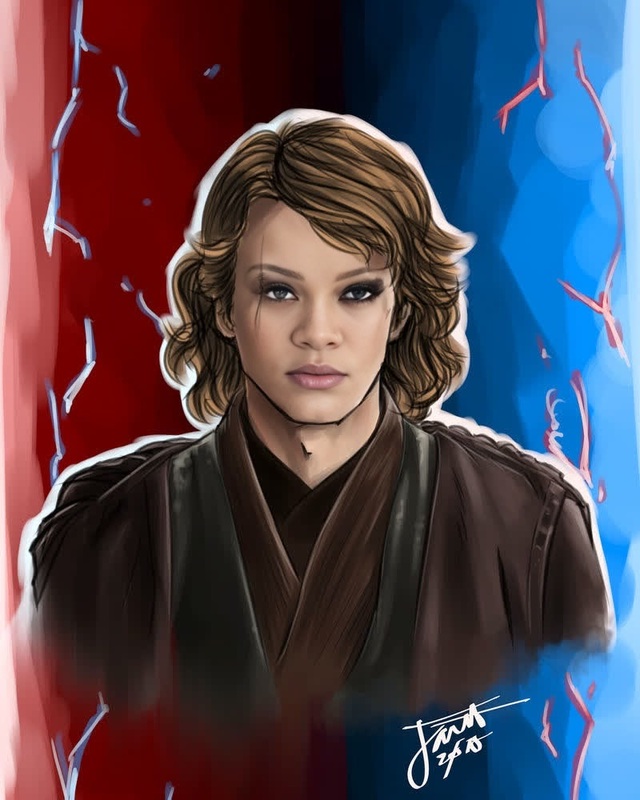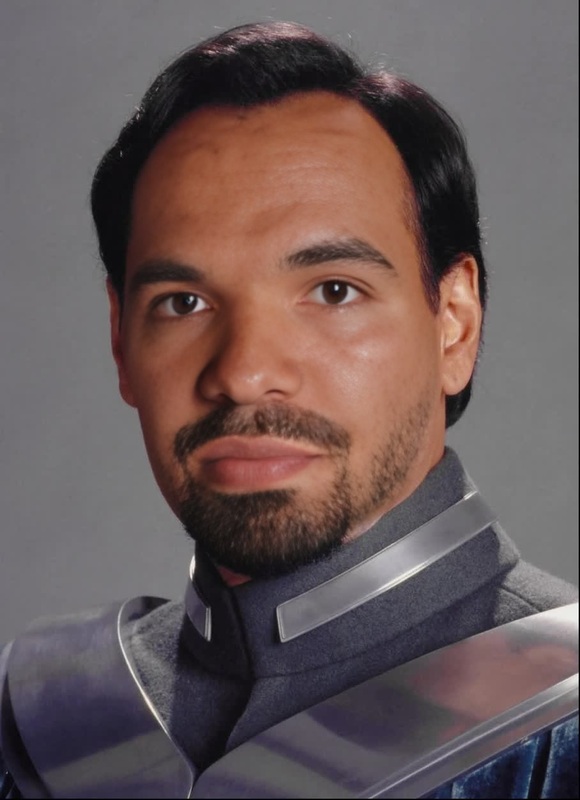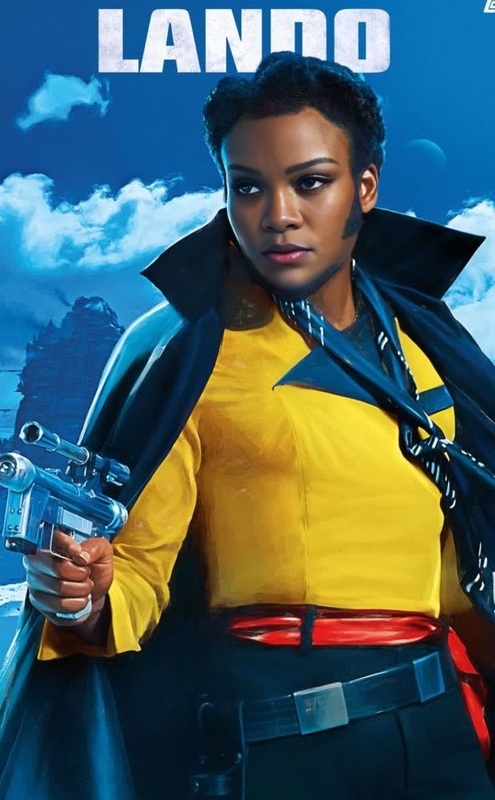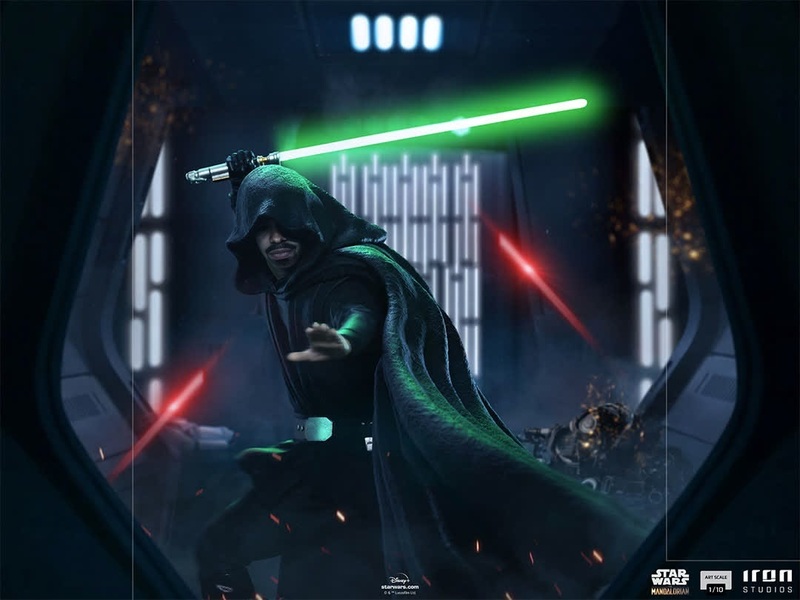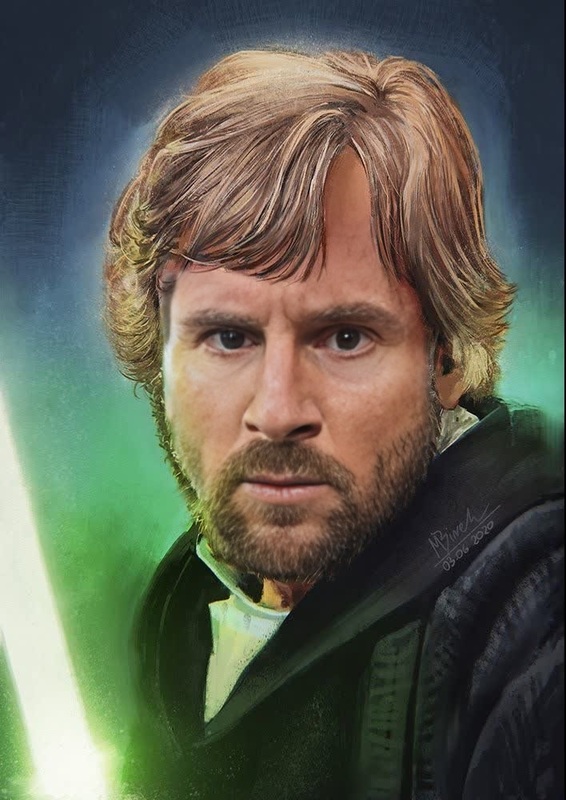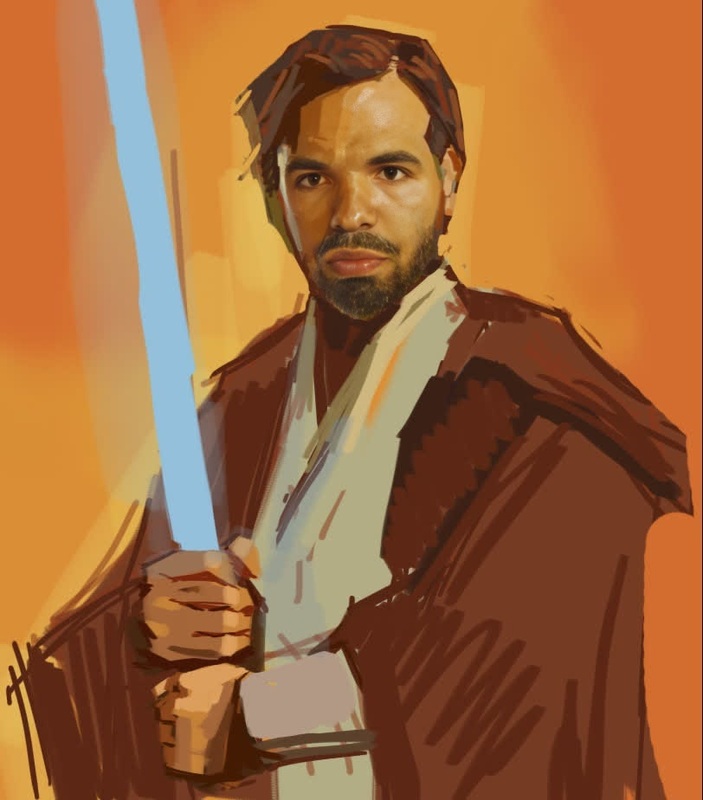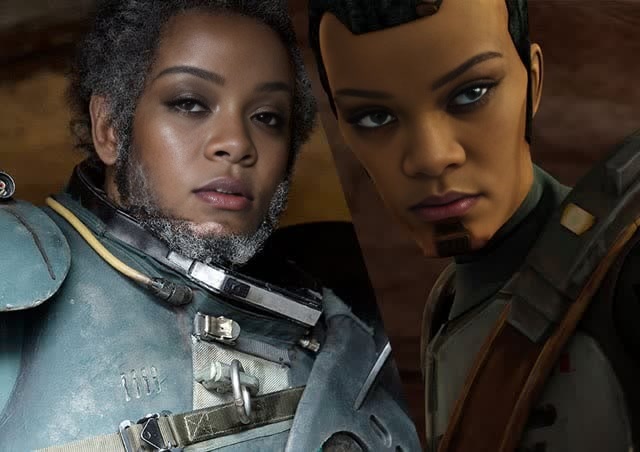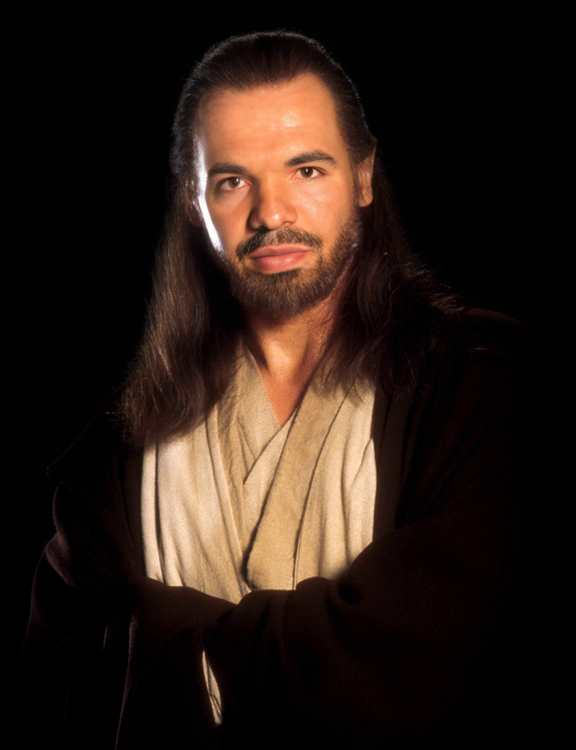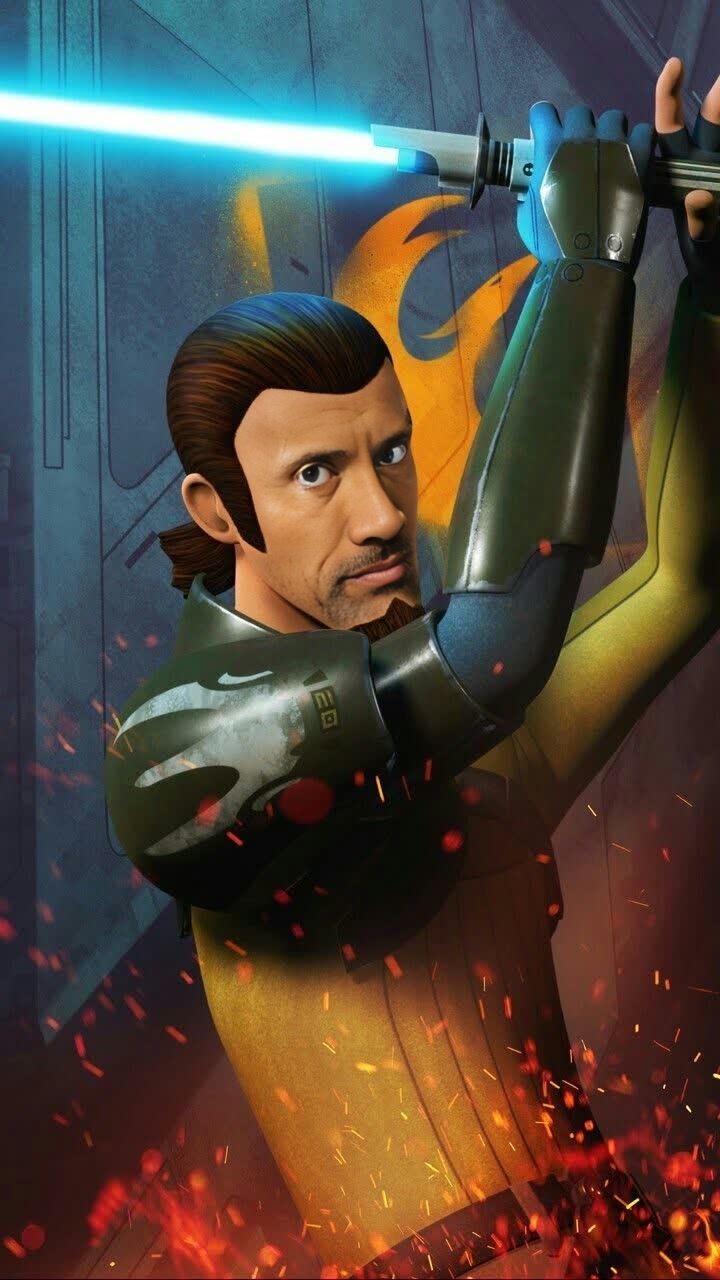
Kanan Jarrus Rebels Star Wars
face-swap
Any aspect ratio
Tags
transformationsUltra-Realistic Face Swap Video Template
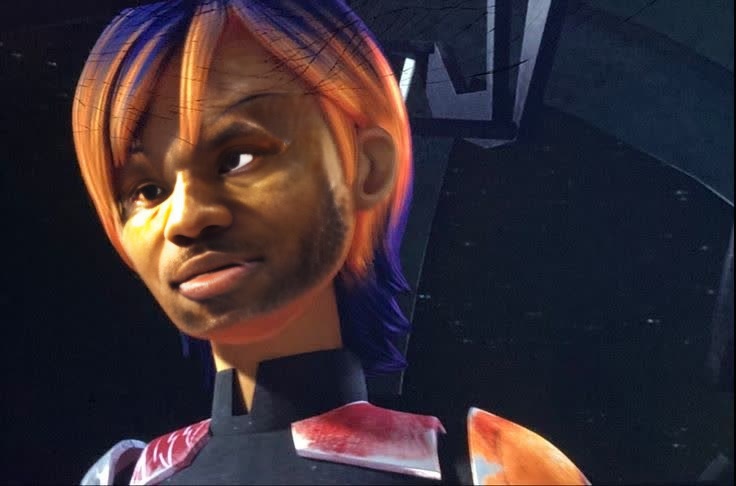
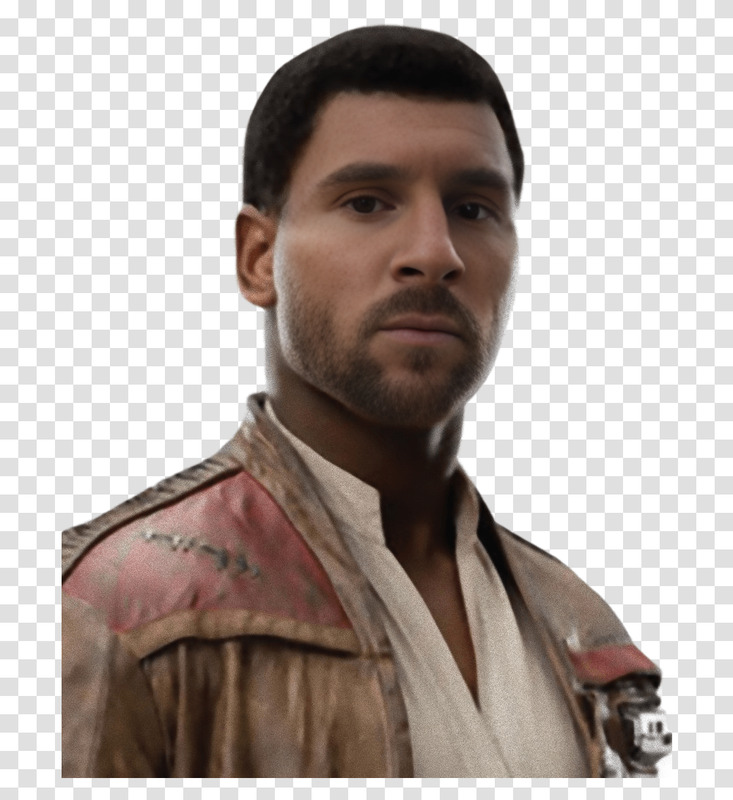
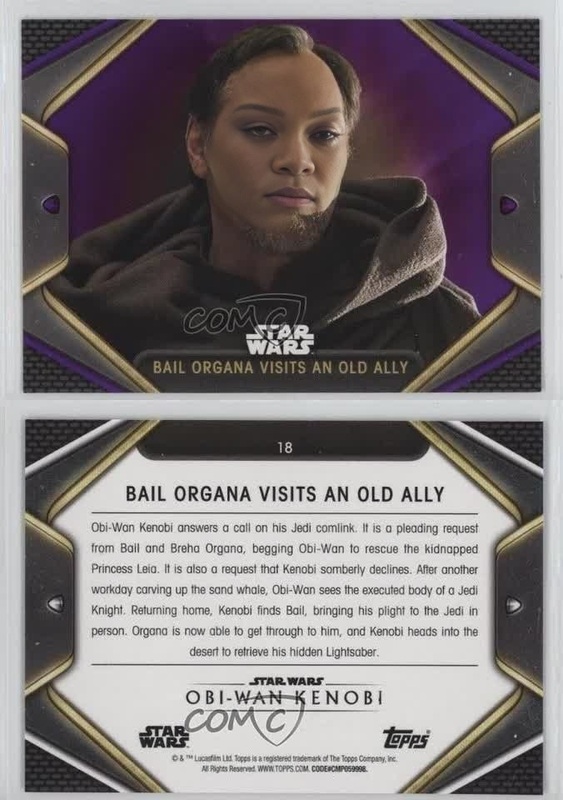
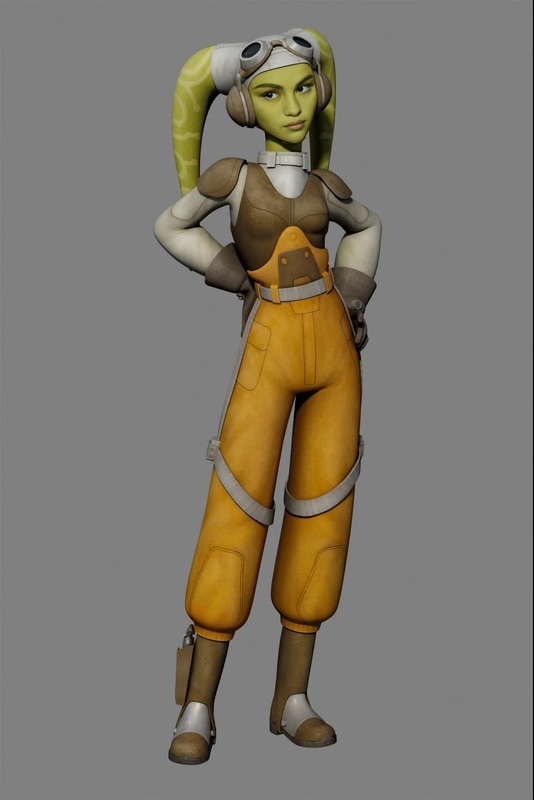
Create studio-quality face swap videos in minutes with this ready-made Magic Hour template. It’s built on Magic Hour’s production-grade Face Swap technology and is fully remixable—so you can adapt it for campaigns, user-generated content, product explainers, or social ads without starting from scratch.
What This Template Does
This template lets you:
- Swap any face onto an existing video while preserving:
- Head orientation and camera angle
- Lighting and shadows
- Facial expressions and micro-movements
- Skin tone, hair, and overall style
- Generate share-ready content for:
- Performance marketing creatives
- UGC-style product demos
- Character-driven explainer videos
- Social media content and memes
- Founder/brand spokesperson videos
Under the hood, it uses the same engine that powers the standalone Face Swap and Face Swap GIF tools, optimized here for repeatable, template-based workflows.
How to Remix This Template in Magic Hour
You don’t need to understand the underlying models to get value from this template, but if you want to adapt it to your brand or workflow, here’s a practical path:
Start from the Template
- Open the template from your Magic Hour workspace.
- Click “Remix” (or equivalent in your UI) to create your own editable version.
Swap in Your Source Faces
- Upload or select the face(s) you want to appear in the final video.
- Use:
- A brand spokesperson
- A consistent creator/UGC persona
- Stylized avatars generated with the AI Face Generator, Avatar Generator, or AI Headshot Generator.
Choose or Update the Base Video
- Replace the default base clip with:
- A product demo, unboxing, or walkthrough
- A talking-head explainer
- A lifestyle or scenario clip for ads
- You can generate or enhance footage with:
- Text to Video for concept-first storyboards
- Image to Video if you start from a static image
- Video Upscaler to make archival or user-shot clips sharper.
- Replace the default base clip with:
Add Voice and Lip Sync (Optional)
- Clone or generate voice with:
- Use the Lip Sync template or AI Talking Photo to tightly sync facial movements to your script.
Polish Visuals
- Improve or adapt supporting images with:
- AI Image Editor
- AI Image Upscaler
- Image Background Remover or AI Remover for cleanup
- Generate custom backgrounds or brand environments with:
- Improve or adapt supporting images with:
Export for Different Channels
- Create multiple versions of the same concept:
- Short, punchy clips for TikTok/Reels
- Longer explainers for YouTube/landing pages
- Add captions at scale with the Auto Subtitle Generator.
- Create multiple versions of the same concept:
Example Use Cases for Creators, Marketers, and Builders
1. Performance Marketing & UGC Ads
- Turn one base UGC video into dozens of localized variations by swapping faces and voices.
- A/B test different spokesperson identities without reshooting.
- Combine with AI Meme Generator for meme-style ad creatives native to social feeds.
2. Founder & Expert Content at Scale
- Keep your founder or expert “on camera” in multiple languages and markets:
- Swap their face into local creator footage
- Generate translated voiceovers via AI Voice Generator
- Use Lip Sync for language-accurate mouth movements.
3. Product Walkthroughs & Feature Launches
- Create a consistent brand character to explain features, then:
- Generate new scenes via Video to Video templates
- Refresh outfits and styling with AI Clothes Changer or AI Outfit Generator.
4. Character and IP Experiments for Startups
- Prototype mascots or recurring characters for your brand:
- Generate characters via AI Character Generator or Animated Characters Generator.
- Swap their faces onto human actors to test engagement and recall before committing to full production.
5. Content & Community Experiments
- Run community challenges, “become the hero” campaigns, or personalized content drops:
- Fans submit selfies; you swap them into pre-built hero sequences.
- Use Superhero Generator, Disney AI Generator, or AI Anime Generator to stylize visuals around the swapped face.
How This Template Fits Into a Larger Magic Hour Workflow
This face swap template is most powerful when used alongside other Magic Hour products:
Image and Character Creation
Video Creation and Transformation
Brand Assets and Visual Systems
Enhancement and Cleanup
Responsible and Legal Use
Face-swapping is a powerful capability. For commercial or public-facing content, consider:
Consent & Rights
- Obtain consent from the person whose face you’re using.
- Ensure you have rights to the base video and any source images.
- Avoid impersonation or misleading content in sensitive contexts (finance, health, politics, etc.).
Brand & Platform Policies
- Align usage with your brand guidelines and local regulations.
- Review platform-specific rules on synthetic and AI-generated media (e.g., disclosure requirements).
Disclosure & Transparency
- Where appropriate, clearly label AI-generated or face-swapped content.
- For UGC-style ads, many performance marketers now explicitly note synthetic elements to maintain trust.
For more background on responsible synthetic media practices, see resources from organizations such as the Partnership on AI and academic work on deepfake detection and media literacy.
Tips for Better Results
- Use clear, well-lit source photos where the face is visible and unobstructed.
- Match approximate age, expression, and angle between the source face and base video for more natural results.
- For recurring personas (e.g., a virtual spokesperson), keep a consistent “canonical” face and reuse it across campaigns to build recognition.
- Combine with AI Voice Changer or AI Voice Cloner to maintain the same voice identity as you scale.
Why Use a Template Instead of Starting from Zero?
For time-constrained teams, this template offers:
- Repeatability – Lock in a visual format once and iterate by only changing faces, scripts, or base clips.
- Speed – Go from idea to testable creative in minutes instead of full production cycles.
- Consistency – Keep brand visuals, pacing, and structure aligned across multiple campaigns and markets.
- Extensibility – Remix it with Lip Sync, Animation, and other templates as your needs evolve.
Use this template as a starting point, then adapt it to your brand, product, and audience. With Magic Hour’s face swap and adjacent tools, you can build a scalable, AI-native content pipeline that ships new creative weekly—not quarterly.