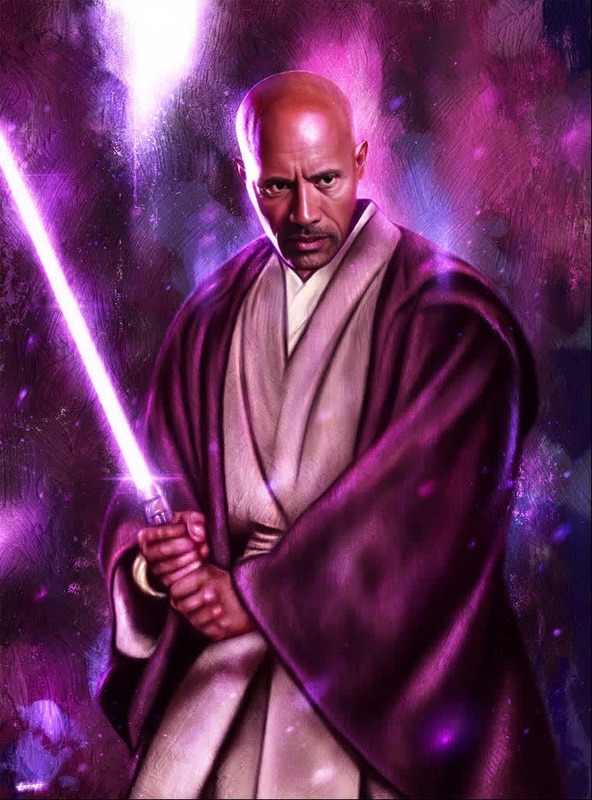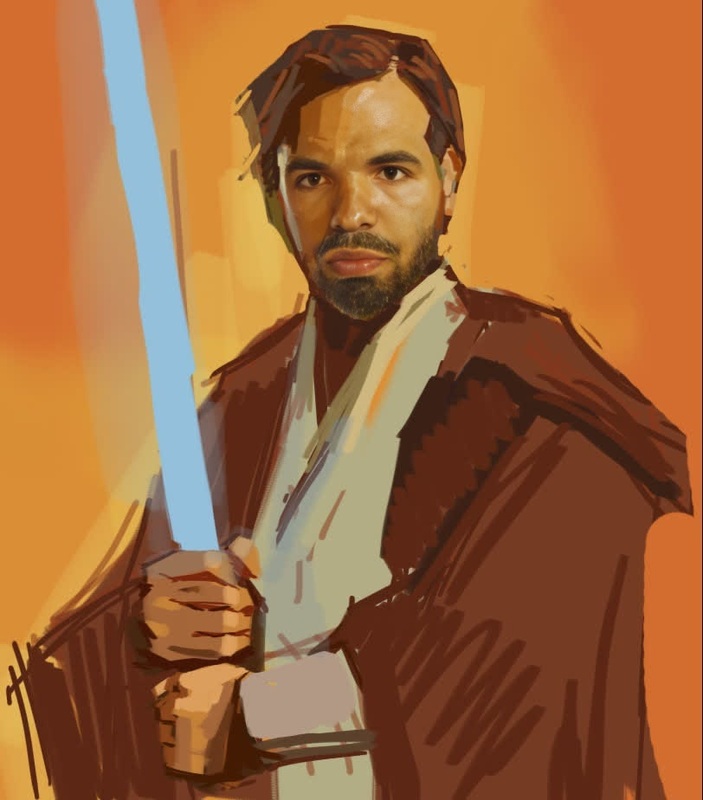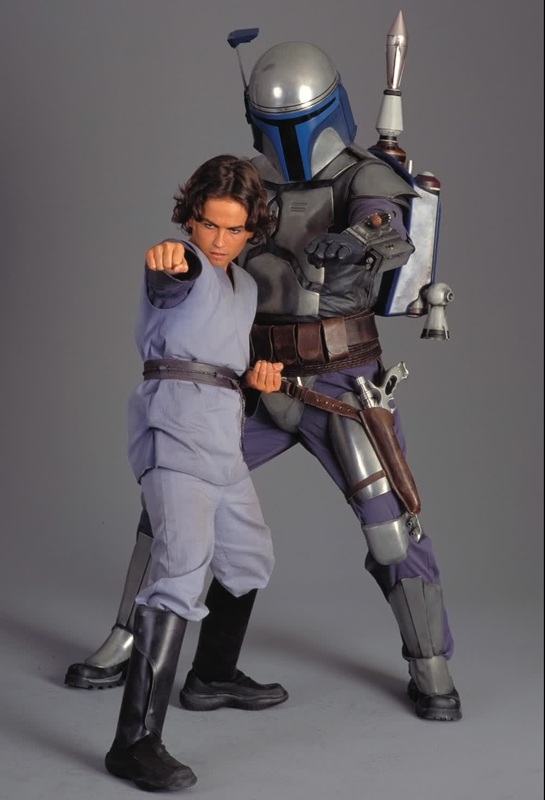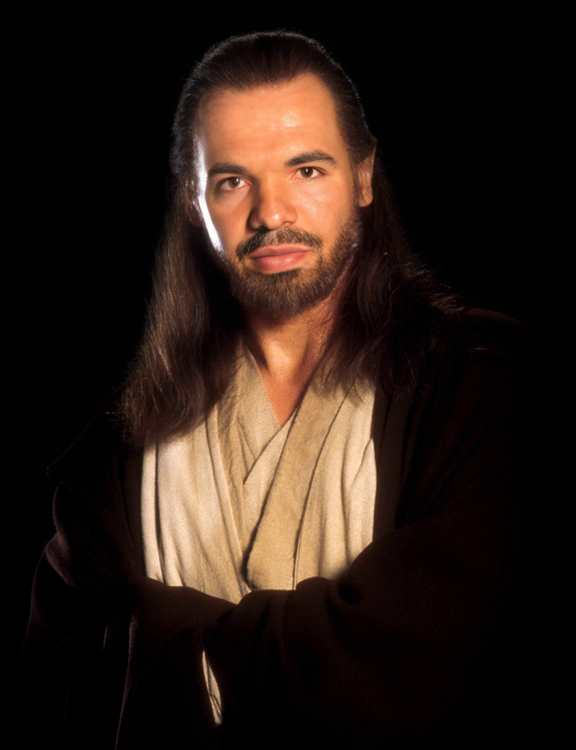
Qui-Gon Jinn Star Wars
- Image
- 576 × 750 px
Any aspect ratio
Overview
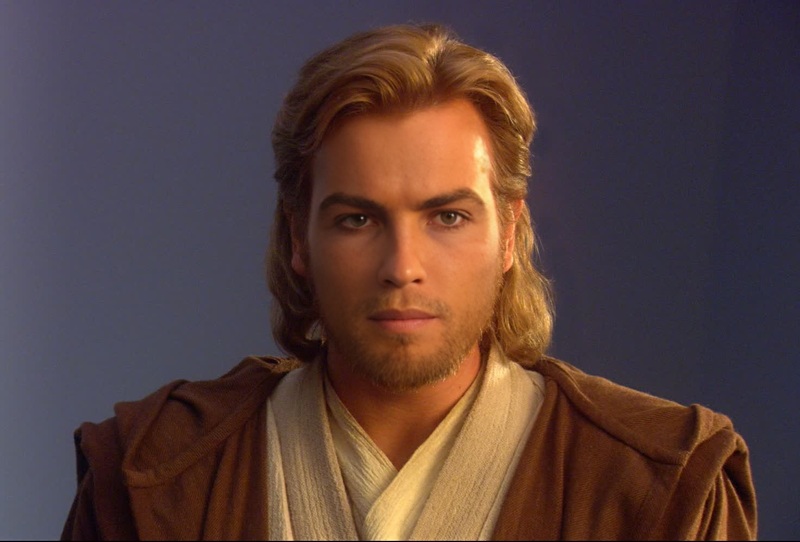
Immerse yourself in the Star Wars universe with the Qui-Gon Jinn Video Face Swap template. Transform your video to showcase you as this iconic Jedi Master. Perfect for themed events, fan projects, or just for fun, this template offers a striking way to embody the legendary mentor of Obi-Wan Kenobi.
What It Does
The template uses advanced AI algorithms to swap your face with Qui-Gon Jinn's in any video. Designed for ease and precision, it supports various formats such as MP4 and MOV, catering to diverse media projects. This tech lets you customize videos in a manner akin to our Face Swap and Video-to-Video tools.
Who It's For
This template is ideal for Star Wars enthusiasts, content creators, and social media influencers seeking a unique touch for their videos. If you're producing fan content or personalized greetings within the Star Wars realm, or you just want to entertain friends, this tool is crafted for you. Consider using it alongside the AI Talking Photo product for added effect.
Summary
Step into the shoes of a Jedi Master with the Qui-Gon Jinn Video Face Swap template. Whether you're a die-hard Star Wars aficionado or a casual fan, transform your video projects with this engaging tool. Explore endless creative possibilities using our AI Image Editor for additional enhancements.
How to Use the Qui-Gon Jinn Video Face Swap
Choose the Template

Customize with Your Input

Generate and Download

Use Cases
Star Wars Themed Parties
- Create personalized invitations by appearing as Qui-Gon Jinn.
- Enhance party highlights with a Jedi presence.
Content Creation
- Feature in fan films with a unique twist.
- Share unforgettable social media clips as a Jedi.
Gifts for Star Wars Fans
- Create custom video messages as Qui-Gon Jinn.
- Provide a memorable keepsake from the galaxy far, far away.
Best Practices
Choose High-Quality Source Videos
For optimal face swap accuracy, use videos with a clear resolution and unobstructed views of the face.Maintain Natural Lighting
Videos shot in consistent and natural lighting yield the most realistic outcomes.Check Face Alignment
Before generating, review and adjust settings to ensure the face swap is accurately aligned with the original character.