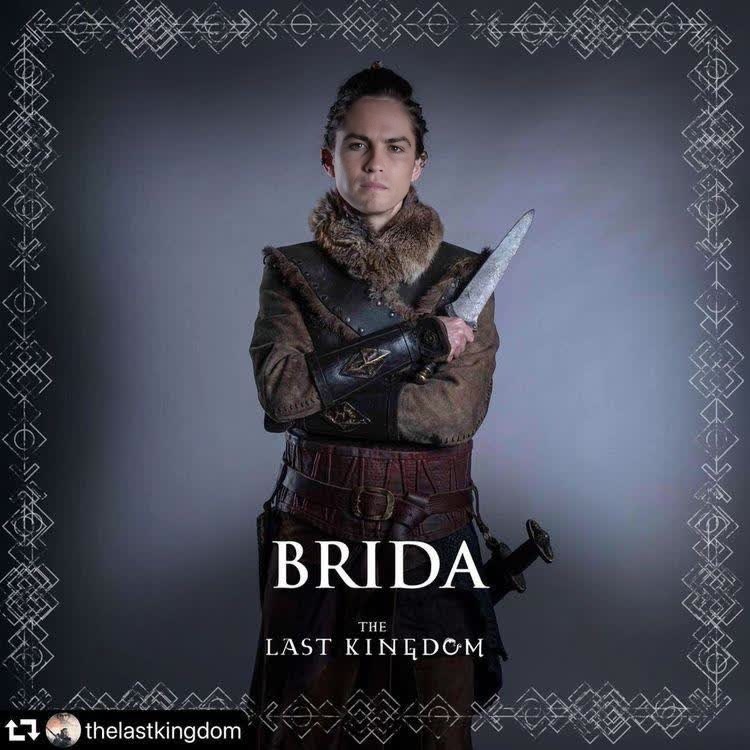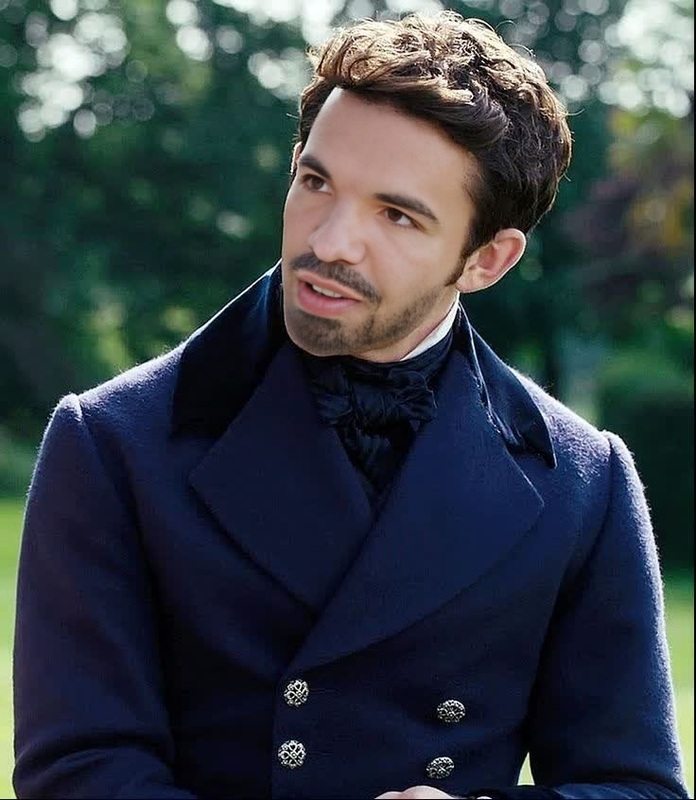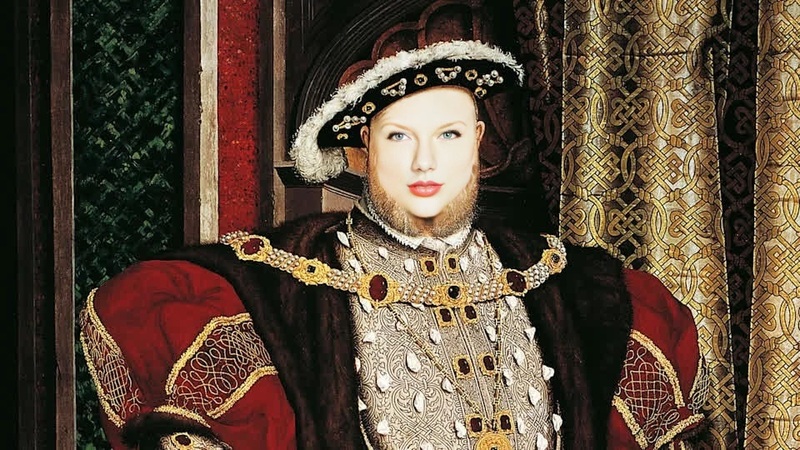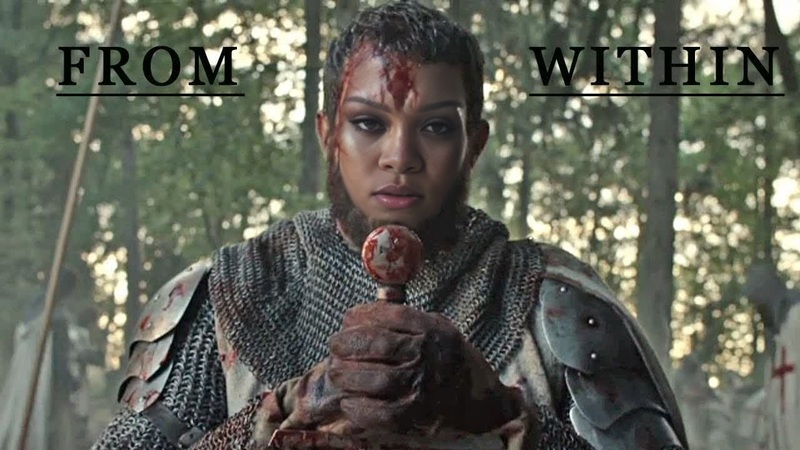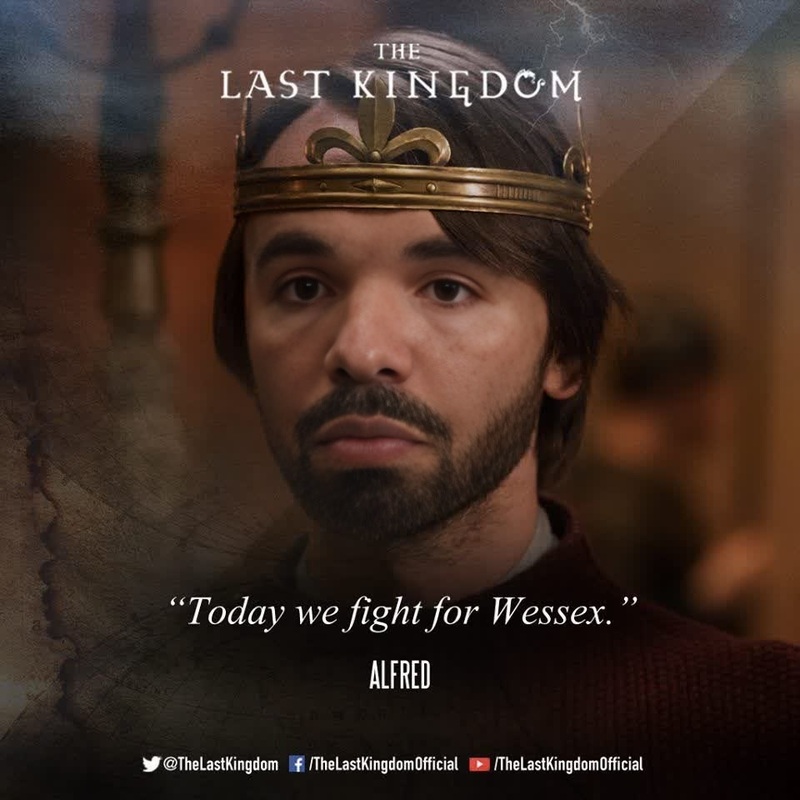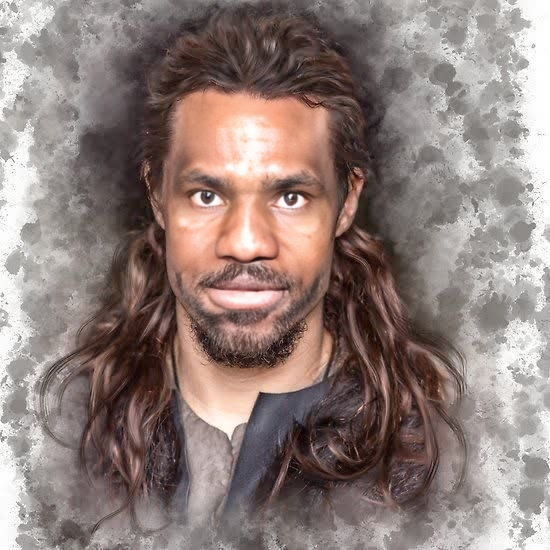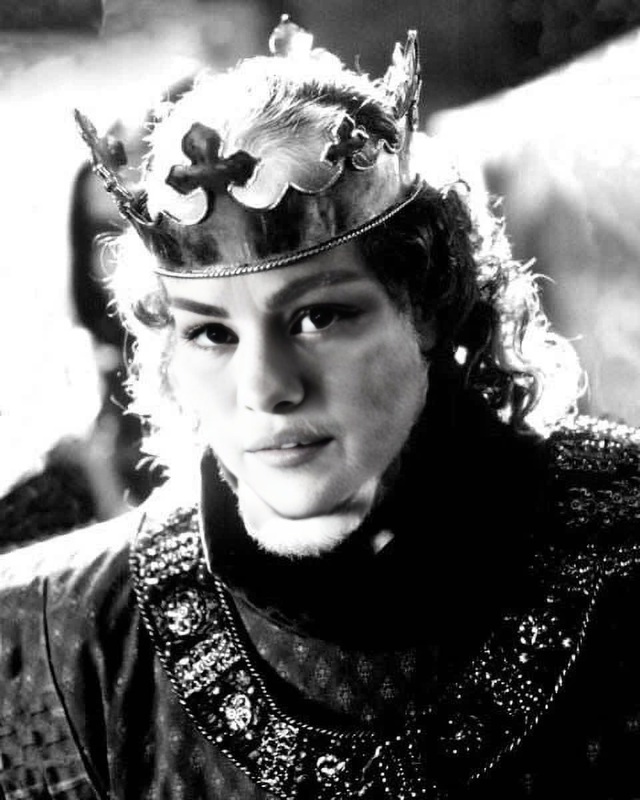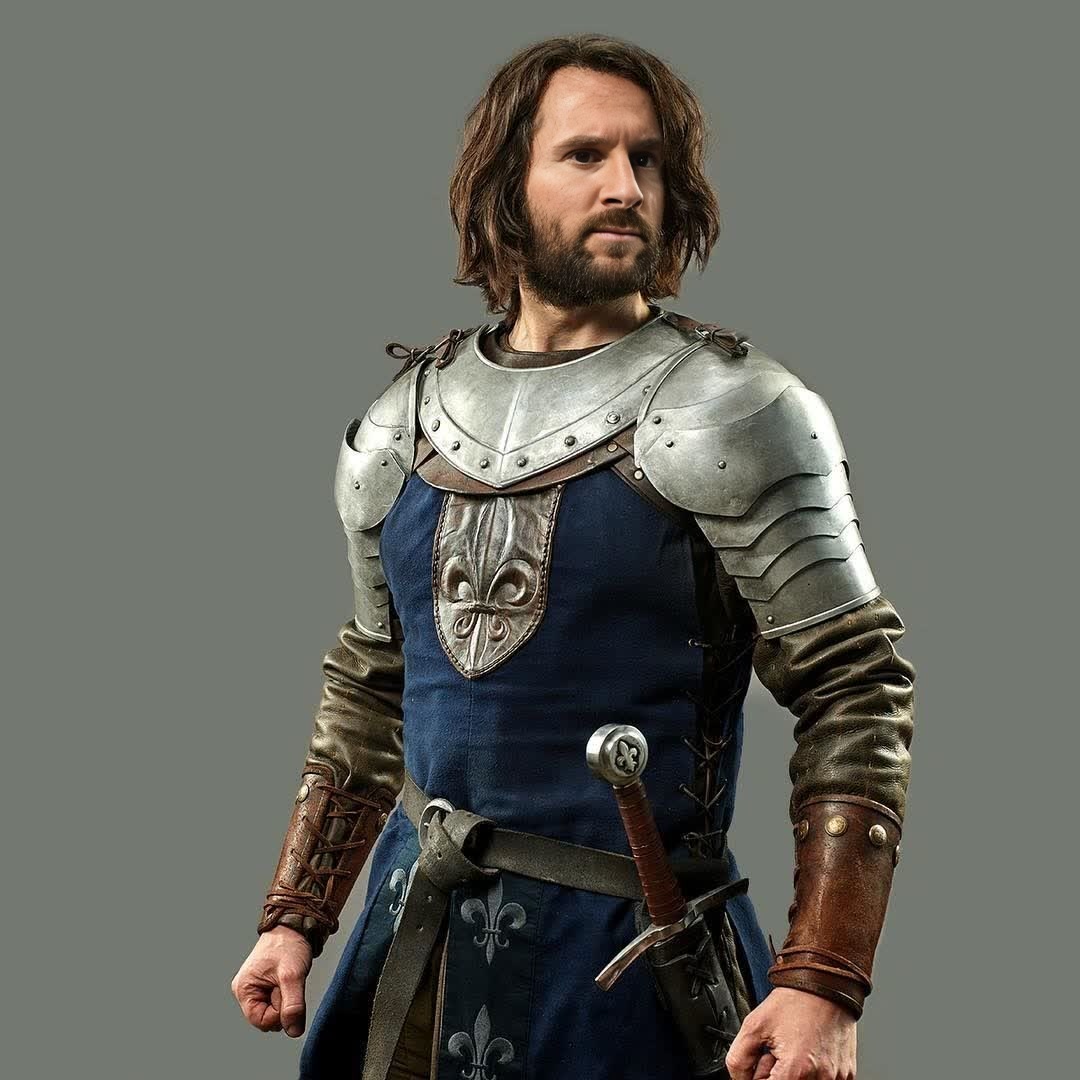
Knightfall Gawain Portrait
- Image
- 1080 × 1080 px
Any aspect ratio
Overview
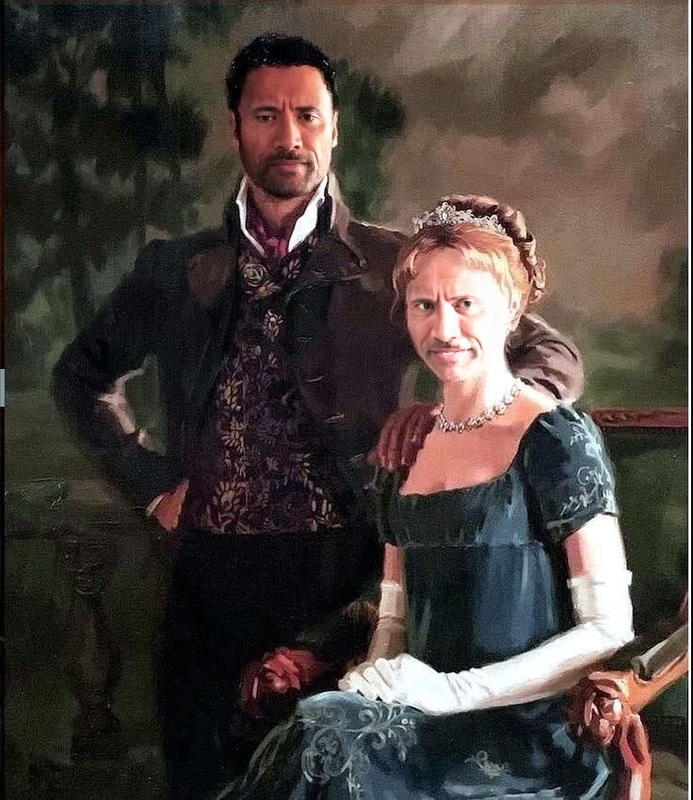
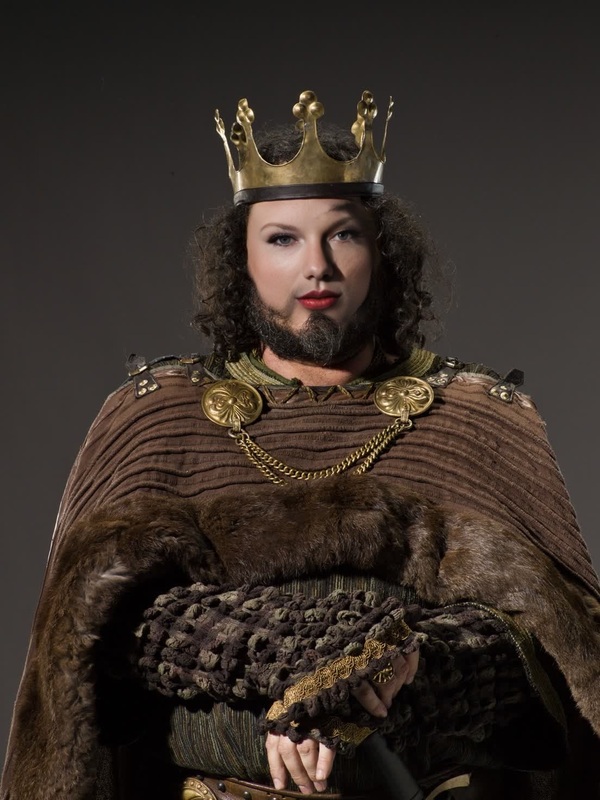
Enter the world of medieval legends with the Knightfall Gawain Portrait template. This Video Face Swap tool allows you to transform any face into a knight's visage, blending advanced AI technology with your creative vision. Perfect for creators aiming to add a mythical touch to their content.
What It Does
The Knightfall Gawain Portrait template swaps faces in your video content, turning you into the legendary knight Gawain. With clear facial transformation features, this template ensures your videos maintain high quality, offering both realism and a cinematic feel. It's an ideal choice for adding dramatic effects to your projects.
Who It's For
This tool is perfect for video creators, marketers, and storytellers who want to enhance their content with a historical or fantastical theme. Whether you're creating social media content or pushing the limits in digital storytelling, you can pair it with other tools like the Lip Sync or Body Swap to expand your creative possibilities.
Summary
With the Knightfall Gawain Portrait, create immersive narratives and captivating visuals by embodying the noble knight Gawain. Venture into creative storytelling with ease using this powerful face swap tool as part of your video production. Consider exploring complementary products such as the AI Image Editor to refine your images alongside your video projects.
How To
Choose the Template

Customize Your Input

Generate and Download

Use Cases
Fantasy Film Production
- Medieval-themed short films
- Fan-made trailers
- Fantasy sketches
Educational Videos
- History lessons
- Cultural documentaries
- Interactive storytelling
Social Media Marketing
- Instagram reels with a twist
- TikTok challenges
- Creative YouTube content
Best Practices
Select High-Quality Videos
For optimal face swap results, ensure your video is high-resolution. This offers better definition and facial recognition.Consider Lighting Conditions
Make sure the lighting in your video is even and clear, to avoid distorted swaps which can occur in dark or overexposed settings.Experiment with Angles
Try different angles and face positions to see what works best for your specific needs. Faces straight on typically offer the most natural swaps.
Frequently asked questions
More Like This