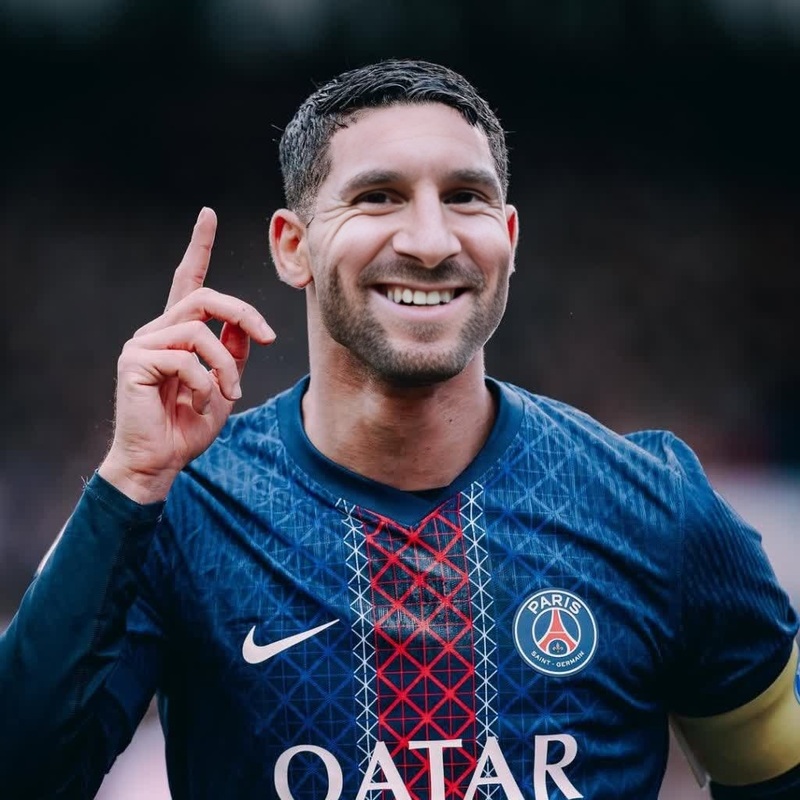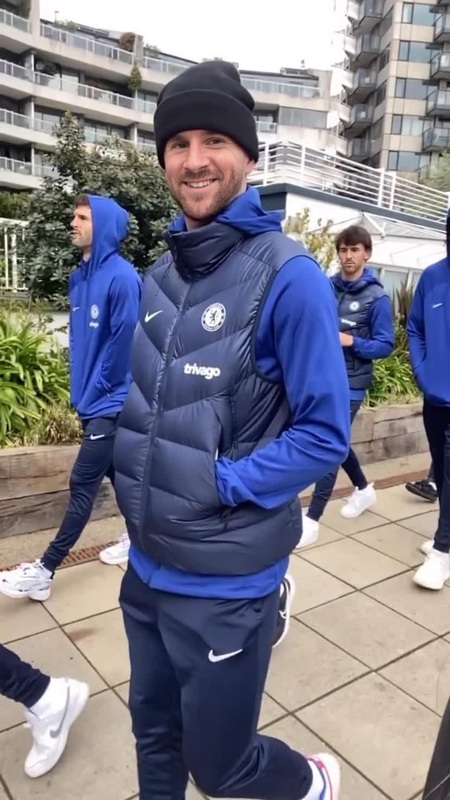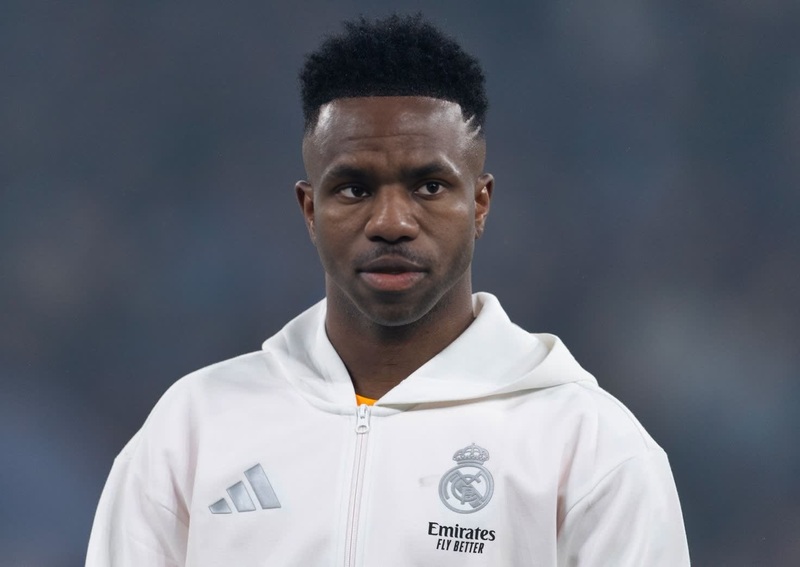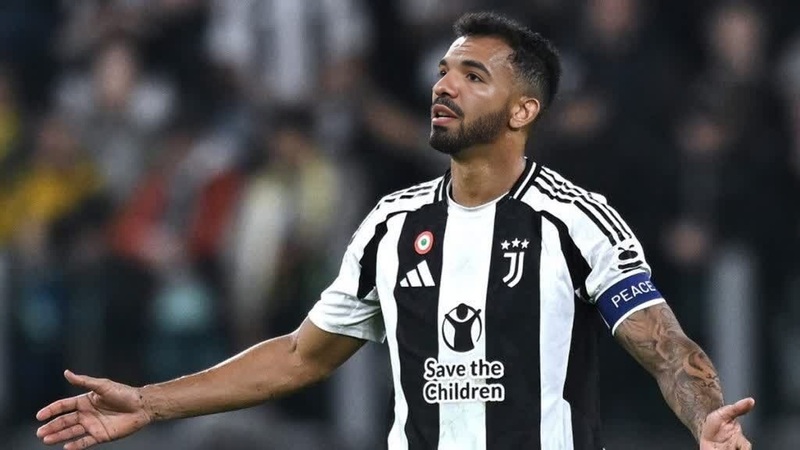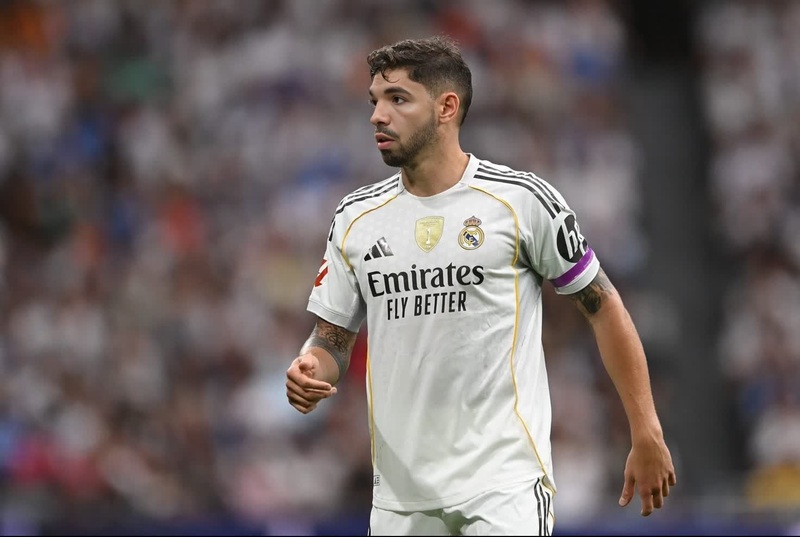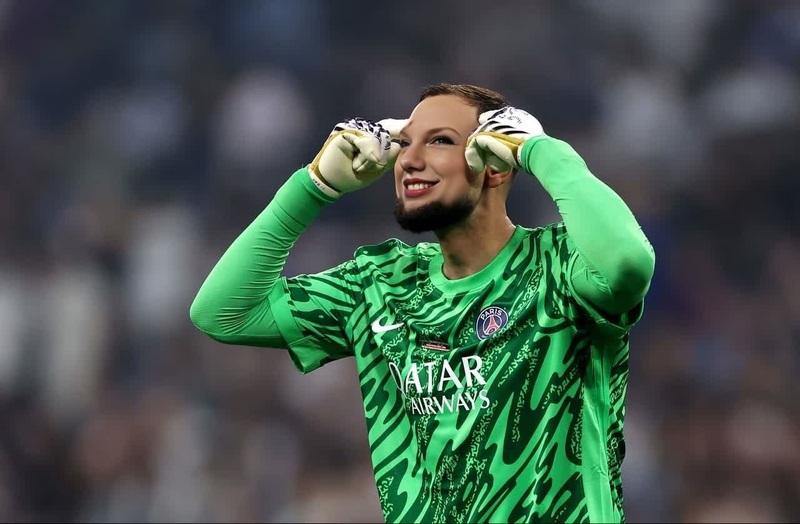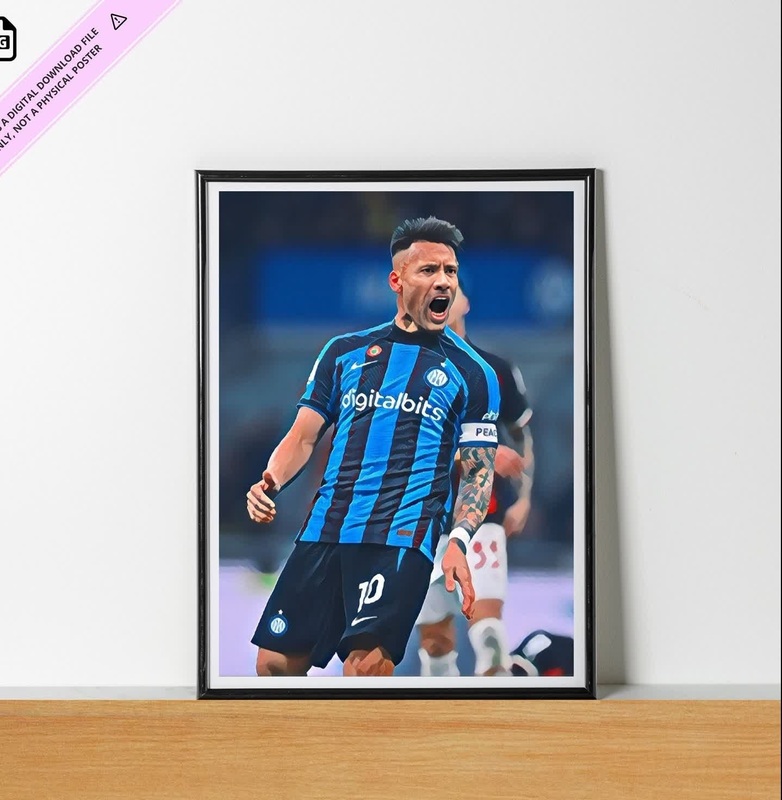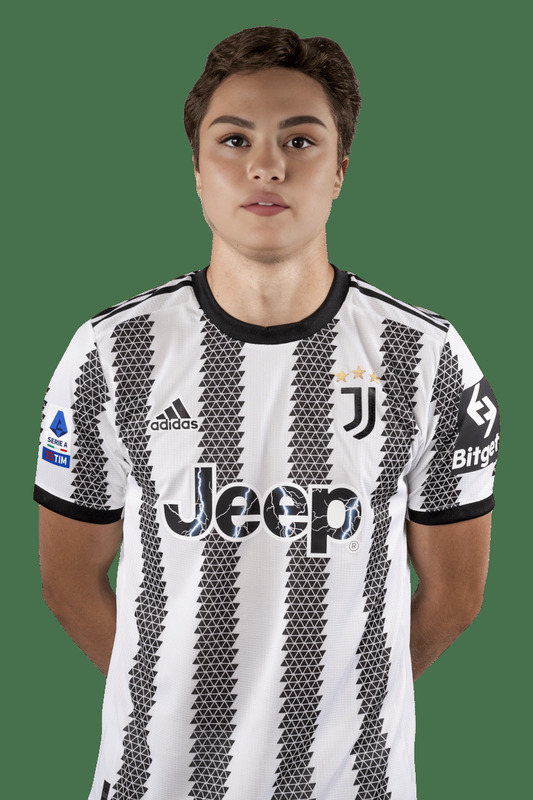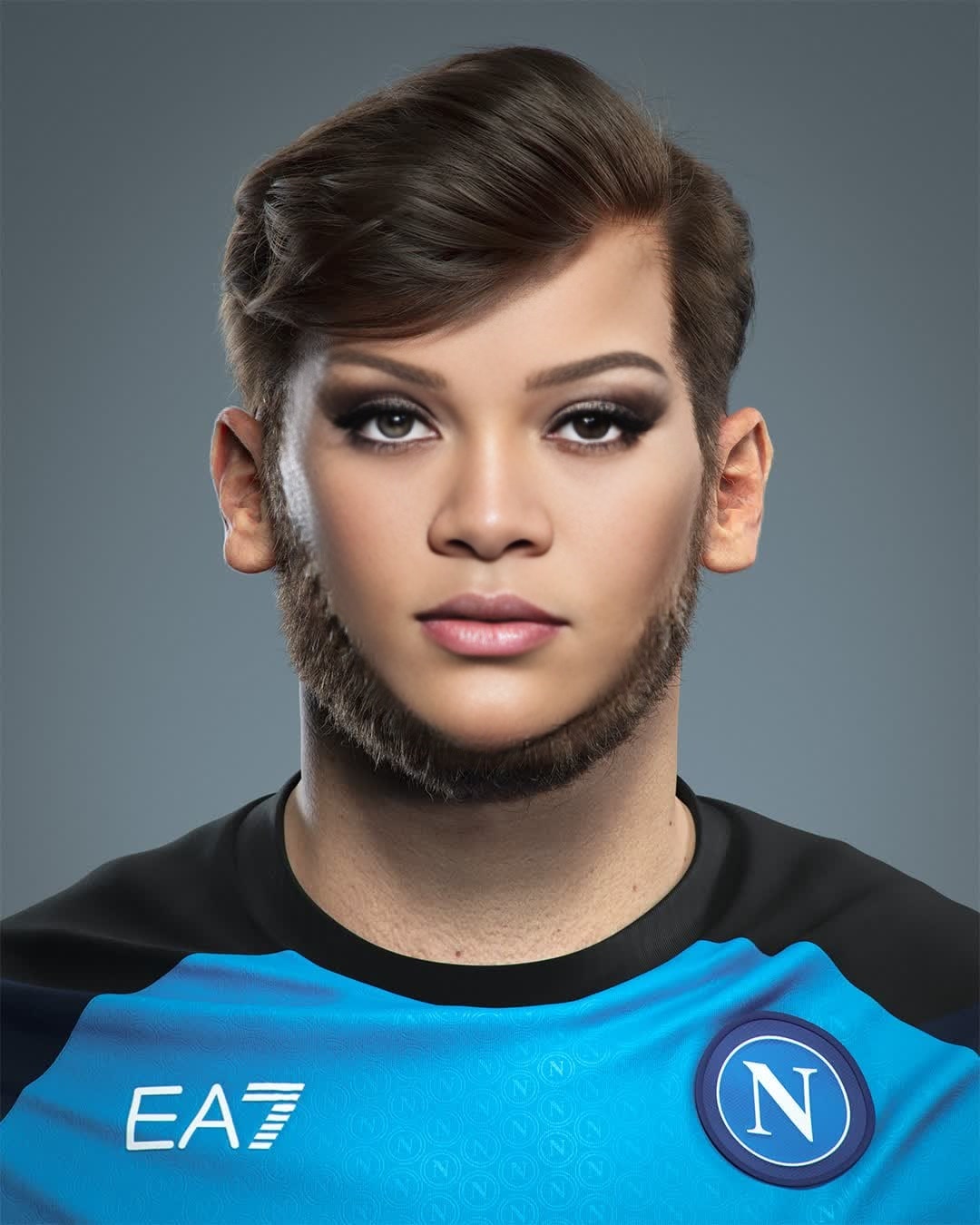
Khvicha Kvaratskhelia Napoli Media Day Portrait
- Image
- 1080 × 1350 px
Any aspect ratio
Overview
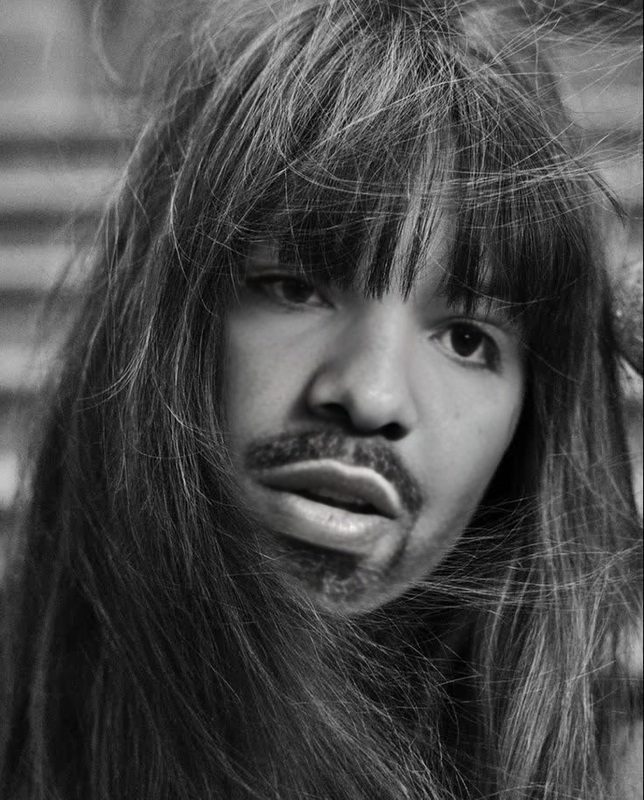
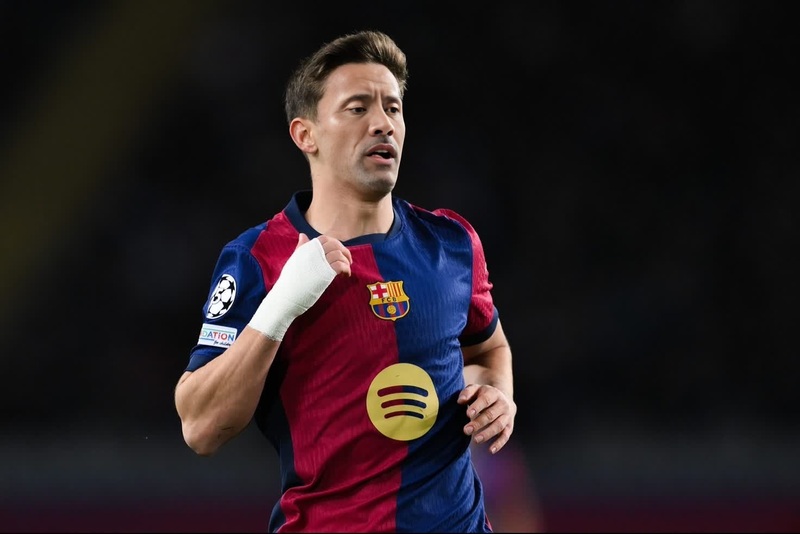
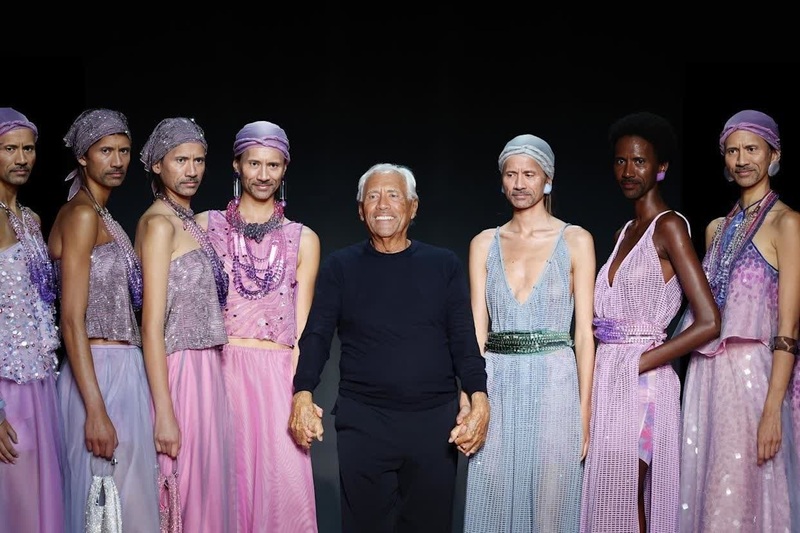
Step into the world of sports photography with our Khvicha Kvaratskhelia Napoli Media Day Portrait template. This Video Face Swap template allows you to easily transform any photo into a vibrant, Napoli-themed sports portrait video. Ideal for football enthusiasts looking to integrate sports imagery with personalized media.
What It Does
This template employs advanced video face swap technology, capturing the vibrant spirit of Napoli's media day through the lens of Khvicha Kvaratskhelia. It integrates elements of video art to map your selected face onto a pre-existing model, creating a seamless portrait imbued with team spirit and professionalism. Discover more about our Face Swap capabilities to enhance your sports projects.
Who It's For
This tool is perfect for sports content creators, social media managers, and football fans wanting to produce engaging Napoli-themed content. It caters to those looking to capture the essence of a sports media day, allowing for creative exploration and personal expression. Leverage our Image to Video tools for a complete storytelling experience.
Summary
Transform your photos into dynamic sports-themed content with our Khvicha Kvaratskhelia Napoli Media Day Portrait template. Experience the powerful capabilities of video face swapping technology and embed your personal touch in every frame. Explore additional features with our AI Video Generator to further enhance your projects.
How to Use
Choose Your Template

Customize Your Input

Generate Your Video

Use Cases
Sports Fan Engagement
- Social media posts
- Fan page content
- Sports blogs
Digital Memorabilia
- Customized fan videos
- Collector's digital items
Content Marketing
- Promotional content
- Product highlight videos
Athlete Spotlight
- Athlete profile videos
- Club promotion videos
Best Practices
Select High-Quality Photos
For best results, use well-lit photos with clear facial features. This ensures seamless face swapping and enhances output quality.Adjust Lighting and Colors
Utilize the built-in tools to match lighting and color tones between the face and the template for a more cohesive look.Integrate Additional Effects
Consider using additional features of the AI Image Editor to refine and enhance the overall aesthetic of your video projects.