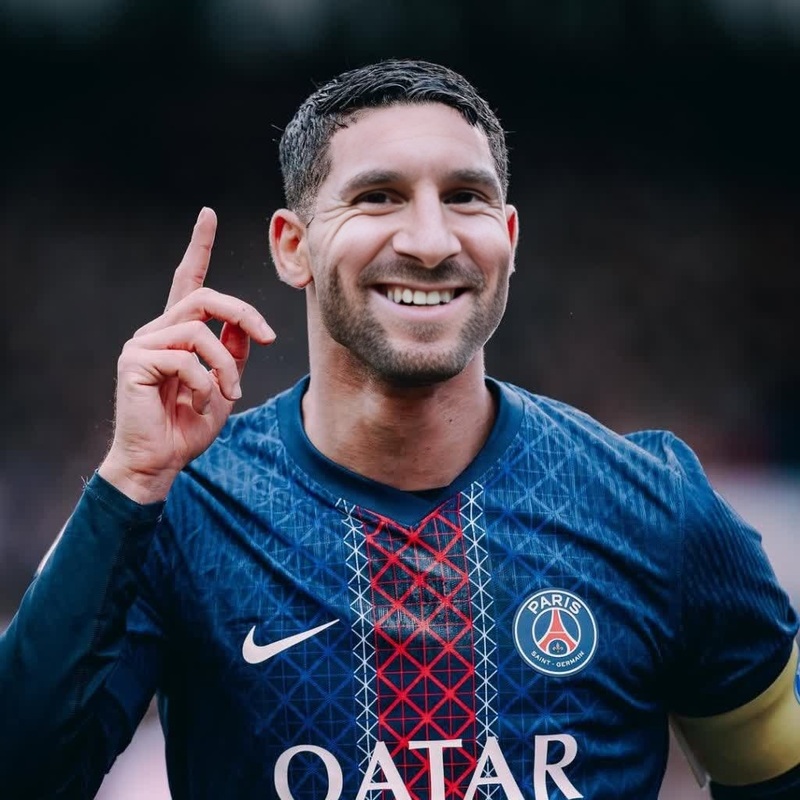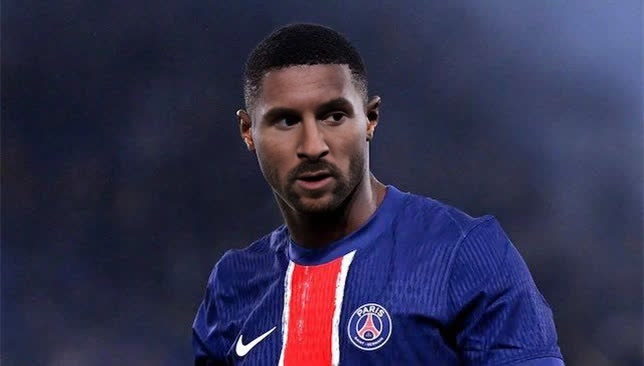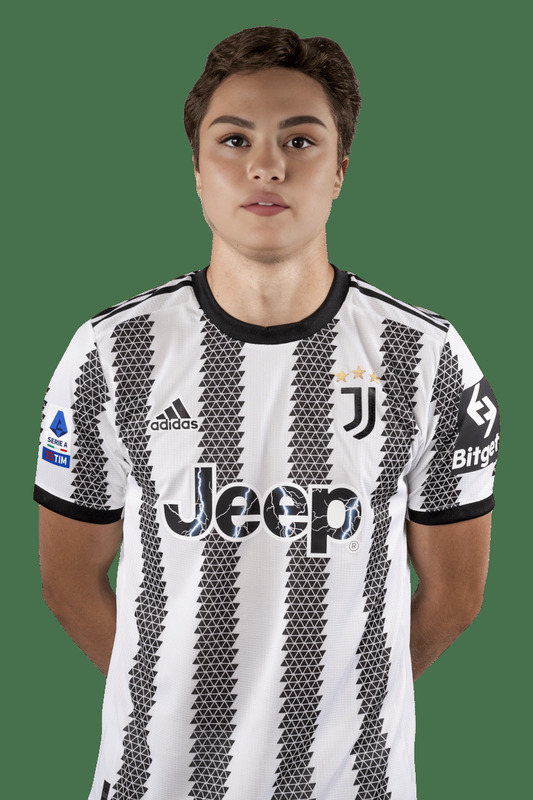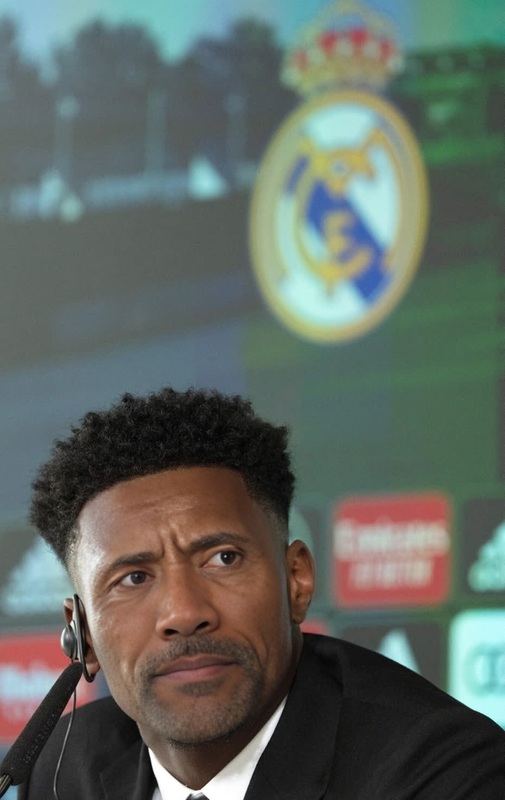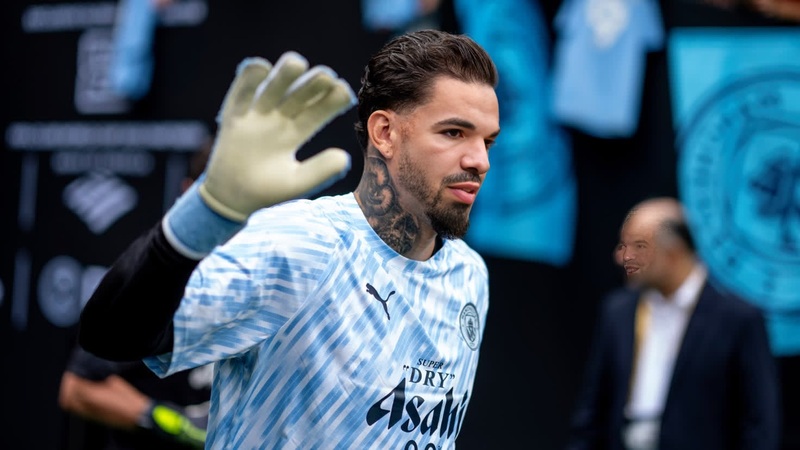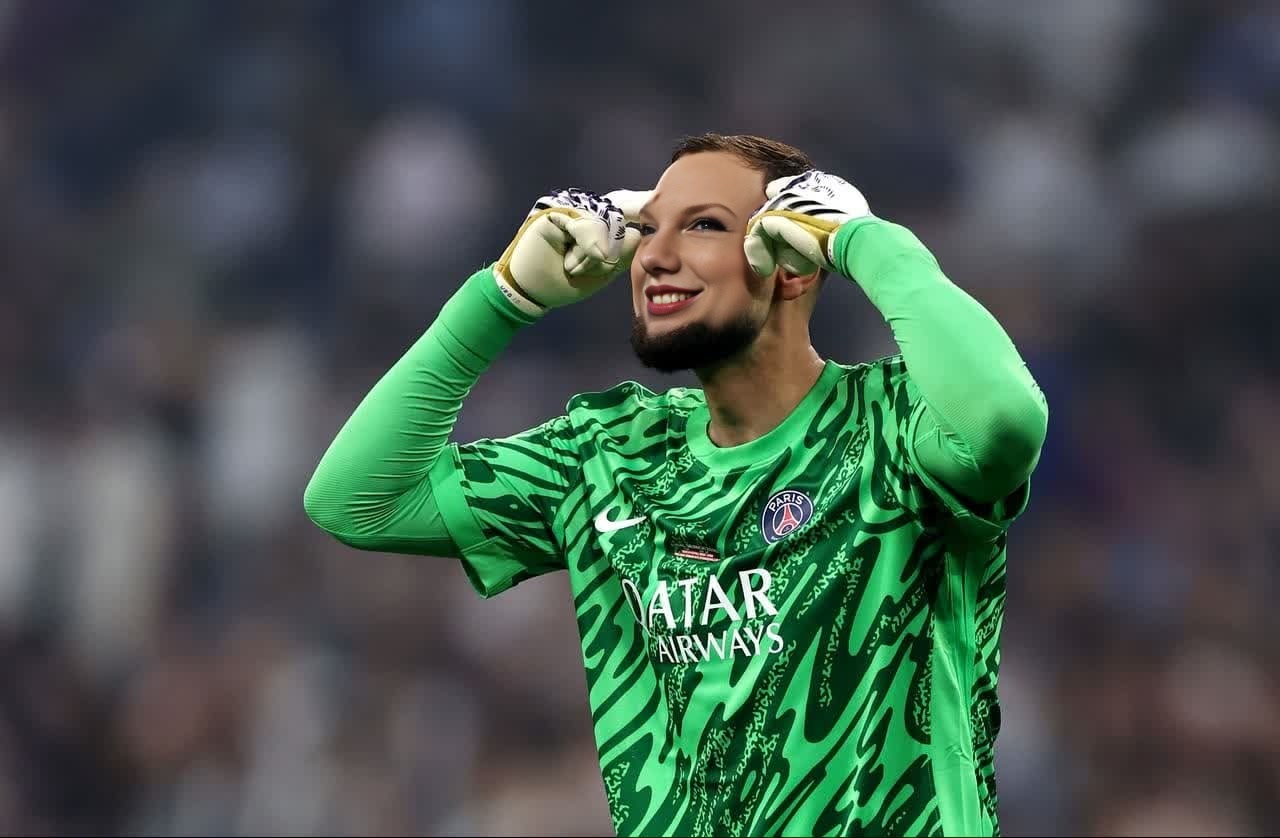
Gianluigi Donnarumma Psg Media Day Portrait
- Image
- 1280 × 838 px
Any aspect ratio
Overview
The "Gianluigi Donnarumma PSG Media Day Portrait" template offers an innovative way to merge faces with the famous soccer star for engaging media that stands out. Perfect for both sports enthusiasts and content creators, this Video Face Swap template allows you to create captivating portraits that make a statement. With its easy-to-use interface, integrating your likeness into any scene can be a breeze.
What It Does
This template allows you to perform a Video Face Swap, aligning your facial features with those of Gianluigi Donnarumma from the PSG Media Day. The tool intelligently maps and adjusts your inputs to achieve a natural and seamless look. Ideal for creating personalized fan videos or intriguing digital content, the final output can be exported in common video formats for widespread sharing and viewing.
Who It's For
This template is designed for sports fans, video content creators, marketers, and social media influencers. If you are looking to produce visually remarkable content that encaptivates viewers, the Face Swap product is a fantastic solution. Whether for personal enjoyment or professional promotion, this tool offers extensive creativity to those wishing to make a memorable impact.
Summary
The Gianluigi Donnarumma PSG Media Day Portrait template is your go-to option for creative digital storytelling. By leveraging the Video to Video technology and face transformation capabilities, users can explore new visual styles. Enjoy the powerful features of the AI Video Generator combined with this template for stunning results.
How To
Choose Your Template

Customize Your Inputs

Generate and Download

Use Cases
Fan Engagement Videos
- Support your favorite player by creating fan tribute videos.
- Share unique content on social media to engage with other fans.
Social Media Content
- Stand out with eye-catching content featuring influencers.
- Create humorous mashups for entertainment purposes.
Creative Marketing Materials
- Craft engaging advertisements using celebrity impersonations.
- Boost brand visibility with unique visual content.
Best Practices
Choose the Right Source Video
Ensure your input video has good lighting and clear visibility of faces to improve alignment and output quality.Align Features Carefully
Adjust the alignment settings carefully to ensure all facial features match the template closely before generating the final video.Experiment with Angles
Test different angles and expressions in your input file to find the most natural swap effect for your project.
Frequently asked questions
More Like This