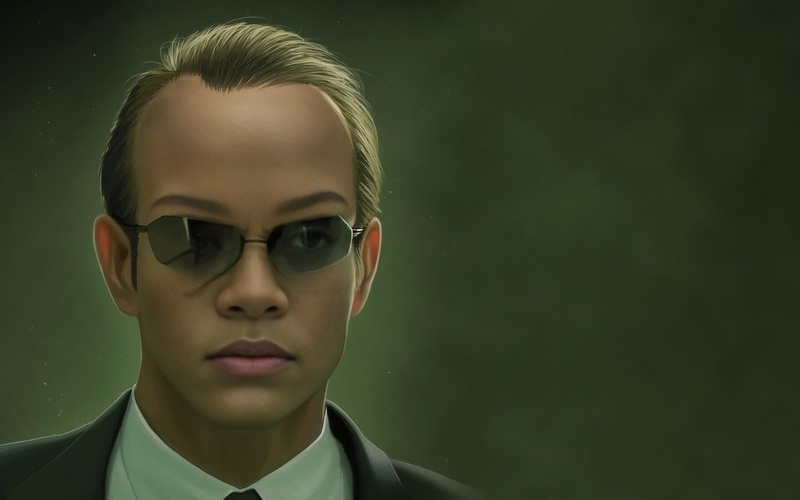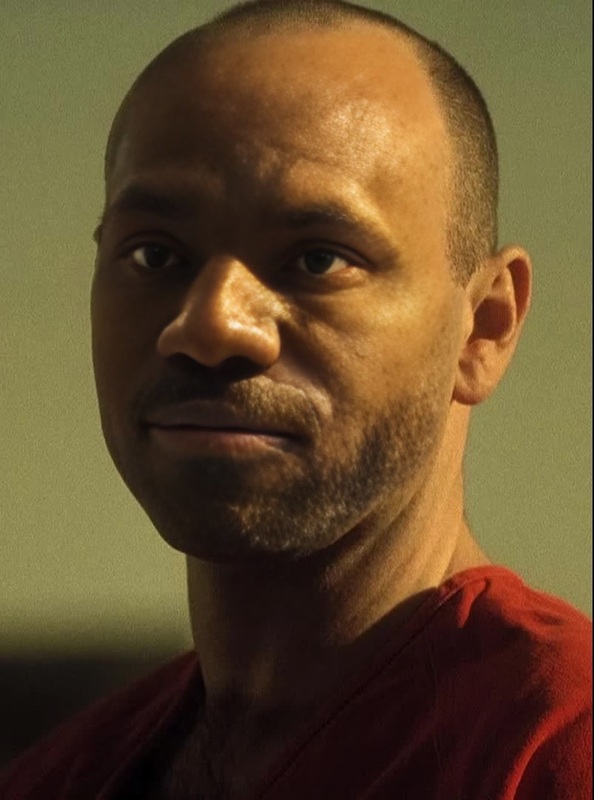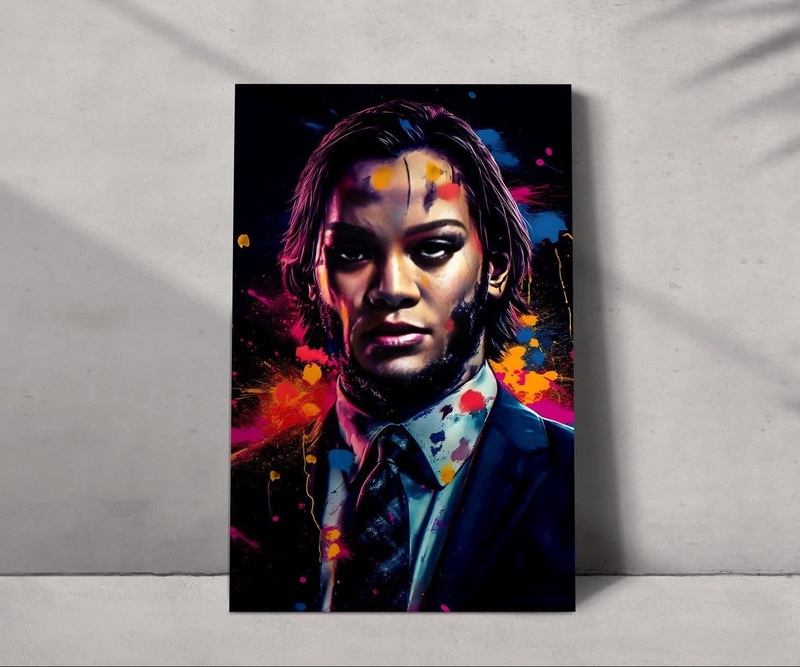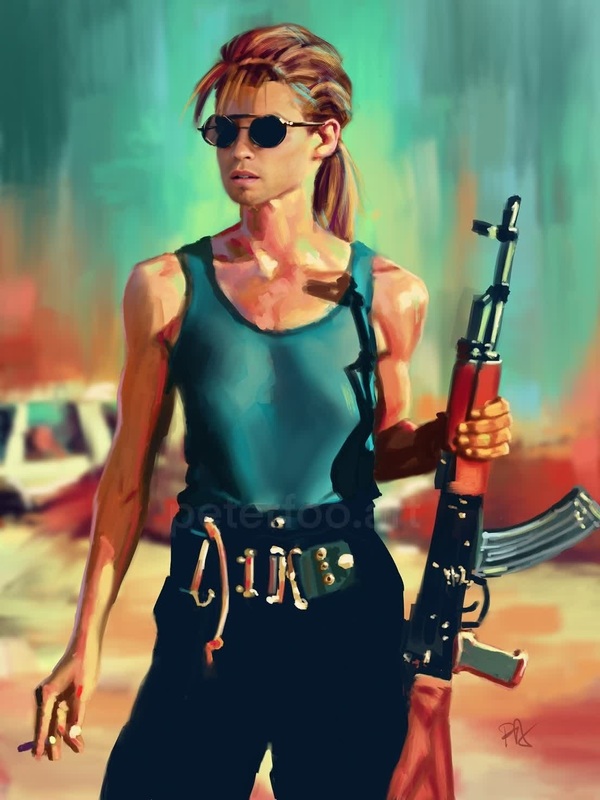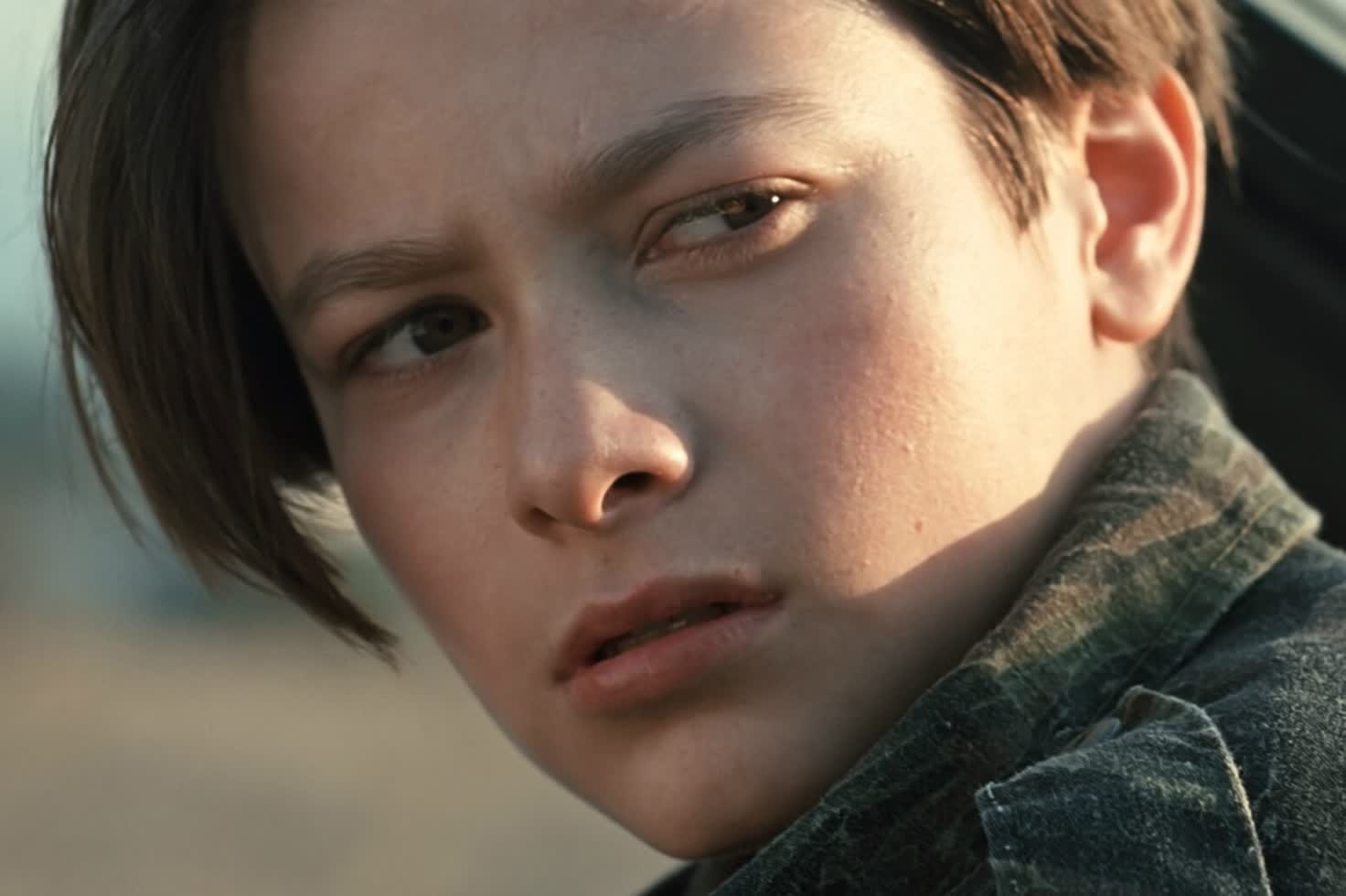
John Connor Terminator 2
- Image
- 1472 × 980 px
Any aspect ratio
Overview
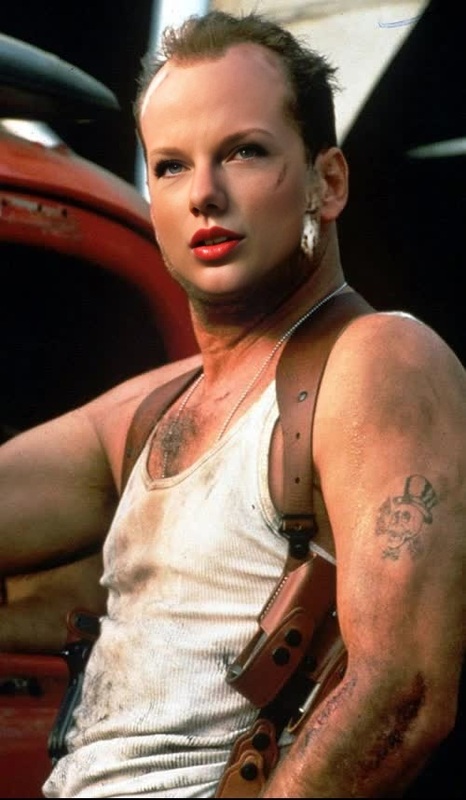
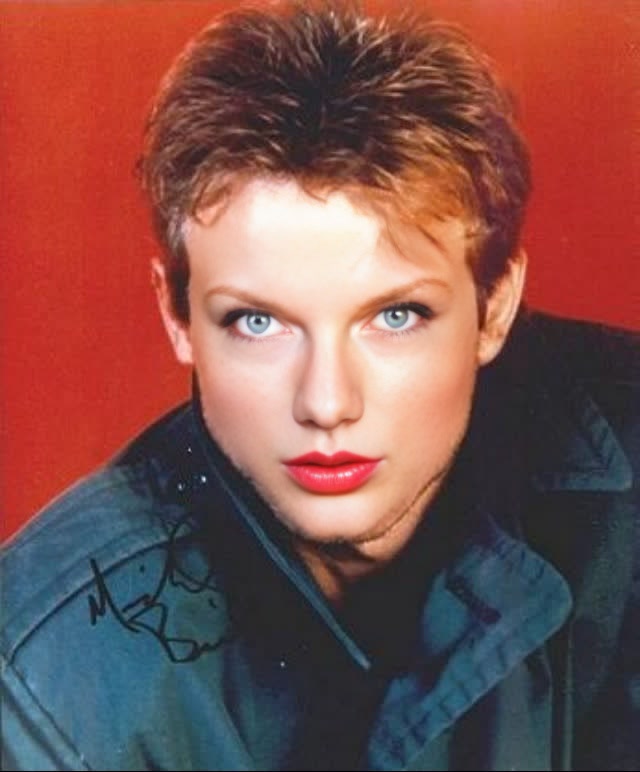
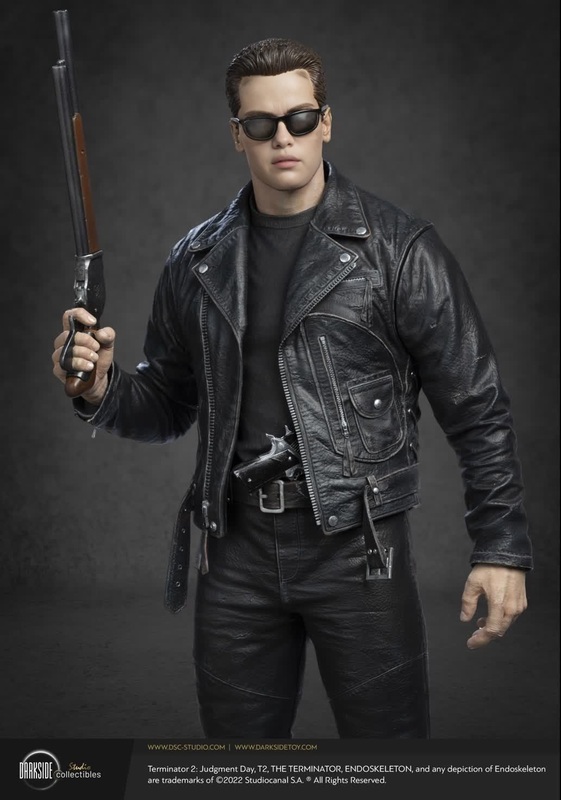
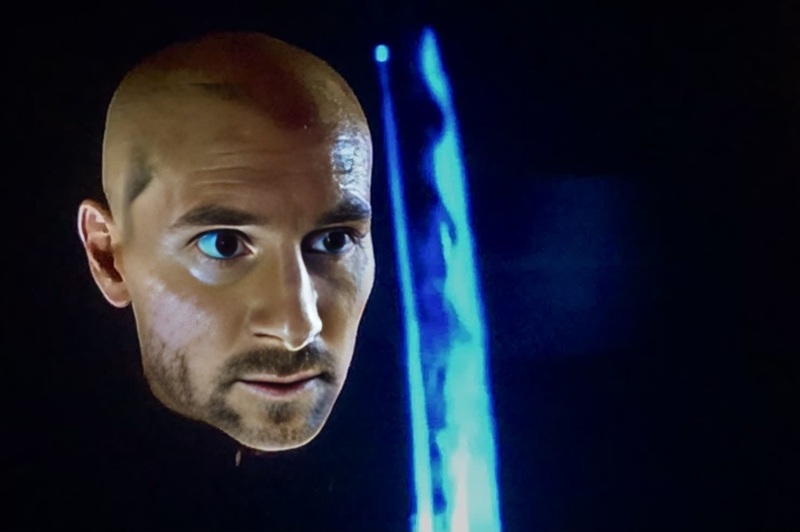
Transform your everyday videos into iconic action-packed scenes with our Video Face Swap template, featuring John Connor from Terminator 2. This tool allows you to blend your face seamlessly into thrilling sequences, offering a cutting-edge experience of becoming part of cinematic history, all from the convenience of your screen.
What It Does
This template leverages advanced face-swapping technology to replace the face of a character in Terminator 2 scenes with your own. Using sophisticated algorithms, it ensures facial expressions and movements align naturally for realistic integration. Ideal for dynamic content creation, this tool is perfect for fans and creators aiming to produce engaging multimedia content.
Who It's For
Whether you are a film enthusiast, a TikTok creator, or someone interested in innovative content on platforms like YouTube, this template is for you. It empowers users with the ability to create personalized, entertaining videos that can stand out on social media. It's also an excellent tool for digital marketers seeking to create unique, viral campaign pieces.
Summary
Step into the shoes of John Connor and recreate the iconic scenes of Terminator 2 with our Video Face Swap template. It's a perfect blend of technology and creativity, pushing the boundaries of personal video content creation. Explore other possibilities like using the AI Image Editor for additional visual enhancements, or try the Image-to-Video for converting static images into immersive videos.
How To
Choose Your Template

Customize Your Video

Generate and Download

Use Cases
Social Media Content
- Standout posts for your followers
- Engage with exciting and shareable content
Fan-Created Content
- Engage with fellow enthusiasts
- Host themed watch parties
Marketing Campaigns
- Boost brand engagement
- Create viral campaigns
Best Practices
High-Quality Source
Use high-resolution videos to ensure swap quality and clarity.Optimal Lighting
Ensure good lighting in your original video to help the face swap function properly.Enhanced Editing
Utilize the AI Image Editor for post-swap adjustments.