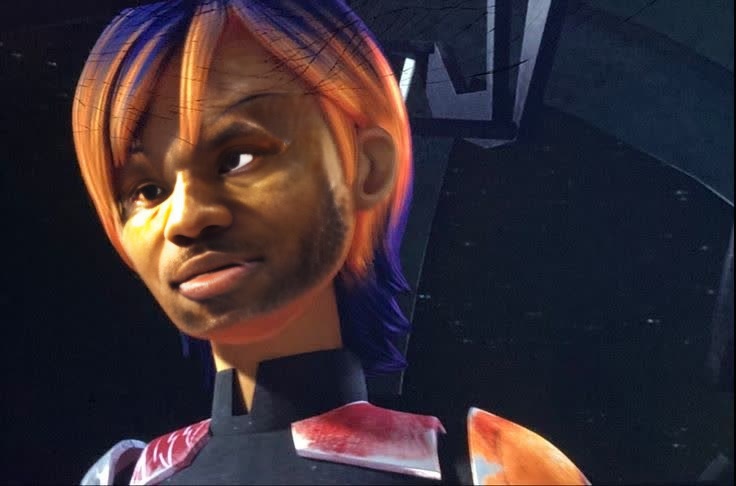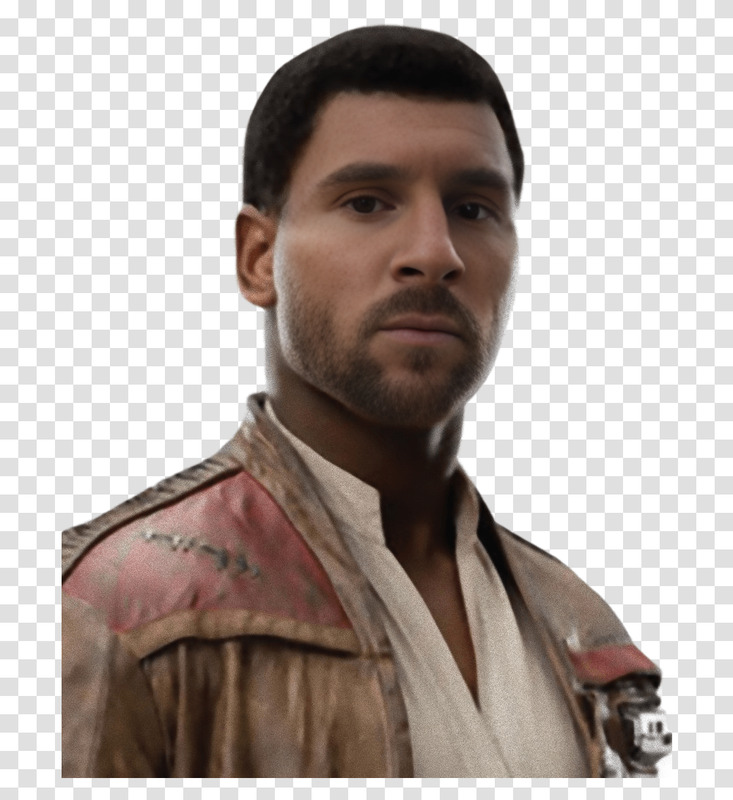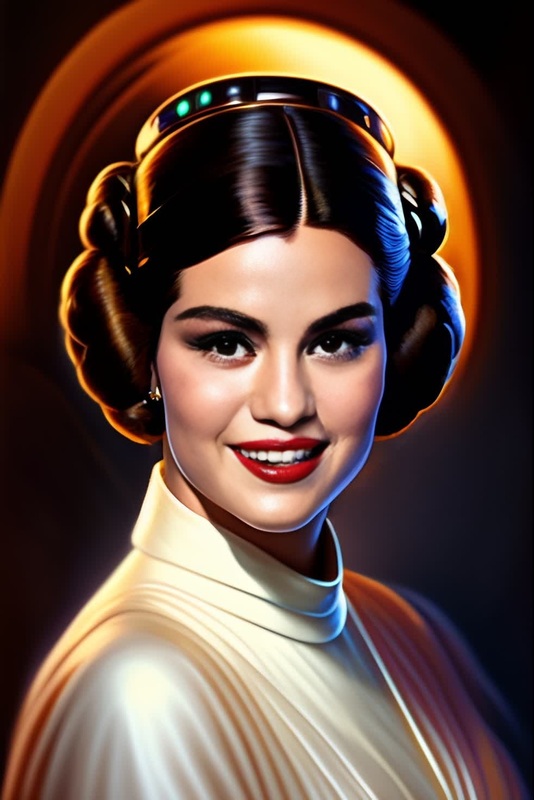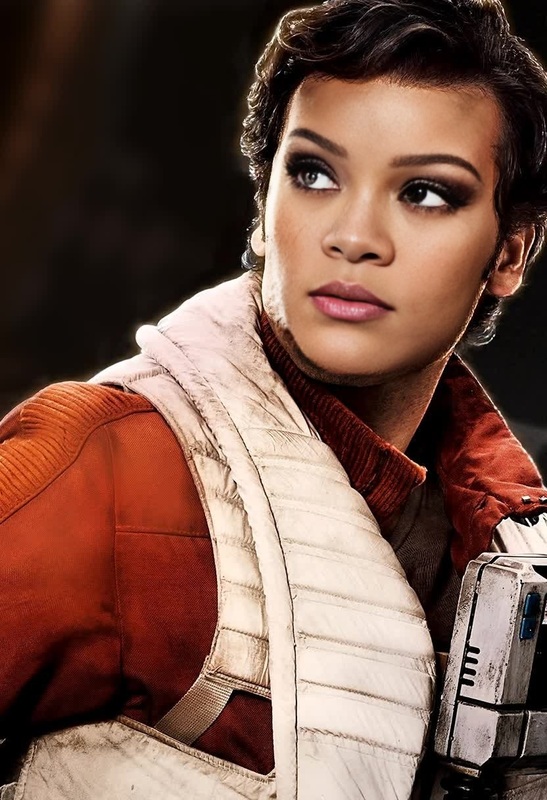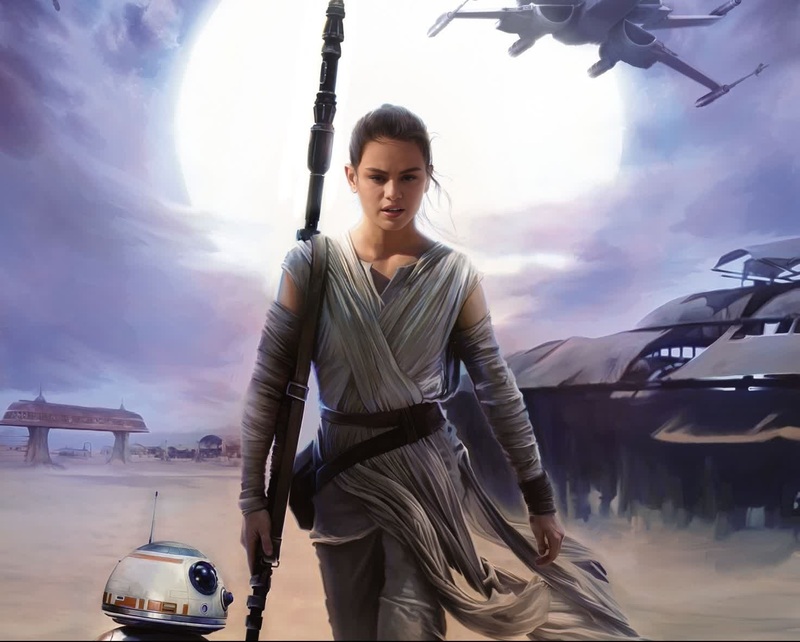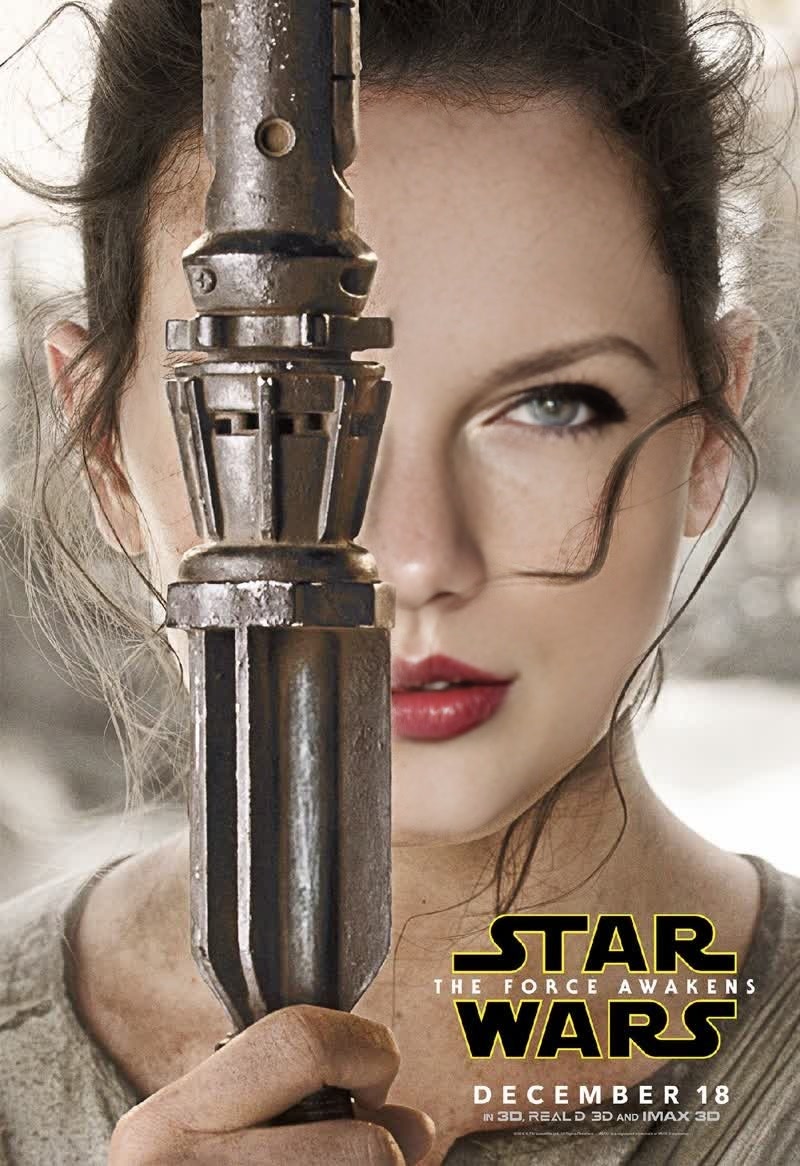
Daisy Ridley Star Wars The Force Awakens Portrait
- Image
- 800 × 1166 px
Any aspect ratio
Overview
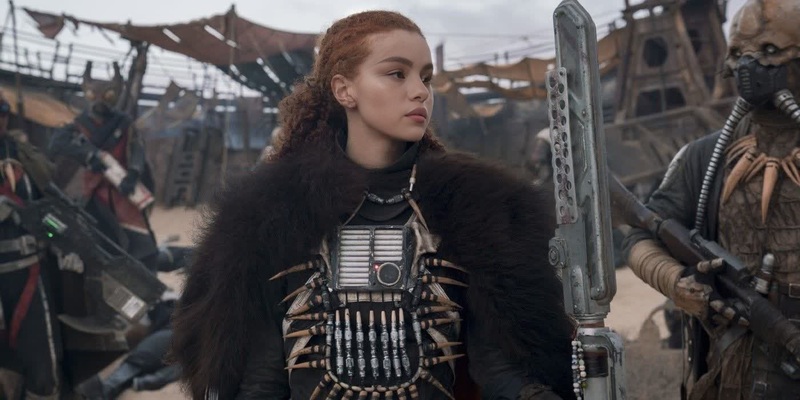
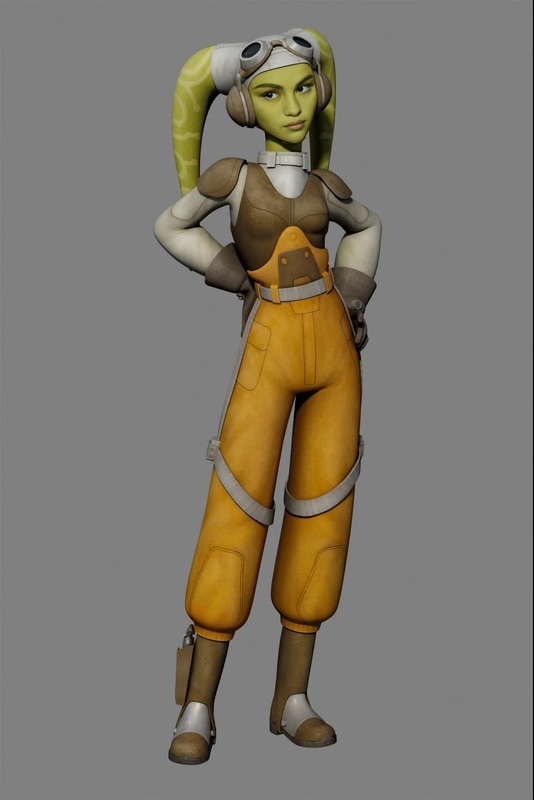
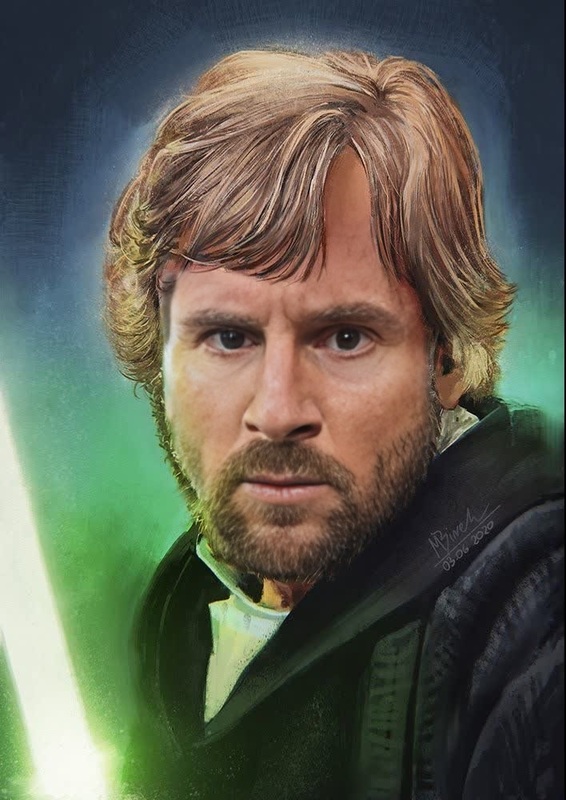
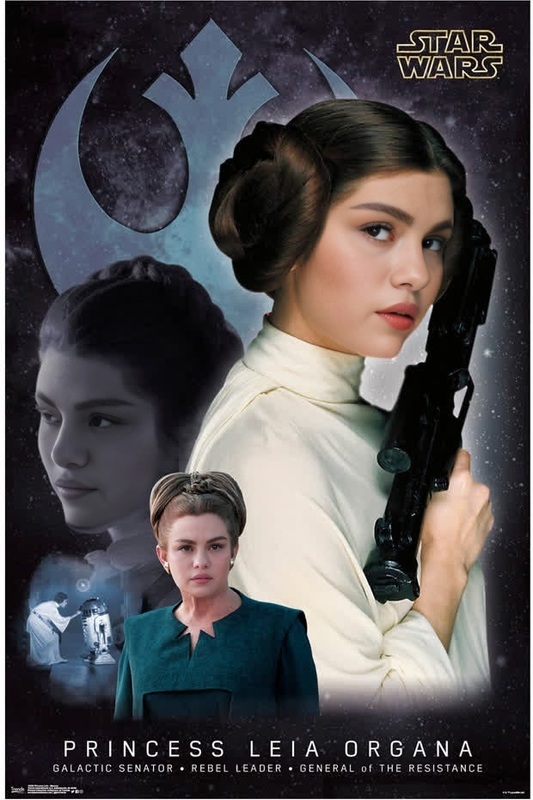
Step into the Star Wars universe and bring your cinematic dreams to life with the Daisy Ridley Star Wars The Force Awakens Portrait Video Face Swap template. This template empowers you to seamlessly integrate your face into iconic scenes, paving your way to join the galaxy's epic adventure.
Perfect for film enthusiasts and content creators alike, this face swap experience transforms ordinary footage into a stellar homage to the beloved saga.
What It Does
This Video Face Swap template allows you to replace any face in a pre-defined video with your own, creating a personalized Star Wars scene. Use it with our Video Face Swap product for smooth editing and realistic outputs. Supported formats include assets easily exported as MP4, making it versatile for sharing.
Who It's For
Whether you are a passionate Star Wars fan wanting to live out a fantasy, a content creator seeking to engage your audience with creative storytelling, or a social media influencer striving to stand out, this template is designed for you. Combine it with tools like the AI GIF Generator or the AI Image Upscaler for enhanced quality and creativity.
Summary
Transform yourself into a hero of the Star Wars saga with our Daisy Ridley Portrait face swap template. Create vivid, personalized portrayals by swapping your face into scenes from The Force Awakens. Generate compelling videos that capture the spirit of adventure and imagination intrinsic to Star Wars.
How to Use
Choose the Template

Customize Your Experience

Generate Your Video

Use Cases
Fan-made Star Wars Memorial Videos
- Capture a memorable Star Wars moment with your appearance.
- Create sentimental art pieces for a loved one who is a fan.
Creative Content for Social Media
- Showcase your Jedi transformation on platforms like Instagram or TikTok.
- Collaborate with other creators to produce a Star Wars-themed mini-series.
Interactive Star Wars Experiences
- Organize virtual fan meets where participants can generate their own Star Wars scenes.
- Introduce an animated character experience element at global online panels.
Best Practices
Choose High-Quality Images
For best results, use high-resolution images or videos for the face swap. This will improve the realism and clarity of the final output.Align Faces Carefully
Ensure that your face is aligned correctly with the target image. Misalignment can lead to unnatural results. Preview before generating to make necessary adjustments.Experiment with Lighting
Light your face similarly to the original scene for a more cohesive look. Consistent lighting helps with blending and overall realism.