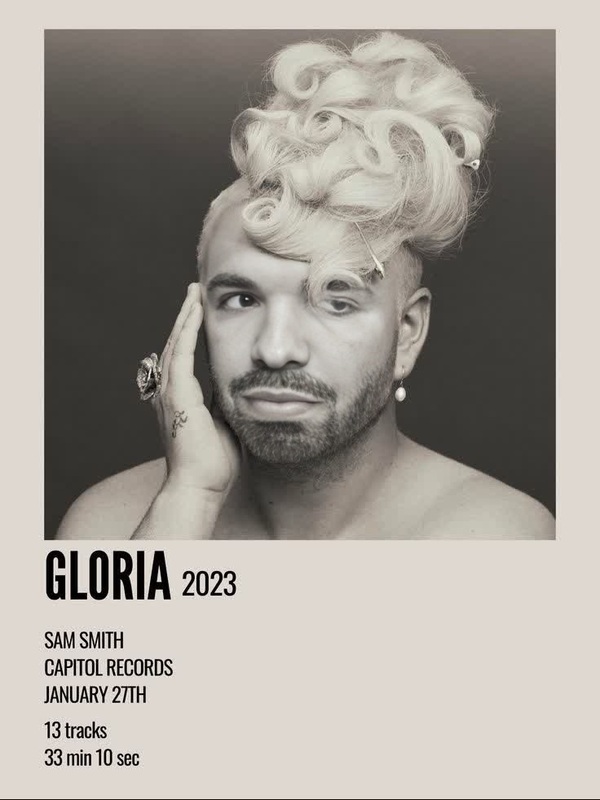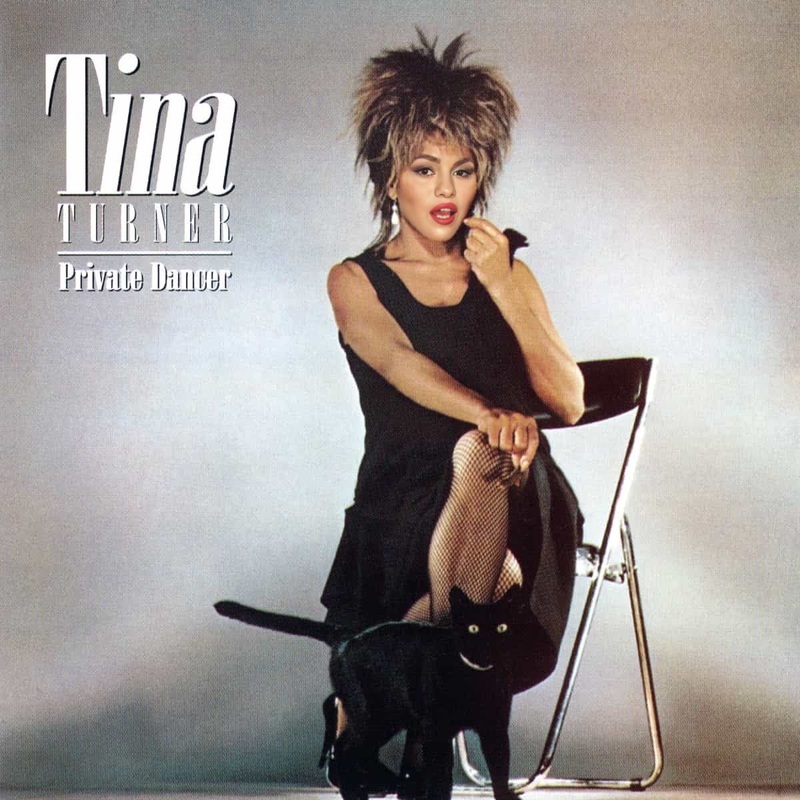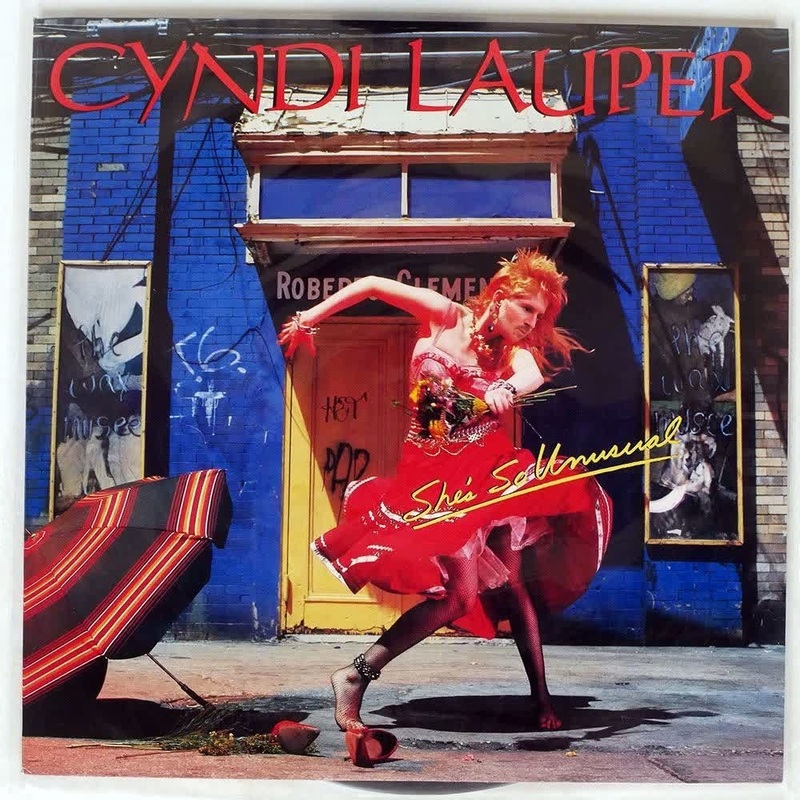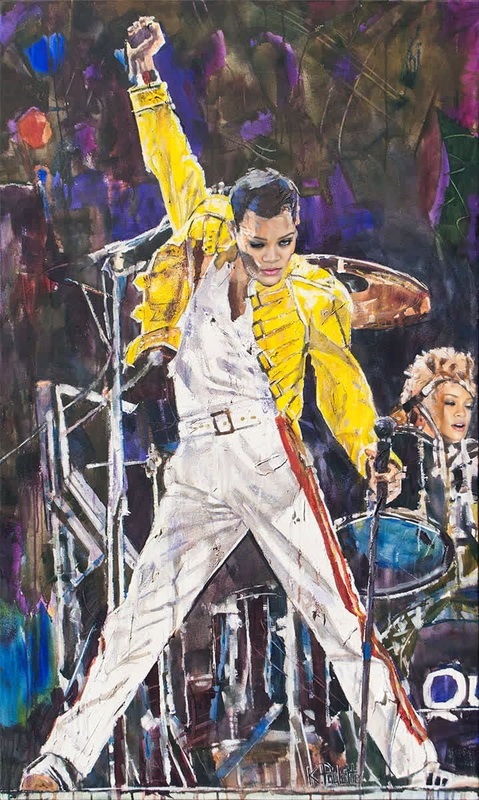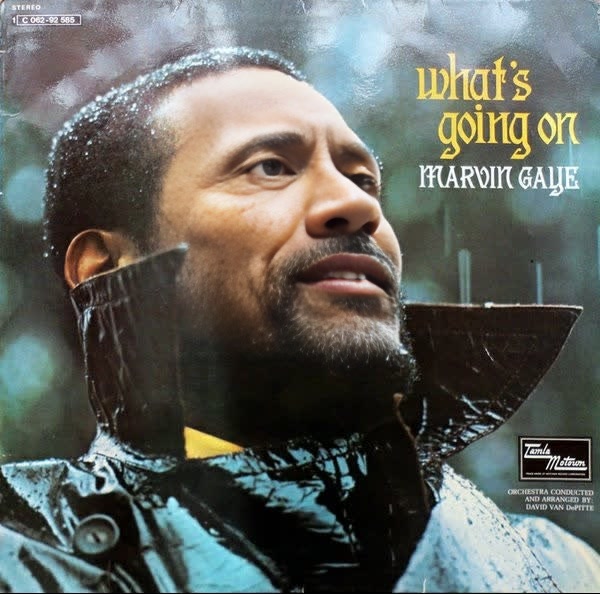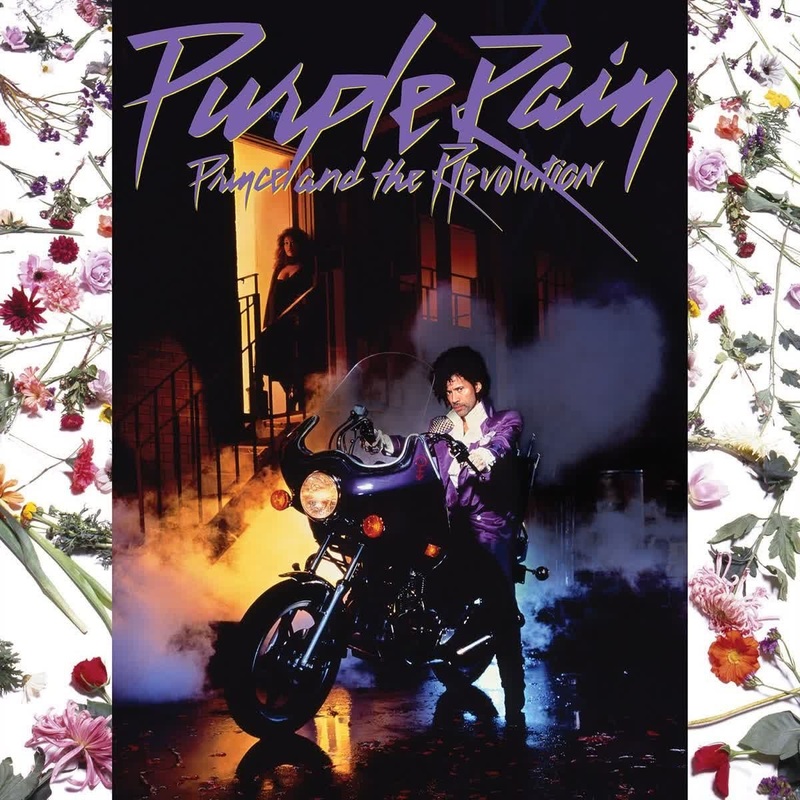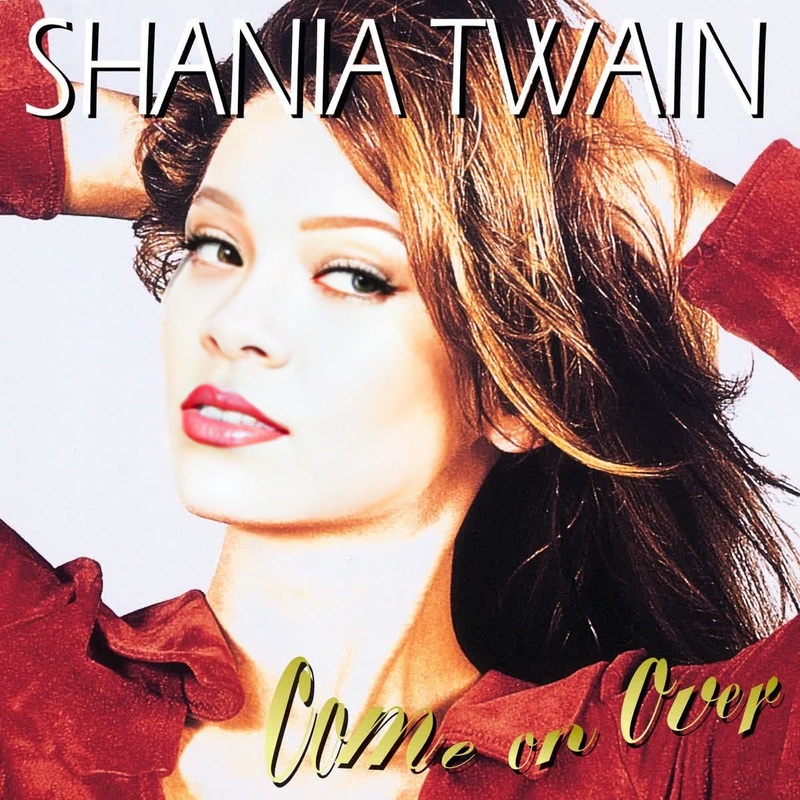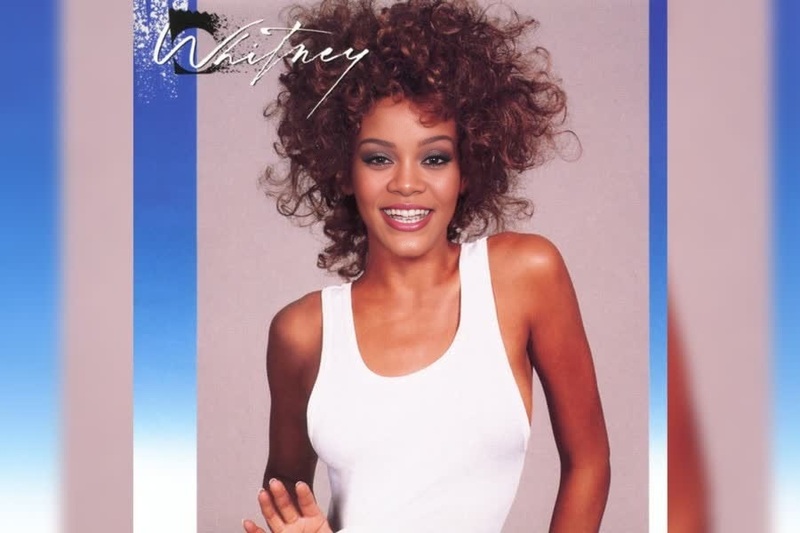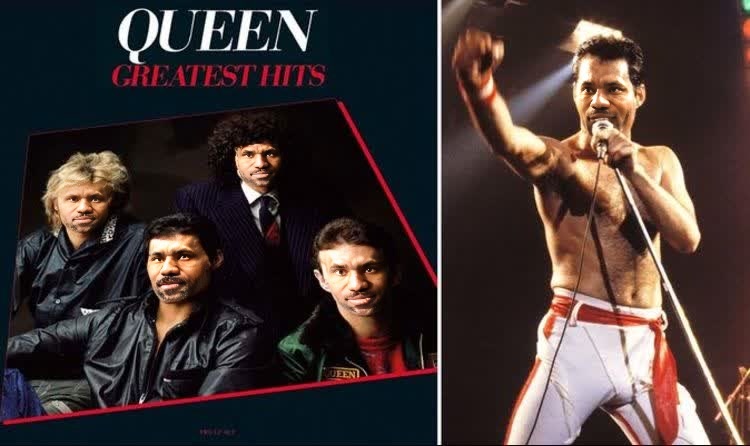
Freddie Mercury Queen Greatest Hits Press Portrait
face-swap
Any aspect ratio
Tags
transformationsTurn any clip into a high‑impact face swap video you can ship in minutes. This Magic Hour template is built on our production‑grade Face Swap engine and is fully remixable, so you can adapt it to your brand, format, and channel without touching code.
What this template does
This template lets you:
- Swap a source face onto a target video while preserving:
- Head motion and expressions
- Lighting and camera movement
- Background, clothing, and scene context
- Generate realistic, share‑ready video output you can use for:
- UGC‑style ads and TikToks
- Personalized sales videos and outreach
- Concept tests and creative variations
- Storyboards, proofs of concept, and prototypes
Under the hood, it uses the same core engine as the standalone Face Swap product and the Face Swap Video flow, but is pre‑configured as a reusable “recipe” you can remix.
How to remix this template in Magic Hour
You can clone this template and adapt it to your own use case in a few minutes. At a high level, the workflow is:
Start from the Face Swap Video creator
- Go to the Face Swap Video template.
- Load this template (or a similar one) as your starting point.
Upload or select your target video
- Use a short, well‑lit clip (talking to camera, product demo, or simple movement works best).
- Keep motion realistic and avoid heavy occlusions (hands over the face, extreme motion blur).
Provide the face to swap in
- Upload a clear photo or frame of the face you want to insert.
- For best results:
- Use a high‑resolution, front‑facing image
- Make sure the face is well lit and unobstructed
- Avoid sunglasses or heavy filters
Run the face swap
- Generate the new video with the swapped face.
- Review and, if needed, iterate with a different source face or a cleaner target clip.
Export and reuse as a template
- Save the setup as your own remixable preset inside Magic Hour.
- Reuse it with new faces, new videos, or as part of a larger workflow (e.g., lip‑synced, animated, or upscaled outputs).
This workflow is fully no‑code and optimized for non‑technical creators, but is precise enough for performance marketers, agencies, and product teams.
Best practices for high‑quality face swaps
To get consistently strong results:
- Use clean, sharp source faces
- Clear facial features, minimal motion blur
- Neutral or natural expressions work better than extreme poses
- Prioritize lighting and framing
- Similar lighting between the source face and target video improves realism
- Avoid very dark scenes or extreme backlighting
- Keep edits believable
- Stay close to natural skin tones and realistic motion
- For stylized results (anime, illustration, etc.), consider pairing with:
Example use cases for creators, marketers, and product teams
1. Performance creatives & UGC‑style ads
- Turn a single base asset into dozens of “different” creators by swapping faces.
- Test audiences, demographics, and personas quickly without re‑shooting.
- Combine with:
- Lip Sync to match local languages or scripts
- Auto Subtitle Generator for instant captions
- Video Upscaler to polish winning creatives
2. Personalized outreach and sales
- Generate tailored outreach videos where the same speaker appears in different contexts or styles.
- Pair with:
- AI Talking Photo for static‑image driven talking heads
- AI Voice Generator or AI Voice Cloner for consistent voiceover
- Text to Video for script‑driven variants
3. Content repurposing for social
- Adapt one performance across multiple campaigns and platforms.
- Add stylization using:
- Animation to create animated versions
- AI GIF Generator for loops and memes
- AI Meme Generator for fast social posts
4. Prototyping characters and storyboards
- Use live‑action reference footage and swap in concept characters or stylized faces.
- Combine with:
- AI Character Generator for consistent character concepts
- Animated Characters Generator for fully animated personas
- Video to Video to re‑render scenes in different visual styles
Related Magic Hour tools that layer well with face swap
To build more advanced templates and workflows, consider chaining this template with:
Face‑related tools
- Face Swap – core engine for images and clips
- Face Swap GIF – for short, shareable loops
- AI Face Editor – refine expressions, age, or facial features
- AI Face Generator – produce synthetic faces to swap in
- Gender Swap – experiment with gender presentation
Image creation & editing
- AI Image Editor – retouch or adjust source faces
- AI Photo Generator – generate photorealistic headshots to use as sources
- AI Headshot Generator – professional‑grade faces for LinkedIn, landing pages, and bios
- AI Image Upscaler – enhance low‑res source photos before swapping
- Image Background Remover or AI Remover – clean up busy backgrounds before compositing
Video and motion
- Image to Video – animate a still image, then apply face swap on top
- Video Upscaler – sharpen your final swapped videos
- Lip Sync – sync the swapped face to your script or audio track
Avatars, personas, and branding
- Avatar Generator – create brand mascots or persona avatars
- AI Selfie Generator – generate social‑ready identities you can reuse across content
- AI QR Code Generator – embed scannable links in your videos for campaigns
These can be chained conceptually in your creative pipeline, even though each runs as its own tool within Magic Hour.
How to turn this into your own reusable system
If you’re a marketer, agency, or builder and want to operationalize this template:
Define your inputs
- Standardize how your team provides:
- Source face images (size, lighting, framing)
- Target videos (length, framing, script style)
- Standardize how your team provides:
Create a stable “base template”
- Remix this template once, lock in your preferred:
- Visual style and overall look
- Video formats you use most (e.g., vertical short‑form vs. landscape explainers)
- Remix this template once, lock in your preferred:
Build a repeatable flow
- Use:
- Face Swap Video for the main swap
- Lip Sync if you localize across languages
- Auto Subtitle Generator for rapid captioning
- Document your internal “recipe” so non‑technical teammates can run it end‑to‑end.
- Use:
Iterate based on performance
- Treat face variants like any other creative variable.
- A/B test:
- Different personas or demographics
- Different emotional expressions or energy levels
- Use your ad platform or analytics stack to feed learnings back into which faces and formats perform.
Ethical and practical considerations
Face swapping is powerful; use it responsibly:
- Get consent from the people whose faces you use, especially for commercial work.
- Be transparent when content is AI‑generated or altered, particularly in advertising or editorial contexts.
- Respect platform policies – most social and ad platforms have specific rules around synthetic media and impersonation.
- Avoid deceptive or harmful use such as deepfake harassment, political misinformation, or non‑consensual content.
For deeper background on synthetic media ethics and best practices, see discussions and guidelines from organizations like the Partnership on AI and the OECD’s work on AI transparency.
Summary: What you can do with this template
With this Face Swap–based template you can:
- Turn one performance into dozens of realistic variations
- Prototype creative ideas in hours instead of reshoots
- Build repeatable systems for UGC ads, personalization, and content experiments
- Chain into other Magic Hour tools (lip sync, image editing, animation, voice, and upscaling) for more advanced pipelines
To get started, open the Face Swap Video creator, load this template, swap in your own source face and target video, and save your remix as your own reusable template.