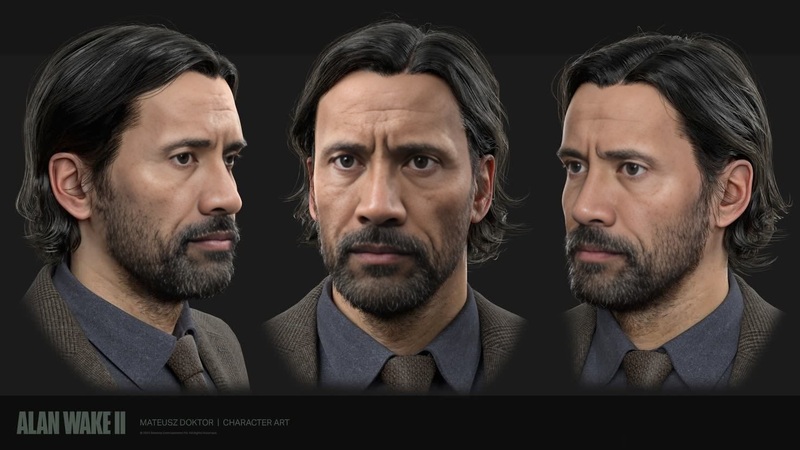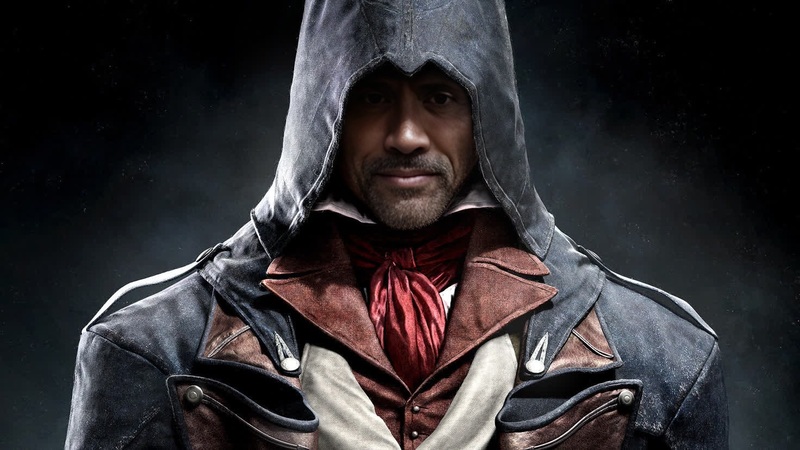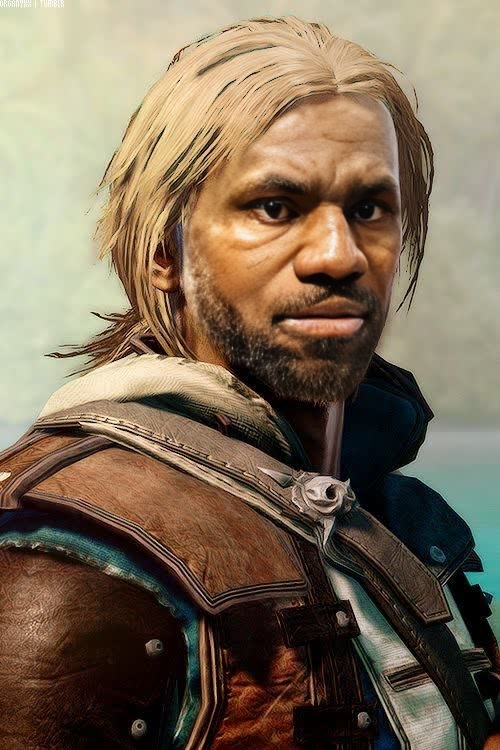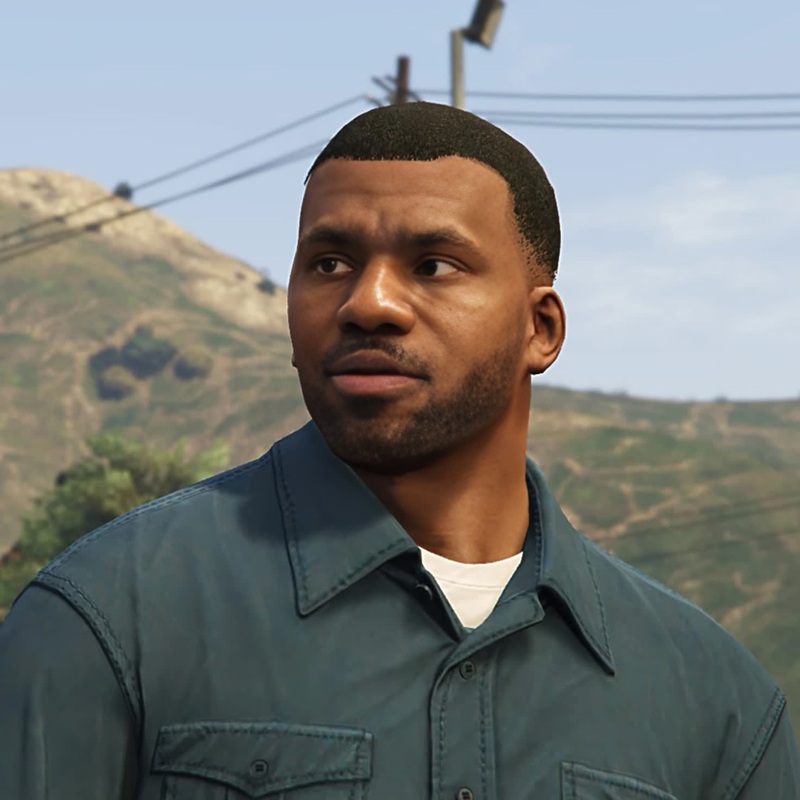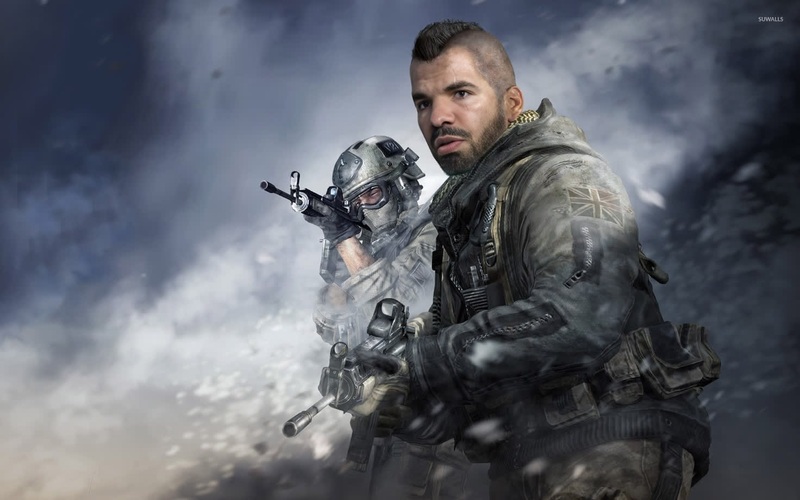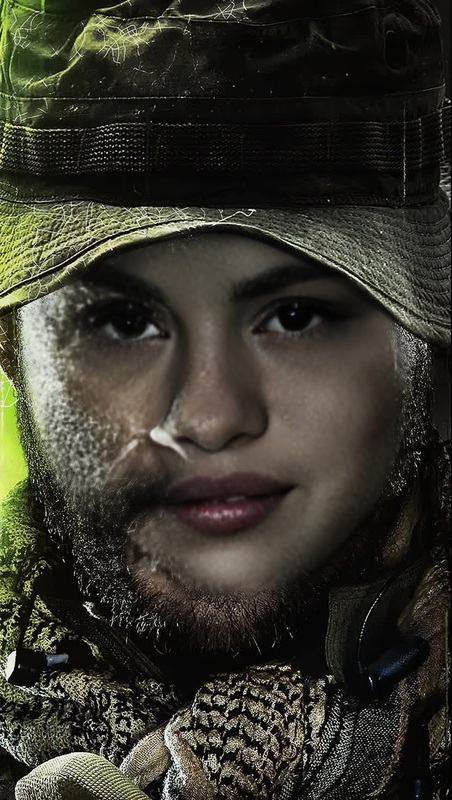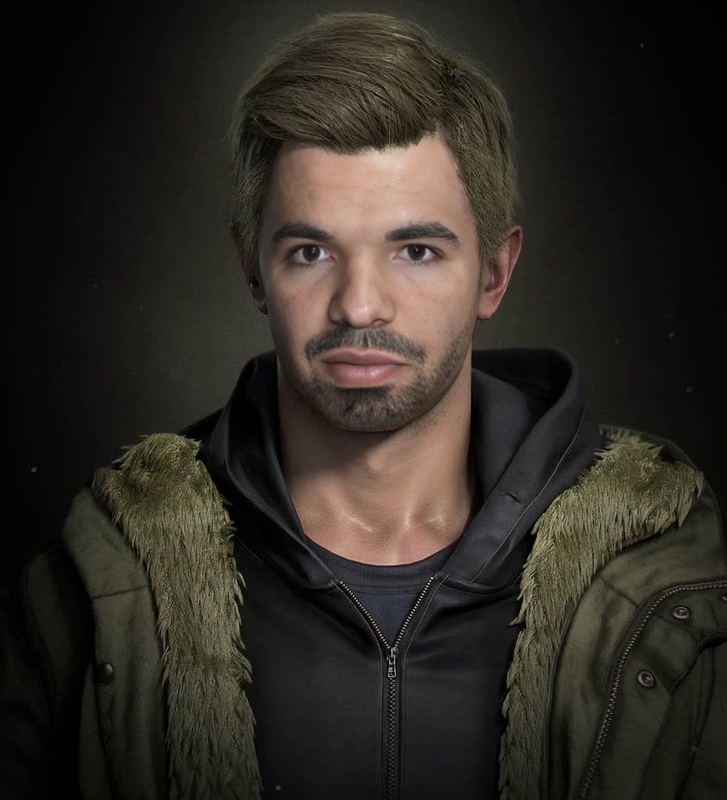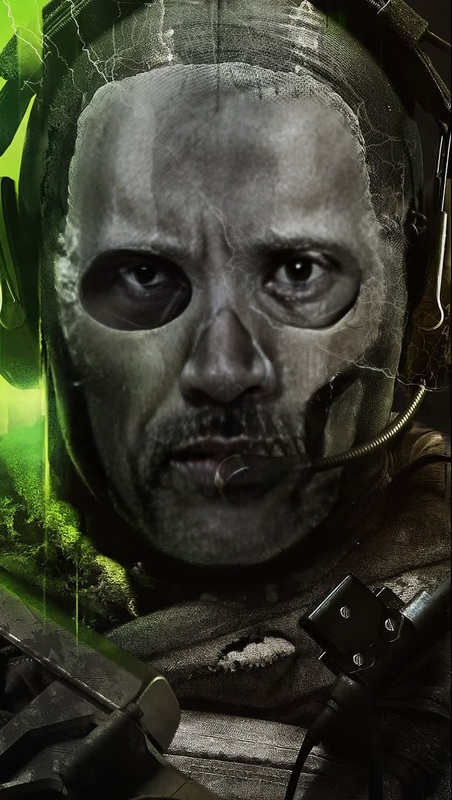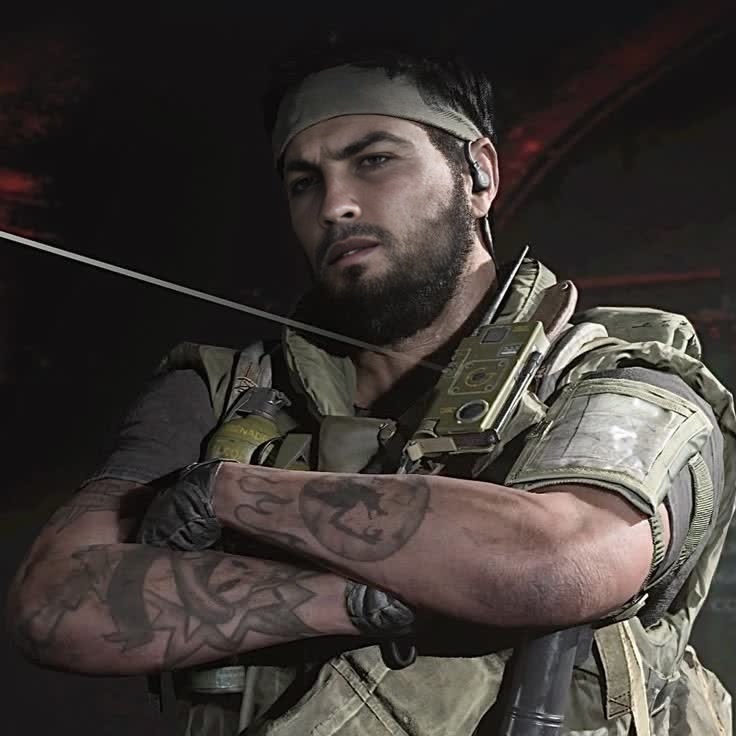
Frank Woods Call Of Duty Black Ops Photorealistic Portrait
- Image
- 736 × 736 px
Any aspect ratio
Overview
Unleash the tactical essence of Frank Woods from Call of Duty Black Ops by using our Video Face Swap template. Transform any ordinary photo into a stunning photorealistic portrayal reminiscent of your favorite character. Dive into an immersive experience that blends reality with the iconic virtual world of Call of Duty.
What It Does
This template enables users to perform high-quality face swaps in videos, turning themselves or others into the well-known Frank Woods character. With advanced algorithms, the template maintains facial expressions and intricate details, ensuring a realistic transformation. This tool is perfect for content creators looking to add a gaming twist to their media production.
Who It's For
The Frank Woods Video Face Swap is designed for gamers, content creators, and social media enthusiasts eager to incorporate video game characters into their content. It's also a captivating choice for marketers seeking to create engaging video ads or anyone wishing to surprise their friends with a novel visual treat.
Summary
Step into the shoes of a beloved gaming character with the Frank Woods Video Face Swap template. Craft videos that seamlessly integrate the photorealistic visage of Frank Woods, enhancing your creative projects or personal videos with a touch of Call of Duty flair. Explore more transformations with our Video Face Swap and other advanced editing tools like the AI Image Editor and Image to Video converter.
How to Use
Choose the Template

Customize Your Inputs

Generate Your Video

Use Cases
Gaming-Based Content Creation
- YouTube gaming channels
- Twitch stream overlays
- Influencer collaboration
Social Media Enhancements
- Instagram stories and reels
- TikTok challenges
- Facebook video posts
Marketing and Branding
- Brand promotion
- Product launch campaigns
- Event teasers
Best Practices
Select High-Quality Images
Use high-resolution photos with clear facial details for a more convincing swap.Consider Lighting and Angles
Photos with even lighting and faces positioned directly toward the camera yield the best results.Experiment with Different Poses
Test various facial expressions and positions to find the most natural-looking swap for your creative vision.
Frequently asked questions
More Like This