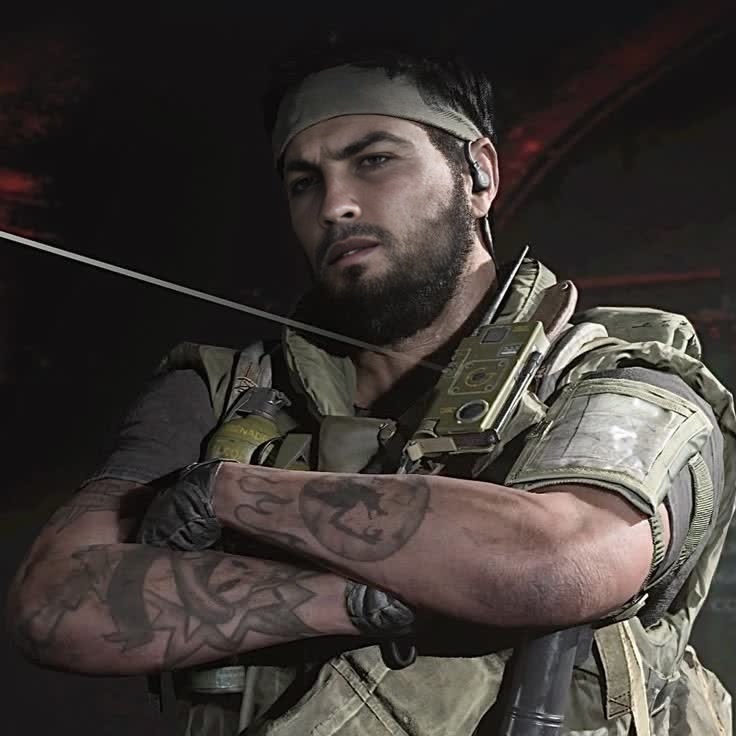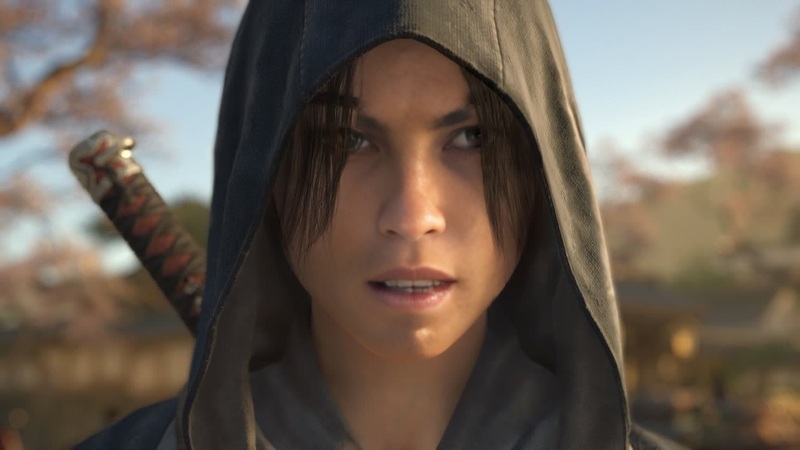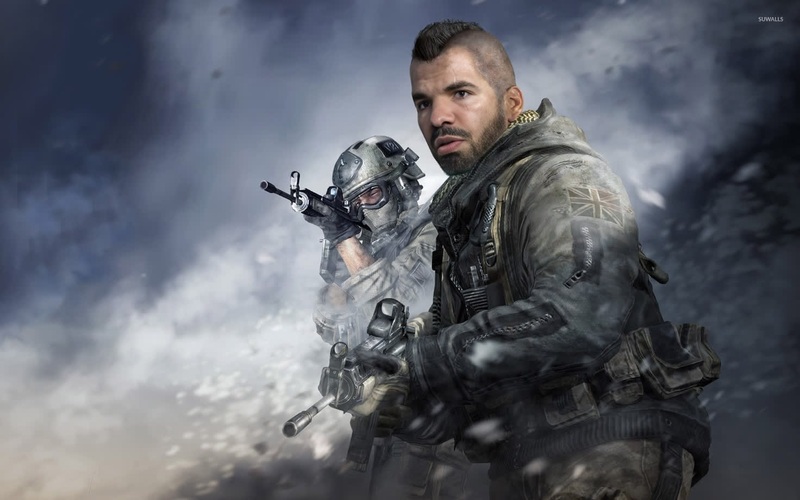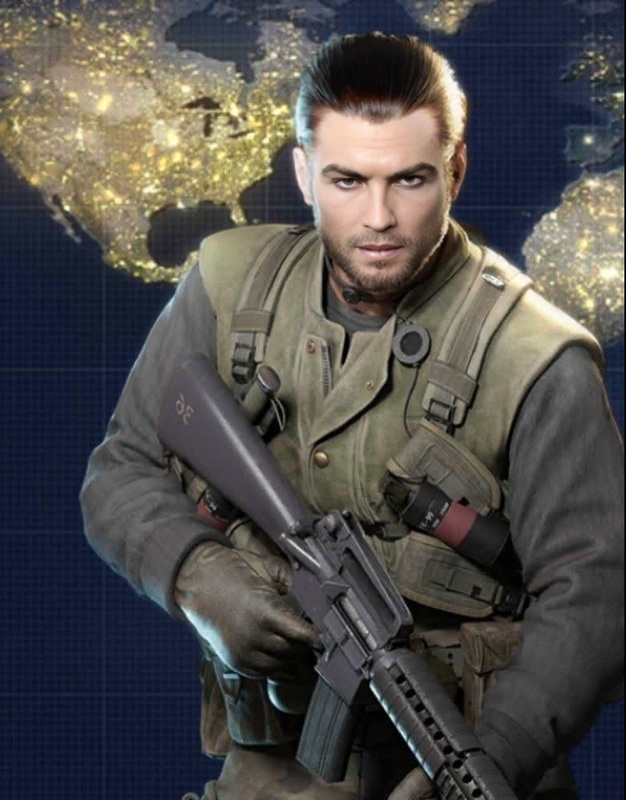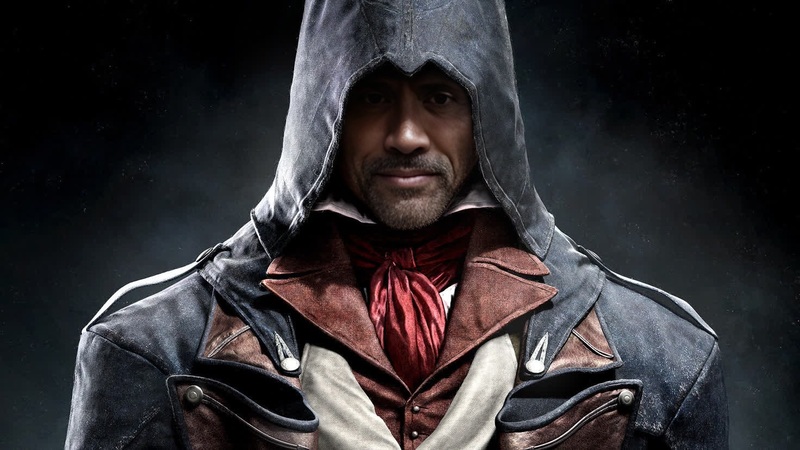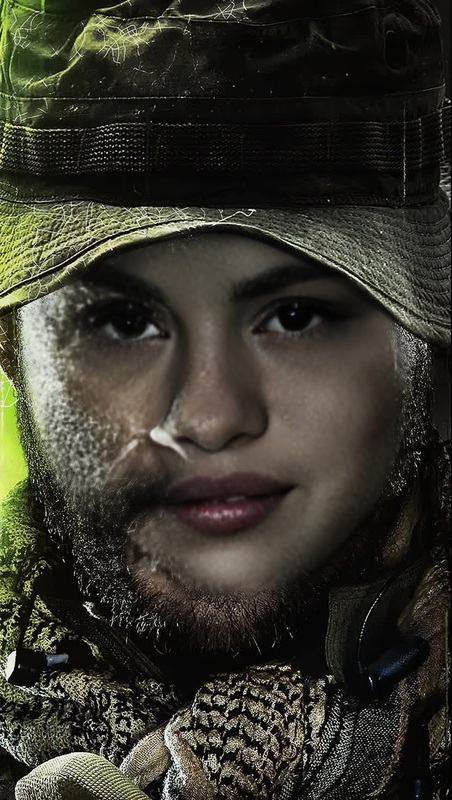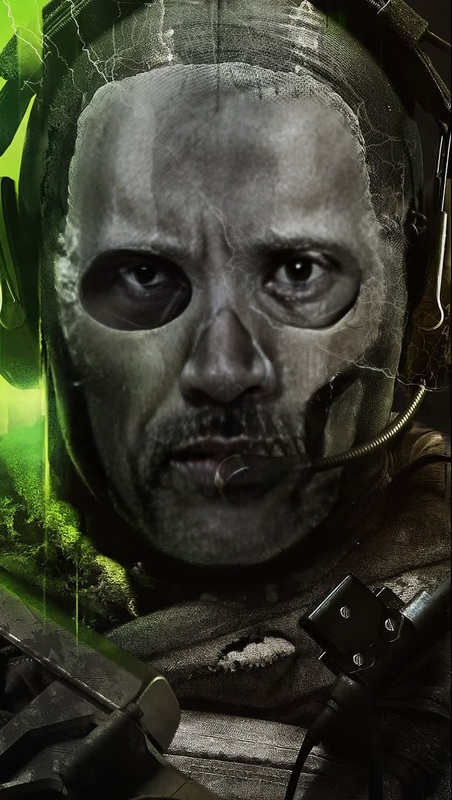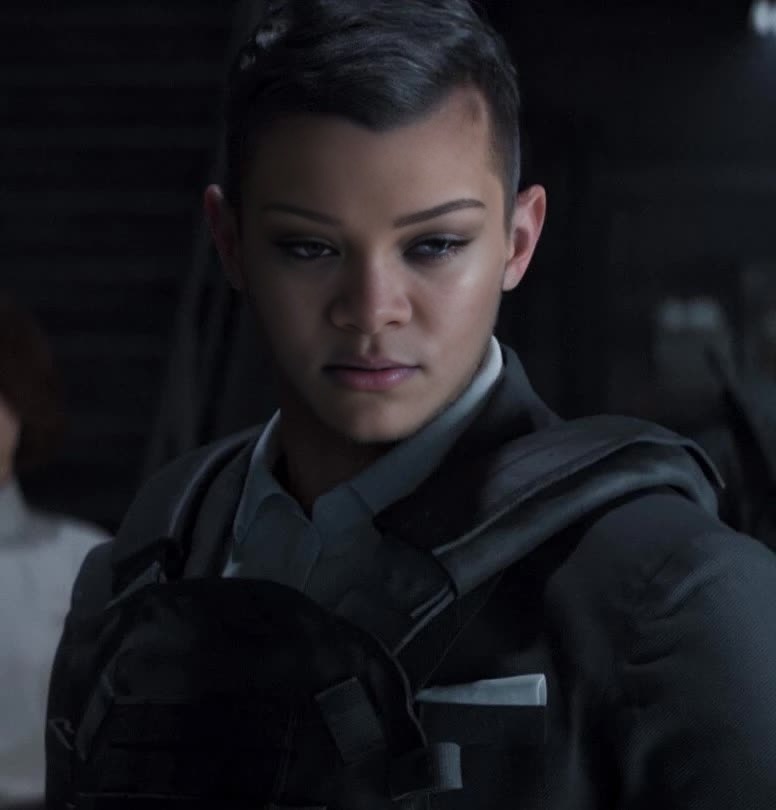
Vladimir Makarov Call Of Duty Modern Warfare Photorealistic Portrait
- Image
- 776 × 810 px
Any aspect ratio
Overview
Step into the world of Call of Duty Modern Warfare with the Vladimir Makarov Video Face Swap template. Transform any face into the iconic look of this intense character for dynamic video results. This tool merges cutting-edge AI with photorealistic rendering, delivering engaging visual content.
What It Does
The template specializes in transforming faces on video to mimic the detailed features of Vladimir Makarov. It utilizes advanced face swap technology to seamlessly replace existing faces in your footage. Harness the power of photorealism for professional-grade results that can be used in productions, gaming content, and more.
Who It's For
This template is perfect for game developers, video producers, and content creators looking to incorporate the recognizable figure of Vladimir Makarov into their projects. Anyone working in the entertainment industry or looking to enhance their creative storytelling through video will find this tool exceptionally useful.
Summary
Whether you are a professional or a hobbyist, the Vladimir Makarov Video Face Swap template offers a vault of creative possibilities. It's designed to integrate photorealistic character transformations into your video projects effortlessly.
How to Use
Choose Your Template

Customize Your Inputs

Generate Your Video

Use Cases
Gaming Content Creation
- Add a unique Makarov face swap to Let's Plays.
- Create machinima with in-game character likenesses.
Social Media Clips
- Feature Makarov in fun and unexpected situations.
- Increase engagement with compelling visual effects.
Best Practices
High-Quality Input Videos
For best results, use high-resolution videos so the face swap looks as realistic as possible.Lighting Considerations
Ensure that lighting in your input video is consistent with the lighting in Makarov's reference material to improve realism.Motion Stability
Try to keep camera movements stable in your input videos to enhance the AI's ability to accurately swap faces.
Frequently asked questions
More Like This