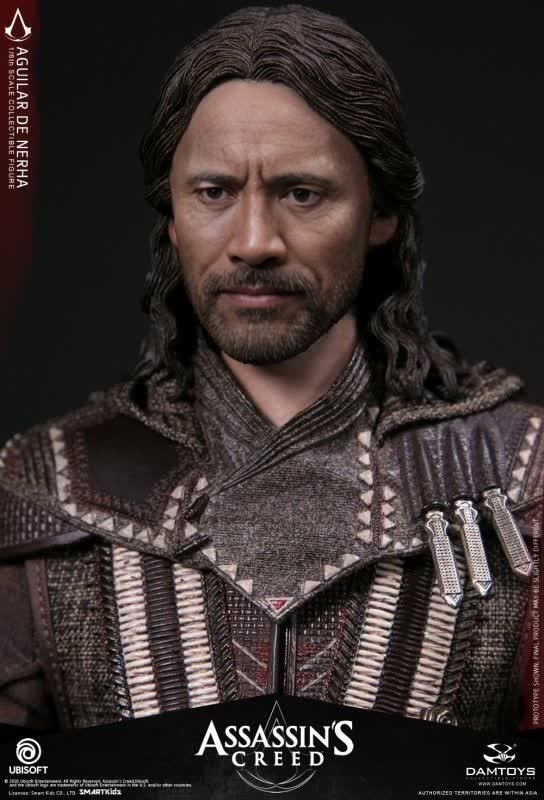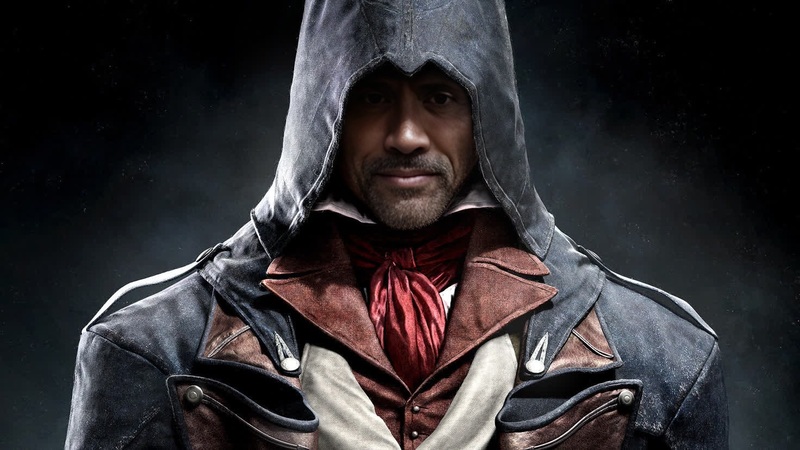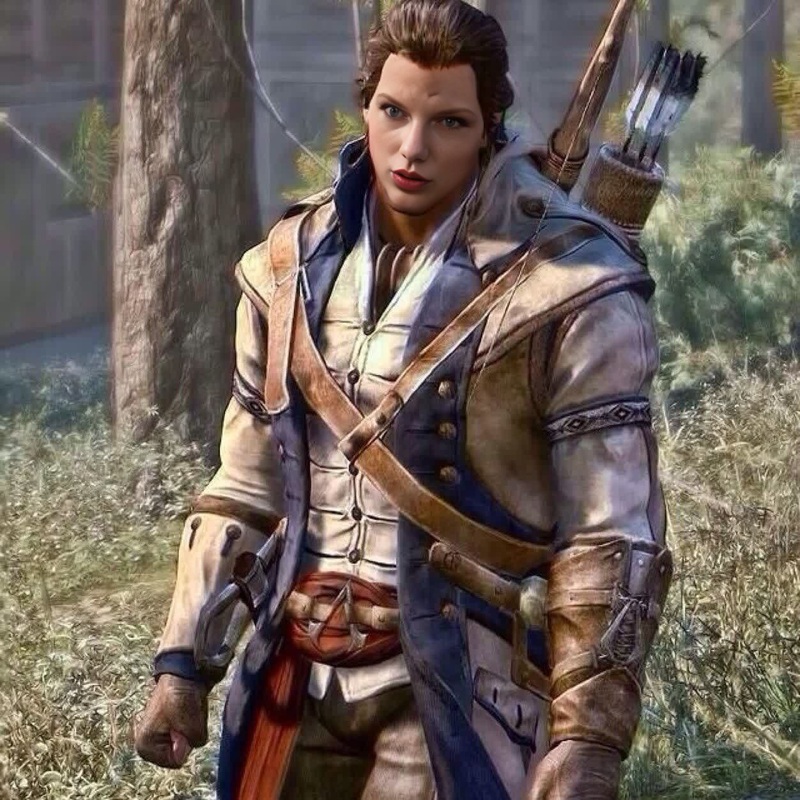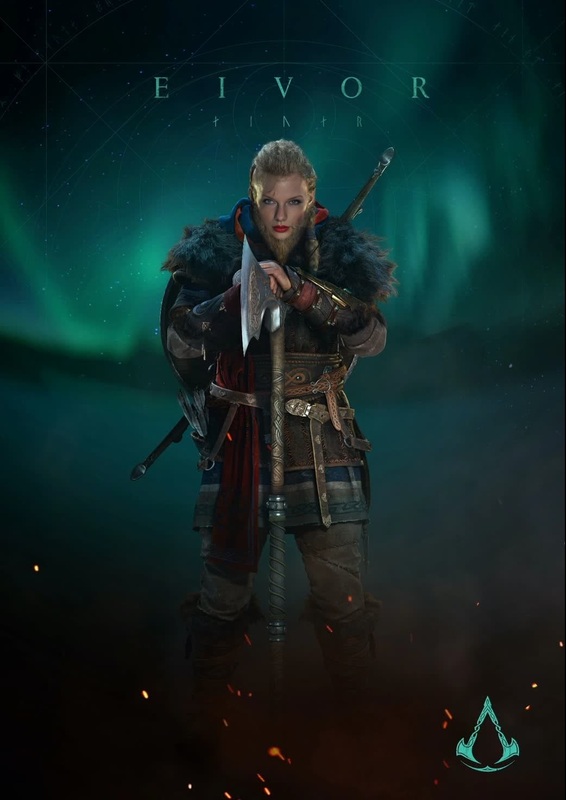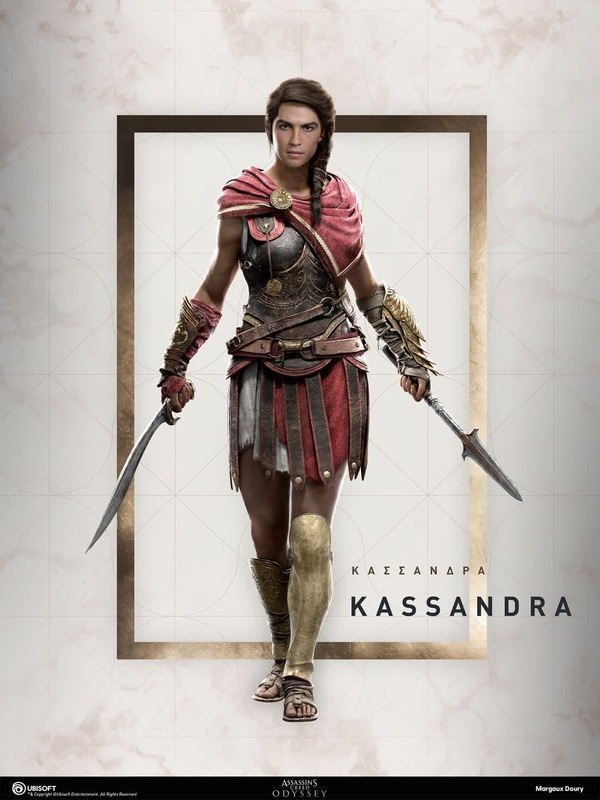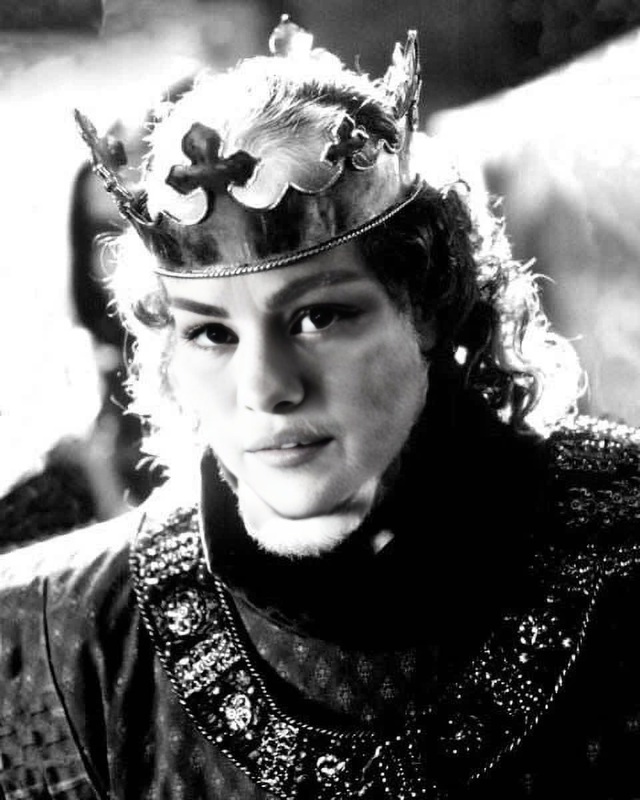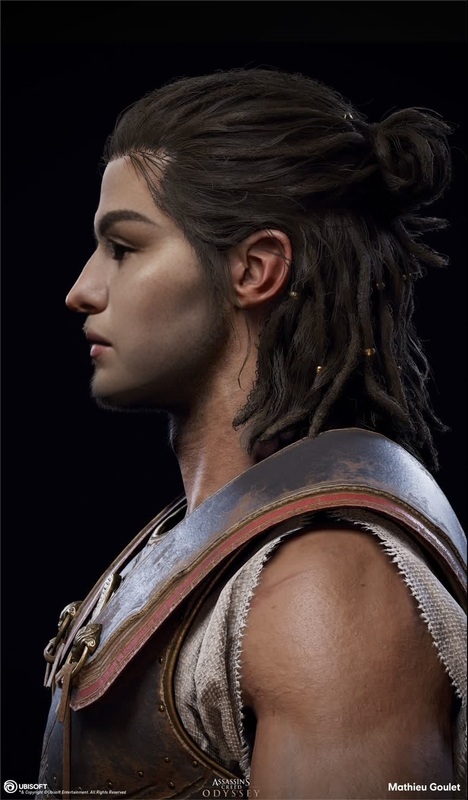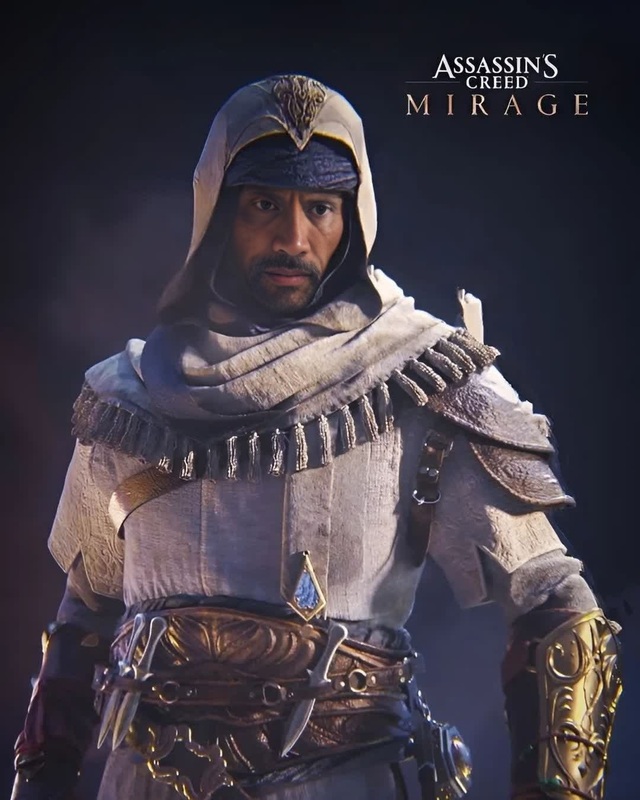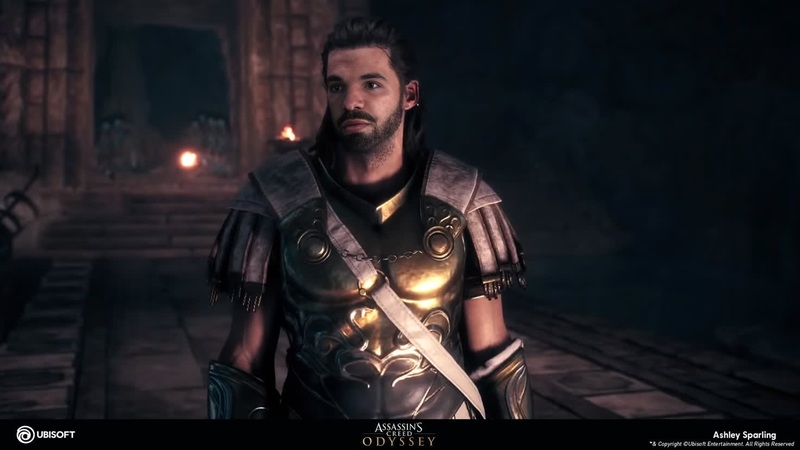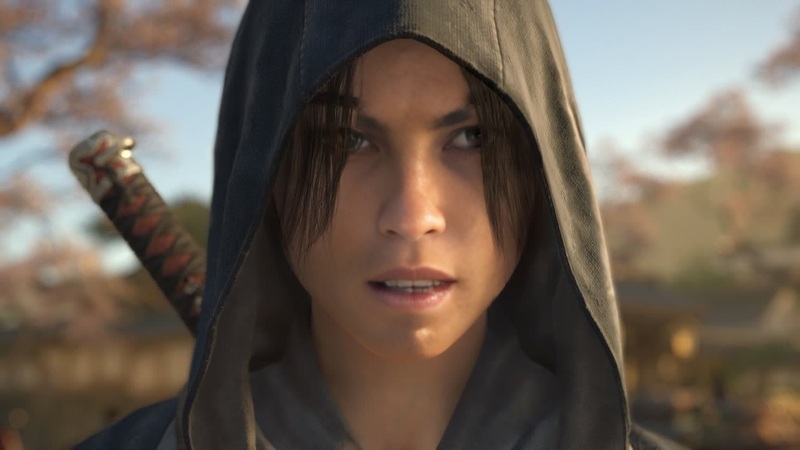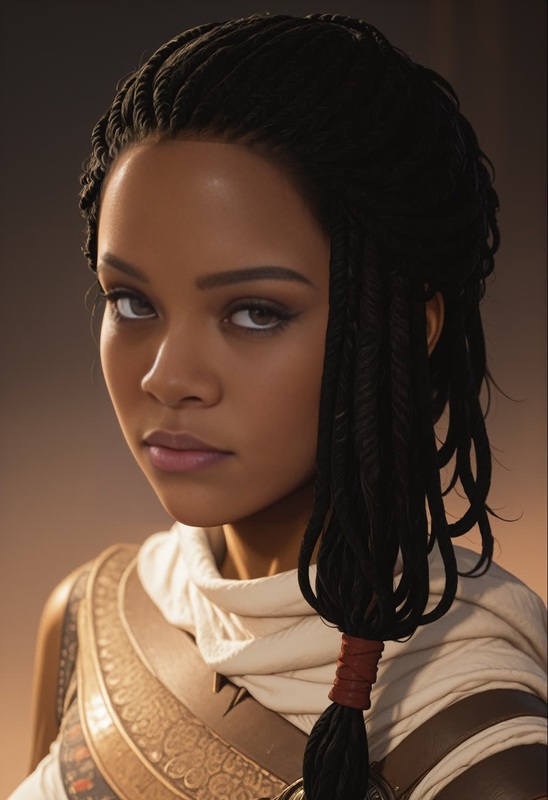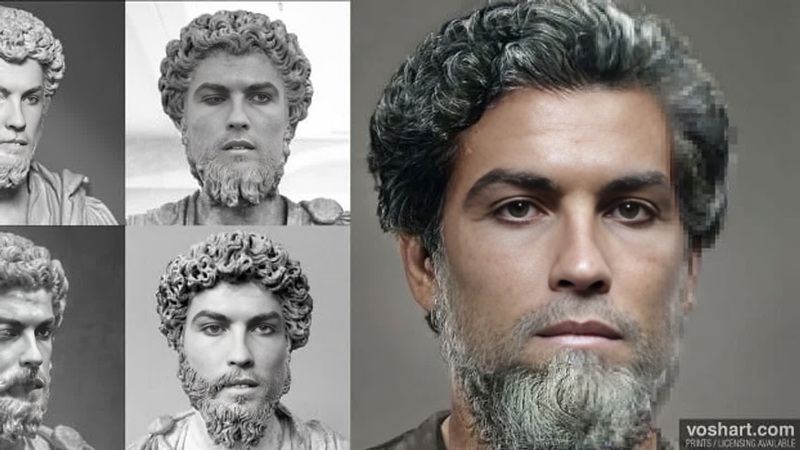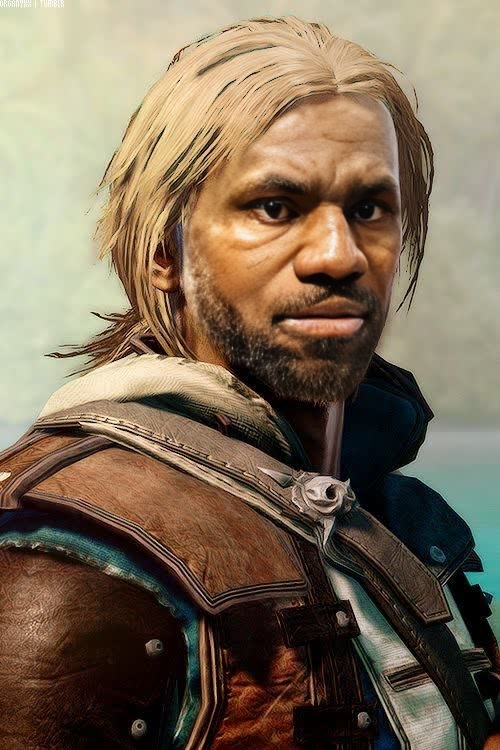
Edward Kenway AssassinS Creed Black Flag Photorealistic Portrait
- Image
- 500 × 750 px
Any aspect ratio
Overview
The Edward Kenway Assassin's Creed Black Flag Photorealistic Portrait template is designed for high-impact Video Face Swap projects. Bring the iconic pirate assassin from the game into real-life scenarios and create stunningly realistic face swaps that captivate your audience.
What It Does
This template enables you to replace a face in a video with that of Edward Kenway, maintaining high photorealistic quality. Incorporate the essence of the game within your video content and bring a touch of the pirate life into your storytelling. Leverage the AI Video Generator to enhance your creations further.
Who It's For
Ideal for video editors, game enthusiasts, and content creators looking to infuse their work with unique elements from Assassin's Creed. Whether you're crafting a gaming highlight or a thematic montage, this template helps create unforgettable compositions. Users of the AI Voice Changer can also benefit by creating seamless audio-visual integrations.
Summary
Harness the power of the iconic Edward Kenway with this face swap template. By integrating recognizable characters into your projects, enhance narrative depth and viewer engagement. Perfect for generating content that stands out in social media and beyond.
How To
Choose the Edward Kenway Template

Customize Your Inputs

Generate and Download

Use Cases
Gaming Montages
- Feature Edward Kenway in real-world settings
- Craft dynamic video narratives
Social Media Content
- Create viral content
- Engage game enthusiasts
Advertising Campaigns
- Leverage nostalgia to connect with viewers
- Create character-based marketing videos
Best Practices
Optimize Lighting Conditions
Ensure the lighting in your original video closely matches that of the Edward Kenway portrait for a seamless integration.Focus on Video Quality
High-resolution input videos result in better output quality, minimizing distortion in the face swap.Experiment with Angles
Try various face angles to achieve the most naturalistic face replacement.
Frequently asked questions
More Like This