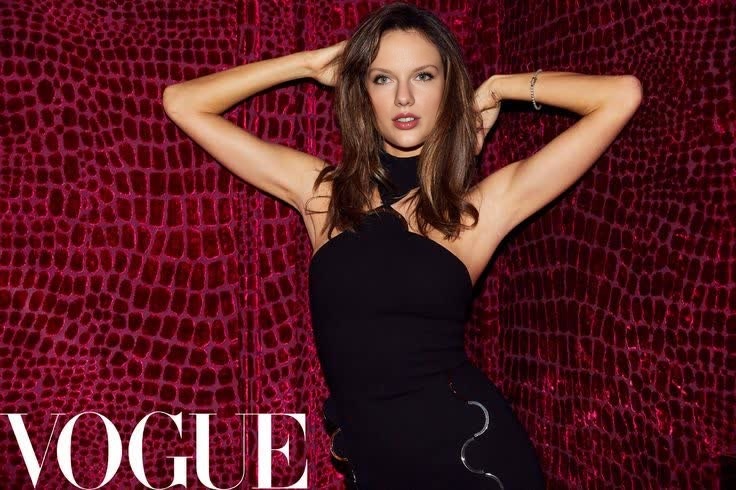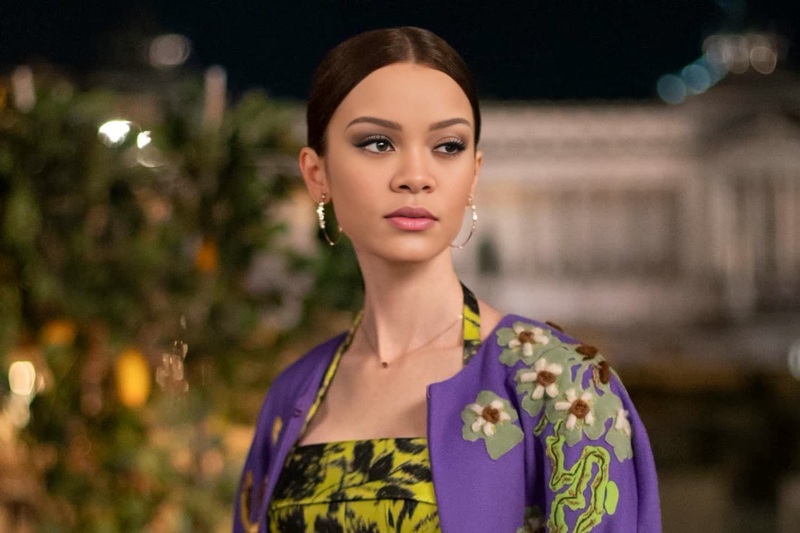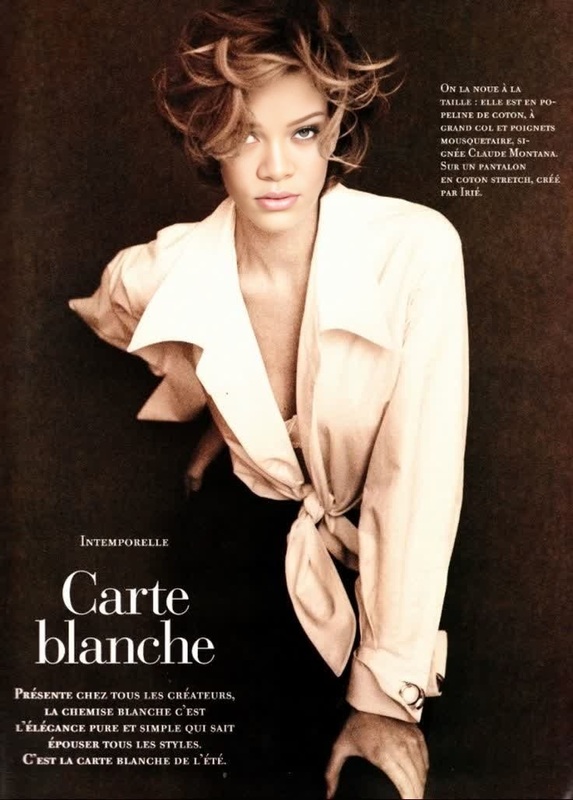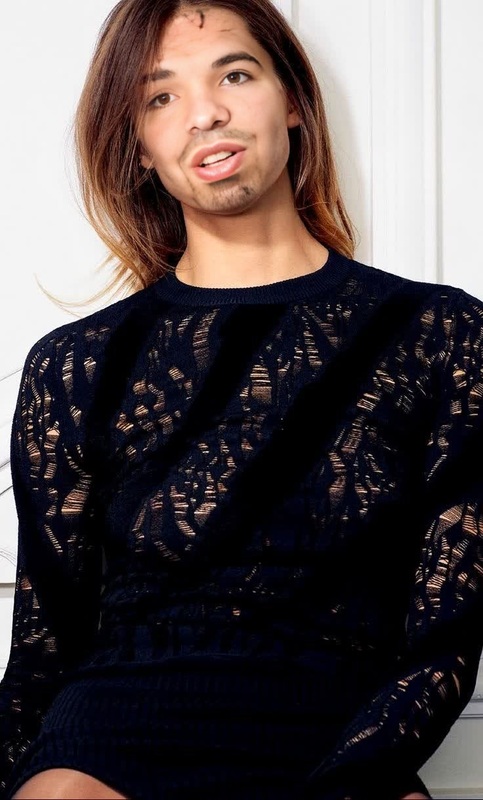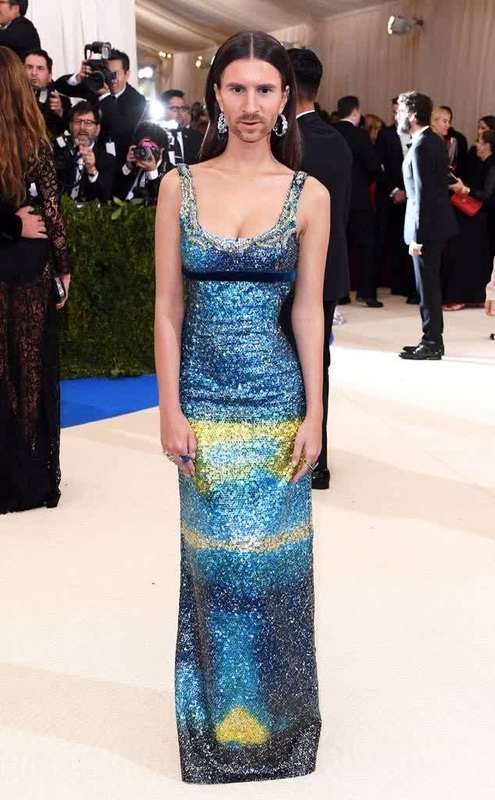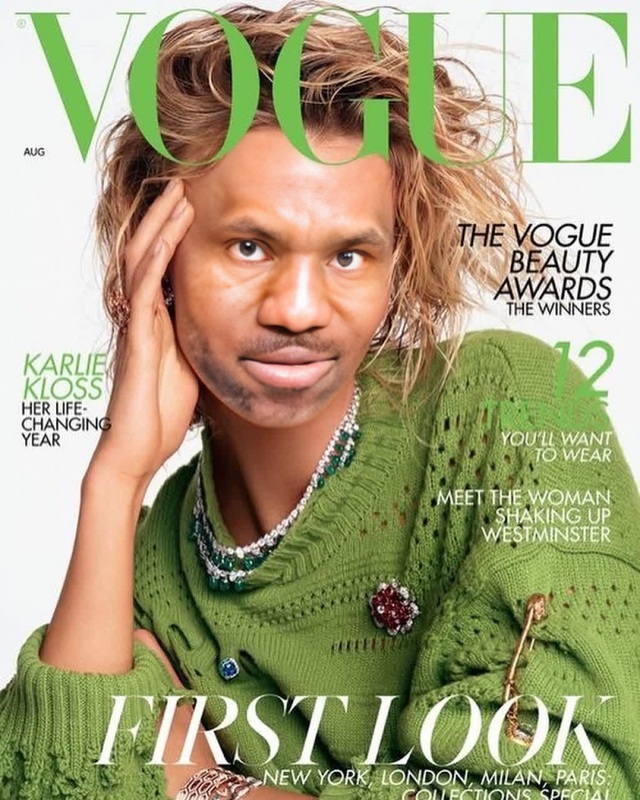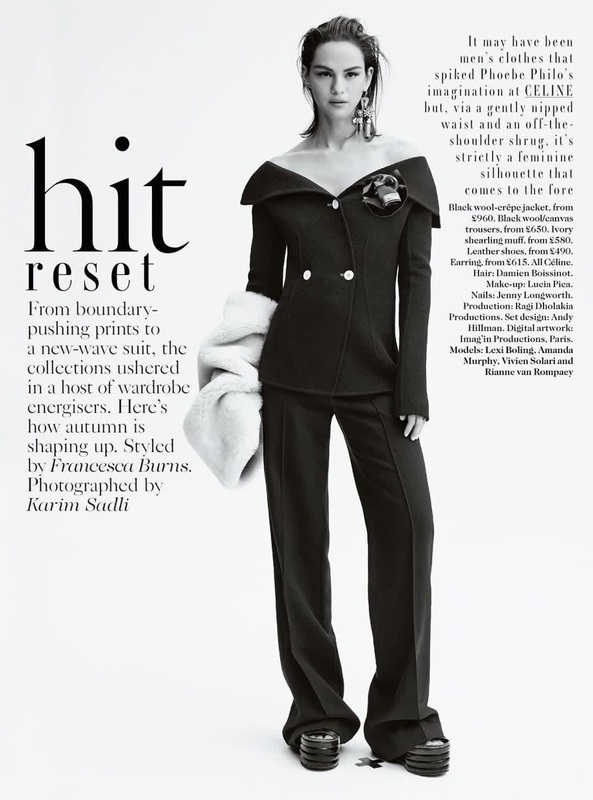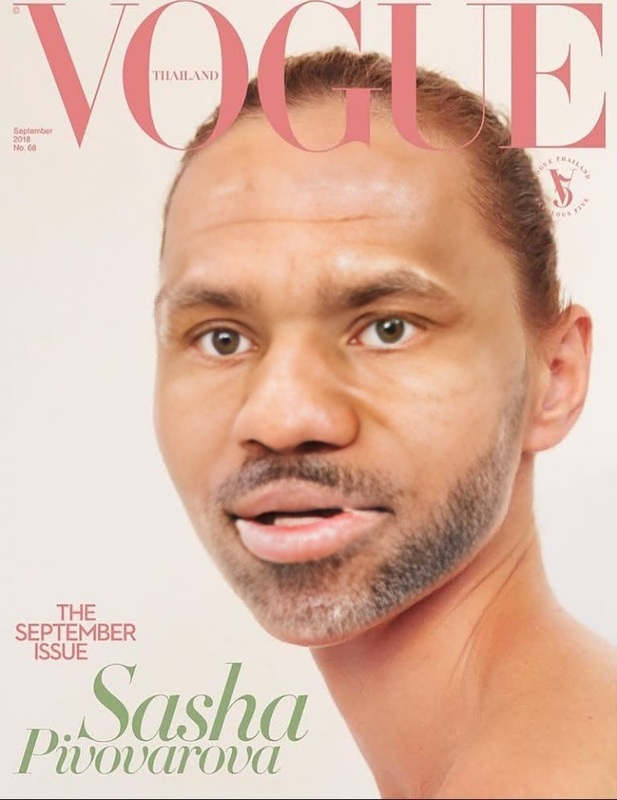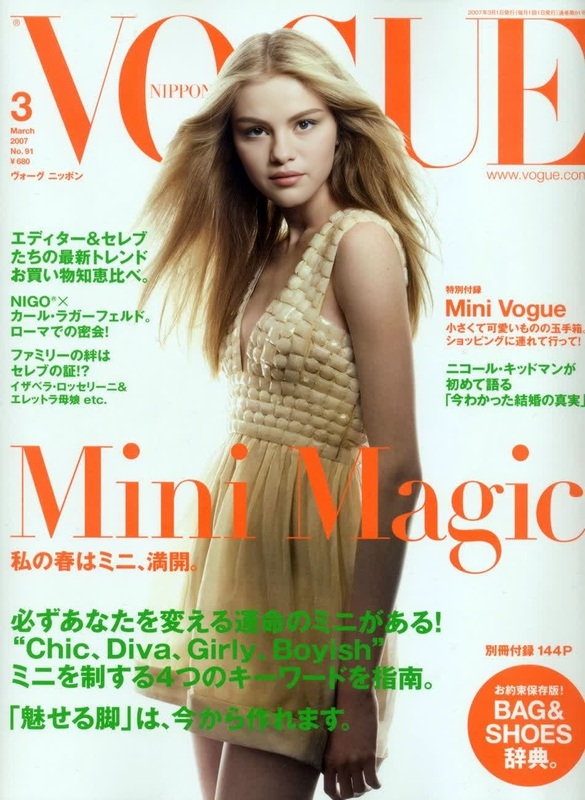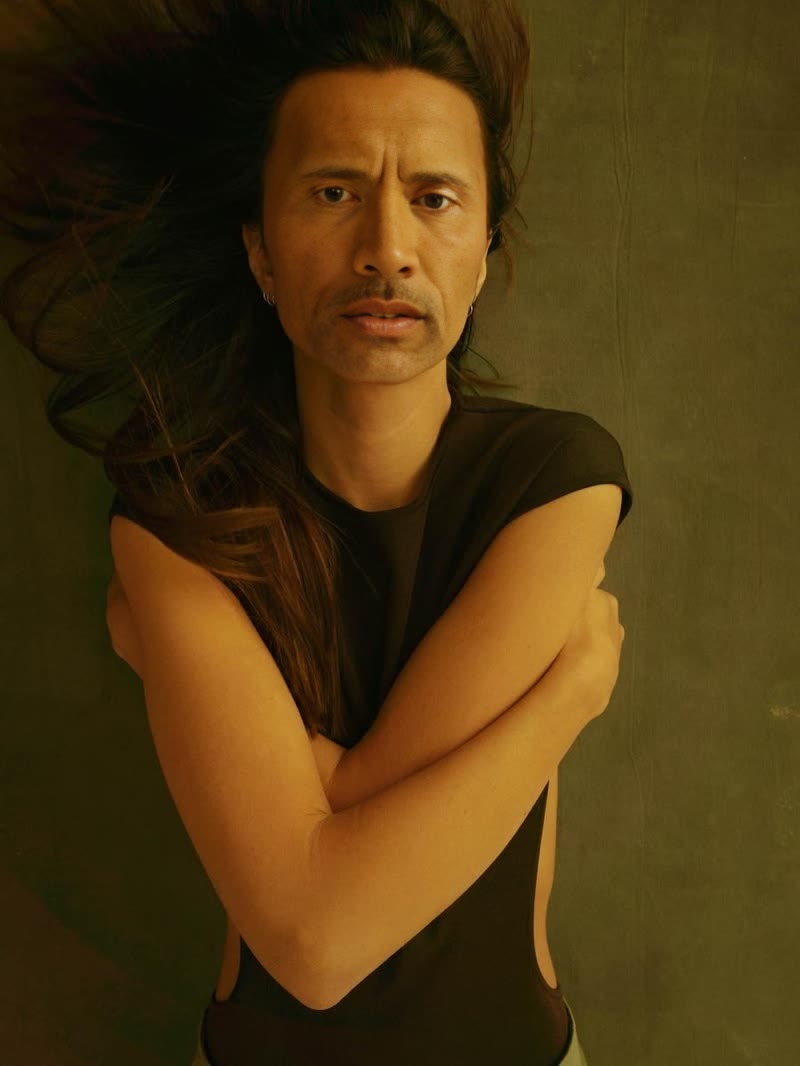
Emily Ratajkowski Editorial Fashion Portrait
- Image
- 800 × 1066 px
Any aspect ratio
Overview
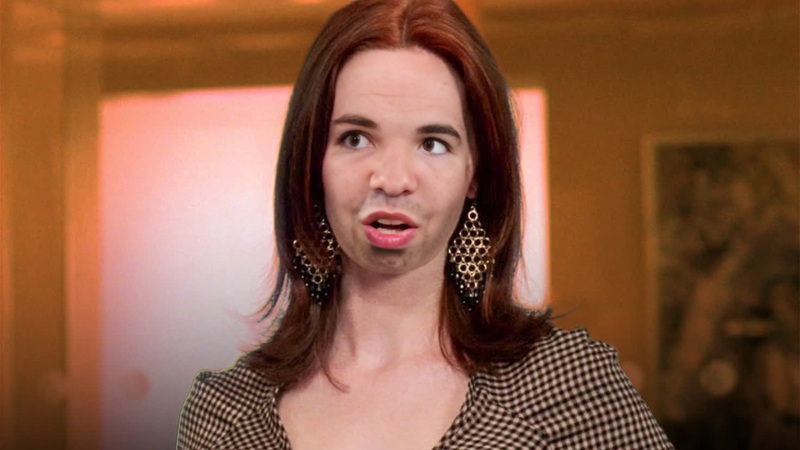
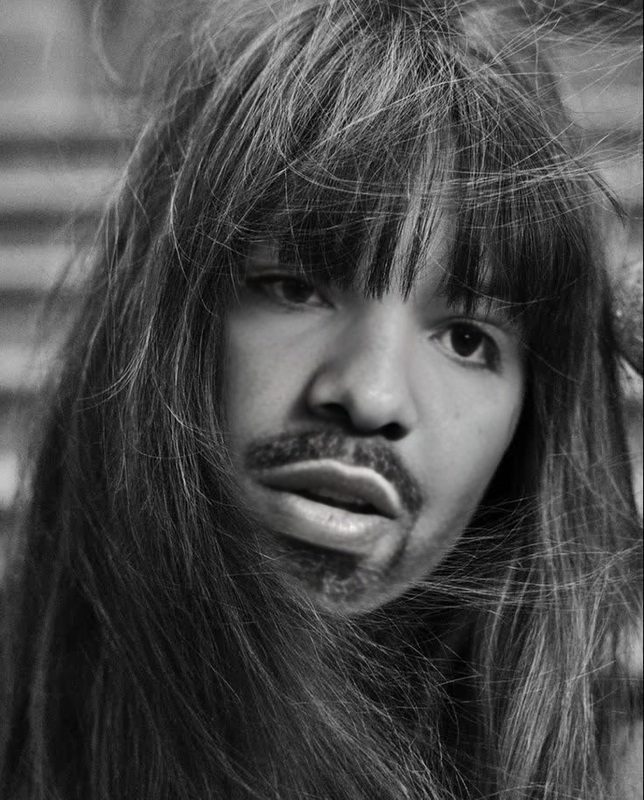
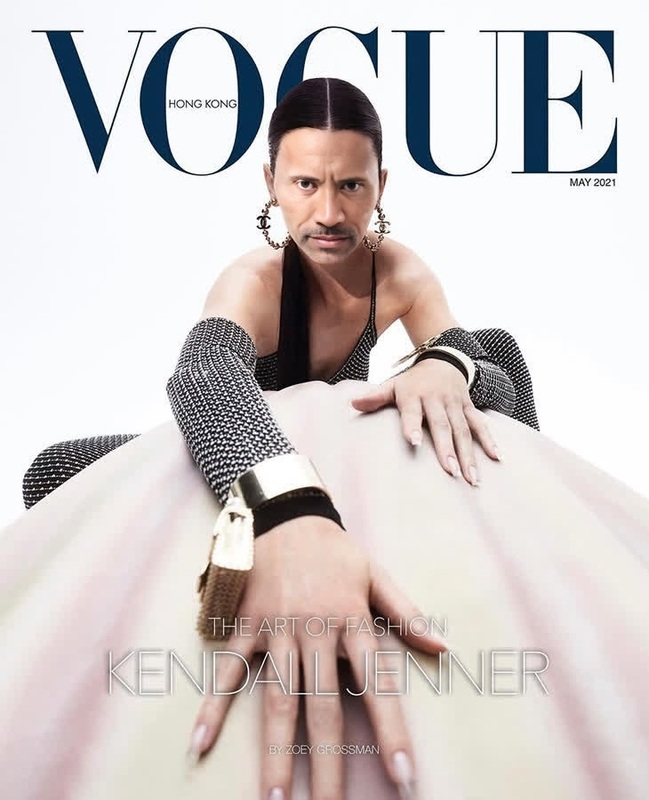
The Emily Ratajkowski Editorial Fashion Portrait template brings your creative vision to life by enabling you to craft stunning videos with a seamless face swap. Ideal for editorial and promotional projects, this template allows you to blend your chosen subject's face into professional-grade fashion footage.
What It Does
Leverage the power of advanced AI to seamlessly swap a face onto a high-end fashion video featuring Emily Ratajkowski. This template takes your provided facial image and integrates it with precision, maintaining the video's original quality. Ideal for professional use, it delivers a polished, editorial look that distinguishes your project.
For further enhancements, consider using the AI Image Editor to refine images before upload or the AI Image Upscaler to ensure the highest quality outputs.
Who It's For
This template is a perfect fit for fashion photographers, videographers, and creatives aiming to produce editorial-quality content with unique flair. Agencies looking to offer clients tailored promotional materials will also find this tool invaluable. Integration with other tools like the AI Video Generator further expands its usability across diverse projects.
Summary
Incorporate your subject into high-fashion scenarios with ease using the Emily Ratajkowski Editorial Fashion Portrait template. This robust video face swap tool simplifies the process of creating personalized, professional-grade content. Coupled with tools like the Face Swap and AI Clothes Changer, it provides comprehensive control over your creative output.
How To
Choose the Template

Customize Your Inputs

Generate Your Video

Use Cases
Fashion Editorials
- Elevate lookbooks and mood boards
- Enhance promotional video content
Promotional Material
- Custom tailors marketing videos
- Highlight personalized brand narratives
Social Media Content
- Engage audiences with unique content
- Increase social media presence
Best Practices
Choose High-Resolution Photos
To ensure a flawless face swap, use high-resolution images as input. This helps maintain the quality and detail in the swap.Adjust Lighting
Match the lighting of your input photo to the original video for seamless integration. Utilize tools like the AI Photo Relighting for better adjustments.Experiment with Angles
Try different facial angles in the input photo to achieve various dynamic effects in the video.
FAQs
More Like This