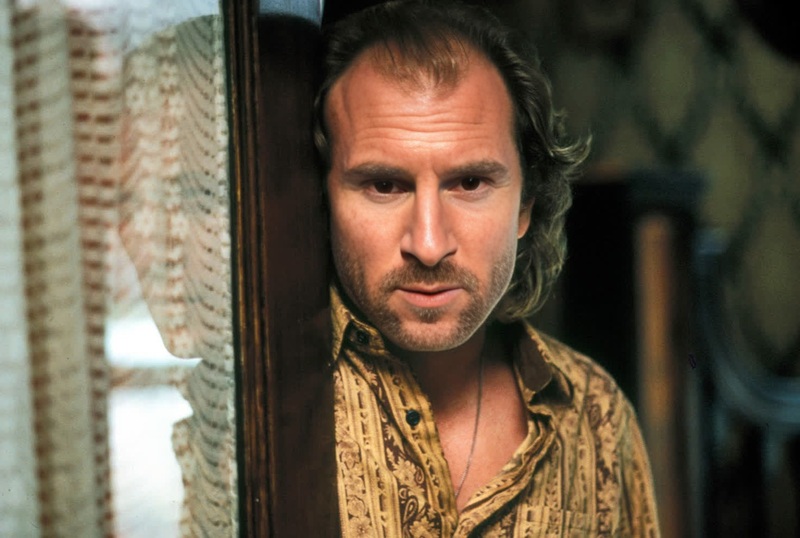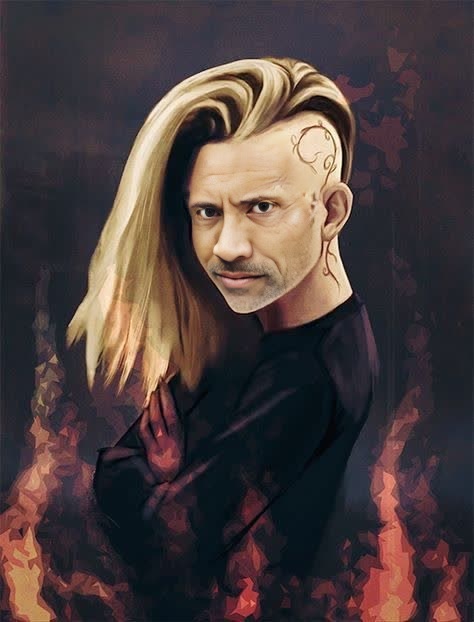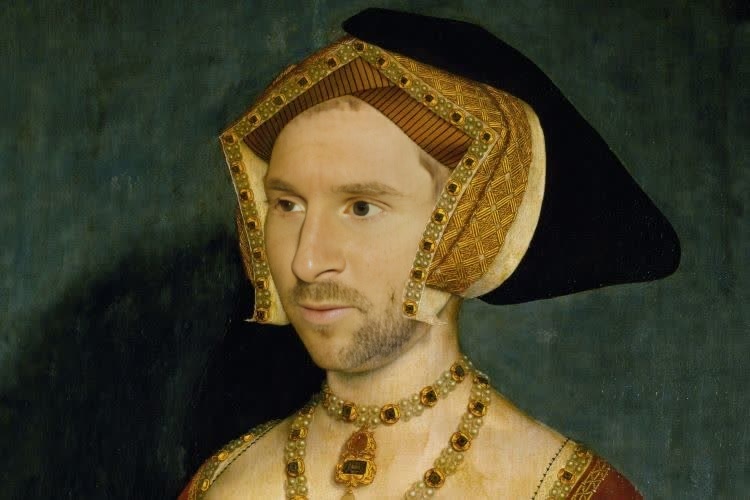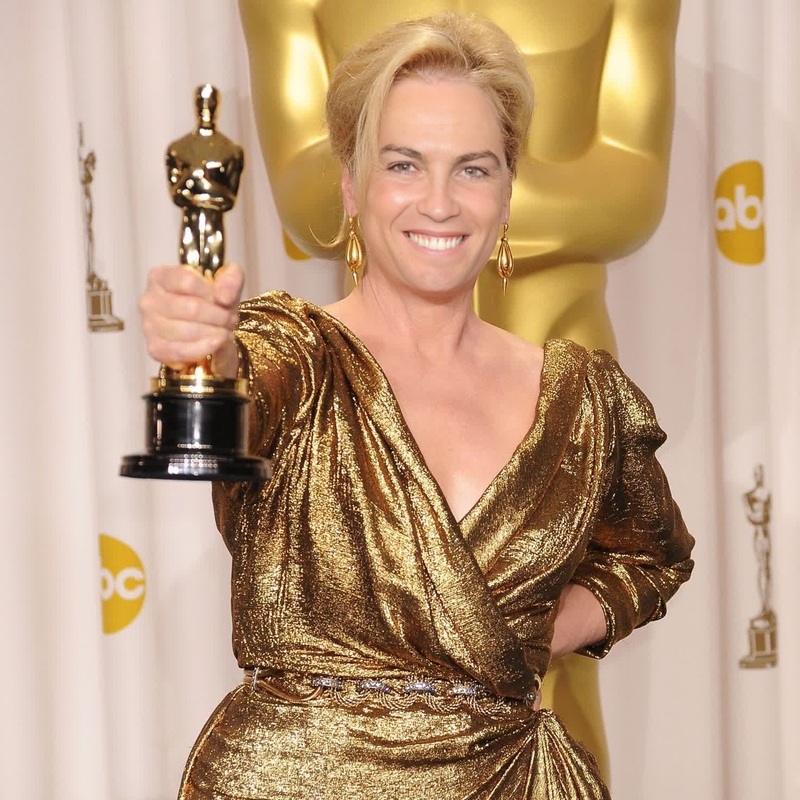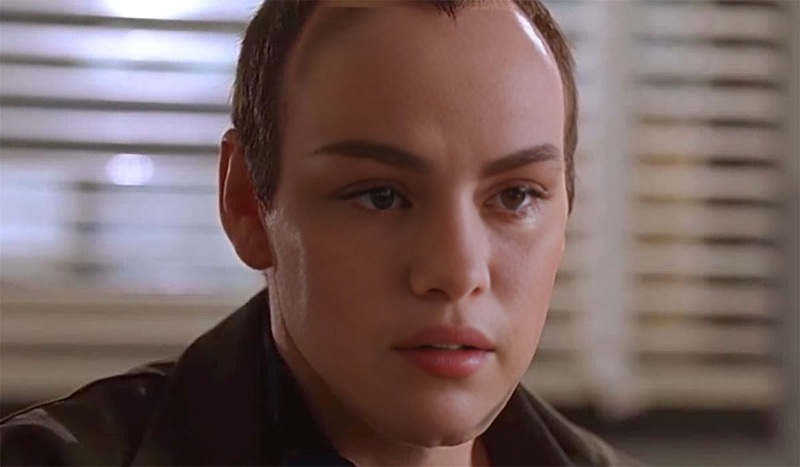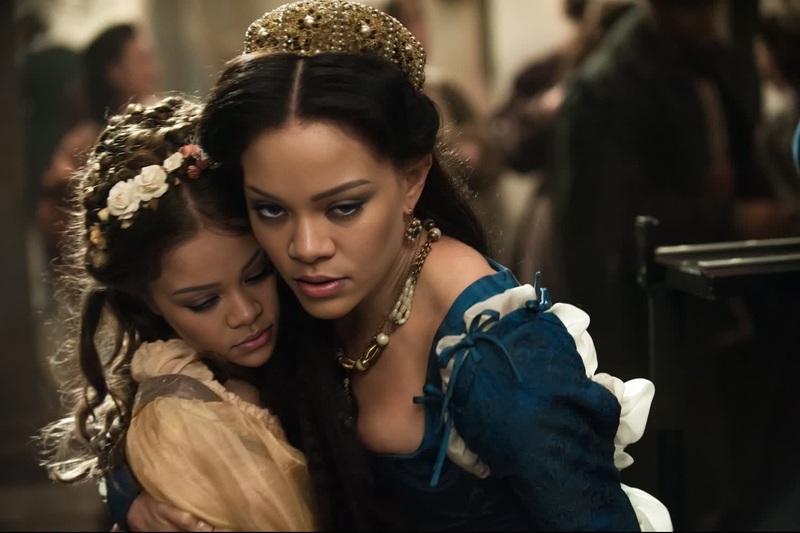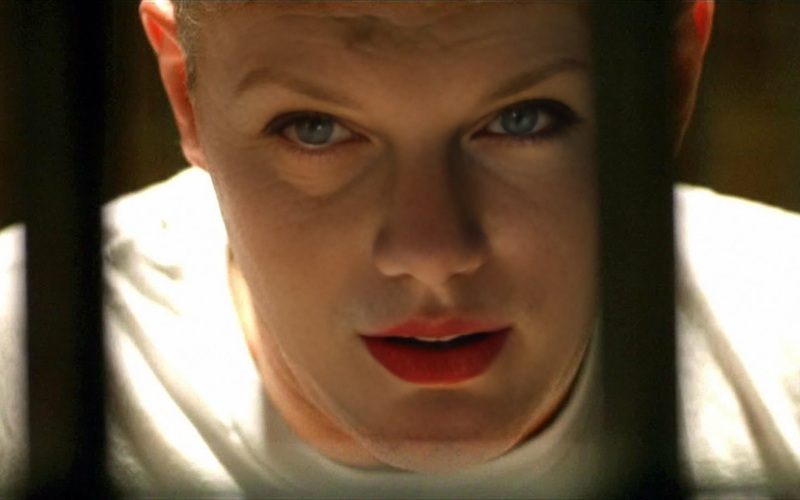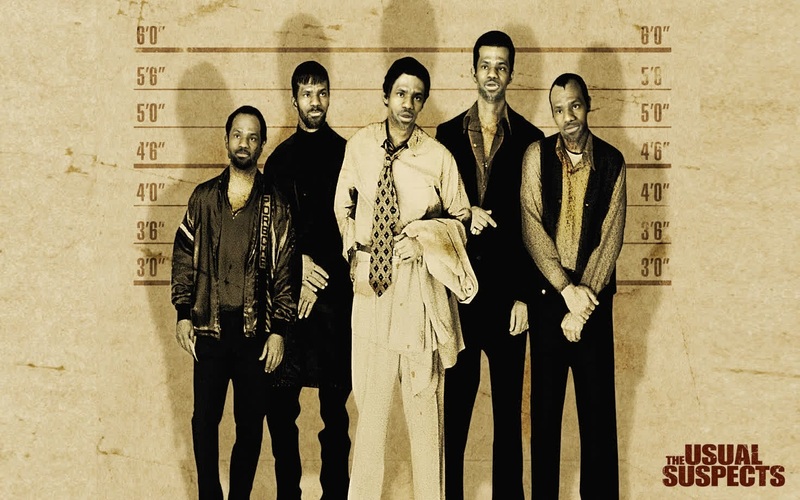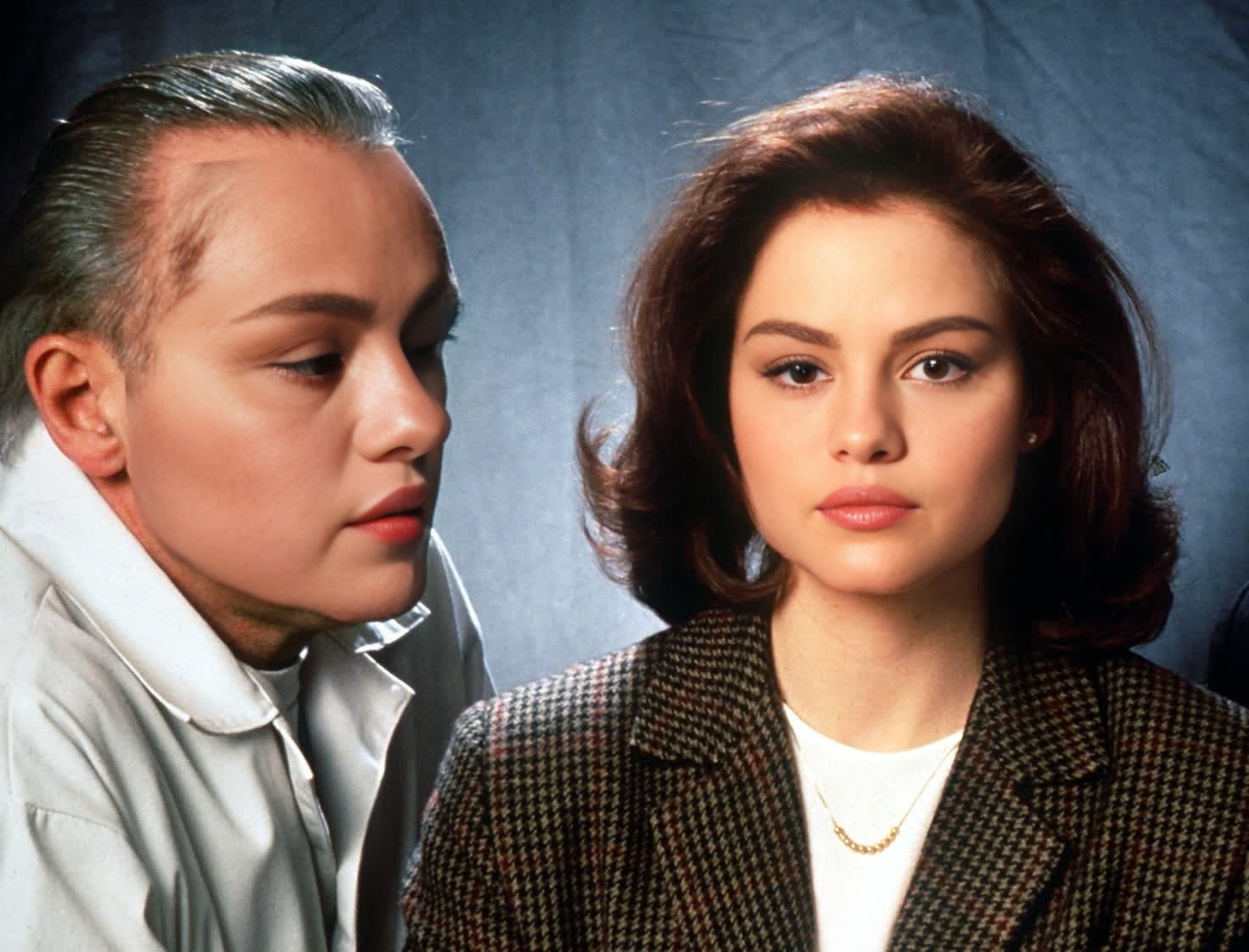
Clarice Starling The Silence Of The Lambs Portrait
- Image
- 1472 × 1122 px
Any aspect ratio
Overview
Step into the shoes of Clarice Starling with our immersive Video Face Swap template. Ideal for fans of The Silence of the Lambs, this template allows you to transform your face seamlessly onto Clarice's in iconic scenes. It's a thrilling way to engage your audience or add a fun twist to your video content.
Explore more about how face swaps can elevate your content in our Face Swap product page.
What It Does
This template uses advanced video face-swapping technology to overlay your features on Clarice Starling's face in famous movie moments. Upload your video, and our app matches facial nuances for a realistic transformation. If you're interested in applying similar technology to photos, check out our AI Face Editor.
Who It's For
This tool is perfect for filmmakers, content creators, and movie enthusiasts who want to personalize their content with a cinematic twist. Whether you're creating a fun piece for social media or enhancing a project for educational purposes, it complements workflows that require creative flair.
For users who need similar transformations in different formats, consider using the Video Face Swap product.
Summary
Become part of The Silence of the Lambs narrative with our specialized Video Face Swap. Experience cutting-edge facial transformation that injects your likeness into cinematic clips, offering a captivating new perspective. Look into our Video to Video product for even more ways to manipulate and enhance video content.
How to Use
Choose Template

Customize Inputs

Generate and Download

Use Cases
Social Media Content
- Improves viewer interaction
- Easily shareable content
Filmmaking Projects
- Enhances creative storytelling
- Increases visual appeal
Educational Content
- Makes learning fun
- Encourages student participation
Best Practices
Choose High-Quality Source Footage
For best results, ensure that the video you upload is of high resolution. This will enhance the swap's realism.Test Different Angles
Experiment with various face angles in your video to achieve the most convincing swap effects.Adjust Lighting
Make sure the lighting in your video matches that of the original movie scene for a seamless integration.