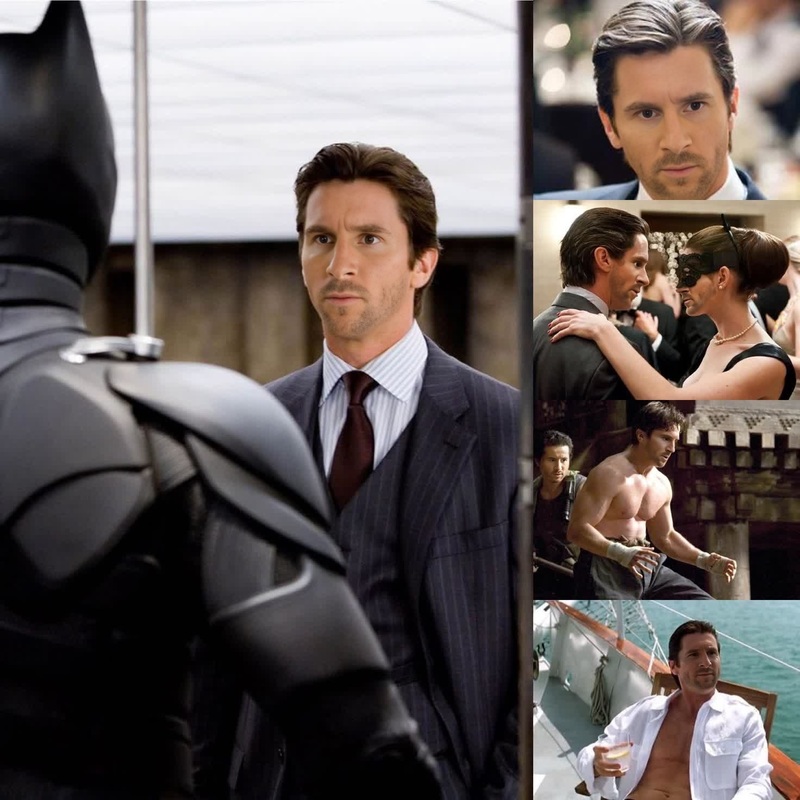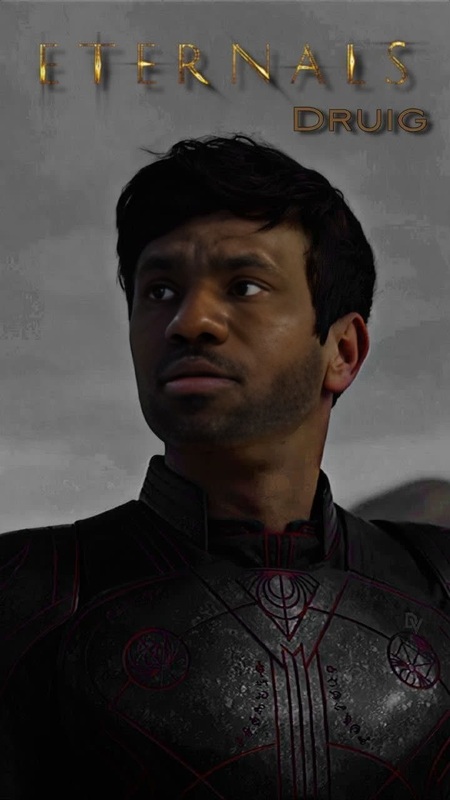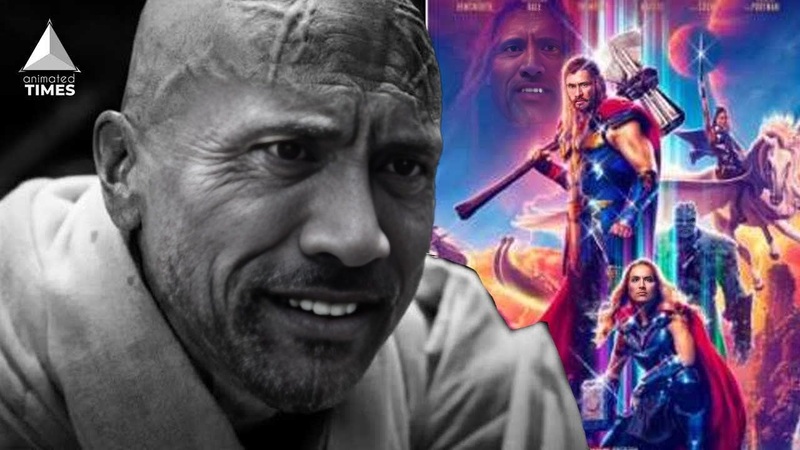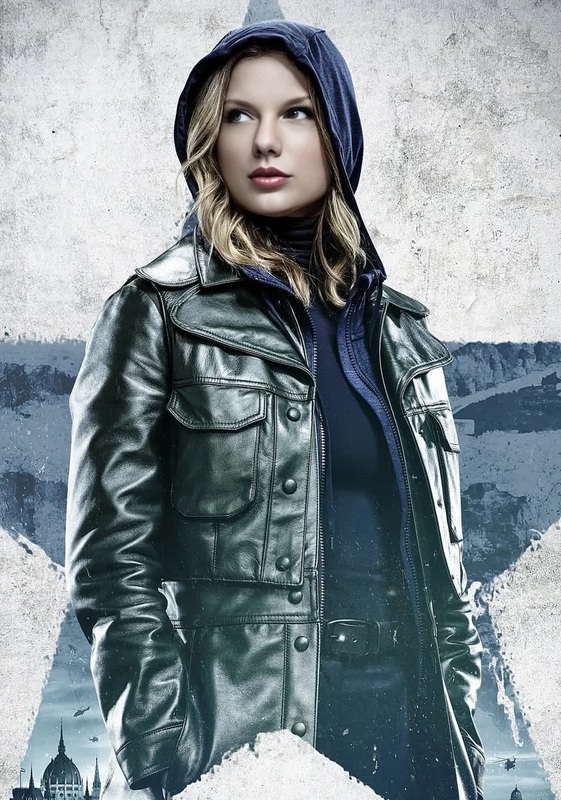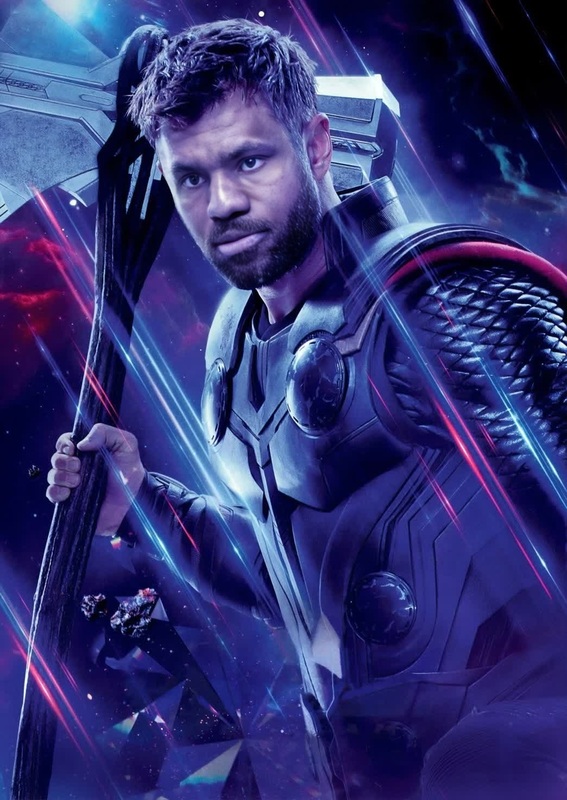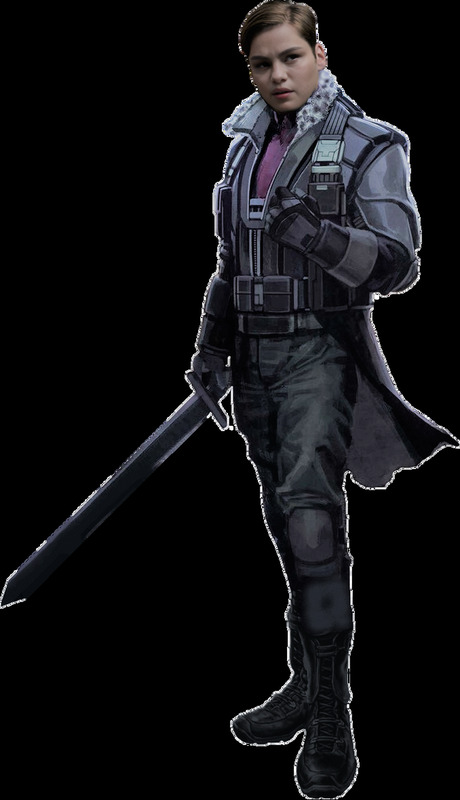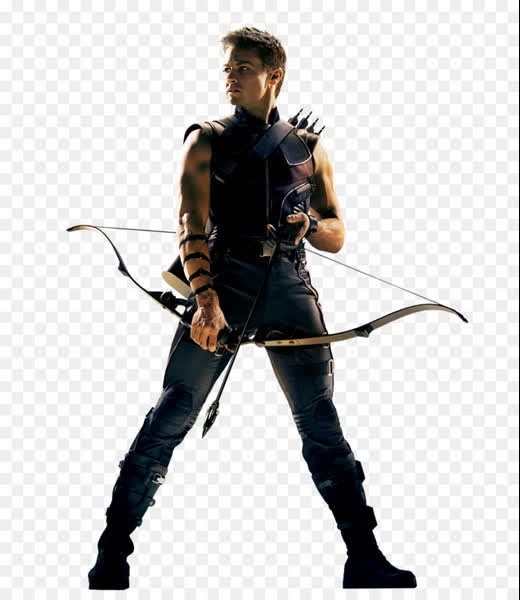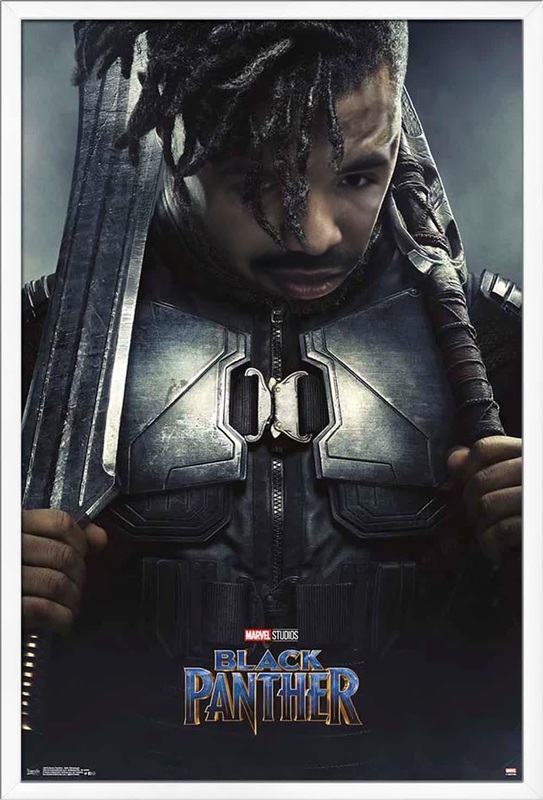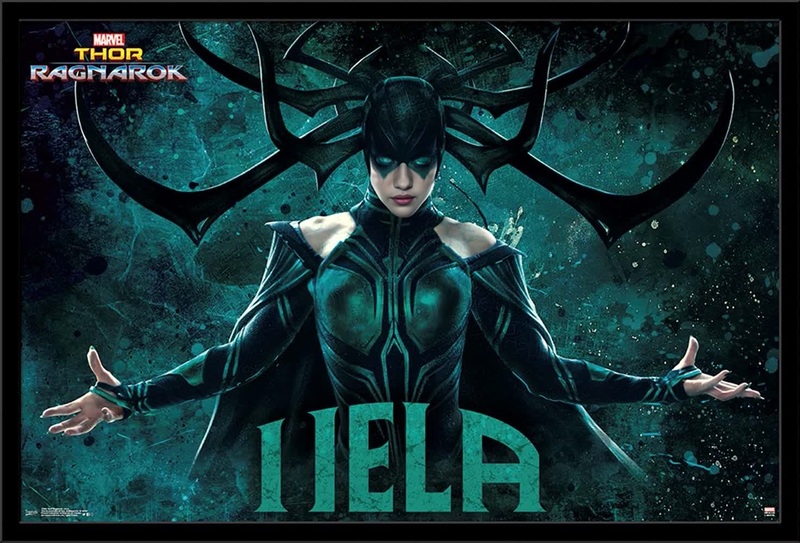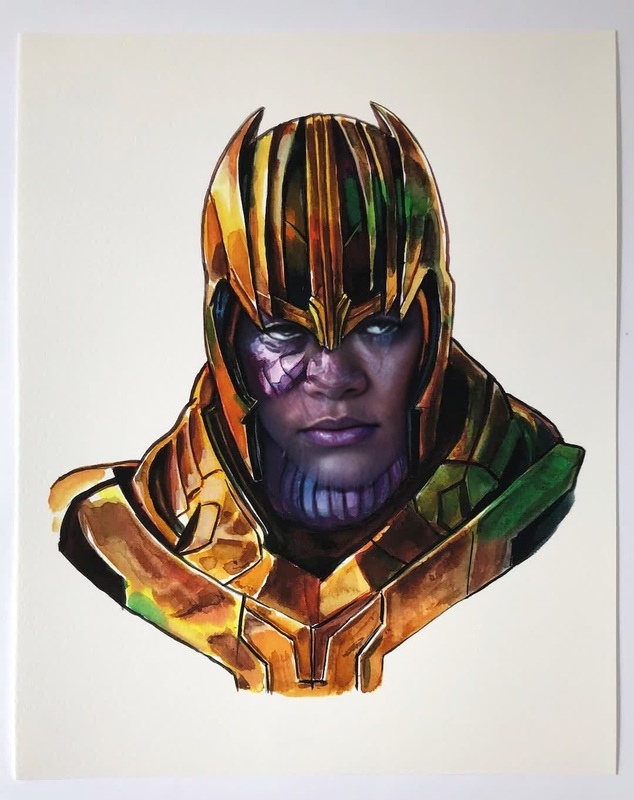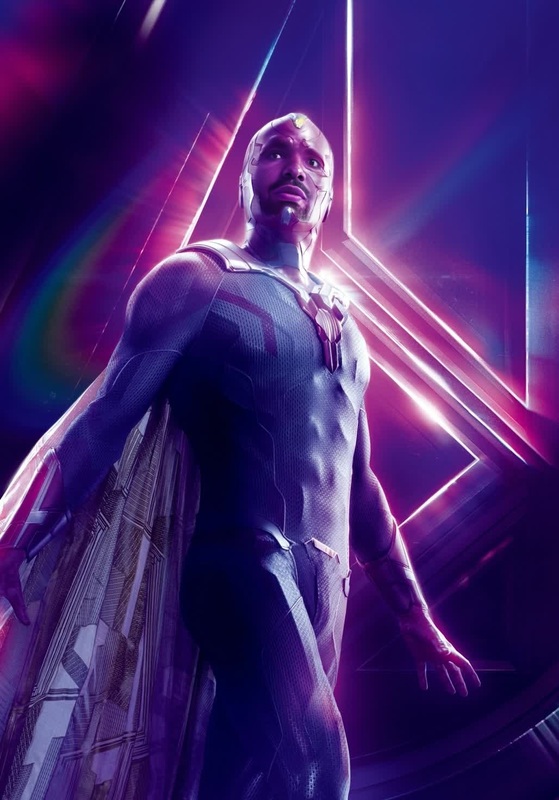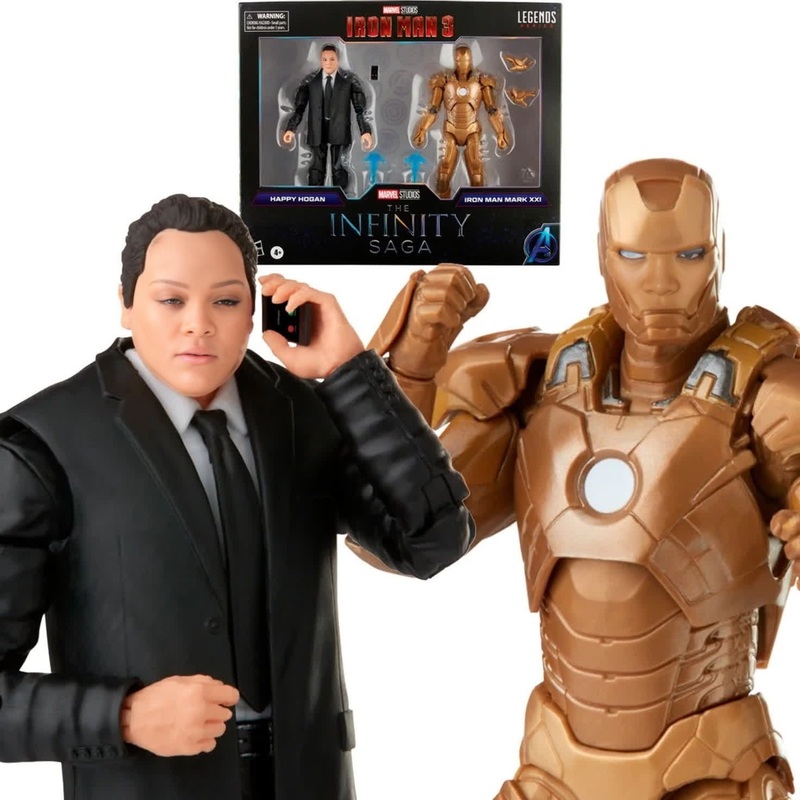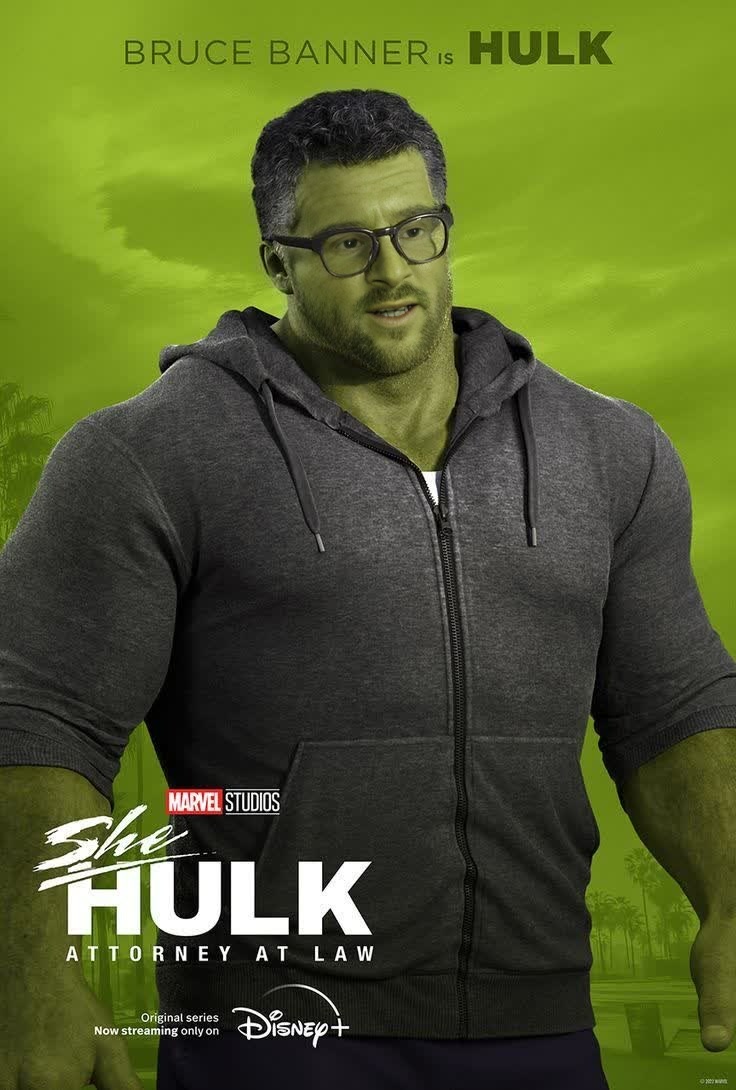
Bruce Banner Hulk Marvel Cinematic Universe

Bruce Banner Hulk Marvel Cinematic Universe

face-swap

1 clip
5 uses

Any aspect ratio

Tags

transformations

Turn any face into a cinematic character with this Face Swap video template. Upload a selfie or headshot, pick your base clip, and Magic Hour automatically replaces the original face with yours — frame by frame — while preserving lighting, perspective, and motion.

This template is built on Magic Hour’s core Face Swap engine and is a practical starting point if you want to:

  • Put yourself (or a client) into a pre‑made video scene
  • Prototype character concepts for campaigns or storyboards
  • Create fast test content for UGC ads, TikTok, Reels, or YouTube Shorts
  • Generate personalized video variations at scale

Use this template as-is, or remix it into your own reusable Face Swap workflow.


What you can do with this template

This Face Swap template is designed for creators who need high‑quality, fast, and repeatable outputs:

  • Creator & influencer content

    • Try outfits, locations, or styles without reshooting
    • A/B test hooks and concepts with different personas
    • Plug into UGC‑style base clips and keep your own face consistent
  • Marketing & growth experiments

    • Localize campaigns by swapping faces for different markets (with consent)
    • Personalize outreach or ads for specific cohorts
    • Rapidly generate variants for paid social tests
  • Product & startup use cases

    • Demo product experiences with different “customers”
    • Generate pitch or explainer visuals in hours, not weeks
    • Build internal content pipelines where non‑designers can generate on‑brand assets
  • Creative & storytelling


How to remix this template in Magic Hour

You can use this template as a base and turn it into your own custom Face Swap system in a few minutes:

  1. Open the template in Magic Hour

  2. Choose or change the base video

    • Use the default clip to test, or upload your own footage (e.g. product demo, lifestyle shot, talking head, ad concept).
    • For best results, use videos with clear, front‑facing or 3/4‑angle faces and stable lighting.
  3. Upload your source face

    • Add a selfie, professional headshot, or character render.
    • To keep a consistent “brand face” across content, use the same reference image every time.
  4. Generate your Face Swap video

    • Magic Hour automatically maps the new face onto the original, preserving:
      • Head movement and expressions
      • Scene lighting and shadows
      • Camera motion and depth cues
  5. Iterate and systematize

    • Save your favorite outputs directly as new templates for your team.
    • Keep a library of:
      • Base videos (hooks, ad formats, explainers)
      • Face identities (creators, customers, characters)
    • This lets you remix fast: plug any face into any scene with a few clicks.

Recommended workflows and tools to pair with Face Swap

Use this template as the core of a larger Magic Hour pipeline:

1. Generate or refine your face source

2. Create stronger base videos

3. Add voice, lip sync, and talking characters

For complete talking‑head or character videos:

4. Style, branding, and experimentation


Practical tips for higher‑quality Face Swap videos

  • Use high‑resolution reference faces
    Sharper images give better facial detail and reduce artifacts. Enhance low‑quality selfies with Unblur Image or AI Image Upscaler.

  • Match angles and expressions
    You’ll get more convincing results when your source face is shot from a similar angle to the target video.

  • Control for lighting when possible
    Even though Face Swap adapts to scene lighting, starting with a reference face that isn’t heavily backlit or overexposed helps maintain realism.

  • Standardize your “hero” face
    For brands and creators, keep a consistent reference image to maintain identity across campaigns, thumbnails, and social content.

  • Respect consent and usage rights
    Always use faces you have the right to use (your own, collaborators, licensed talent). This aligns with best practices across modern face‑swap and generative media tools.


Advanced ideas for teams and builders

If you’re building repeatable content systems, this template can be a building block for:

  • Programmatic personalization

    • Maintain libraries of “talent” faces for different audience segments
    • Generate targeted variants of a master ad or explainer video
    • Pair with AI Meme Generator or AI GIF Generator for social‑native formats
  • Creative pre‑viz and concepting

  • Brand & avatar systems

    • Generate a brand avatar with Avatar Generator or AI Selfie Generator.
    • Use this template to place that avatar into real or stylized footage for tutorials, onboarding, or updates.

Related tools you might want next

Depending on how you extend this template, these products are often used together:

Use this template as your starting point, then remix it with these tools to build your own end‑to‑end AI video pipeline in Magic Hour.

More Like This

Insufficient credits