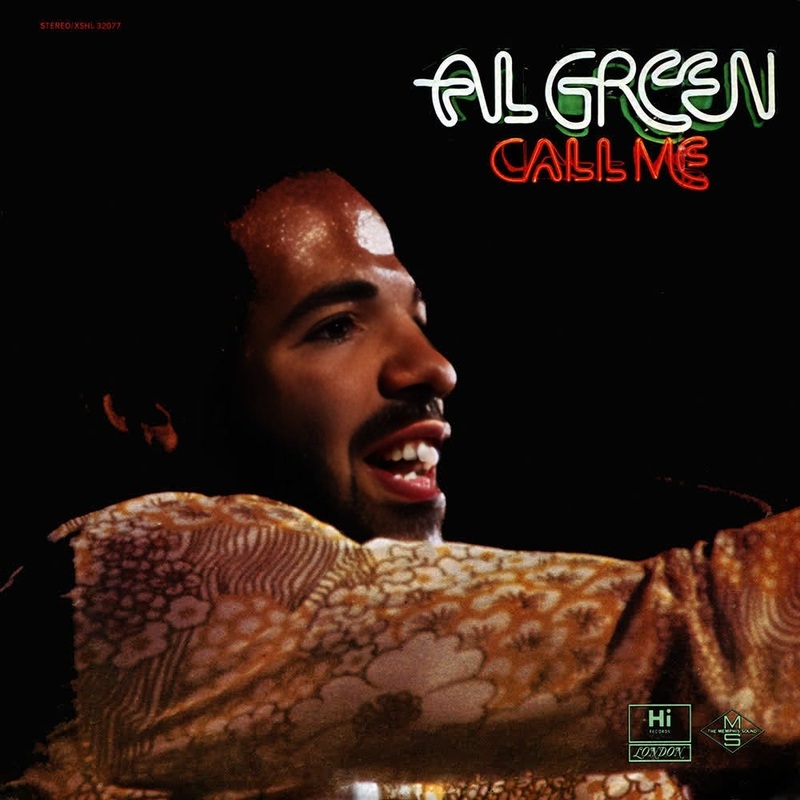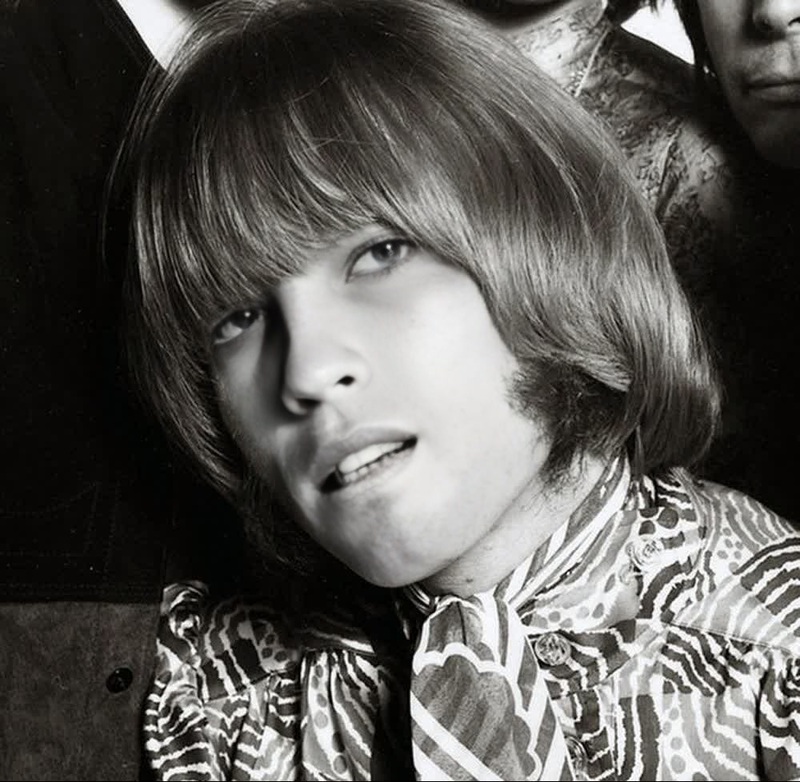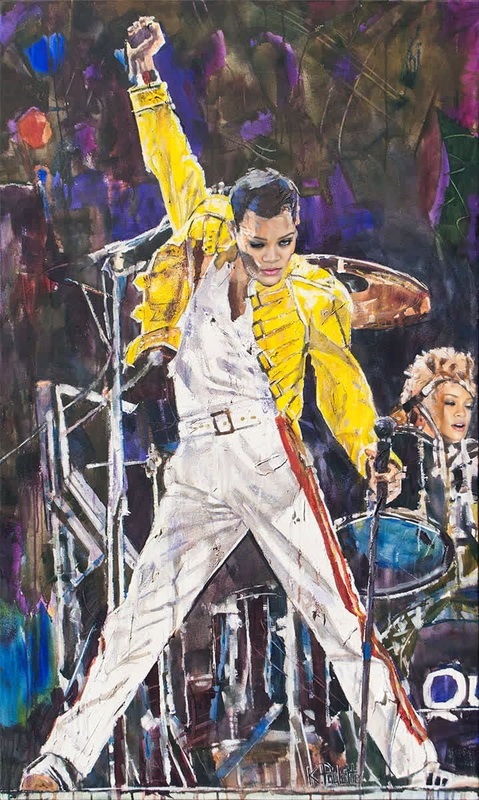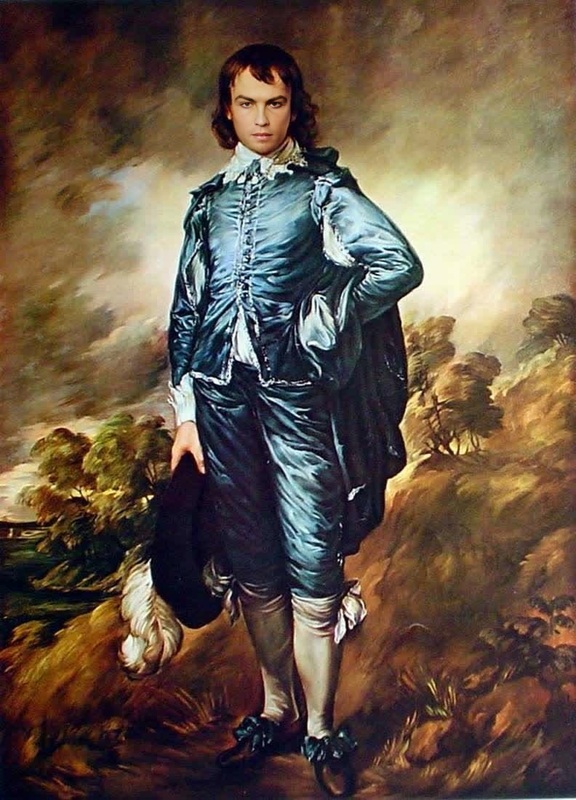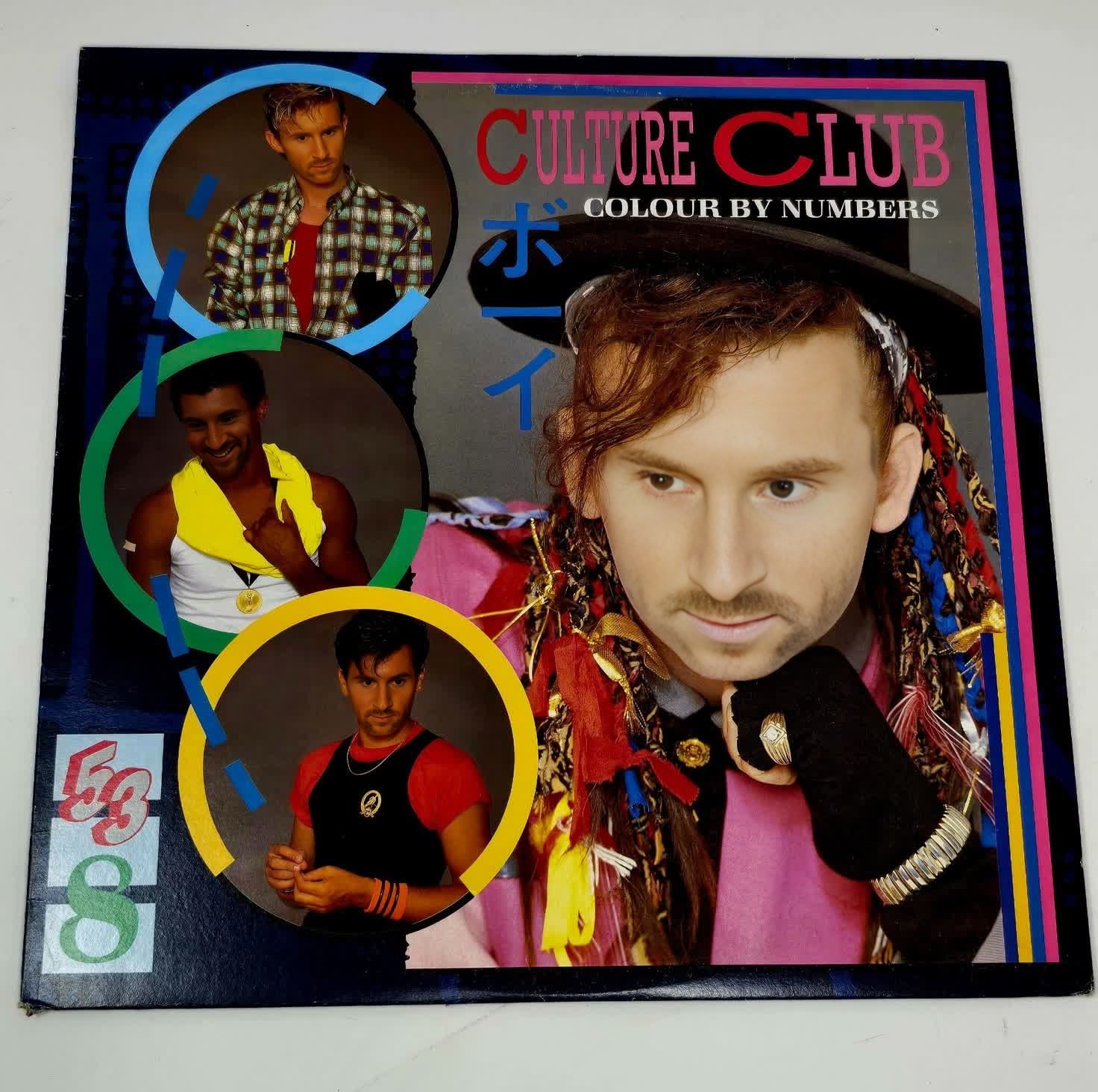
Boy George Colour By Numbers Press Portrait
- Image
- 1472 × 1464 px
Any aspect ratio
Overview
Step back into the iconic 80s with our Video Face Swap template that lets you swap faces with Boy George from the Colour By Numbers era. Add a whimsical touch to your video projects, celebrating nostalgia and creativity. This template is designed for video creators looking to infuse their content with the unique personality of a pop culture icon.
What It Does
This Video Face Swap template enables you to place your face or someone else’s onto the image of Boy George from the iconic Colour By Numbers album. The result is a high-quality video transformation that perfectly matches facial expressions and movements, allowing for seamless integration into various video formats.
Utilize the Face Swap Video tool to create engaging and humorous content. Whether for personal projects or promotional material, this template delivers a polished look.
Who It's For
Ideal for content creators, marketers, and social media enthusiasts who want to inspire nostalgia or create humorous, engaging videos. This template is perfect for anyone aiming to produce captivating content on platforms like TikTok, Instagram, or YouTube, where visual appeal is key.
Pair this template with our AI Video Generator to extend your creative possibilities.
Summary
Reimagine retro flair in your video projects with the Boy George Colour By Numbers Face Swap template. It provides a fun and creative way to customize your videos, making them memorable and unique. Combined with tools like the AI Clothes Changer, elevate your content to new heights by experimenting with different looks and styles.
How To
Choose Your Template

Customize Your Swap

Generate Your Video

Use Cases
Nostalgic Social Media Posts
- Instagram Reels
- TikTok challenges
- YouTube throwbacks
Fun Marketing Campaigns
- Ad campaigns
- Event promotions
- Branded content
User-Generated Content Challenges
- Interactive campaigns
- User contests
- Brand engagement
Best Practices
Select High-Quality Images
For the best results, use high-resolution images when uploading a face to ensure your video output is clear and professional.Mind Alignment and Expressions
Check the alignment of facial features to match expressions accurately for a more believable face swap output.Leverage Linked Tools
Combine with the AI Image Editor to refine images before and after the swap for enhanced visual quality.
Frequently asked questions
More Like This