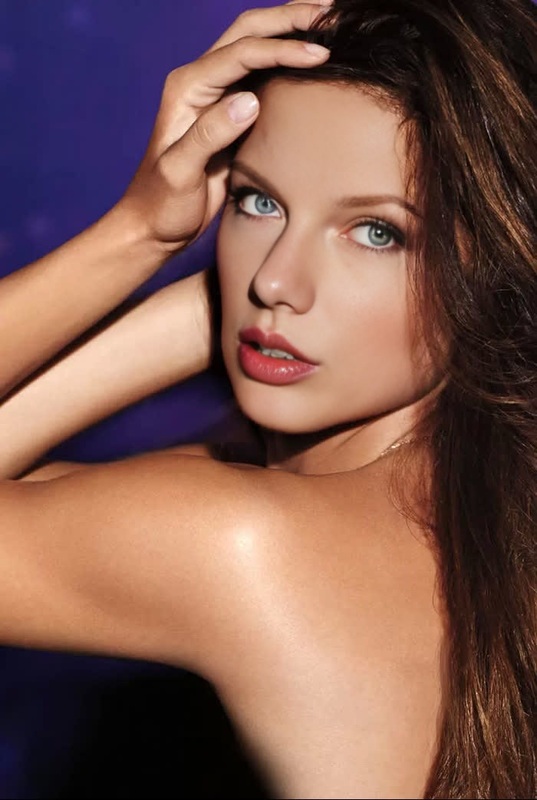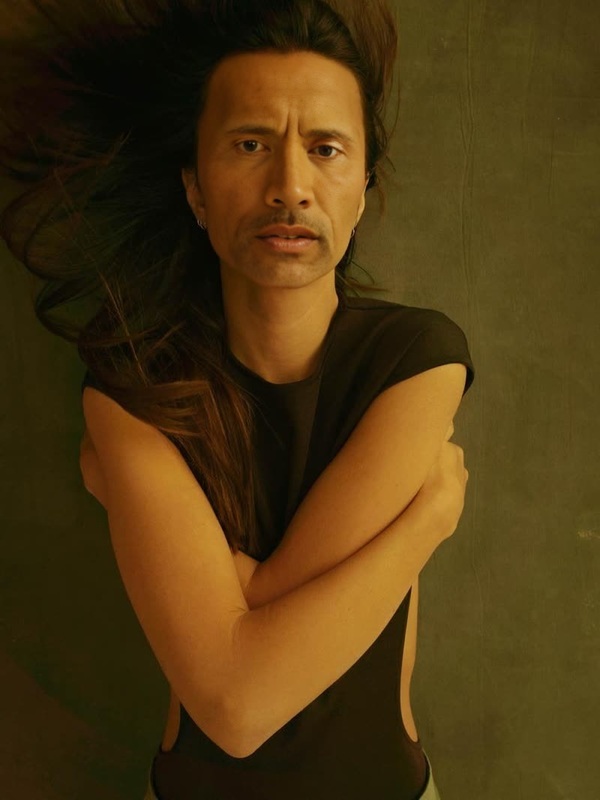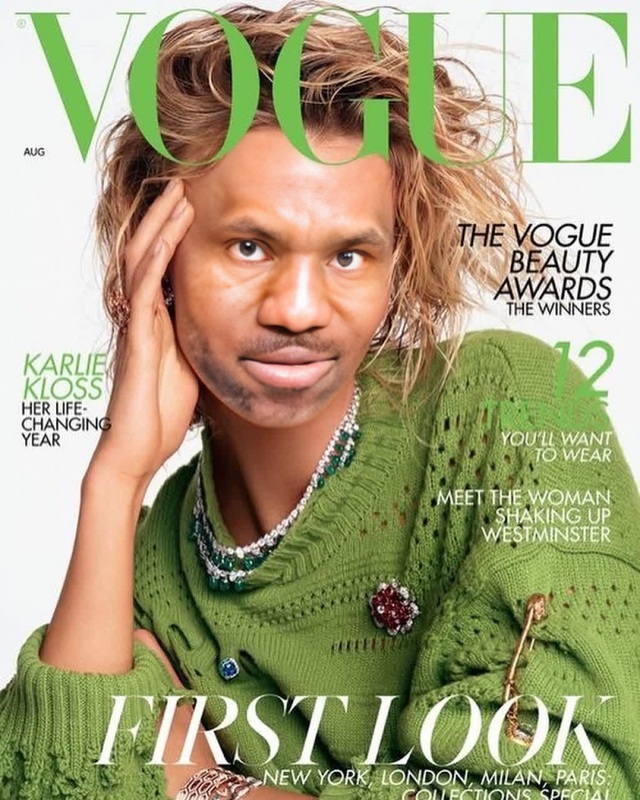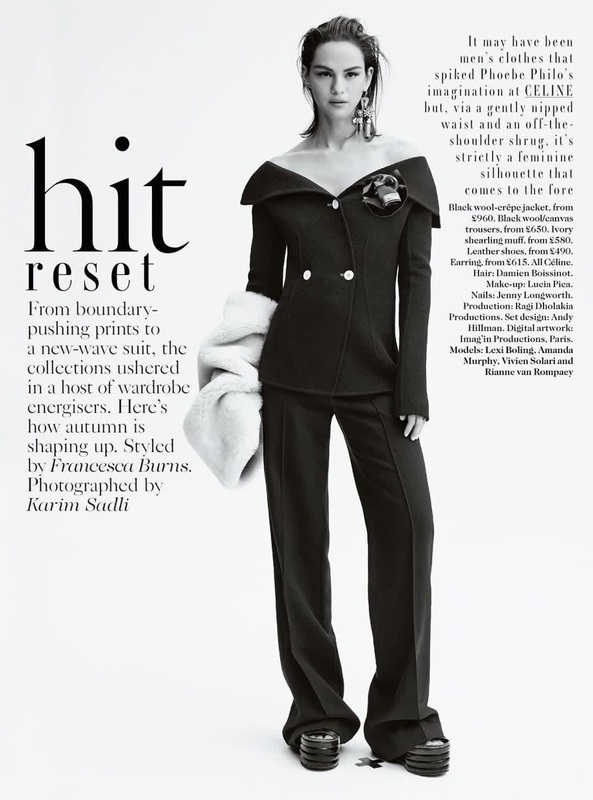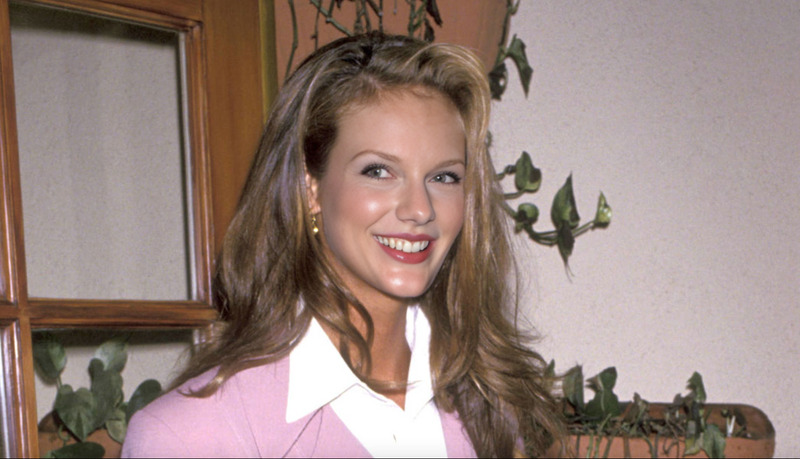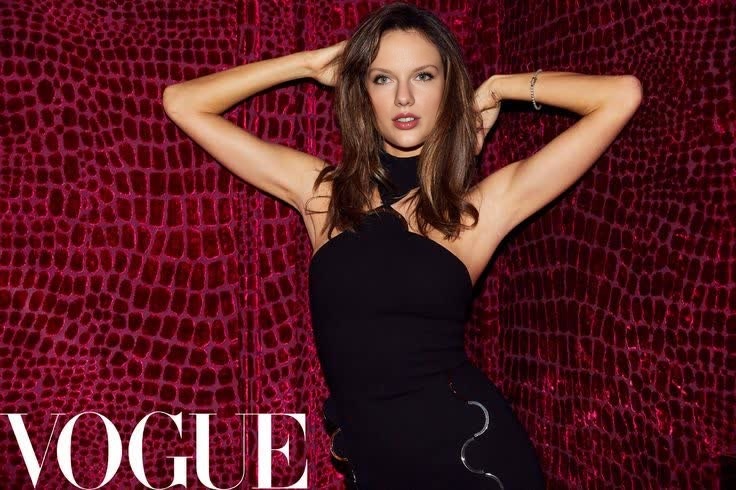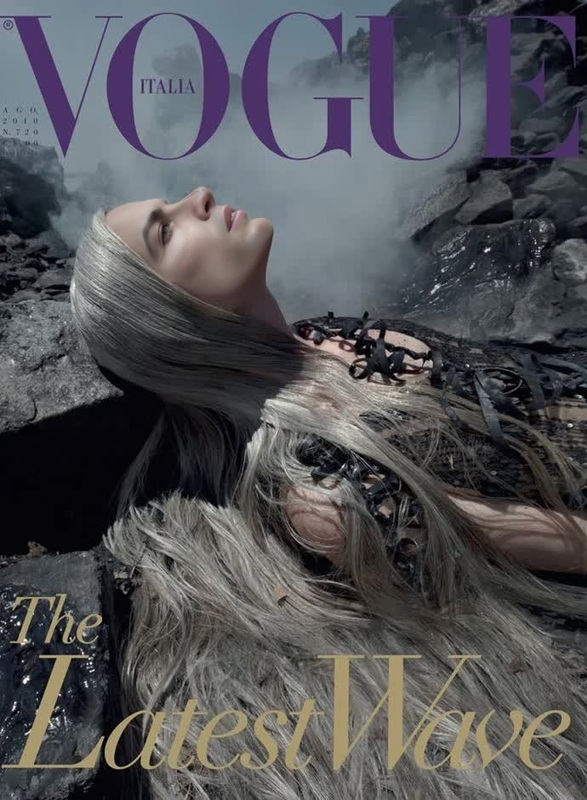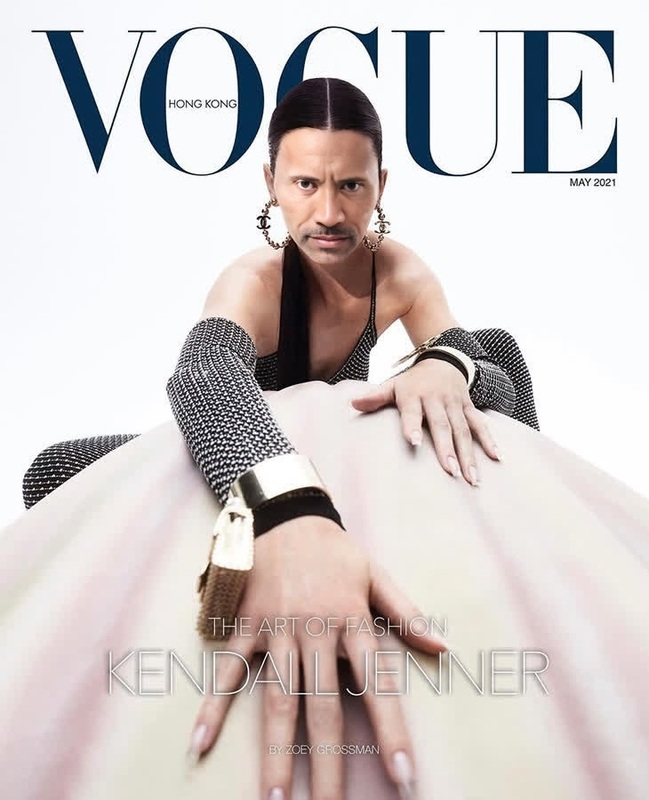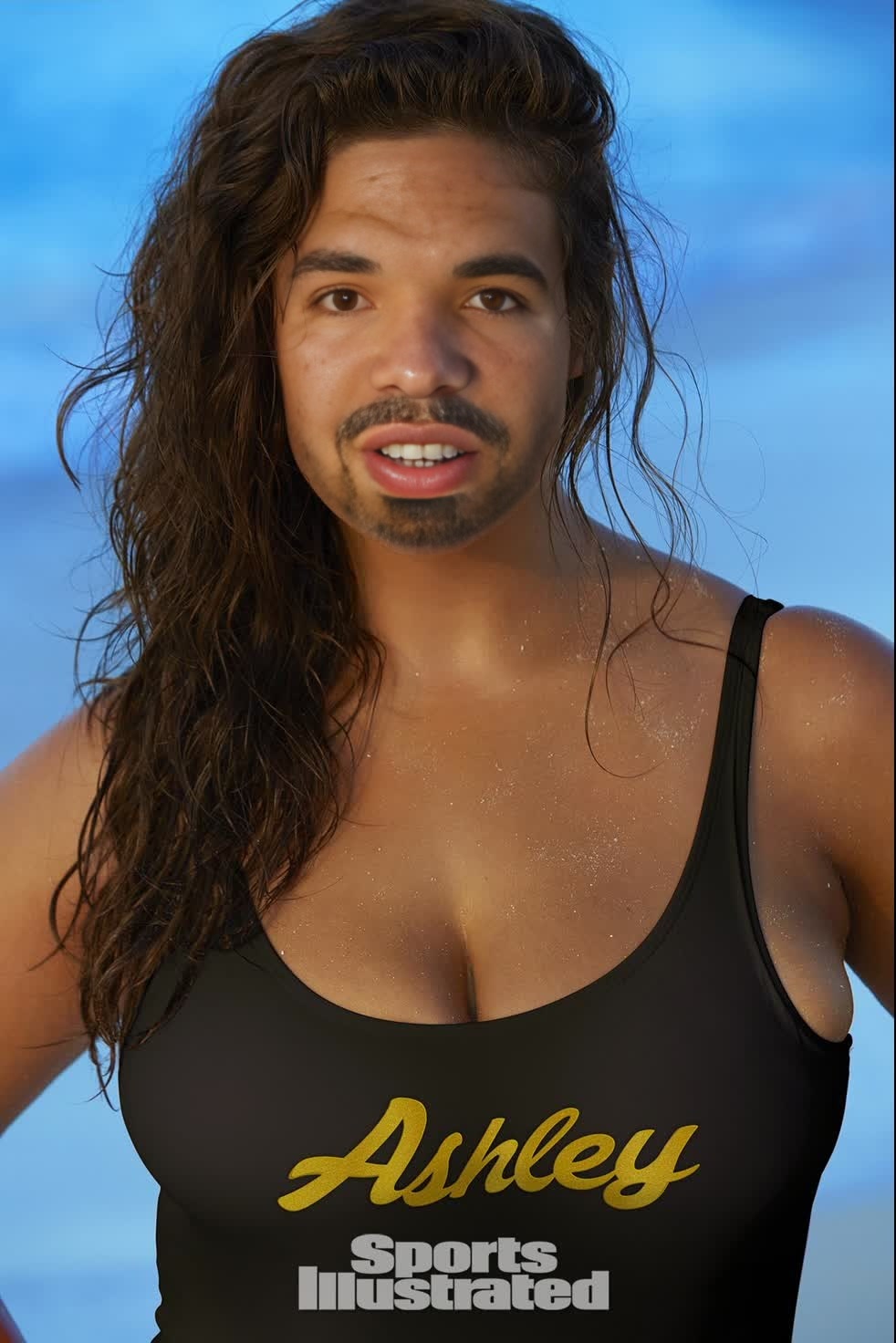
Ashley Graham Sports Illustrated Editorial Portrait
- Image
- 982 × 1472 px
Any aspect ratio
Overview
Step into the world of high-fashion editorial with the Ashley Graham Sports Illustrated Editorial Portrait template. This Video Face Swap tool allows you to transform your own videos by merging them with Ashley Graham's iconic Sports Illustrated photo shoot. Ideal for creators looking to add a touch of glamour to their projects, this template opens up a world of creative possibilities.
What It Does
This template enables you to perform a realistic video face swap, integrating your face seamlessly into Ashley Graham's classic Sports Illustrated editorial portrait. With the Video Face Swap feature, you can achieve lifelike results in your video edits. The process involves advanced AI technology that ensures a high-quality outcome every time.
Who It's For
This template is perfect for content creators, social media influencers, and anyone interested in experimenting with video transformations. If you're involved in digital marketing or content production, integrating the AI Video Generator can help elevate your marketing campaigns with striking visuals.
Summary
Transform your video content into captivating experiences with the Ashley Graham Sports Illustrated face swap. Whether you're aiming to engage your audience on social media or create stunning promotional materials, this template will help you achieve your goals. Explore other related tools like the GIF Face Swap to expand your creative toolkit.
How To
Choose Template

Customize Inputs

Generate Video

Use Cases
Engaging Social Media Posts
- Gain more followers with unique visuals
- Enhance your Instagram or TikTok presence
Fashion Campaigns
- Showcase a new line with flair
- Add a professional touch to fashion videos
Creative Storytelling
- Craft personalized narratives
- Boost engagement with dynamic visuals
Best Practices
Select High-Quality Source Video
Ensure that the source video for the face swap is high resolution to maintain clarity and detail.Fine-Tune Swapping Settings
Adjust the swap settings to better align facial features for a more authentic look.Preview Before Finalizing
Use the preview feature to check the results and make necessary adjustments before generating the final video.
Frequently asked questions
More Like This