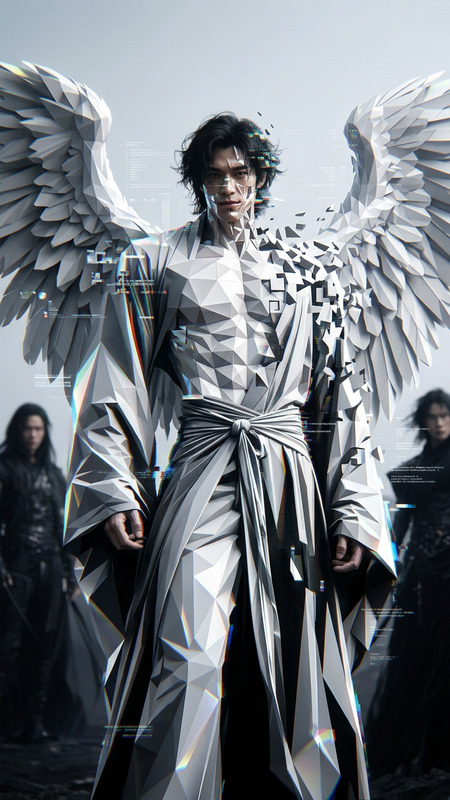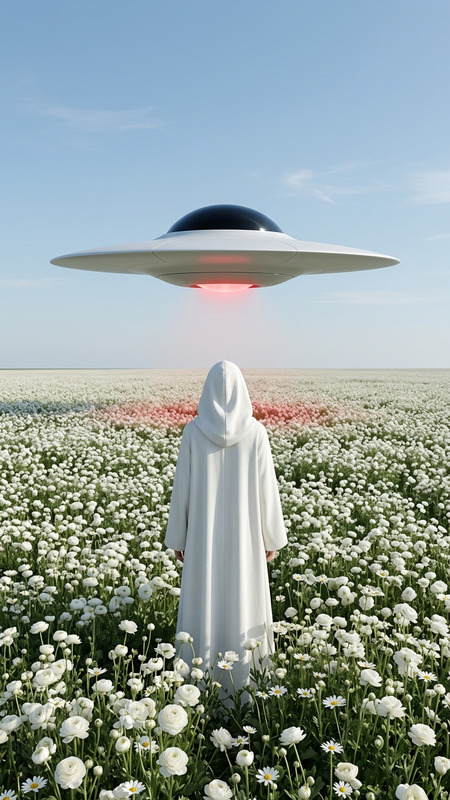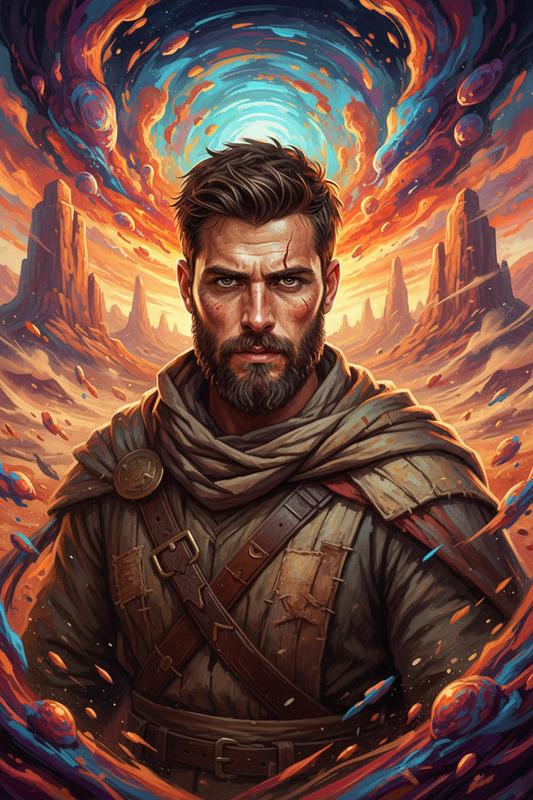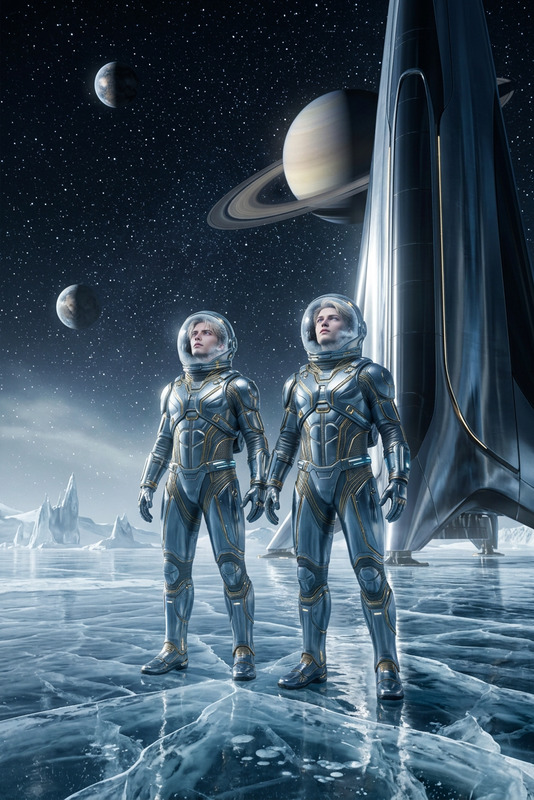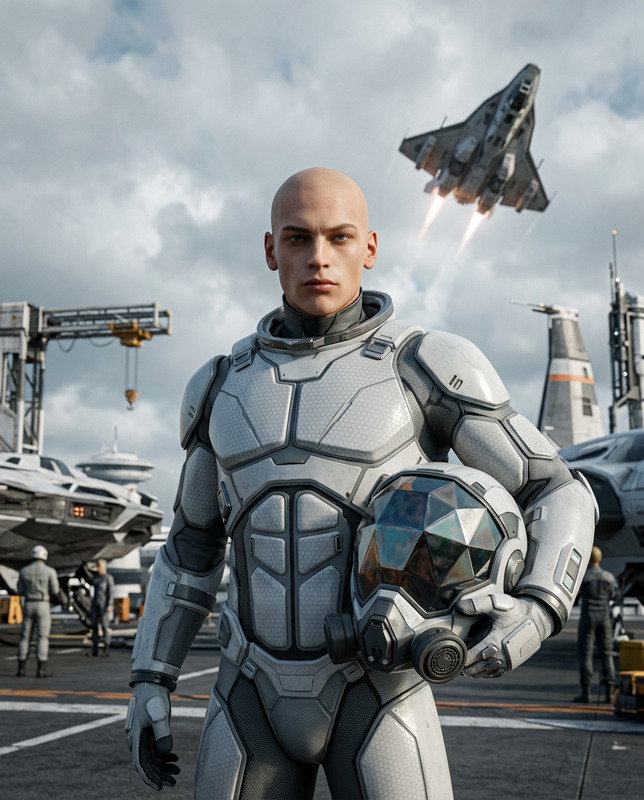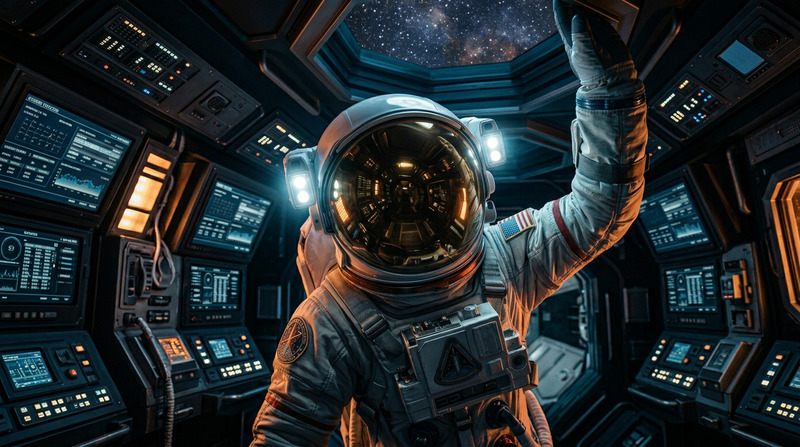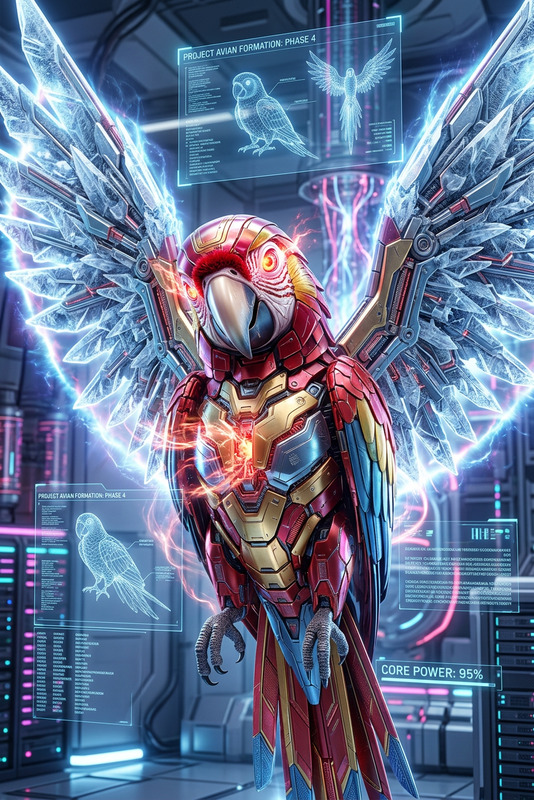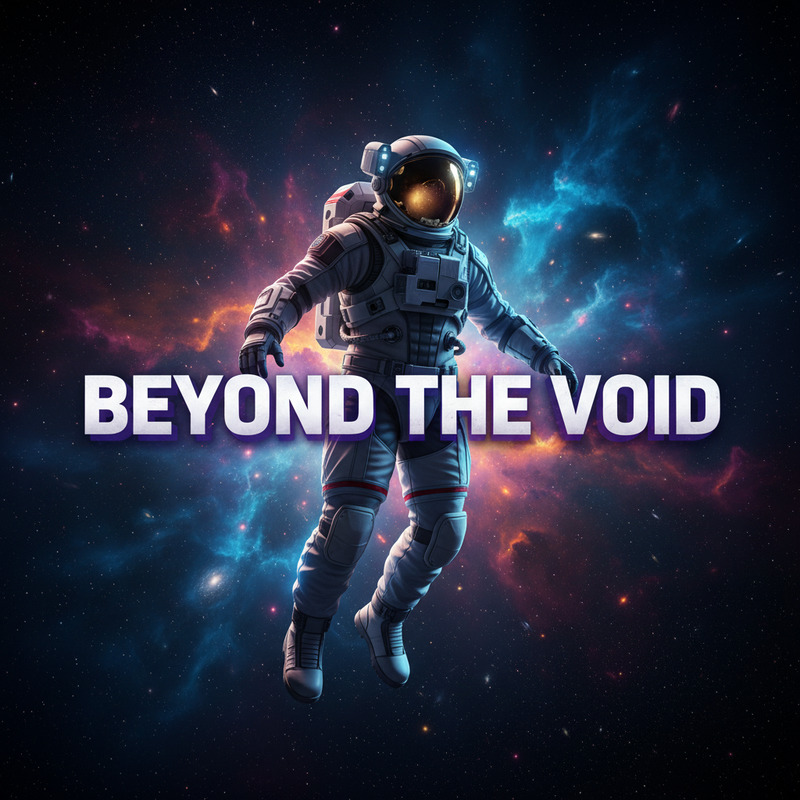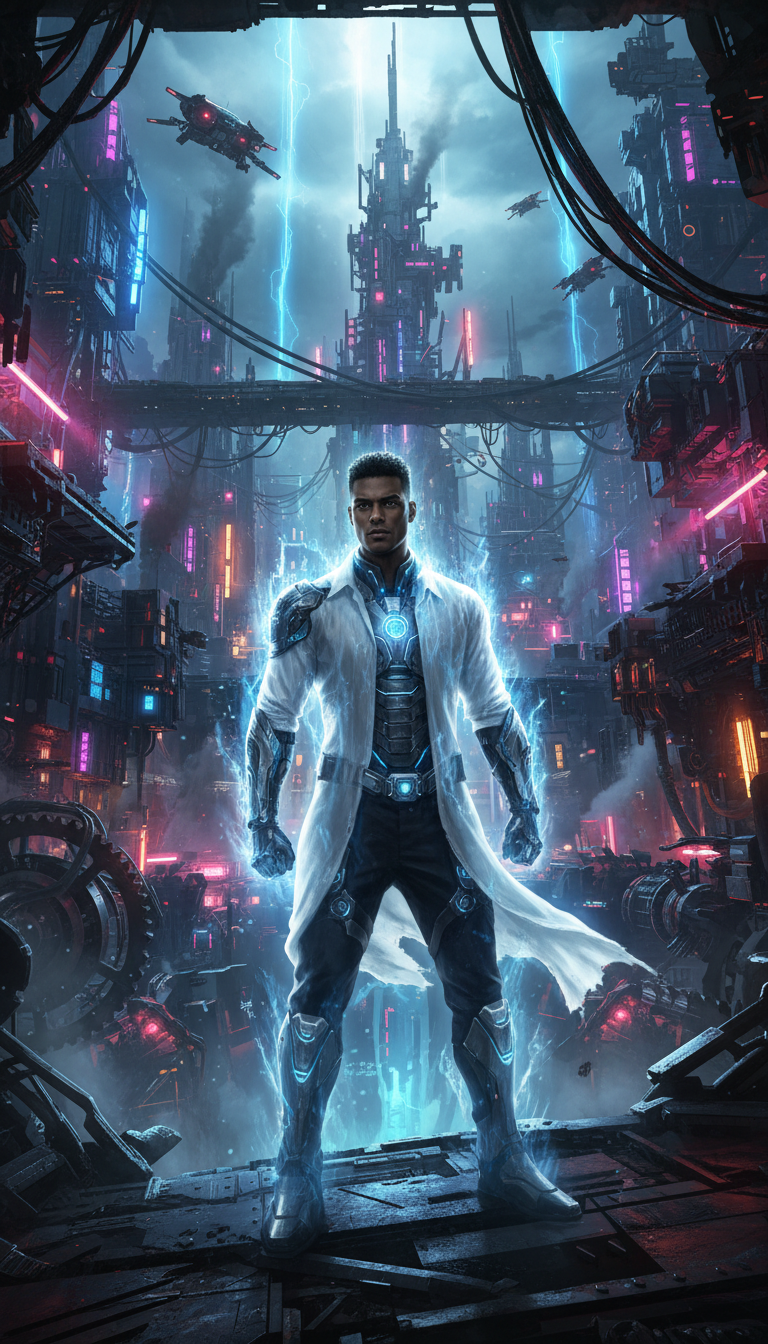
Subject of Sci-Fi Arrival
- Model
- Nano Banana
- Image
- 768 × 1344 px
Prompt
"Subject transformed into a cinematic sci-fi arrival scene at {argument name=""lugar"" default=""ciudad de las máquinas""}, standing heroically in the foreground with a glowing energy aura and wind-swept form; surrounded by towering mechanical structures, illuminated cables, and a dystopian futuristic environment; dramatic neon lighting with deep shadows, ultra-detailed textures, high contrast, epic scale, dynamic composition, concept art quality, 16:9."
Any aspect ratio
Overview
Enhance your futuristic storytelling with the Subject of Sci-Fi Arrival template. Ideal for creating stunning, cinematic images, this AI Image Editor template allows you to transform any subject into a hero amid a dystopian cityscape. Elevate your visuals with dramatic neon lighting and intricate details.
What It Does
This template transforms your subject into a cinematic scene set in a futuristic environment. The nano-banana model ensures ultra-detailed textures and high-contrast visuals, capturing the essence of sci-fi storytelling. The composition highlights dynamic arrangements, bringing your character to life with a heroic stance.
Who It's For
Perfect for filmmakers, game developers, and creators working on sci-fi projects, this template serves individuals and teams aiming to incorporate stunning visuals into their media. Advertisers and content creators can also leverage it for engaging social media ads and immersive storytelling.
Summary
Integrate the dramatic allure of sci-fi into your imagery with this template. By combining epic scale and concept art quality, it aids in producing cinematic artworks that captivate audiences. Whether for Image to Video adaptations or standalone pieces, it offers unparalleled creativity.
How-To Structure
Choose Your Template

Customize the Scene

Generate and Download

Use Cases
Sci-Fi Film Production
- Film pre-production concepts
- Set and costume design visualization
Game Development
- Art for game cinematics
- Promotional imagery and posters
Marketing Campaigns
- Ad campaigns focused on tech-savvy audiences
- Visuals for conferences and expos
Best Practices
Define Your Scene Clearly
Ensure the prompt captures the essential qualities of your desired sci-fi scene. Use vivid descriptions to convey mood and setting.Adjust Lighting for Depth
Experiment with lighting adjustments to emphasize your subject, creating a realistic hero aura and ensuring it stands out against the background.Incorporate High Contrast
Utilize high contrast to bring out details and dramatize the scene, making sure all elements work cohesively to enhance the overall impact.