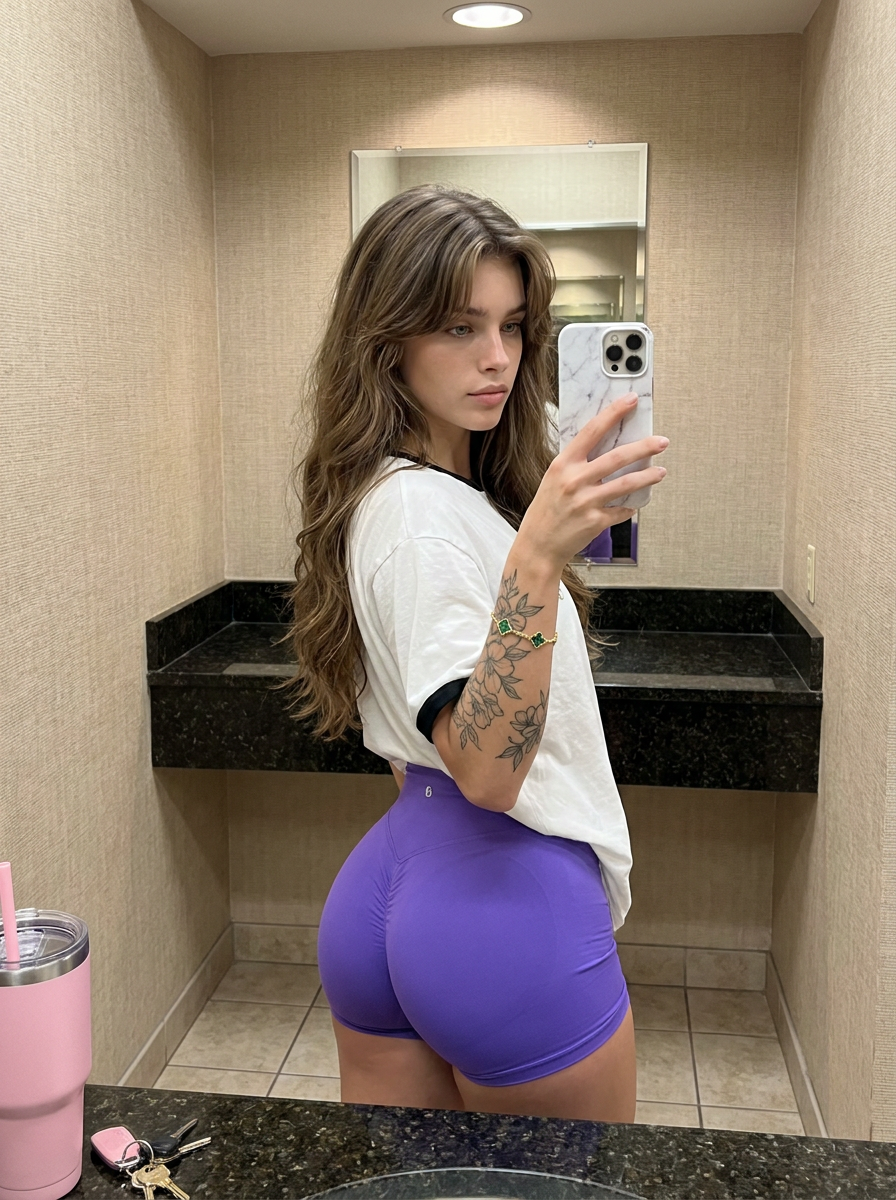
Mirror Flex
- Model
- Nano Banana Pro
- Image
- 896 × 1200 px
Prompt
{"subject": "Young woman with long, voluminous, dark brown wavy hair featuring curtain bangs and lighter highlights. She has a medium-tan complexion and soft skin texture. She is wearing a loose-fitting white t-shirt with black trim on the collar and tight, high-waisted vivid purple spandex shorts that conform closely to her body. Her physique is heavily curvaceous with an exaggerated, prominent glute-to-waist ratio, featuring a slim waist and very full, rounded hips and buttocks. Visible details include a large floral tattoo on her right outer forearm and a gold chain bracelet with green clover motifs (Alhambra style) on her right wrist. She holds a white iPhone Pro Max with a marble-patterned case in her right hand.","pose": "Standing mirror selfie posture. The subject is angled with her back and left side toward the mirror, twisting her torso sharply to the right to face the reflection. Her weight is shifted to accentuate the curve of her hips. There is a distinct anterior pelvic tilt (arched back) that emphasizes the projection of the glutes. Her right arm is raised to hold the phone at chest level, while her left arm hangs naturally at her side. Her head is slightly tilted, gazing softly into the mirror.","environment": "A small, enclosed interior space, likely a fitting room or restroom. The walls are covered in a textured beige or oatmeal-colored wallpaper. To the right, there is a dark, speckled granite countertop or bench supported by a wooden leg. On the bench sits a large pink tumbler cup with a straw and a white lid, along with a car key fob. The floor in the bottom left corner shows light-colored square tiles.","camera": "Mirror selfie perspective. The shot captures the subject's reflection from the thighs up. The framing is vertical (portrait). The focal length mimics a standard smartphone camera lens, capturing the subject and the immediate background with sharp focus on the subject and slight depth falloff.","lighting": "Soft, diffuse overhead indoor lighting typical of a dressing room. The light casts subtle shadows beneath her hair and chin, highlighting the contours of her face and the volume of her hair. The lighting is even, avoiding harsh contrast, with a neutral to slightly warm color temperature.","mood and expression": "Casual, confident, and alluring. The expression is neutral with a soft pout, conveying a 'baddie' or influencer aesthetic. The mood is relaxed and self-focused.","style and realism": "High-fidelity social media realism. The image creates the look of a high-quality smartphone photo posted to Instagram or Snapchat. It focuses on physical attractiveness and lifestyle documentation. Texture details like the fabric of the shorts, the hair strands, and skin pores are rendered realistically.","colors and tone": "The palette is dominated by neutral beige and warm skin tones, punctuated by the vivid purple of the shorts and the bright pink of the cup. The white shirt provides a high-key contrast. Tones are natural with standard saturation levels typical of unedited phone photography.","quality and technical details": "High resolution, sharp focus on the subject. No motion blur. Accurate texture rendering of the spandex material, hair volume, and skin.","aspect ratio and output": "3:4","controlnet": {"pose control": {"model type": "OpenPose","purpose": "Exact skeletal and pose lock","constraints": ["preserve twist of the torso","preserve hip angle and pelvic tilt","lock arm position holding phone","maintain head tilt"],"recommended weight": 1.0},"depth control": {"model type": "ZoeDepth","purpose": "Depth, volume, and camera-to-body spatial lock","constraints": ["preserve the volumetric projection of the glutes","maintain distinct separation between subject and background wall","ensure the phone is positioned correctly in depth relative to the body"],"recommended weight": 0.8}},"negative prompt": {"forbidden elements": ["flat buttocks","reduced glute volume","slenderized hips","male anatomy","distorted hands","missing phone","direct camera view (must be mirror reflection)","architectural distortion","blurry textures","cartoonish style","painting","sketch","low resolution","noise","oversaturated colors","anatomy normalization","body proportion averaging"]}}
Any aspect ratio
Overview
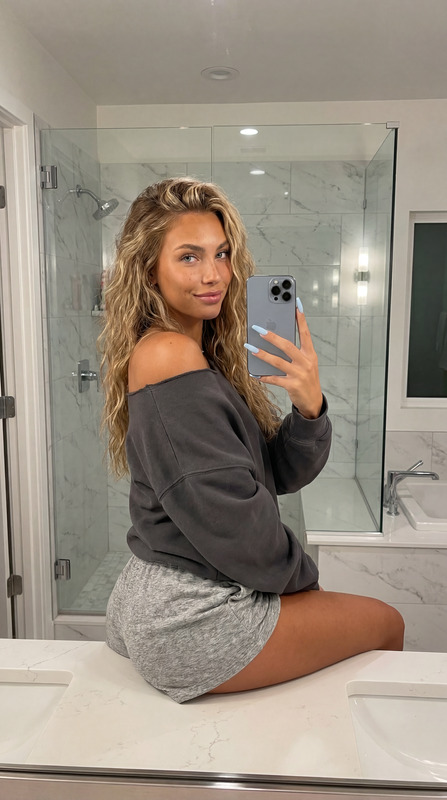
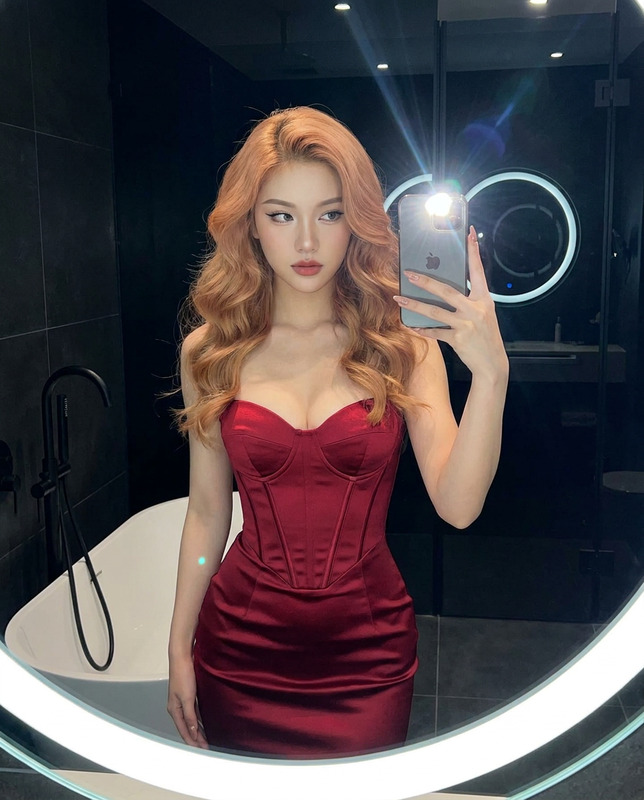
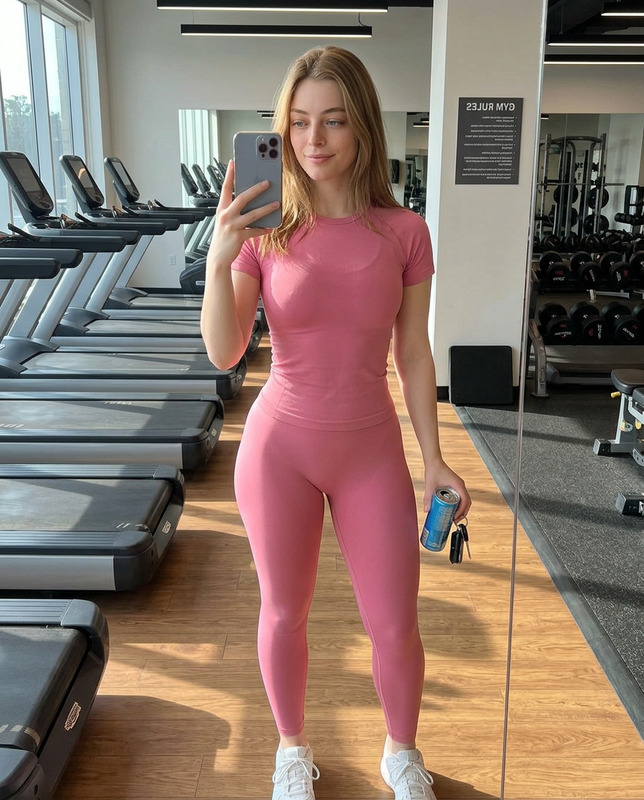
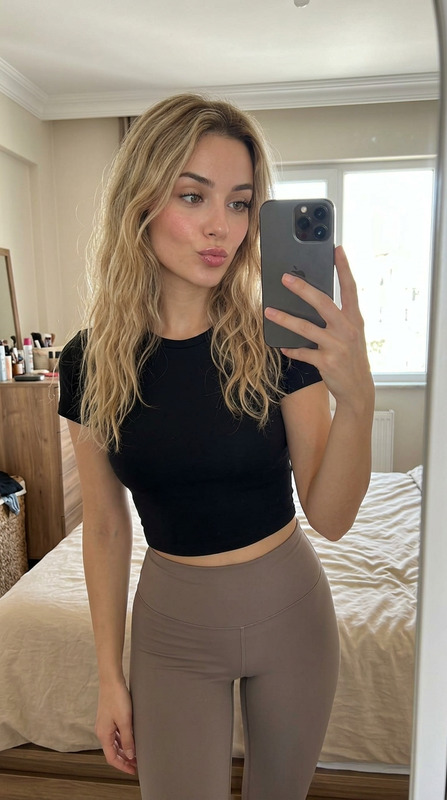
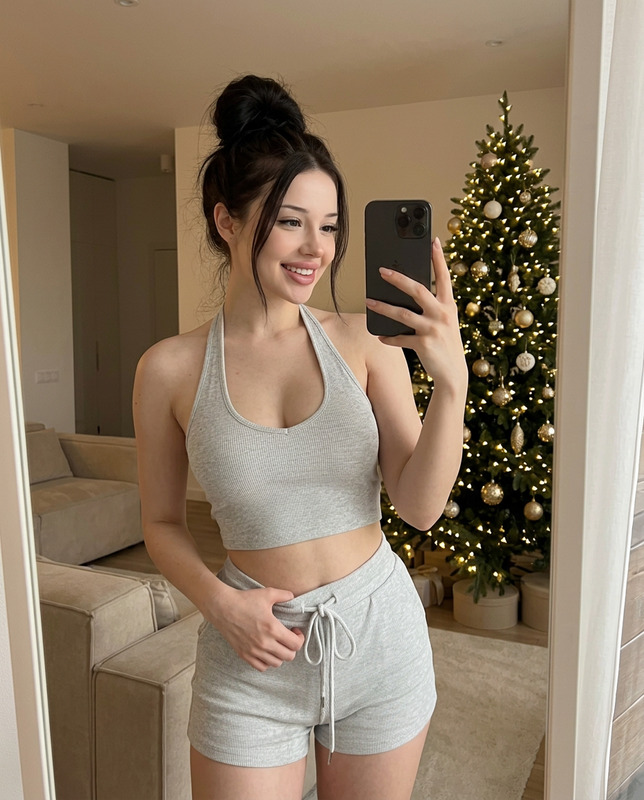
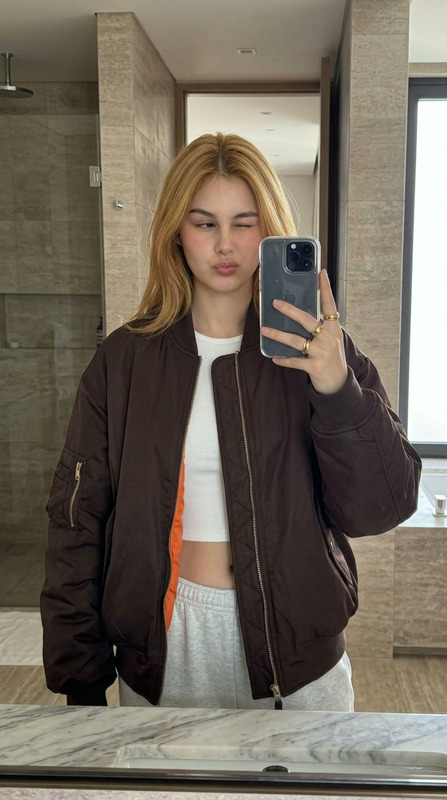
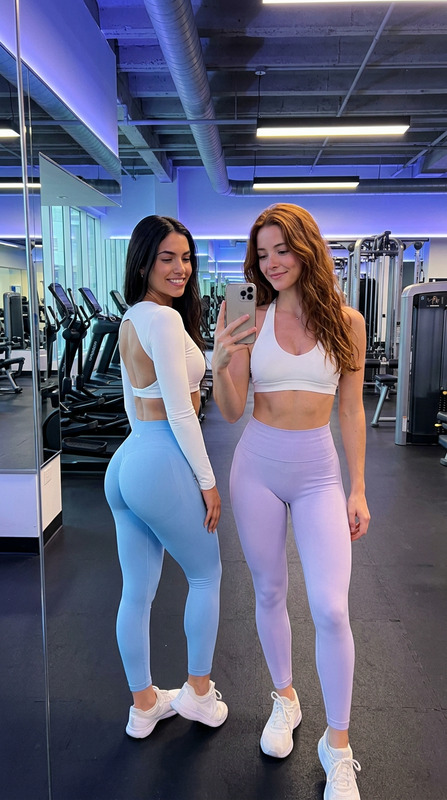
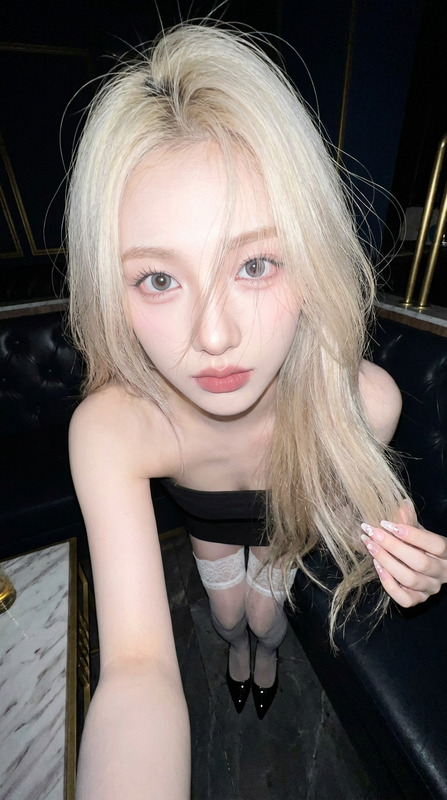
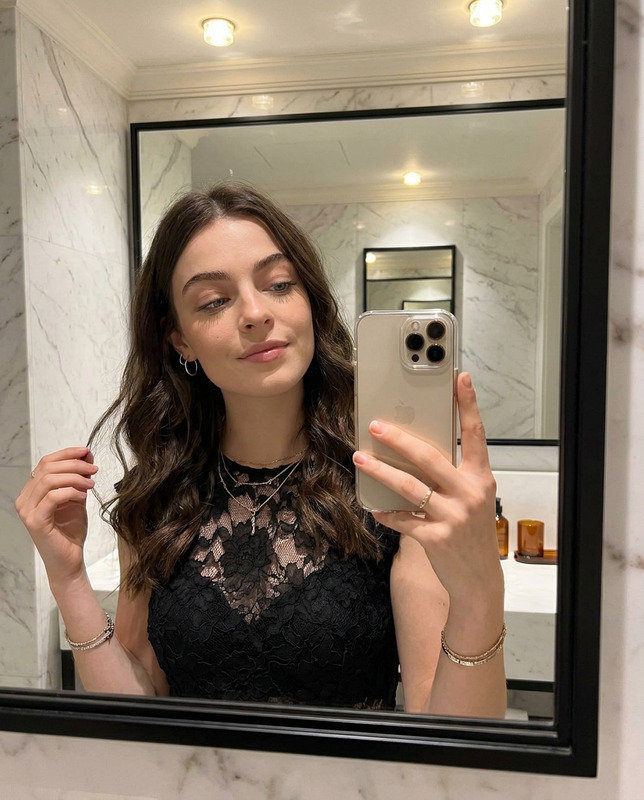
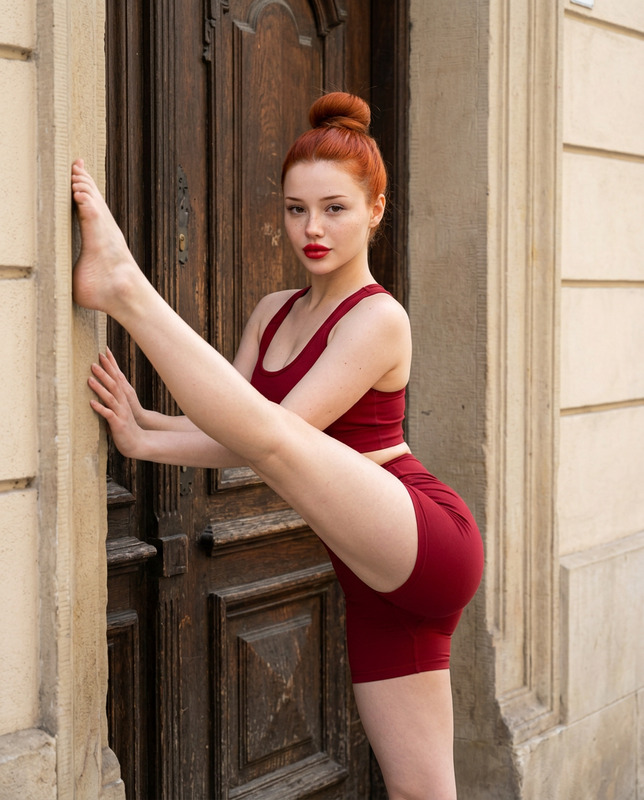
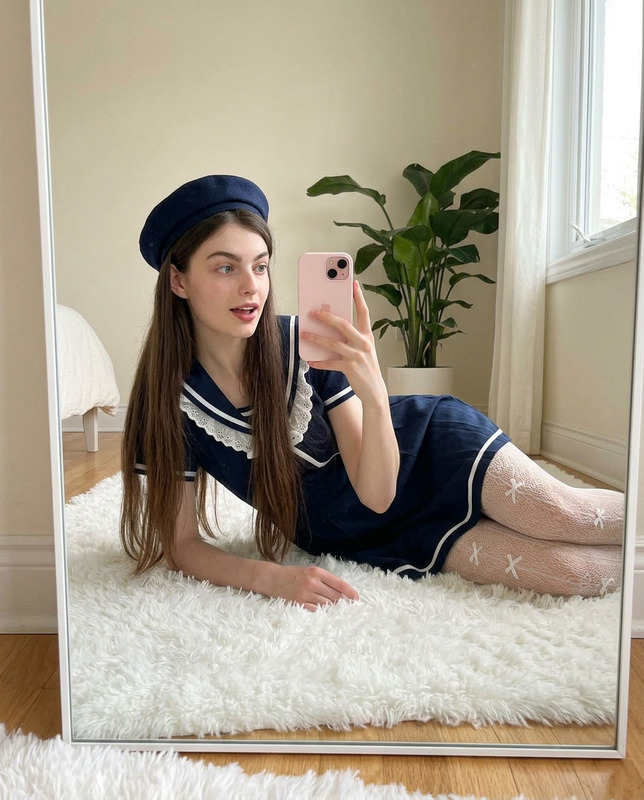
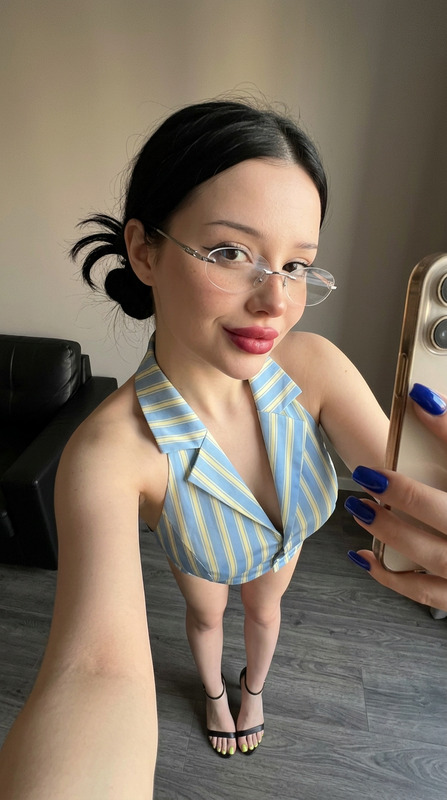
Welcome to Mirror Flex, where you can harness the power of advanced AI to craft high-fidelity images perfect for showcasing style and self-expression. Built using the nano-banana-pro model, this AI Image Editor is designed for those who crave precision and realism in their digital creations. With the ability to depict intricate textures and lifelike poses, every detail is captured accurately.
What It Does
Mirror Flex allows users to create detailed images that realistically imitate high-quality smartphone photography. Key features include pose locking via OpenPose and volumetric control with ZoeDepth, ensuring that the subject's natural curves and stylistic details are maintained. Ideal for social media use, this template is adept at generating compelling mirror selfies characterized by precision in pose and texture realism.
Whether you're editing a photo for aesthetics or to capture lifelike details, Mirror Flex leverages AI techniques for vibrant and precise imagery, similar to what you'd find with our AI Image Editor.
Who It's For
This template is perfect for influencers, fashion enthusiasts, and anyone looking to enhance their visual content with dramatic flair. Whether you're a novice in digital editing or a seasoned content creator, Mirror Flex caters to those seeking to enrich their online presence with stunning, realistic images. It's particularly useful for creating appealing personal and promotional content that demands attention.
Summary
Mirror Flex makes creating dazzling mirror selfies simple and efficient by combining AI technology with advanced photography techniques. It's tailored for users aiming to improve their image consistency and attractiveness. For those interested in varying their visual approach, our Face Swap and AI Talking Photo products offer complementary functionalities that can broaden creative possibilities.
How To Use Mirror Flex
Choose the Mirror Flex Template

Customize Your Image

Generate Your Image

Use Cases
Social Media Content
- Instagram posts
- Snapchat stories
Influencer Promotions
- Collaborations
- Brand deals
Fashion Portfolios
- Lookbooks
- Catalogs
Best Practices
Focus on Detail
Pay attention to the prompt and ensure detailed descriptions for each element like clothing and pose for optimal results.Leverage Pose Locking
Utilize the pose control to maintain realistic and desired body postures, especially in reflecting mirror selfies.Adjust Lighting and Depth
Experiment with lighting and depth controls to accentuate features and create depth, enhancing image realism.