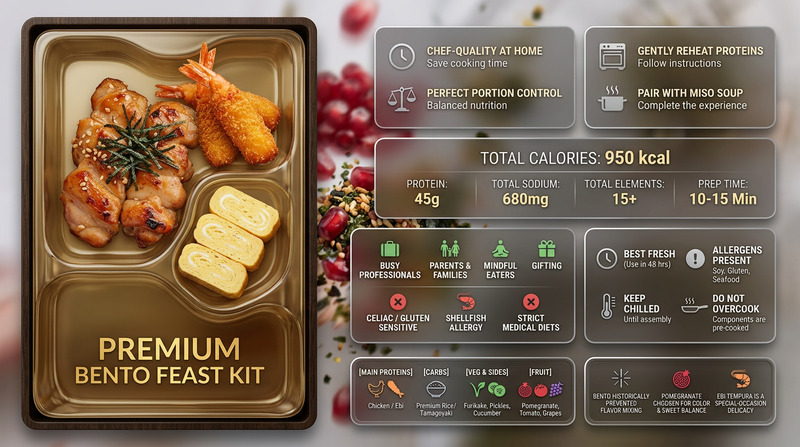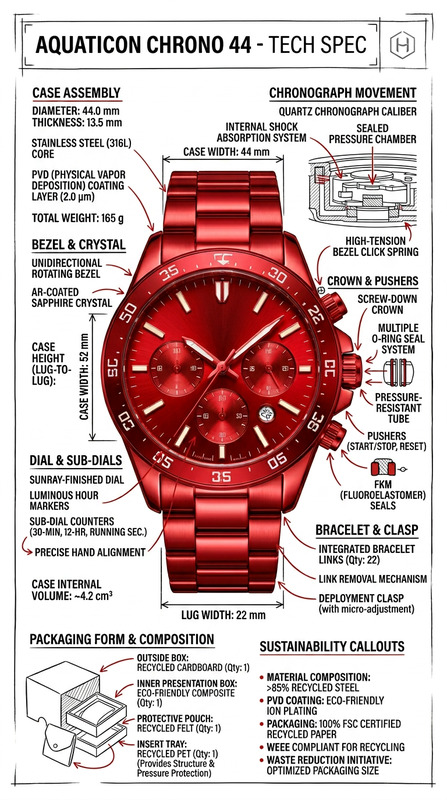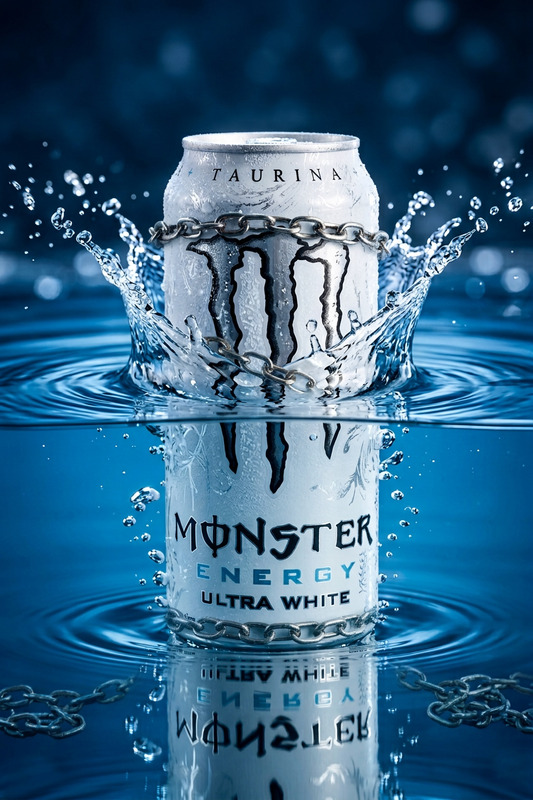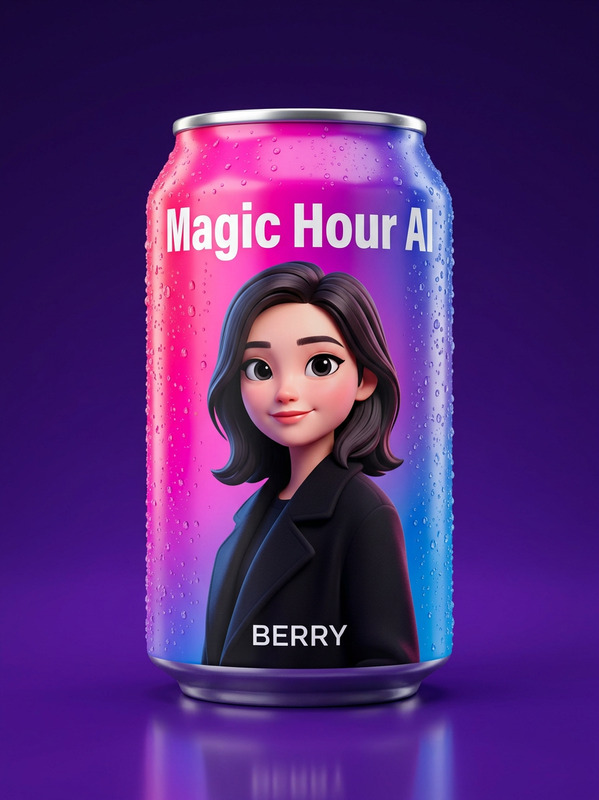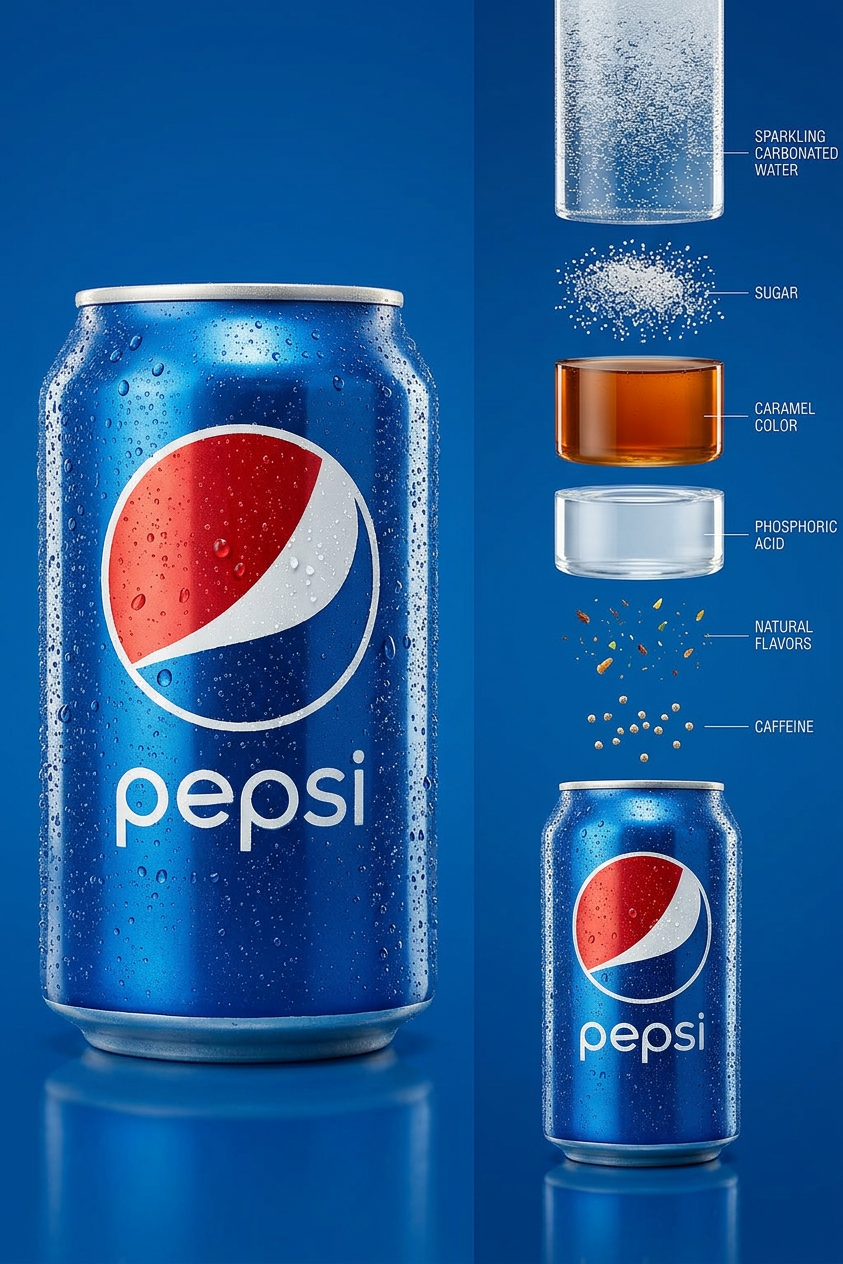
Product vs Ingredient Exploded Infographic
- Model
- Nano Banana 2
- Image
- 843 × 1264 px
Prompt
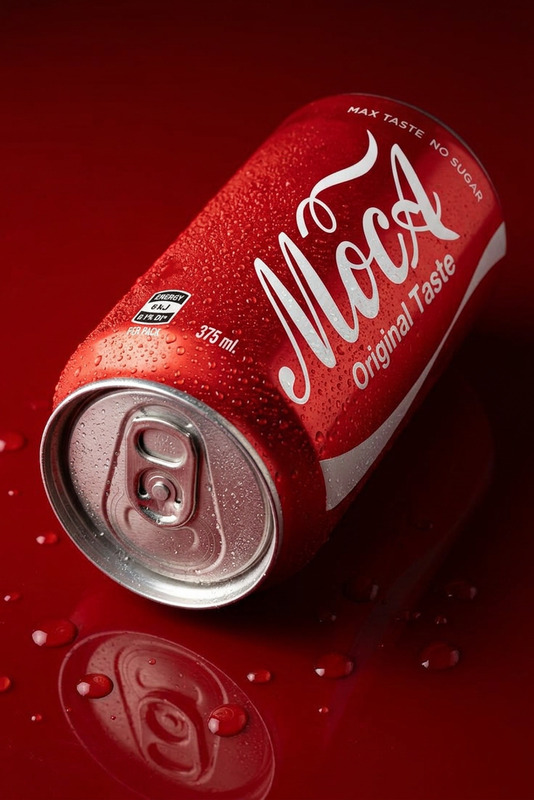
On the left side: a professional studio product photo of a chilled Pepsi can with condensation water droplets. The can should look glossy, crisp, and refreshing with realistic highlights, subtle reflections, and icy cold texture. Use minimalist commercial beverage advertising style, soft natural shadows, ultra-clean composition, and sharp DSLR macro photography quality. On the right side : a vertical exploded infographic showing Pepsi ingredients in a precise stacked layout. From top to bottom: sparkling carbonated water with fine bubbles, floating white sugar crystals, a rich amber caramel color layer, a translucent phosphoric acid layer, abstract aromatic flavor particles, small suspended caffeine granules, and at the bottom a chilled Pepsi can with condensation and metallic reflections. Each layer is clearly separated with subtle shadows and clean spacing. Add thin pointer lines with minimalist labels for each ingredient. Maintain ultra-sharp focus, photorealistic lighting, and premium beverage advertisement aesthetic.
Any aspect ratio
Overview
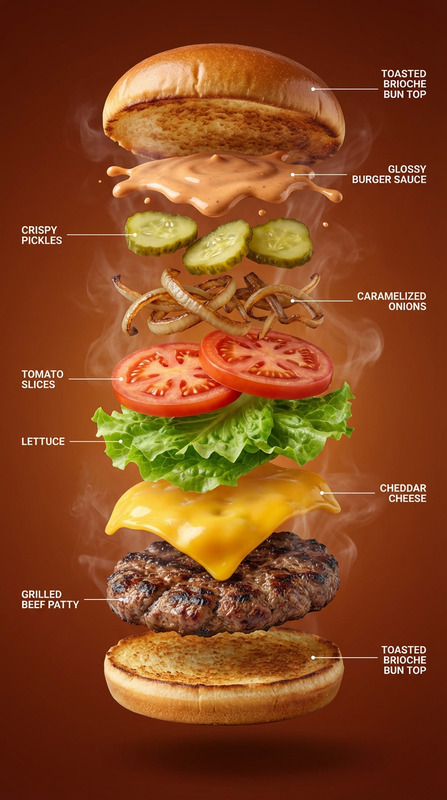
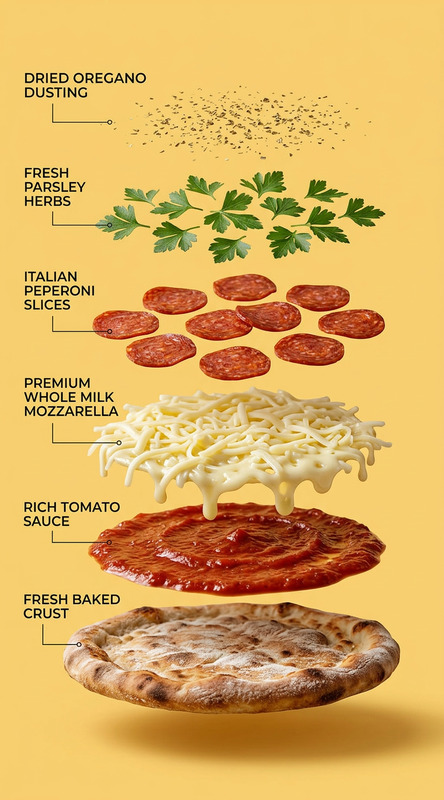
The Product vs. Ingredient Exploded Infographic template empowers creators to produce visually stunning visualizations highlighting the composition of products. Utilizing the capabilities of the AI Image Editor, this template provides a detailed comparison between the finished product and its individual ingredients through a meticulous exploded infographic format.
What It Does
This template harnesses the power of the nano-banana-2 model to render high-quality images that juxtapose a product with its components in an engaging format. The left side showcases a high-definition image of the Pepsi can, while the right side dissects the drink into its foundational ingredients, using ultra-clear visualization techniques.
Who It's For
Designed for marketers, advertisers, and educators, this template helps easily visualize product compositions. Ideal for those in the beverage industry, it can also benefit brands wishing to create explainer videos or detailed promotional materials that highlight product attributes and component transparency.
Summary
The Product vs. Ingredient Exploded Infographic template offers a sophisticated approach to visualize product details effectively. By leveraging the functionality of several AI Image Editor models, it provides builders with the resources needed to produce high-resolution graphics that are both informative and aesthetically pleasing.
How-to
Choose Your Template

Customize Your Inputs

Generate and Download

Use Cases
Beverage Marketing Materials
- Promotional flyers
- In-store displays
- Online ads
Educational Content
- School presentations
- Training modules
- Informative sessions
Product Transparency
- Ingredient breakdowns
- Health communities
- Consumer trust campaigns
Best Practices
Optimize Lighting and Shadowing
Pay attention to realistic lighting and shadow effects to enhance the 3D appearance of your infographic.Focus on Clarity
Ensure each ingredient is distinct and clearly labeled to maintain visual clarity and informational accuracy.Leverage High Quality Formats
Always generate and export your infographic in high-resolution formats for professional use, such as for print or digital ads.