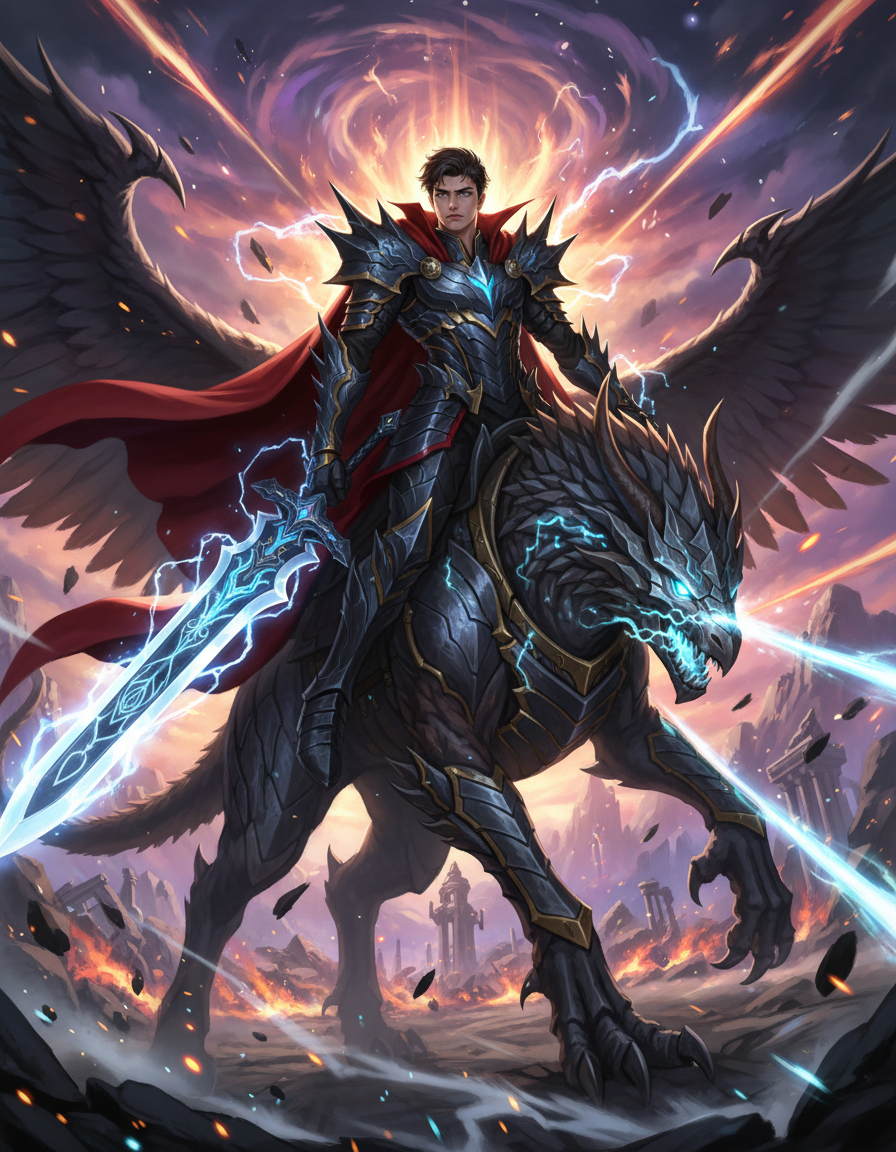
Anime Final Boss Awakening
ai-image-editor
Any aspect ratio
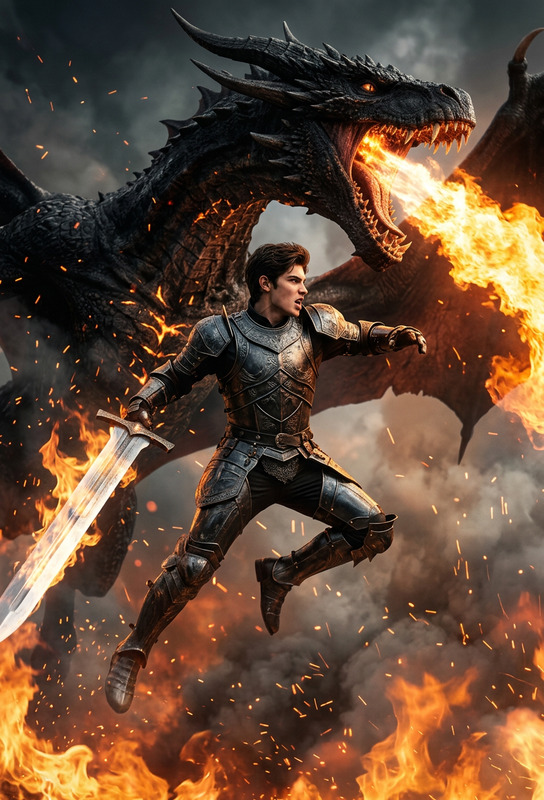
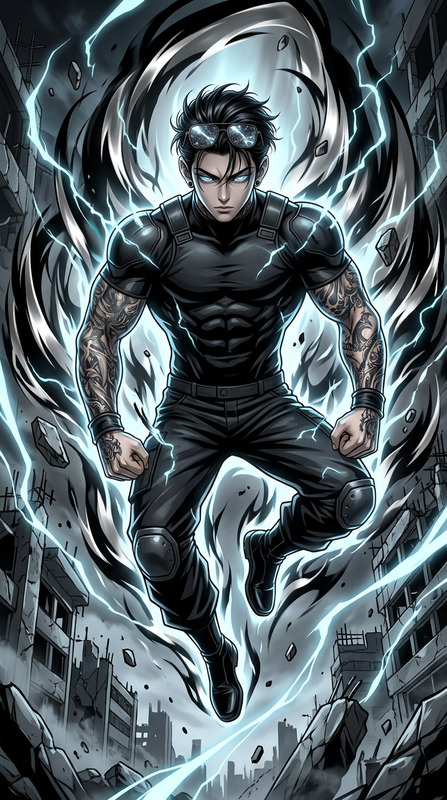
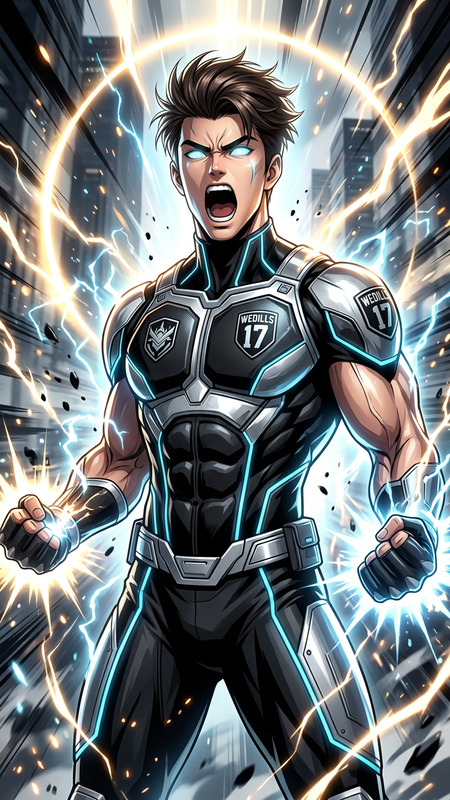
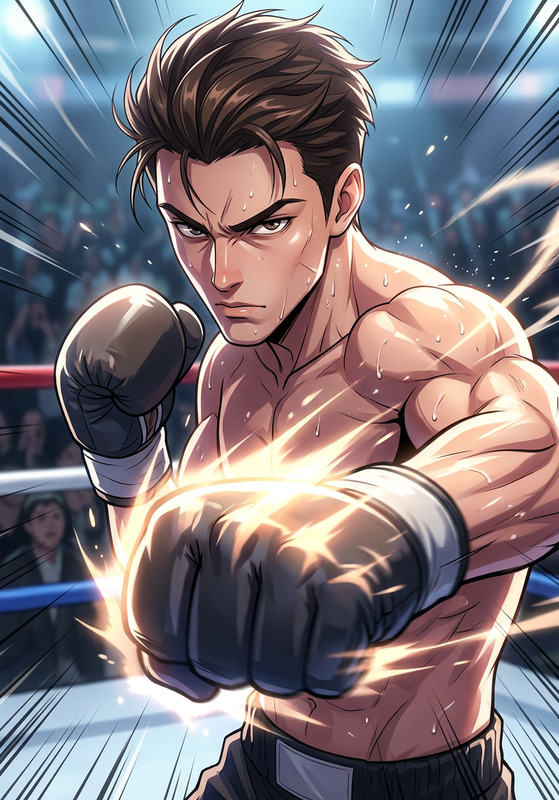
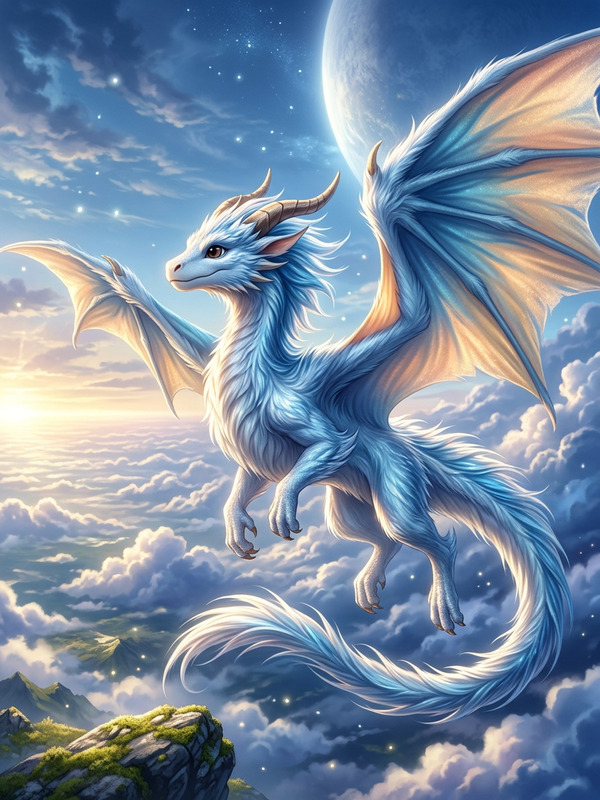
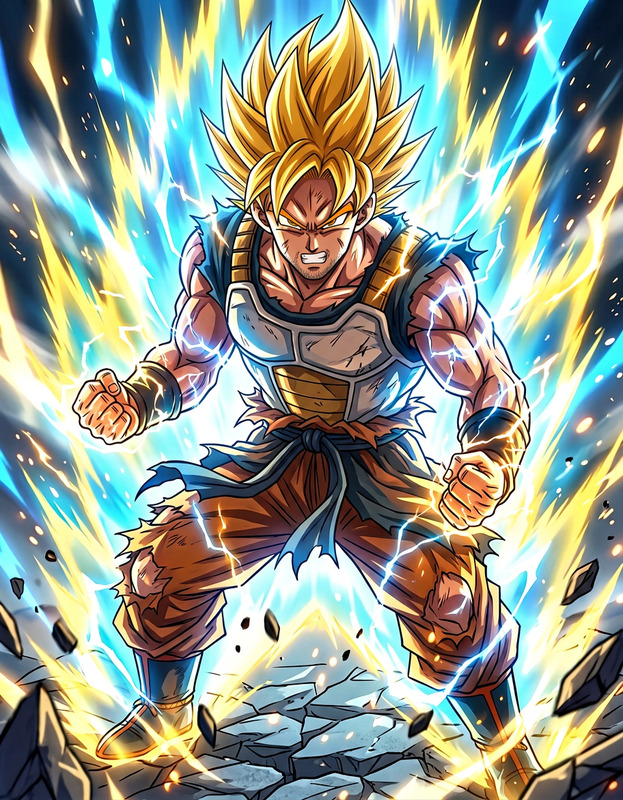
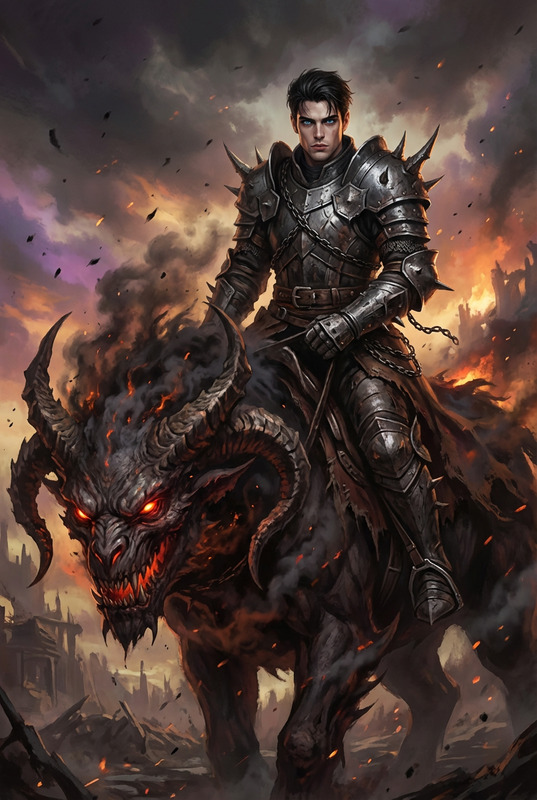
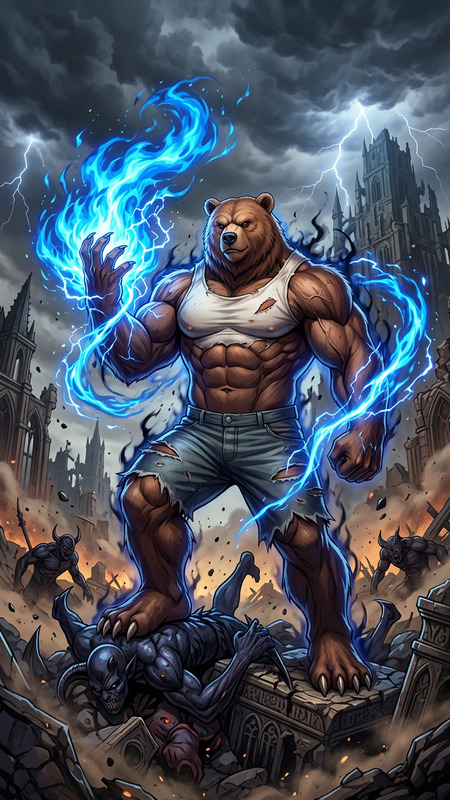
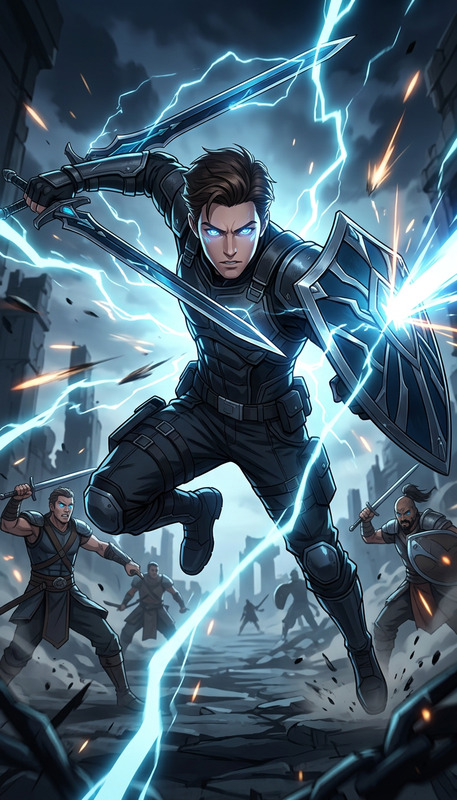
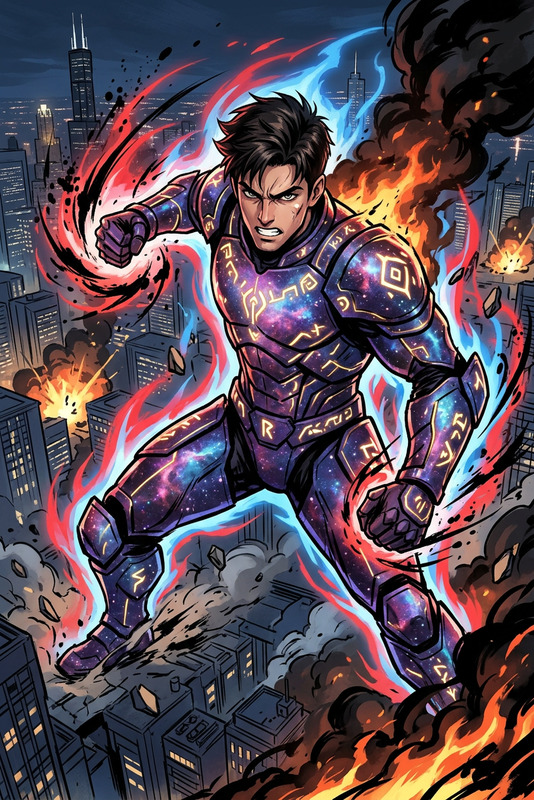
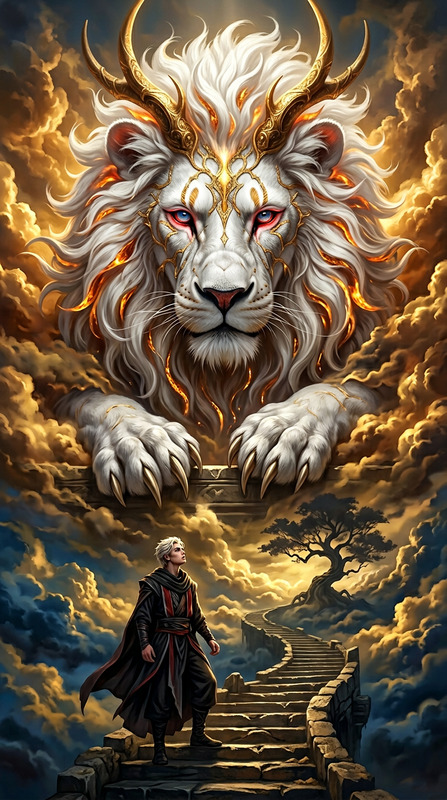
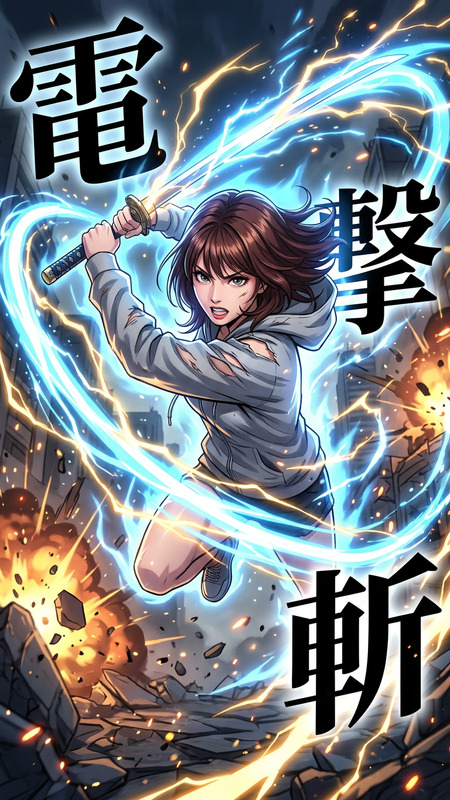
High-end anime cinematic illustration of the subject from the reference image, identity preserved. The subject wears an overpowered battle outfit with exaggerated armor, glowing aura, and energy effects. Riding a massive legendary creature with dynamic pose. Explosive background, energy blasts, wind effects, dramatic lighting. Epic, intense, final-battle atmosphere.
AI Image Editor Template – Remixable Workflow for Fast, Precise Visual Edits
This template showcases what’s possible with the AI Image Editor on Magic Hour: targeted edits, multi-step refinements, and creative transformations that stay grounded in your original image.
Use it as a starting point to:
- Clean up or enhance product shots and marketing visuals
- Create multiple variants of a hero image for A/B tests
- Remove or replace distracting objects in photos
- Change backgrounds, colors, or styles while preserving structure
- Prep assets for social, ads, decks, and product launches
You can open this template, duplicate it, and then remix every step to fit your brand, campaign, or client brief.
What This Template Does
This template is designed to walk you through a complete, repeatable editing workflow using the AI Image Editor:
Start from a source image
- Upload a photo, render, mockup, or design.
- The template keeps composition and perspective while letting you change content and style.
Targeted edits instead of full regeneration
- Use masks and prompts to alter only what you care about (e.g., background, clothing, objects) while leaving the rest intact.
- Great for experimenting with multiple directions on the same base asset.
Multi-step, non-destructive workflow
- Make a series of edits (e.g., remove object → change background → refine lighting).
- Each step can be remixed independently, so you can fork different creative directions without starting over.
Export-ready outputs
- Generate polished assets suitable for web, ads, decks, or content workflows.
- Combine with tools like AI Image Upscaler or Unblur Image to improve resolution and clarity for production use.
How to Remix This Template in Magic Hour
You don’t need to rebuild it from scratch. To create your own version:
Duplicate the template
- Open the template in Magic Hour and create a copy.
- Rename it for your project, campaign, or client so it’s easy to find later.
Swap in your own source images
- Replace the example image with:
- Product photos
- Lifestyle photography
- Portraits or headshots
- UI screenshots or mockups
- For portraits, you can later combine with tools like AI Face Editor or AI Headshot Generator to build consistent visual systems.
- Replace the example image with:
Adjust the editing steps to match your use case
For product & brand visuals
- Use AI Background Generator concepts to inspire new backdrops.
- Remove logos, props, or distractions with the AI Remover or Remove Object from Photo tools.
- Refine lighting and color so assets look consistent across your catalog and landing pages.
For social, memes, and content marketing
- Remix with the AI Meme Generator to layer text or humor on top of the edited images.
- Generate variant crops and formats to feed into your Thumbnail Maker workflow for YouTube, TikTok, or product launches.
For creators & storytellers
- Combine with style-focused tools like AI Art Generator, AI Anime Generator, or AI Illustration Generator to explore different aesthetics.
- Use the edited images as keyframes for Image to Video or Text to Video workflows.
Branch multiple creative directions
- Save different versions (e.g., “minimal,” “bold color,” “premium,” “playful”) off the same base image.
- This is especially useful for marketers and teams running structured A/B tests or presenting multiple directions to stakeholders.
Integrate with other Magic Hour templates
- Turn edited stills into motion:
- Animate characters or avatars with the Animation template.
- Transform your edited image into video variations using Video to Video.
- For faces, you can:
- Apply your edited portrait in the Face Swap Video template.
- Sync dialogue for content, explainers, or UGC-style ads with Lip Sync or AI Talking Photo.
- Turn edited stills into motion:
Practical Use Cases for Creators, Marketers, and Builders
This template is optimized for people who are shipping, not just experimenting:
1. Marketing & Growth Teams
- Generate multiple creative variants from a single photoshoot.
- Rapidly localize hero images for different markets by changing backgrounds, objects, or styles while preserving the subject.
- Prep ad-ready assets and then scale video variants via Image to Video or Video to Video.
2. Product & eCommerce Teams
- Standardize product presentation across categories by normalizing lighting, backgrounds, and framing.
- Use AI Clothes Changer and AI Outfit Generator ideas to quickly explore apparel, styling, or seasonal looks.
- Enhance image quality with AI Image Upscaler and Photo Colorizer for legacy or user-generated images.
3. Startup Founders & Solo Builders
- Create on-brand visuals without a full-time design team.
- Use edited images for pitch decks, landing pages, investor updates, and product demos.
- Pair with AI Logo Generator, Book Cover Generator, or Album Cover Generator to build a cohesive visual identity across assets.
4. Creators, Educators & Community Builders
- Prepare clean, high-quality visuals for courses, communities, and newsletters.
- Generate character or avatar systems using Avatar Generator, AI Character Generator, or Animated Characters Generator, then refine them with the AI Image Editor template.
- Build stylized series (e.g., manga, comic, fantasy) with AI Manga Generator, Comic Book Generator, Dark Fantasy AI, and refine details in this editor.
Tips for High-Quality Results
Start with solid source material
- Higher resolution and clear composition give the model more structure to preserve.
- If you’re working with older or blurry images, run them through Old Photo Restoration or Unblur Image first.
Be specific about what should change vs. stay the same
- Think in terms of constraints: “change the background to X, but keep the subject, pose, and lighting coherent.”
- Use references from other Magic Hour tools (e.g., a backdrop generated via AI Background Generator) as inspiration for consistent styling.
Use this template as a reusable system
- Instead of one-off edits, treat this as a standard operating procedure:
- Source image → Clean-up/removal → Background/styling → Quality boost → Export.
- That makes it easier to scale content across campaigns and maintain a consistent look.
- Instead of one-off edits, treat this as a standard operating procedure:
Extend Your Workflow Beyond Still Images
Once your images are refined, you can:
- Turn them into dynamic content with Image to Video or Text to Video.
- Create talking avatars for explainers, onboarding, or support with AI Talking Photo and sync voice via AI Voice Generator or AI Voice Cloner.
- Package your visuals into GIFs for social or product announcements using the AI GIF Generator.
- Make sure your final videos are crisp and legible with the Video Upscaler and annotate or localize them using the Auto Subtitle Generator.
Build Your Own Editing System on Magic Hour
This template is intentionally simple and modular so you can:
- Use it as-is for quick, repeatable edits.
- Duplicate and adapt it into your own internal “brand editor” for campaigns or clients.
- Combine it with other Magic Hour tools like AI Face Generator, AI Selfie Generator, or AI QR Code Generator to cover your full visual stack.
Open the template, make a copy, plug in your own assets, and you’ll have a remixable, production-ready AI image editing workflow tailored to your needs.