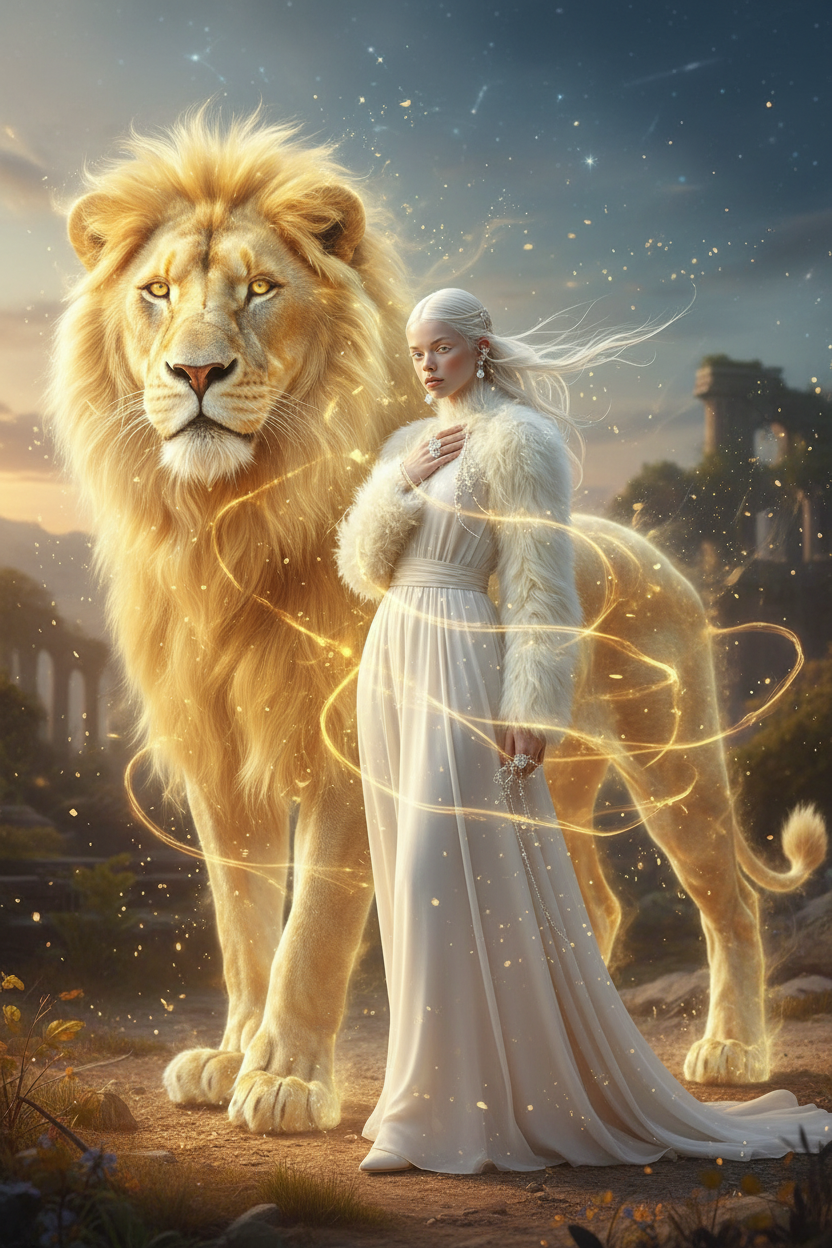
Lion Spirit Sync
ai-image-editor
Any aspect ratio
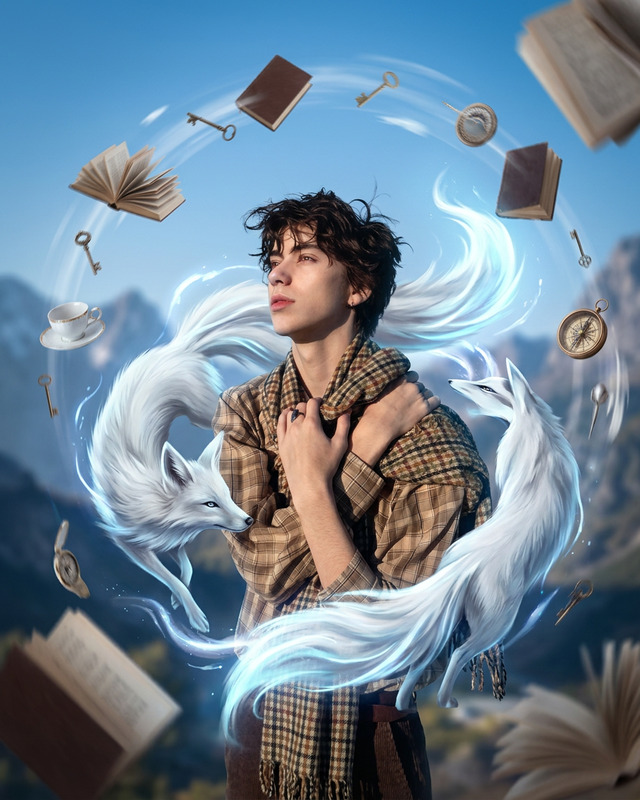
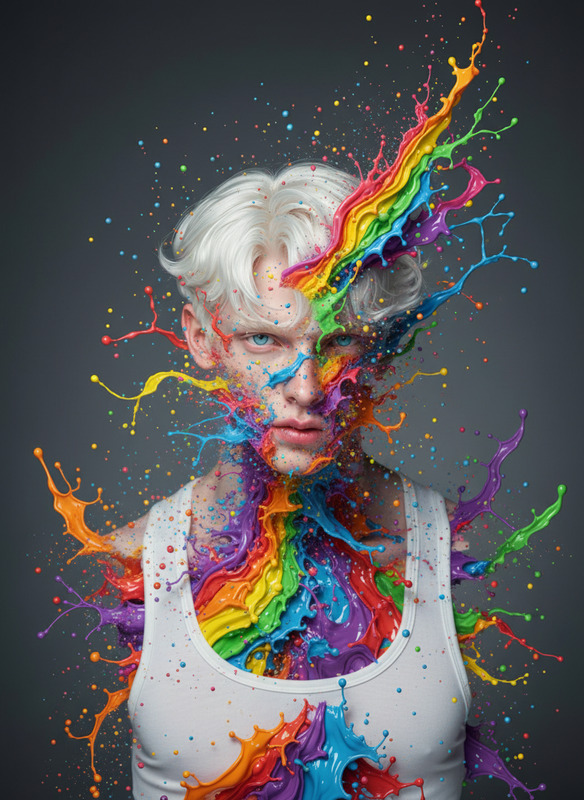
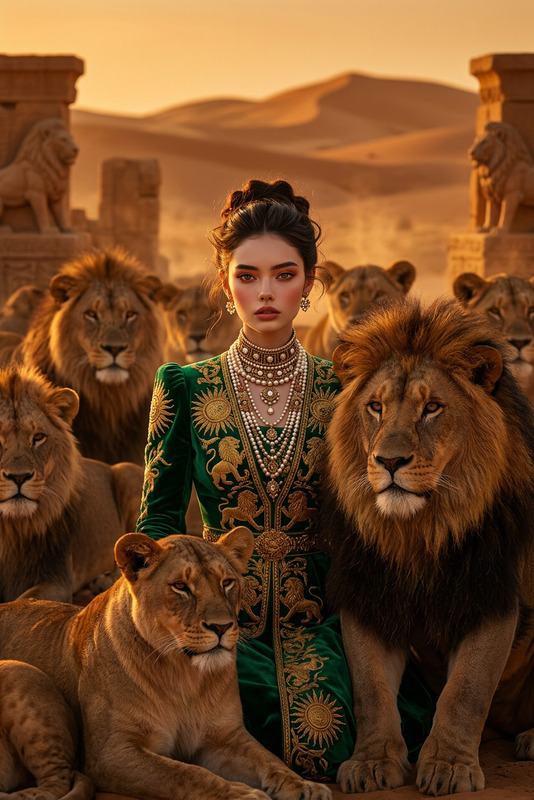
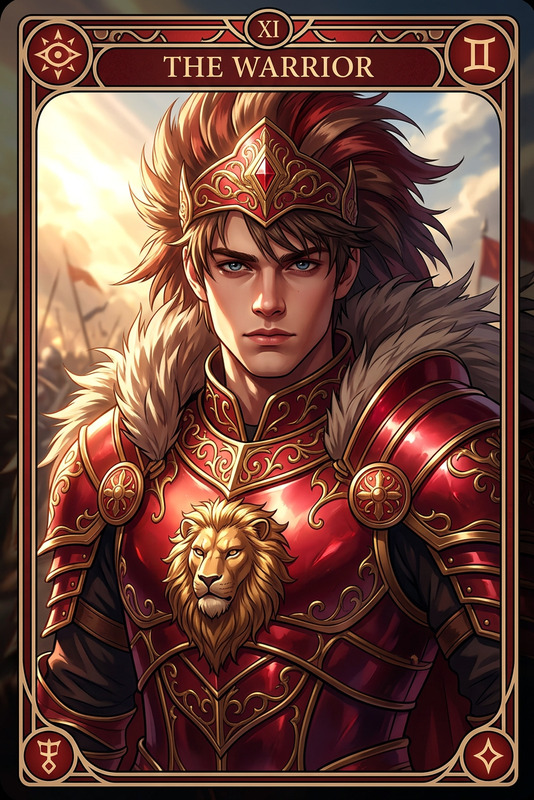
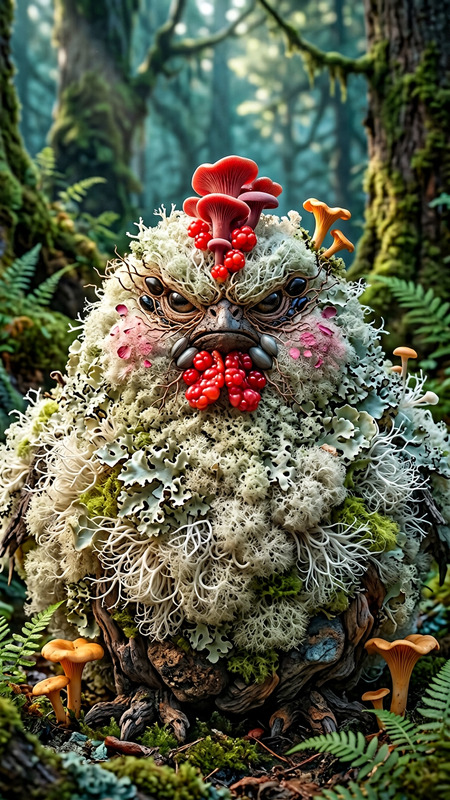
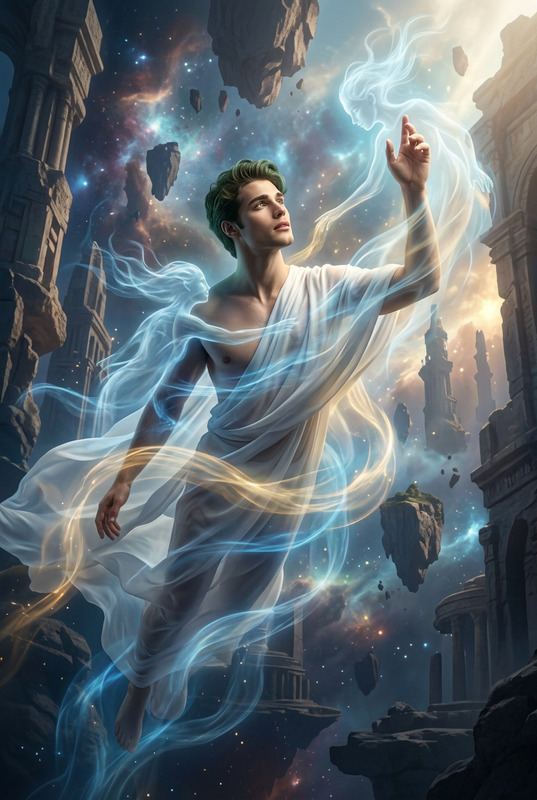
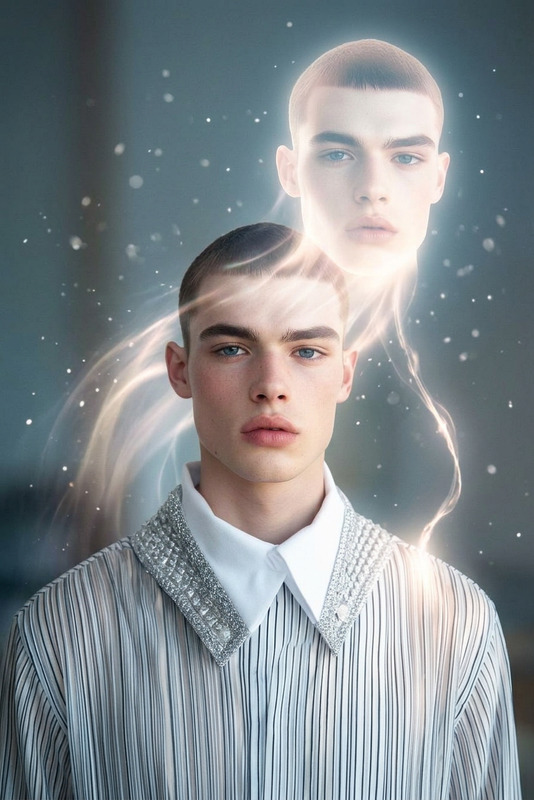
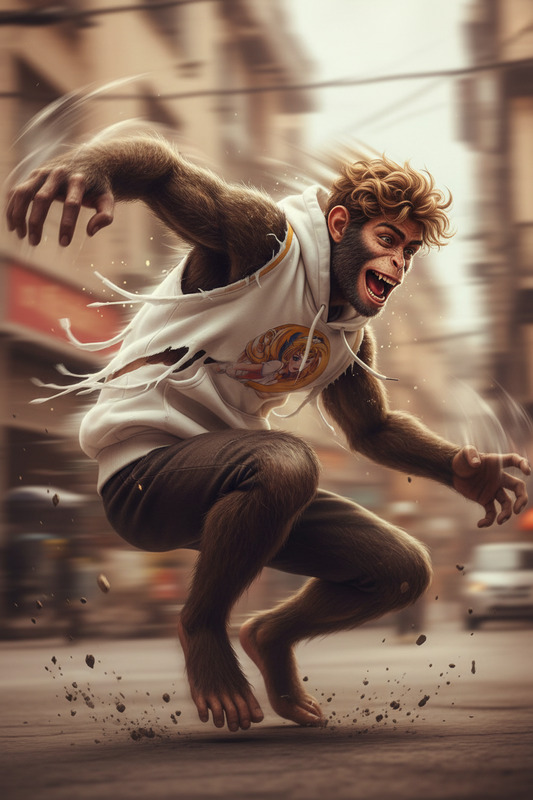
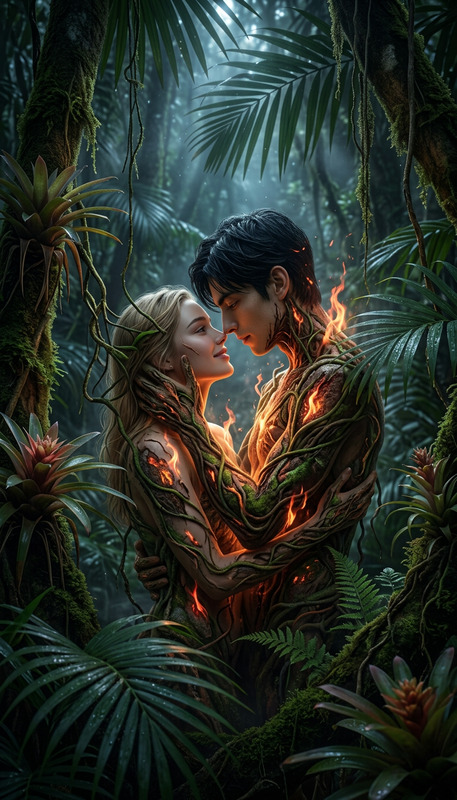
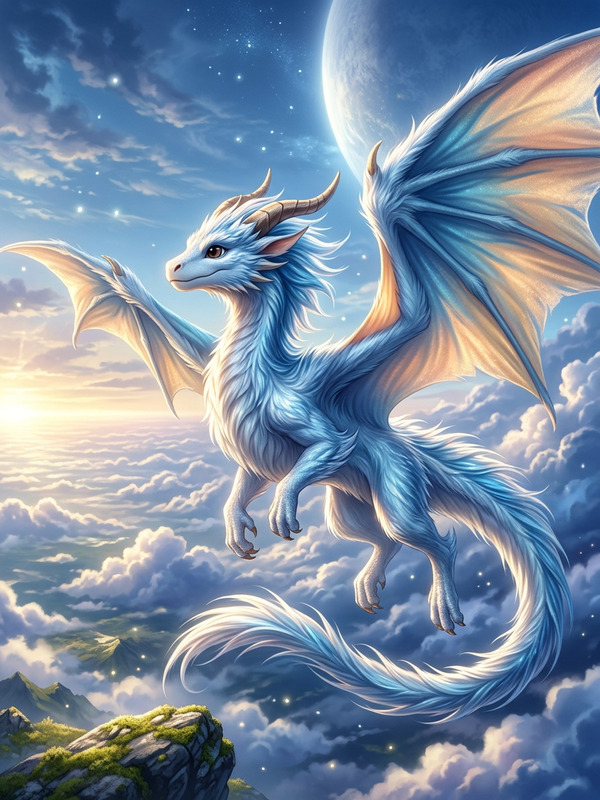
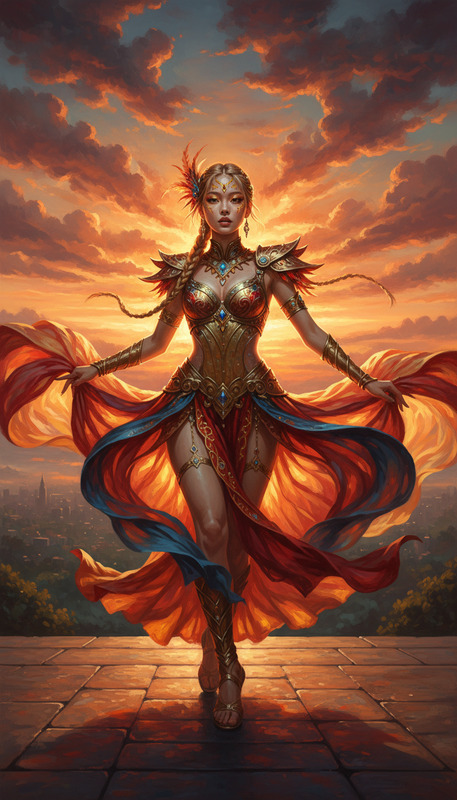
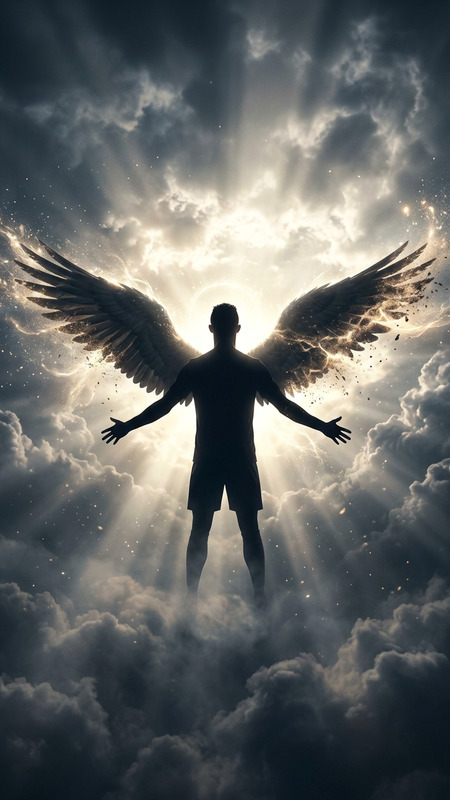
A subject standing in harmony with the spiritual energy of a majestic lion, golden ethereal aura forming a semi-transparent lion beside and behind them, mirroring their pose, flowing energy connecting human and beast, subtle wind and glowing particles in the air, powerful, regal, and mystical atmosphere, cinematic lighting, ultra-detailed, 4K.
AI Image Editor Template: Instantly Transform, Fix, and Remix Any Image
Use this AI Image Editor template to make fast, high‑quality visual edits without opening Photoshop. Remove objects, change backgrounds, clean up photos, or creatively remix assets for campaigns, prototypes, and content — all in your browser.
This template is built on the AI Image Editor, so you can start from a ready‑made workflow and then remix it into your own custom tool.
What You Can Do With This Template
This template is optimized for fast, repeatable edits that matter to creators, marketers, and product teams:
1. Clean up and correct photos
- Remove unwanted objects, text, people, or logos using inpainting
→ Also see: AI Remover, Remove Object From Photo, Watermark Remover - Fix distracting elements before publishing social posts, landing pages, or ads
- Restore old or low‑quality assets for reuse
→ Related: Old Photo Restoration, Photo Colorizer, Unblur Image
2. Replace and generate new backgrounds
- Swap busy or off‑brand backgrounds for clean studio looks
- Generate on‑brand, thematic backdrops (office, urban, fantasy, etc.) around your subject
→ Helpful tools: AI Background Generator, Image Background Remover
3. Edit faces, people, and portraits
- Subtly refine portraits for profile photos, team pages, and investor decks
- Adjust or re‑style faces and expressions for concept art, characters, or campaigns
→ Explore: AI Face Editor, AI Headshot Generator, AI Selfie Generator, Gender Swap, AI Face Generator
4. Creative image remixing for content and brand
- Turn rough sketches, mood boards, or mockups into polished visuals
- Re‑skin existing assets (themes, styles, color palettes) for new campaigns
- Generate graphics for blog posts, ads, pitch decks, and product pages
→ Pair with: AI Art Generator, AI Image Generator, AI Photo Generator
5. Prep assets for video, ads, and motion
- Clean and standardize product shots to feed into video workflows
- Create consistent character or scene images as inputs for animation
→ Connect with:
How to Use and Remix This Template in Magic Hour
You can use this template as‑is, or clone it into your own custom tool.
1. Start from the template
- Open the template in Magic Hour (from the template gallery or a shared link).
- Upload or drag‑and‑drop any image: product shots, portraits, screenshots, illustrations, memes, or UI mockups.
Under the hood, the template uses the AI Image Editor so you can apply localized edits (like removing objects) and global edits (like restyling or background changes) in a single flow.
2. Run edits directly
Common one‑click use cases:
- Remove or replace backgrounds
- Erase unwanted elements (people, brands, clutter)
- Enhance resolution and clarity with AI Image Upscaler
- Prep assets for social, product pages, or pitch decks
You can repeat edits on multiple images to build consistent visual sets (e.g., all product images on white, all avatars in the same style).
3. Remix the template for your workflow
Turn this template into a reusable tool tailored to your use case:
Brand pack editor
- Lock in a specific style or look and reuse it for all campaign assets
- Feed outputs into Thumbnail Maker, Album Cover Generator, or Book Cover Generator
Character & IP editor
- Create and refine characters, then reuse them across comics, games, or motion
- Combine with:
Product and fashion editor
- Standardize catalog images, swap outfits, and test styling concepts
- Use alongside:
Concept art & creative exploration
- Generate variant scenes, moods, and aesthetics from a single base image
- Experiment with:
Because the template is built on Magic Hour’s modular tooling, you can duplicate it, tweak the flow, and integrate it into your broader pipeline — content ops, product marketing, prototyping, or creative R&D.
Recommended Workflows That Pair With This Template
For teams and creators building richer experiences, this AI Image Editor template works especially well as a starting point for:
1. Talking and animated photos
- Clean, crop, and refine a portrait → then animate it with:
2. Brand avatars, social profiles, and marketing personas
- Use the editor to polish or restyle your avatar
- Then use:
- Avatar Generator
- AI Headshot Generator
- AI Meme Generator to spin off shareable content
- AI Voice Generator or AI Voice Cloner for consistent audio identity
3. High‑impact campaign visuals
- Start with this template to refine hero images, background scenes, or product visuals
- Expand with:
- AI Logo Generator
- AI Icon Generator
- AI QR Code Generator
- Thumbnail Maker for YouTube or product video covers
- Auto Subtitle Generator for final video assets
4. Stylized universes and themed content
- Use the editor to keep characters or products consistent while changing style:
Who This Template Is For
This AI Image Editor template is designed for people who need reliable, repeatable image edits at scale:
Founders & marketers
- Ship landing pages, ads, and social content without waiting on design queues
- Quickly adapt existing assets to new campaigns and channels
Product & growth teams
- Prototype visuals for new features, flows, and experiments
- A/B test creative variations without manual design work
Content creators & studios
- Maintain a consistent visual identity across platforms
- Rapidly iterate on thumbnails, covers, and storytelling visuals
Developers & technical teams
- Standardize image preprocessing for AI, video, or generative workflows
- Use this template as a human‑in‑the‑loop editing step within a larger pipeline
Tips for Getting Strong Results
Start with the highest‑quality source you have
Higher‑resolution, sharper inputs tend to produce clearer, more controllable edits. If needed, run your image through the AI Image Upscaler before deeper editing.Think in iterations, not single shots
Treat this template as an interactive loop: upload → edit → review → lightly adjust and re‑run. This is often faster and more controllable than trying to get a “perfect” one‑step result.Standardize your look and feel
Once you land on a style or visual identity you like, remix this template into a reusable internal tool so your whole team can produce on‑brand assets consistently.Combine static edits with motion and audio
The best performance often comes from pairing strong images with video and sound. Use this template to nail your visuals, then extend with:
Use this AI Image Editor template as your starting point for fast, production‑ready image editing. Remix it, connect it with other Magic Hour tools, and make it part of a repeatable pipeline for campaigns, content, and product visuals.