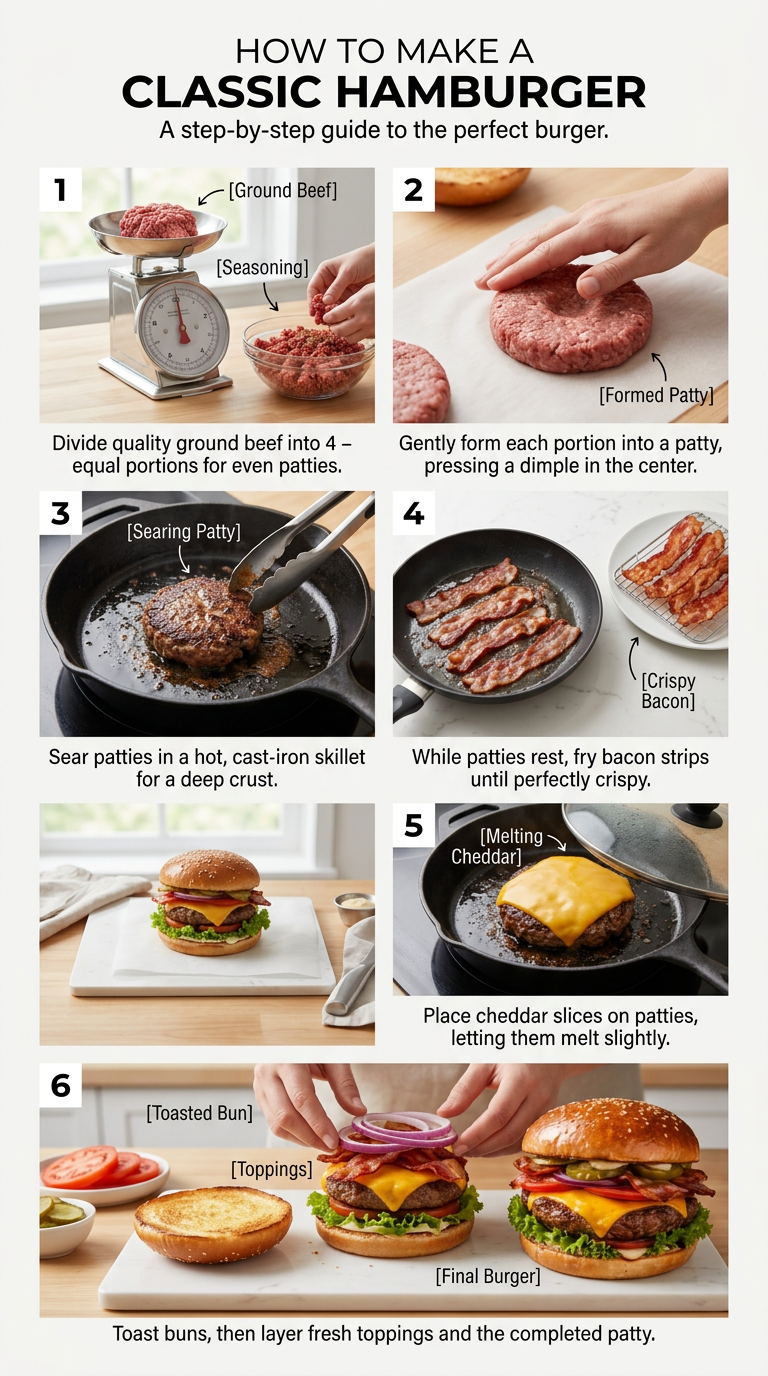
Classic Hamburger Steps
ai-image-editor
Any aspect ratio
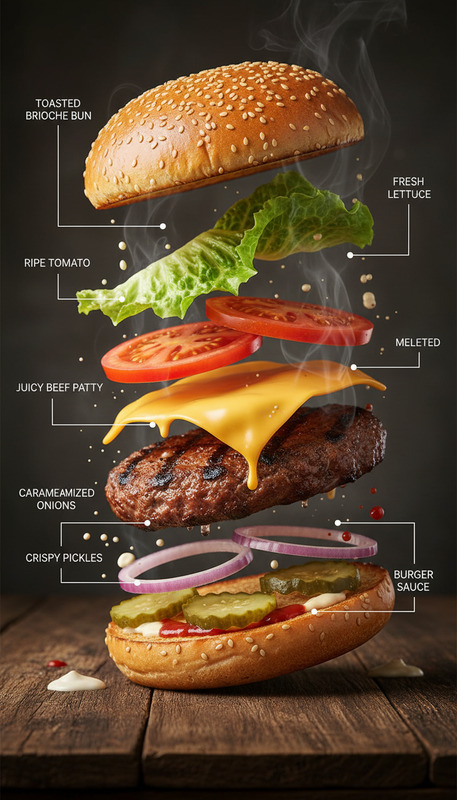
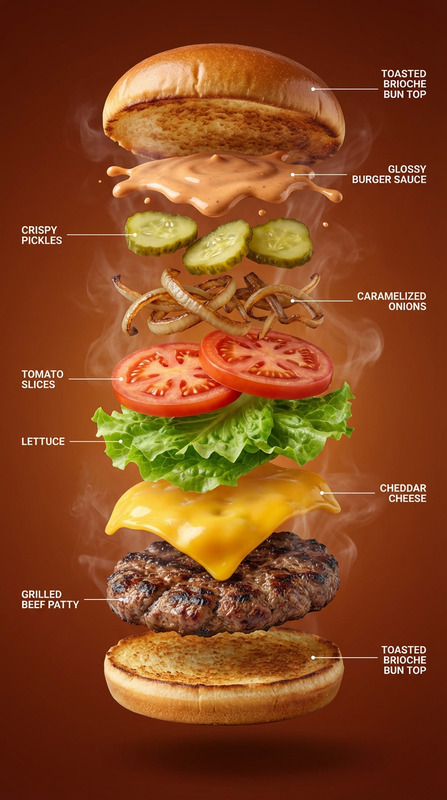
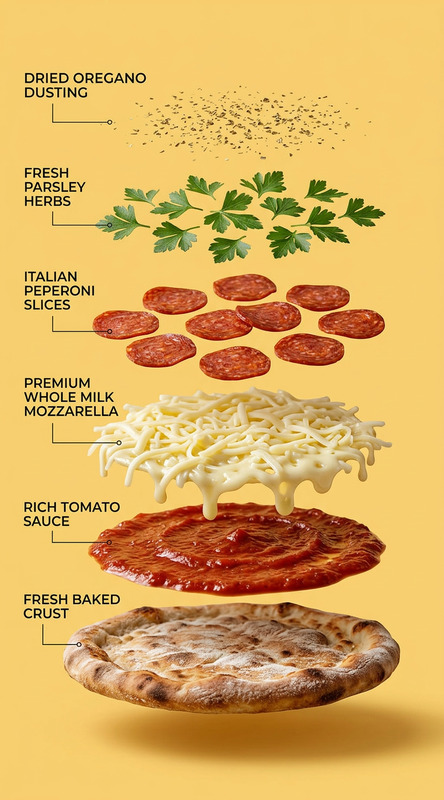
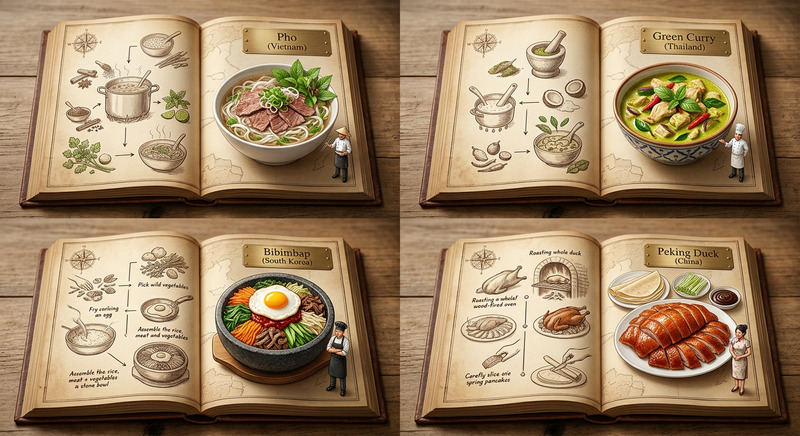
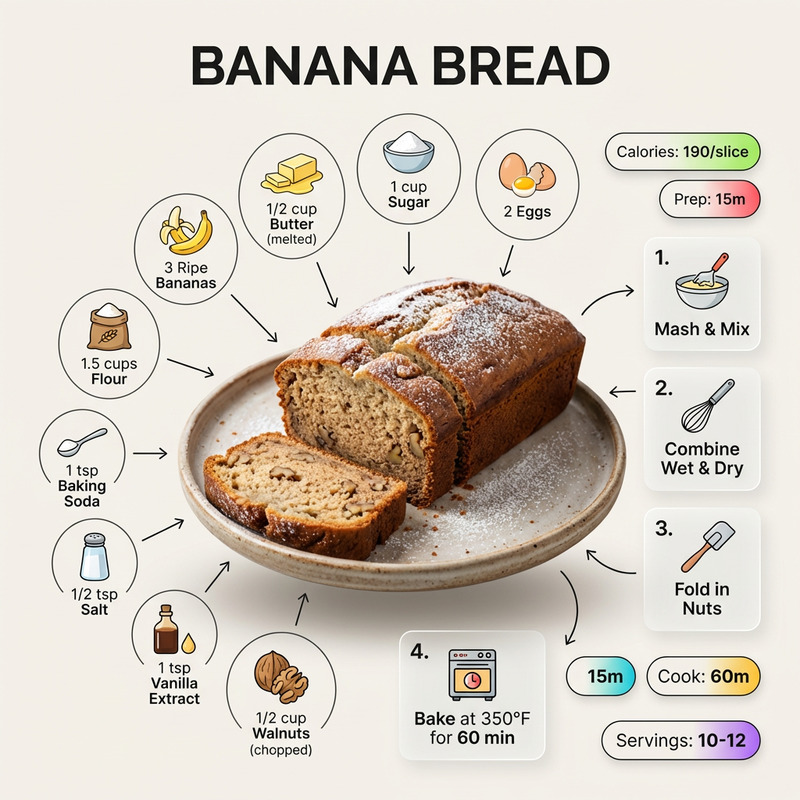
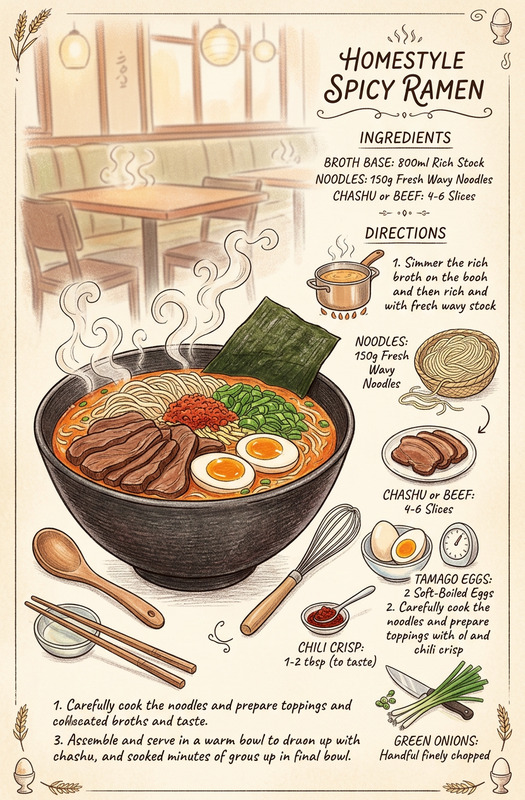
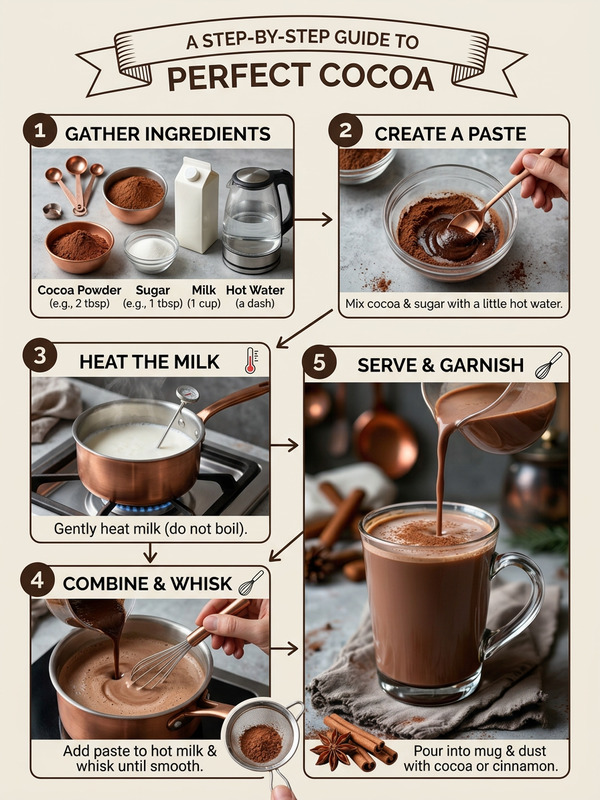
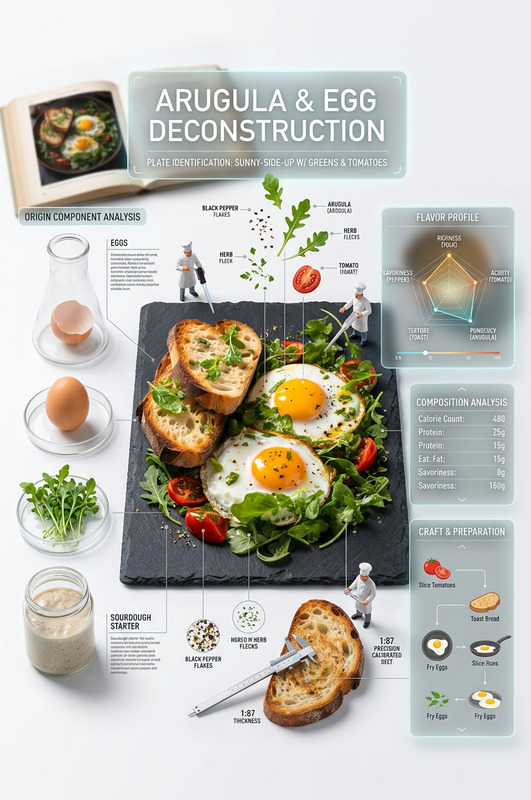
Generate a clean, magazine-style recipe infographic titled “How to Make a Classic Hamburger,” featuring photorealistic studio food photography set on a bright kitchen counter; the layout consists of six vertically stacked step panels, each showing a realistic cooking scene with clear progression, accompanied by a concise 1–2 line US-English caption and small ingredient callouts; lighting is bright and natural, emphasizing fresh textures, color accuracy, and appetizing detail; the overall design is minimal, well-structured, and editorial, with balanced spacing, modern typography, and a polished food magazine aesthetic.
AI Image Editor Template: Smart, Precise Image Edits in Minutes
Use this template to turn any image into a polished, on-brand asset with Magic Hour’s AI Image Editor. It’s designed for creators, marketers, and product teams who need fast, high‑quality edits that still look natural.
This template is especially useful for:
- Cleaning up product photos and marketing visuals
- Updating visuals for campaigns or A/B tests
- Turning raw screenshots into polished assets
- Preparing images for social, pitch decks, or landing pages
What You Can Do With This Template
With the AI Image Editor, you can:
Remove unwanted objects and distractions
Quickly erase people, logos, text, or background clutter using tools like the AI Remover and Remove Object from Photo. Ideal for repurposing UGC, stock photos, or legacy assets.Replace or redesign backgrounds
Swap messy or off‑brand backgrounds with clean, on‑brand scenes using the AI Background Generator or Image Background Remover. Great for product pages, LinkedIn posts, and ads.Enhance quality and sharpness
Fix low‑res images, blur, or compression artifacts with the AI Image Upscaler and Unblur Image. Use this when repurposing old assets or enlarging visuals for decks and print.Recolor, restyle, and reframe images
Adapt one base asset for multiple campaigns:- Change outfits with the AI Outfit Generator or AI Clothes Changer
- Adjust lighting and mood with the AI Art Generator or AI Illustration Generator
- Generate consistent brand‑style variants for testing creatives
Create on‑brand visuals from imperfect inputs
Combine this template with:- AI Photo Generator to turn text ideas into editable photos
- AI Image Generator for concept art or mockups, then refine with AI Image Editor
- AI Icon Generator or AI Logo Generator for product UI or brand systems
Clean and restore older images
- Restore damaged or low‑quality visuals with Old Photo Restoration and Photo Colorizer
- Upscale and refine in AI Image Editor for sharper use in decks, websites, or investor materials
How to Remix This Template in Magic Hour
You can treat this template as a starting point and adapt it to your workflow in a few minutes:
Start with any image
- A product shot, team photo, UI mockup, or concept art
- You can generate one first using AI Photo Generator or AI Anime Generator if you don’t have a source image yet.
Define the editing goal clearly
Examples that work well:- “Turn this into a clean ecommerce photo on a light background”
- “Remove the background and distractions; keep only the product”
- “Make this slide image sharper and more readable for a pitch deck”
- “Restyle this photo to match a dark fantasy game aesthetic” using Dark Fantasy AI
Use targeted edits instead of starting from scratch
- Remove or replace only what matters (e.g., logos, clutter, faces)
- Iterate: run small edits, evaluate, then refine. This keeps results realistic and on‑brand.
Create multiple versions for testing and personalization
For performance and growth teams:- Generate several background and style variants
- Adjust framing or composition for different channels (website hero, paid social, app store)
- Use Thumbnail Maker for YouTube or course covers, then refine with AI Image Editor
Chain with other Magic Hour tools for richer workflows
Once your image is clean and on‑brand, you can:- Turn it into a short video clip via Image to Video or Text to Video
- Create GIFs and micro‑content with the AI GIF Generator
- Generate talking content from a headshot using AI Talking Photo
- Build campaigns around characters you refine in AI Image Editor, then animate via Animation templates
Example Use Cases for Professionals
For marketers & growth teams
- Turn one product photo into assets tailored for:
- Landing pages, paid social, email, and app stores
- Dynamic creative testing with multiple backgrounds, crops, or moods
- Combine AI Image Editor with:
- AI Meme Generator for rapid culture‑aligned creatives
- Album Cover Generator and Book Cover Generator for campaign visuals
For product teams & startups
- Produce consistent, clean UI and product imagery:
- Use AI Icon Generator and refine icons for app stores and internal docs
- Generate personas or avatars with Avatar Generator and edit them to match brand tone
- Create board‑ready slides with refined imagery and diagrams
For creators & studios
- Build entire visual systems:
- Character sets with AI Character Generator or Animated Characters Generator, then finesse details in AI Image Editor
- Comic pages and panels with Comic Book Generator and AI Illustration Generator
- Game worlds and maps via Fantasy Map Generator or Architecture Generator, then polish textures and lighting
Related Templates and Advanced Workflows
If you like this AI Image Editor template, you can extend it with more advanced, multi‑step flows:
Face & identity workflows
- Swap faces in still images with the AI Face Editor or Face Swap, then refine in AI Image Editor
- Create face‑based GIFs with Face Swap GIF
- Turn faces into video with Face Swap Video template and sync speech using Lip Sync template
From static images to dynamic content
- Convert your edited images into stylized videos using the Video‑to‑Video template
- Enhance or scale those videos with Video Upscaler and Auto Subtitle Generator
- Add AI voices via AI Voice Generator or clone your own with AI Voice Cloner
Brand & identity systems
- Generate consistent headshots with AI Headshot Generator and adjust them in AI Image Editor for LinkedIn, pitch decks, or “About” pages
- Design stylized avatars via AI Selfie Generator, Emoji Generator, or Pokemon Generator, then refine details and backgrounds
Practical Tips for Better Results
Start with the highest‑quality source you have
While the AI Image Upscaler and Unblur Image can fix a lot, better input yields more realistic output.Edit with a clear end use in mind
For each image, decide: is this for a landing page, investor deck, social, store listing, or ad? That will guide how aggressively you retouch or stylize.Reuse and remix
Once you have a strong base image, duplicate it and create multiple variants instead of restarting from scratch. This is where the template shines: it gives you a repeatable workflow that you can remix for every campaign.
Use this AI Image Editor template as your starting point, then remix it with other Magic Hour tools to build a complete visual pipeline—from raw idea to on‑brand images, videos, and campaigns.