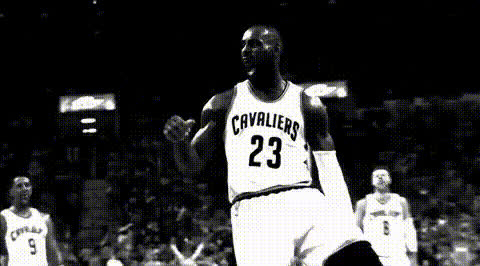
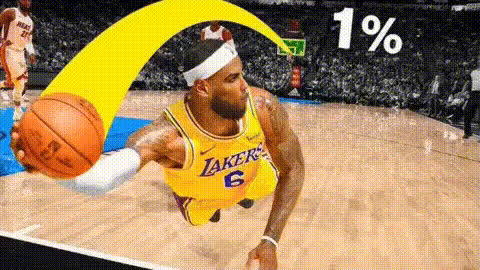
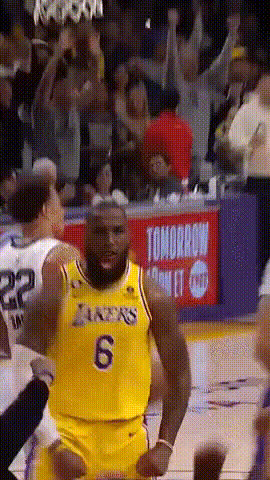
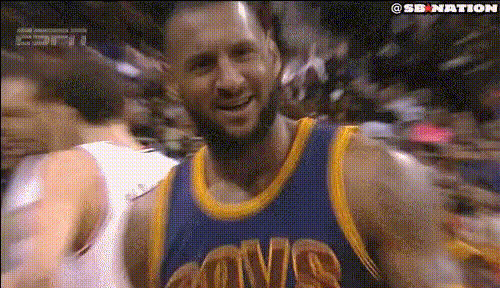
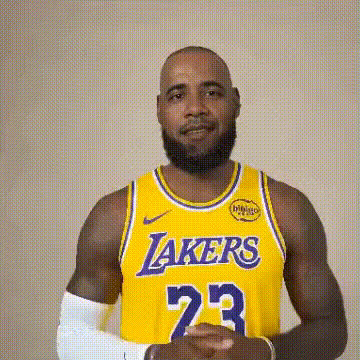
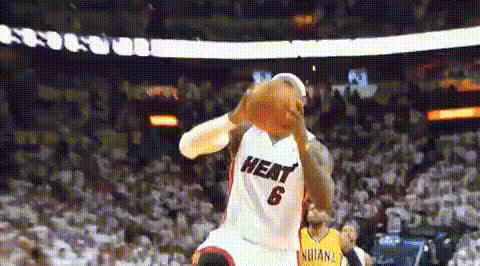
Lebron Dancing
face-swap
Any aspect ratio
Tags
memesLeBron Dancing – Face Swap Video Template
Create a LeBron Dancing Video Starring You
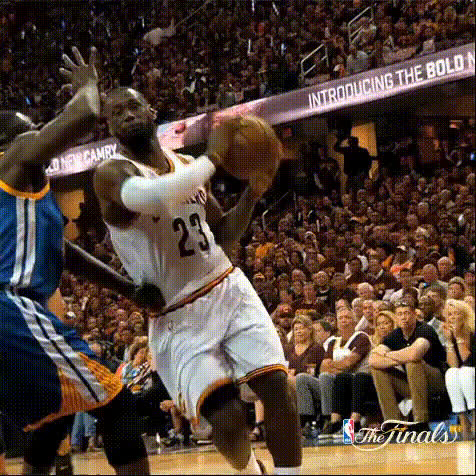
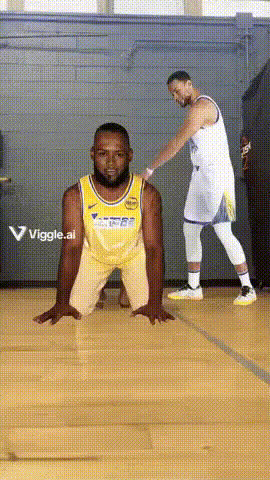
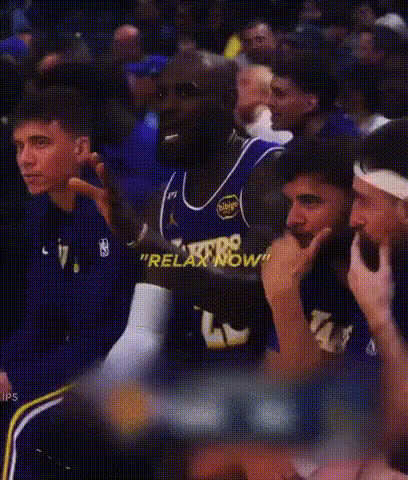
Turn LeBron James’ most joyful dance moments into a personalized video featuring your own face. This “LeBron Dancing” template uses Magic Hour’s advanced AI face swap technology to seamlessly map your face onto LeBron in a pre‑made dancing clip—no video editing skills required.
It’s designed for creators, marketers, and teams who want fast, high‑impact content for:
- Social posts (TikTok, Instagram Reels, YouTube Shorts, X)
- Reaction memes and sports commentary
- Campaign promos around games, playoff runs, or brand partnerships
- Internal team jokes, hype videos, and culture content
What This Template Does
This template is built on Magic Hour’s Face Swap Video workflow. You upload a clear photo of your face (or a face you have rights to use), and Magic Hour automatically:
- Analyzes your facial structure and expressions
- Aligns it with LeBron’s face in the dancing clip
- Generates a new video where LeBron’s body, movement, and camera angles stay the same—but the face is yours
The result: a share‑ready, meme‑friendly “you as LeBron dancing” video in one pass, with realistic lighting, head turns, and expressions.
How to Remix This Template in Magic Hour
You can use this template as‑is, or treat it as a starting point for your own variations. To create your own version in Magic Hour:
- Start from Face Swap Video
Go to Face Swap Video. This is the base tool used by the LeBron Dancing template. - Import or Select a Dancing Clip
Use the LeBron Dancing template from the Magic Hour template library, or bring in a short clip where someone is dancing, celebrating, or reacting. The best results come from:- Clear frontal or 3/4 views of the face
- Good lighting and minimal motion blur
- Short, loopable segments for memes and social posts
- Upload Your Face
Upload a high‑quality selfie or portrait with:- Neutral or simple background
- Face fully visible (no heavy shadows, sunglasses, or strong obstructions)
- Generate the Face Swap
Run the face swap and preview your “LeBron Dancing” version. If you don’t like the angle or expression, try a different selfie and regenerate. - Export and Publish
Download your video and post it to TikTok, Instagram, YouTube, or embed it in campaigns and landing pages.
Ideas for Advanced Remixes
Once you’re happy with your LeBron Dancing face‑swap, you can chain it with other Magic Hour tools to build richer content:
- Turn it into a lip‑synced meme – Combine with Lip Sync to have “you as LeBron” dance and sing along to a song, trending audio, or a brand slogan.
- Change the style of the clip – Use Video to Video to convert your LeBron dance into an anime, comic‑book, or stylized version. Pair with tools like the AI Anime Generator, Comic Book Generator, or Dark Fantasy AI for themed variants.
- Make an animated character version – Use the Animation workflow or Animated Characters Generator to turn your dancing LeBron persona into a cartoon or mascot.
- Create short GIF reactions – Export loops using the AI GIF Generator or Face Swap GIF for Slack, Discord, and community reactions.
Practical Use Cases for Creators & Teams
- Sports creators & analysts – Add yourself to iconic celebration dances when covering games, trades, or playoff moments.
- Brands & agencies – Build fast, low‑cost reaction content around sports campaigns, without needing custom shoots or talent every time.
- Startups & internal comms – Turn wins (launches, milestones, fundraising) into quick “LeBron dancing as your teammate” clips for internal Slack or LinkedIn posts.
- Influencers – Use face‑swapped dances as hooks for short‑form content, then layer commentary, overlays, or call‑to‑actions.
Working With Face Swap Responsibly
Face swap technology, especially with well‑known public figures, comes with responsibility. Consider:
- Context and clarity – Make it clear your video is a playful, AI‑generated edit, not real footage.
- Usage rights – Use your own face or faces you have explicit permission to use. Avoid misleading, harmful, or defamatory contexts.
- Brand safety – For commercial use, align face‑swapped content with your brand guidelines and legal/compliance expectations.
For more general face‑editing capabilities, explore tools like the AI Face Editor, AI Face Generator, or Gender Swap.
Tips for Best Face Swap Quality
- Use a sharp, well‑lit selfie – Even small improvements in lighting and resolution can noticeably improve realism. If needed, enhance photos with the AI Image Upscaler or Unblur Image tool.
- Match expression and angle – If the source video has LeBron smiling or hyped, choose a selfie with a similar energy and head orientation.
- Keep it short and punchy – Short loops (3–10 seconds) work best for memes, reaction GIFs, and social feeds.
- Test multiple variants – Try a few different selfies or slightly different clips to find the most natural‑looking combination.
Related Magic Hour Tools You Might Use Next
Once you’ve built your LeBron Dancing face‑swap, you can expand your content system with:
- AI Talking Photo – Turn still images of you or your character into talking head clips for commentary and intros.
- Text to Video – Generate supporting scenes or b‑roll from text prompts to frame or react to your dance clip.
- Video Upscaler – Improve resolution for platforms that favor HD or vertical formats.
- Auto Subtitle Generator – Add captions for accessibility and higher engagement on muted feeds.
- AI Voice Generator & AI Voice Cloner – Add custom voiceovers to your dancing clip for skits, commentary, or branded messages.
Why Use Magic Hour for Sports & Meme Content
Magic Hour brings multiple AI tools—image generation, image‑to‑video, face swap, GIF creation, and more—into one workflow. That makes it especially useful if you:
- Need to ship reactive content fast around live events
- Want to run repeatable formats (e.g., “X dancing whenever Y happens”)
- Plan to test multiple characters, faces, and visual styles at scale
Use this LeBron Dancing template as a starting point, then remix, chain tools, and iterate into a repeatable meme or campaign format tailored to your audience and brand.