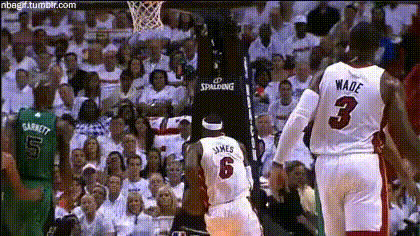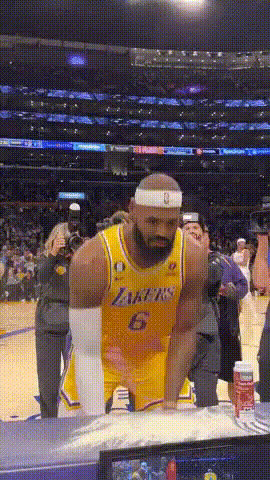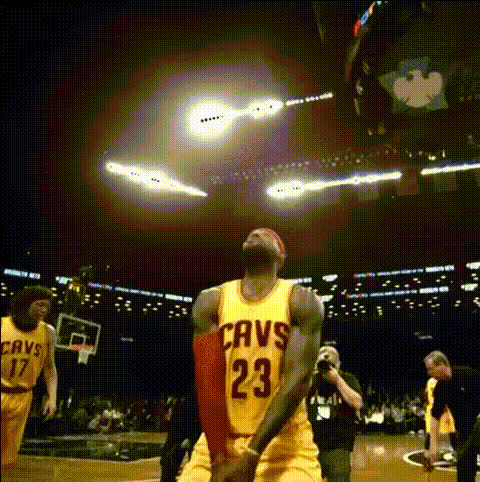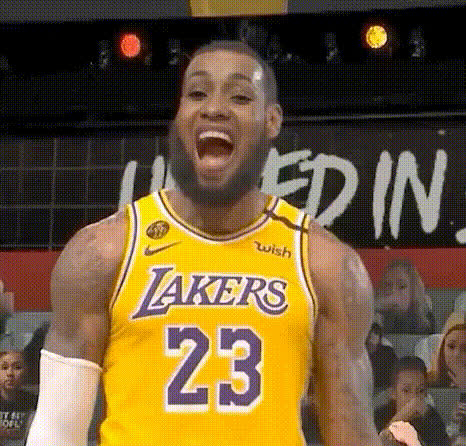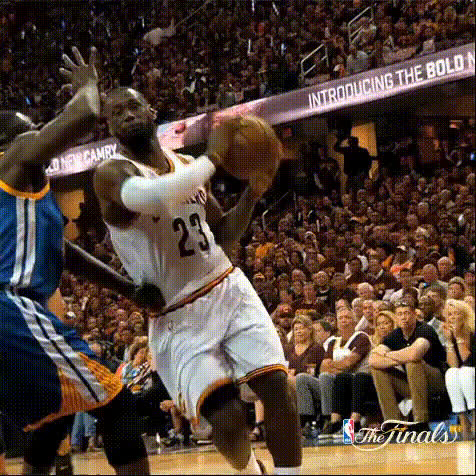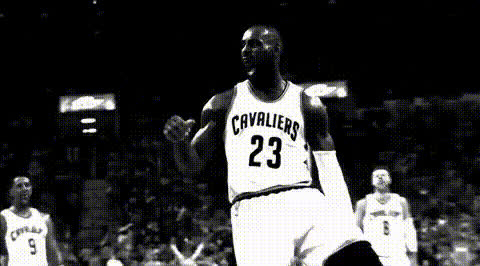
Lebron James Celebrating 1
Overview
Transform any video into a celebration of athletic prowess with the LeBron James Celebrating 1 template. This Video Face Swap tool lets users add their own face to a jubilant LeBron James, making it ideal for fans and creators looking to add a personal touch to famous moments.
What It Does
The template allows users to replace LeBron's face with their own in a high-quality video celebrating his achievements. By leveraging the capabilities of Image to Video and the precision of our face swap technology, users can create personalized sports clips that look realistic and professional. Output formats are versatile, compatible with a range of platforms.
Who It's For
This template is perfect for sports enthusiasts, creators of social media content, and anyone looking to personalize their media. It's a fantastic tool for those producing content for social media, creating standout fan tribute videos, or simply having fun with cutting-edge video technology.
Summary
The LeBron James Celebrating 1 template offers a unique opportunity to transform personal videos with the energy and excitement of one of basketball's greats. It harnesses powerful AI Video Generator tools to ensure a seamless integration of faces, enhancing the user's creative experience.
How-To
Choose the Template

Customize Your Input

Generate Your Video

Use Cases
Social Media Engagement
- Create viral sports clips.
- Engage followers with fun content.
- Promote sports events creatively.
Fan Tribute Videos
- Highlight personal celebrations.
- Integrate into fanvids for extra flair.
- Tailor content to sports themes.
Creative Content Projects
- Combine with other <a href="/products/ai-video-extender">AI Video Extender</a> tools.
- Use in presentations or promotions.
- Collaborate on innovative media projects.
Best Practices
Use High-Quality Images
Ensure your input photo is clear and well-lit to improve the final face swap accuracy.Optimize Face Alignment
Adjust the face positioning to fit naturally into the template for a realistic effect.Experiment with Render Settings
Try different quality and speed settings to find the balance that best suits your project's needs.