Red Carpet Walk
- Model
- Nano Banana 2
- Image
- 843 × 1264 px
Prompt
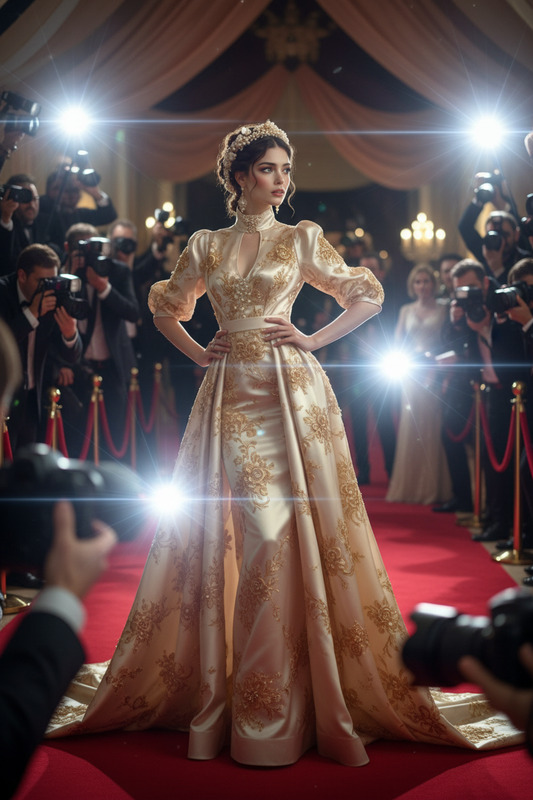
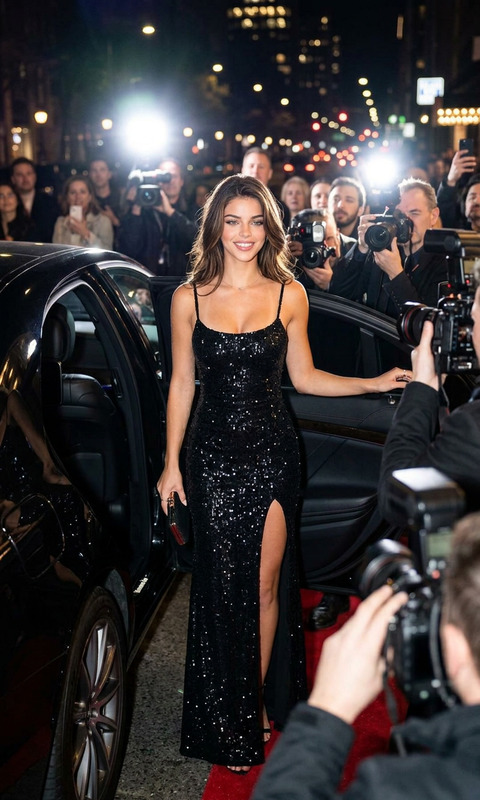
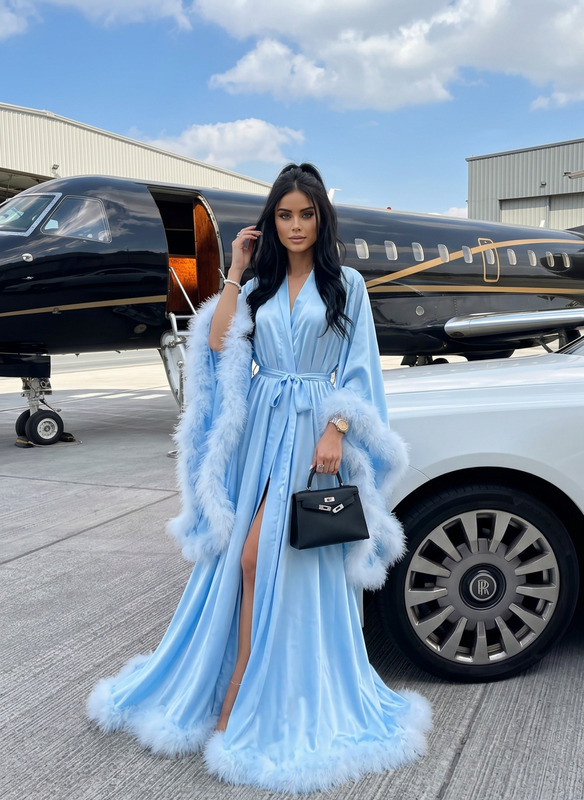
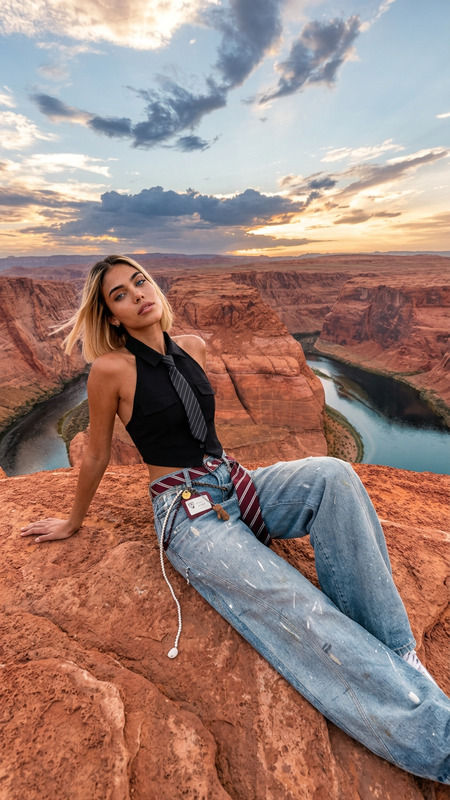
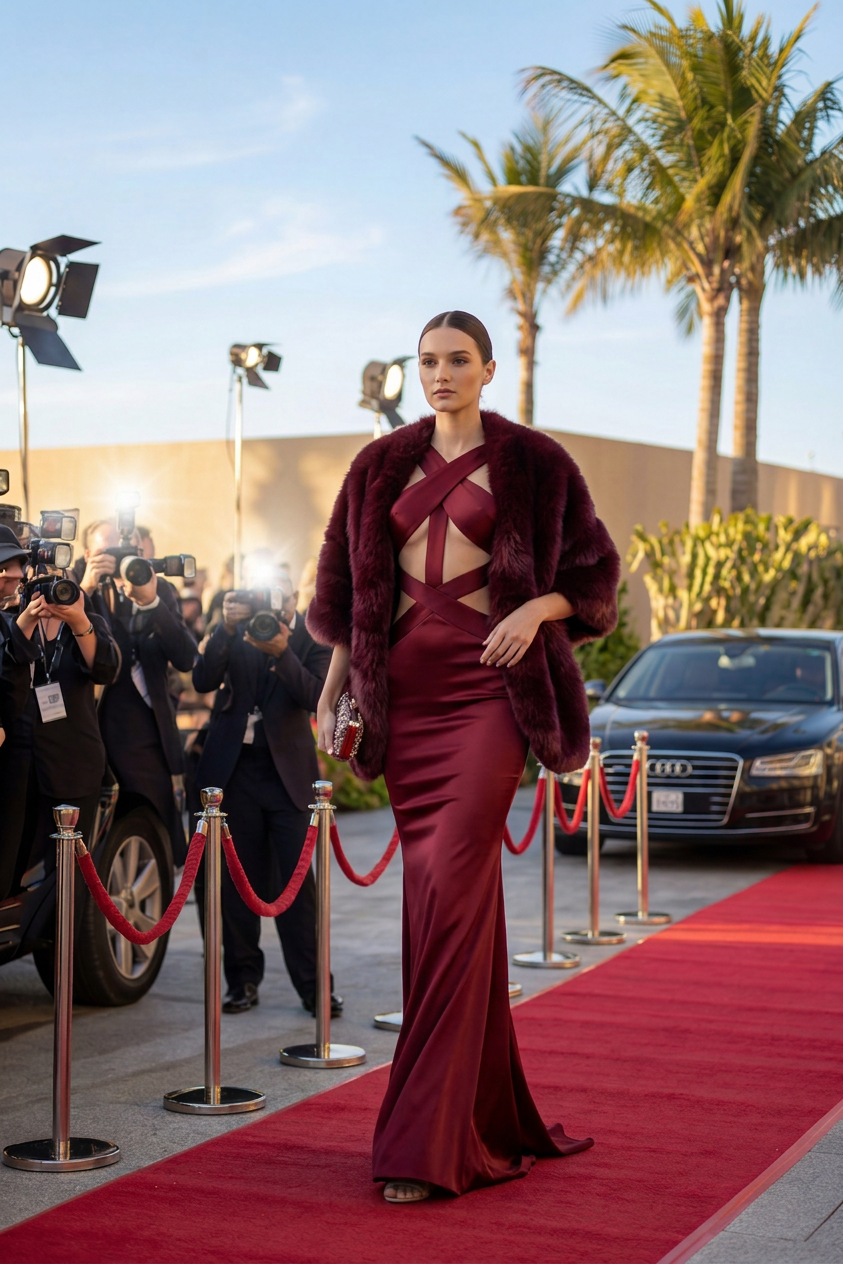
In the location shown in the attached location reference, an adult woman with the same appearance as the attached face reference, wearing the outfit shown in the attached outfit reference, is captured walking on a red carpet in a glam luxury event scene during the day. She moves forward in a confident, elegant stride, body angled slightly three-quarters, shoulders relaxed, with a composed star-like posture. One hand holds a small clutch close to her body while the other arm rests naturally, with a fur-style wrap draped over her shoulders for added drama. Her expression is calm, self-possessed, and glamorous, looking slightly past the camera as if acknowledging photographers. The background includes daylight event ambience, photographers behind barriers, luxury cars, and subtle flash pops, creating a bright cinematic premiere atmosphere with crisp highlights, soft natural shadows, and gentle depth. Photorealistic, refined editorial realism, realistic reflections, natural body language, believable proportions. Shot on iPhone, iPhone photo look, handheld smartphone photography, 26mm lens equivalent, native phone camera perspective, natural HDR, realistic dynamic range, subtle sensor noise, slight computational sharpening, authentic exposure, true-to-life color, casual framing, unfiltered.
Any aspect ratio
Overview
The "Red Carpet Walk" template is part of the versatile AI Image Editor toolkit on Magic Hour, leveraging the power of the nano-banana-2 model. Crafted to deliver strikingly realistic images, this template transforms your input references into a vivid, glam editorial scene on a red carpet.
What It Does
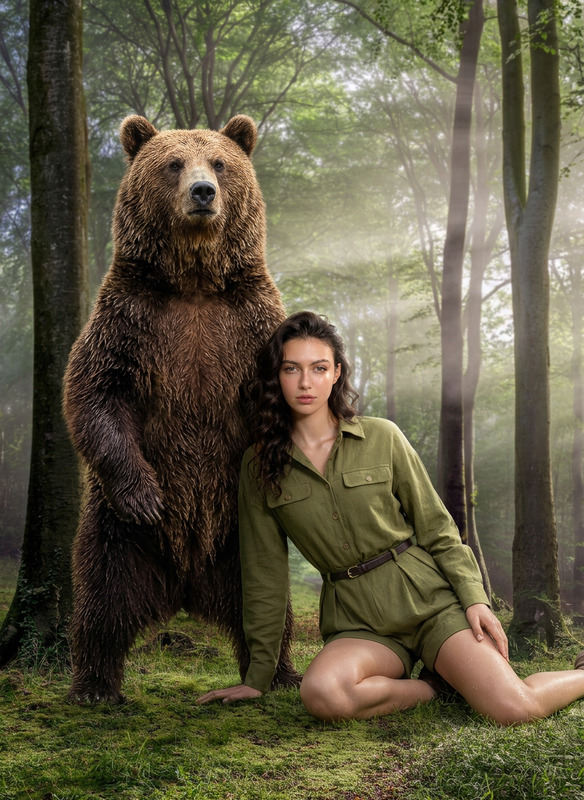
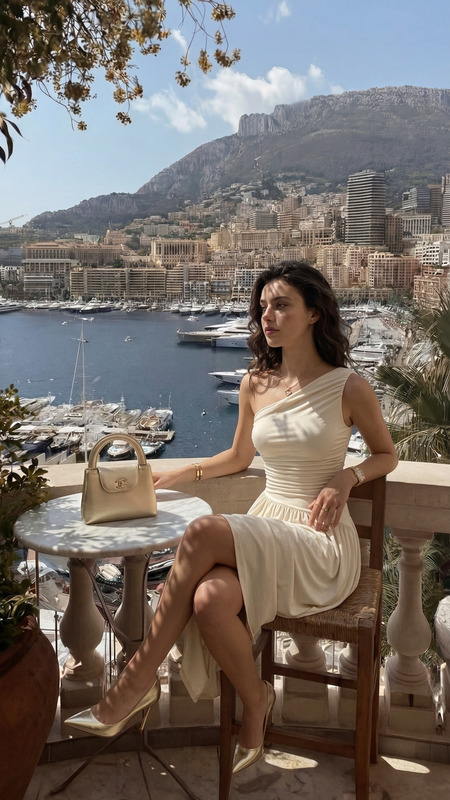
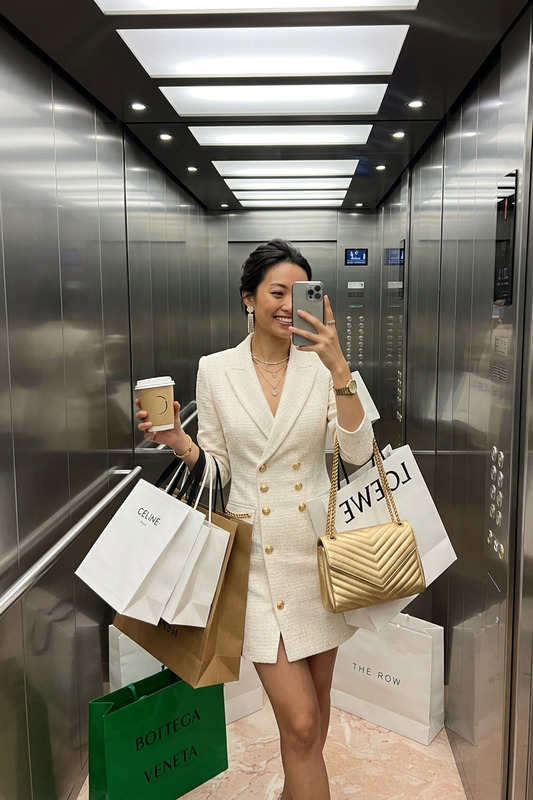
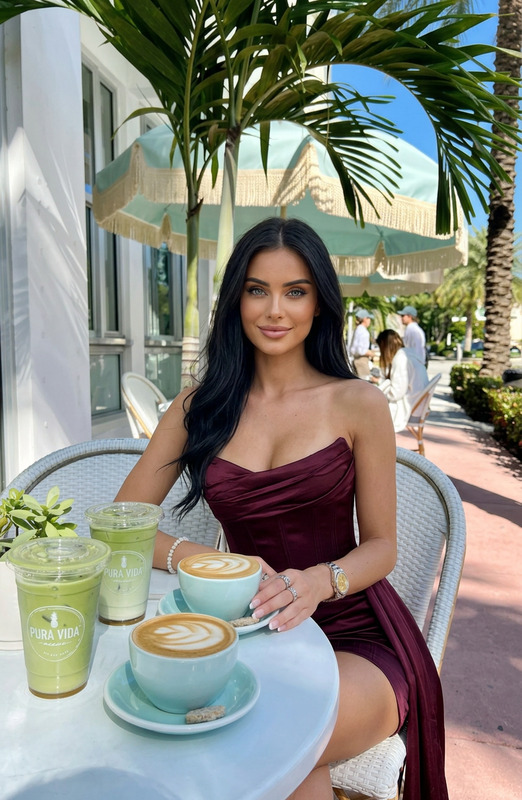
This AI Image Editor template focuses on creating a highly detailed and photo-realistic red carpet scene. Upload your face, location, and outfit references, and the AI will generate an image of an elegant woman striding confidently on the red carpet. The output beautifully integrates elements like flash pops, photographers, and luxury event ambience—giving you an authentic red carpet feel.
Who It's For
The "Red Carpet Walk" template is perfect for content creators, photographers, and brands looking to create high-impact visuals without an elaborate photoshoot setup. It's ideal for fashion bloggers, event promoters, and anyone aiming to impress with a cinematic red carpet look, especially those interested in exploring the capabilities of the AI Image Editor.
Summary
Whether you're crafting content for personal or commercial use, this template offers a unique opportunity to produce professional-quality images. See how your subject transforms into a red carpet star with glamorous details and photorealistic outcomes. Dive deeper into enhancing your portfolio with tools like the AI Image Upscaler and the AI Background Changer for further refinement.
How-To
Choose Your Template

Customize Inputs

Generate Image

Use Cases
Fashion Content Creation
- Fashion blogs
- Social media profiles
Event Promotion
- Event flyers
- Digital ads
Portfolio Enhancement
- Photography portfolios
- Artistic projects
Best Practices
Select High-Quality References
Utilize clear, high-resolution images for your face, location, and outfit references to ensure the best outcomes.Optimize Settings
Experiment with different settings and prompts to capture the most accurate depiction of your vision.Use Complementary Tools
Enhance results further by integrating with tools such as the AI Image Upscaler for increased definition.