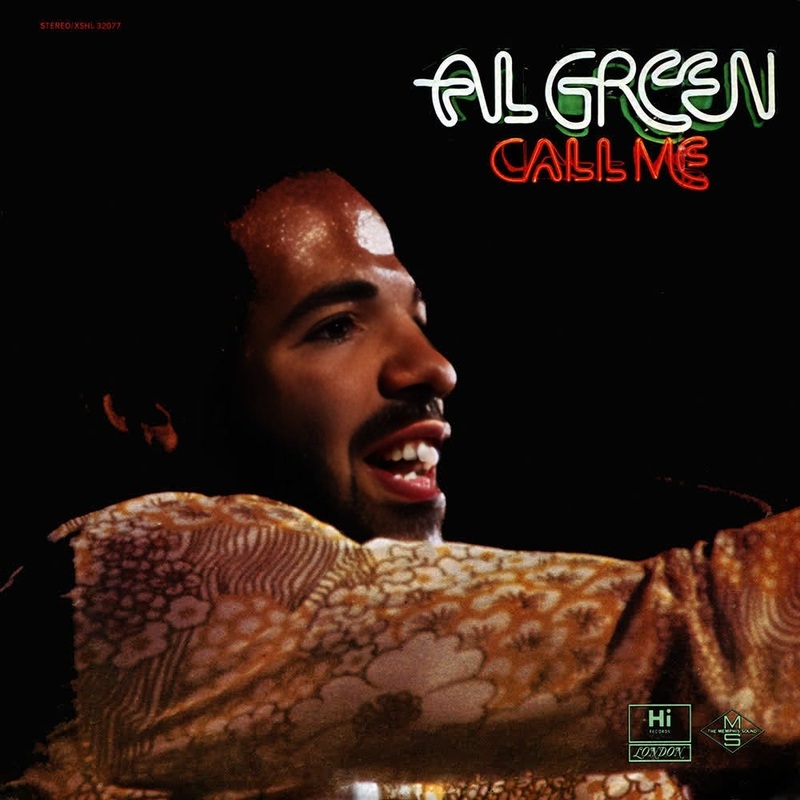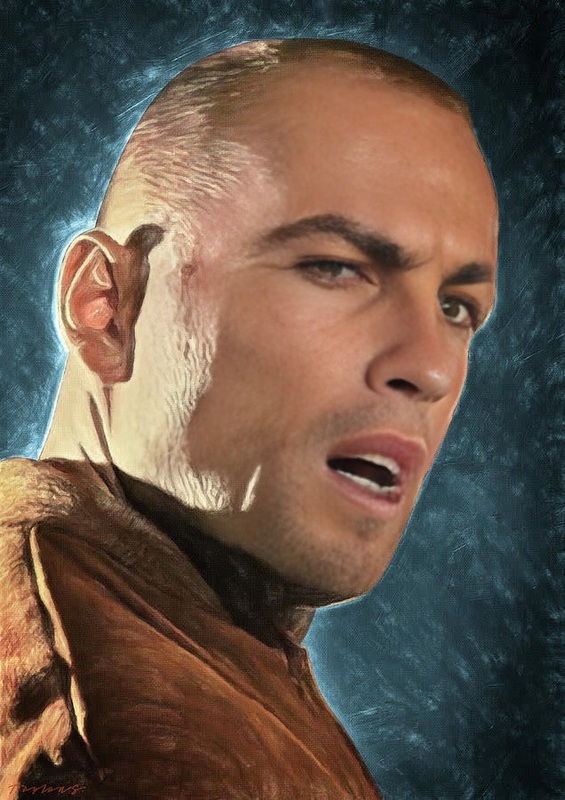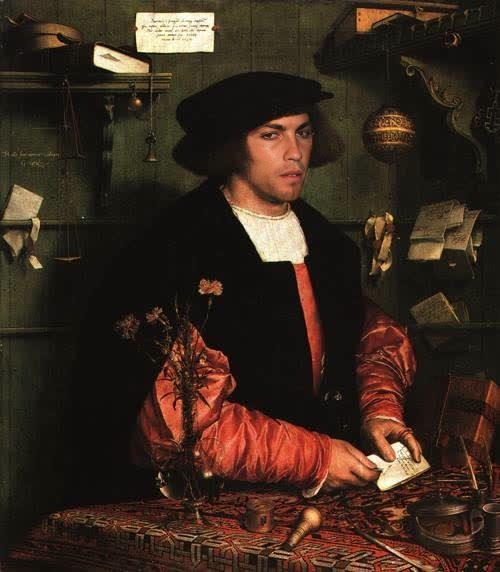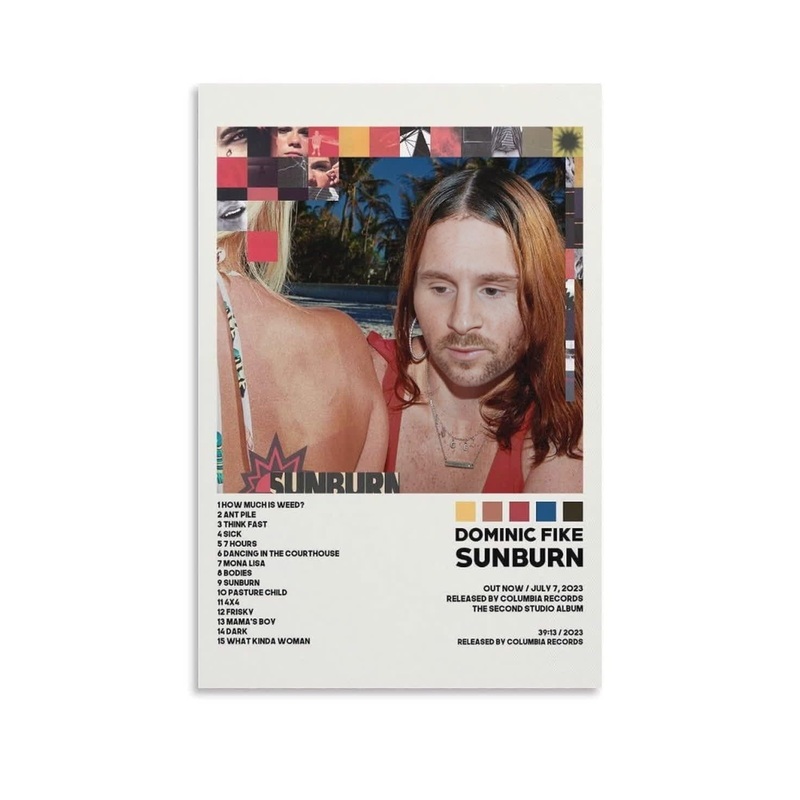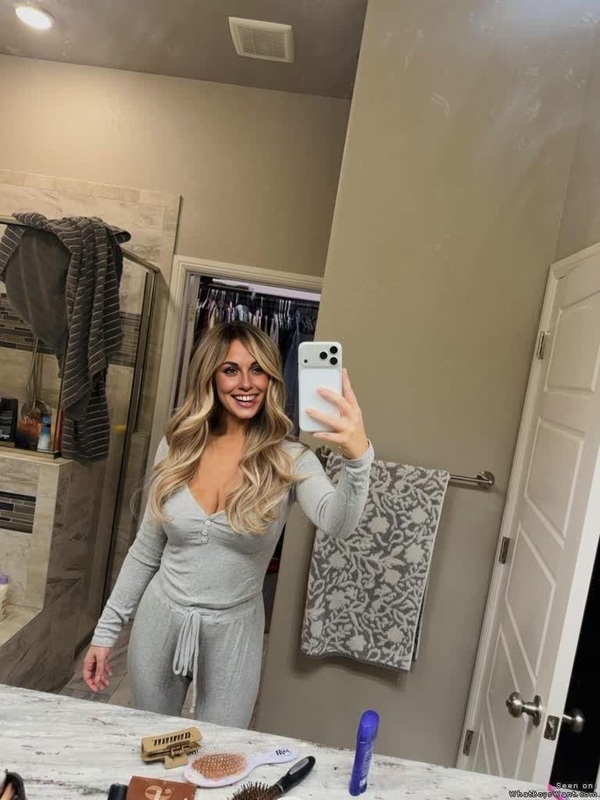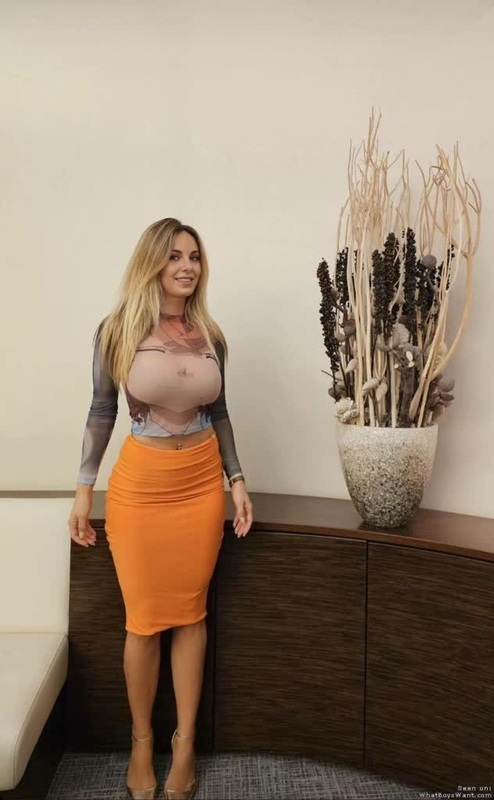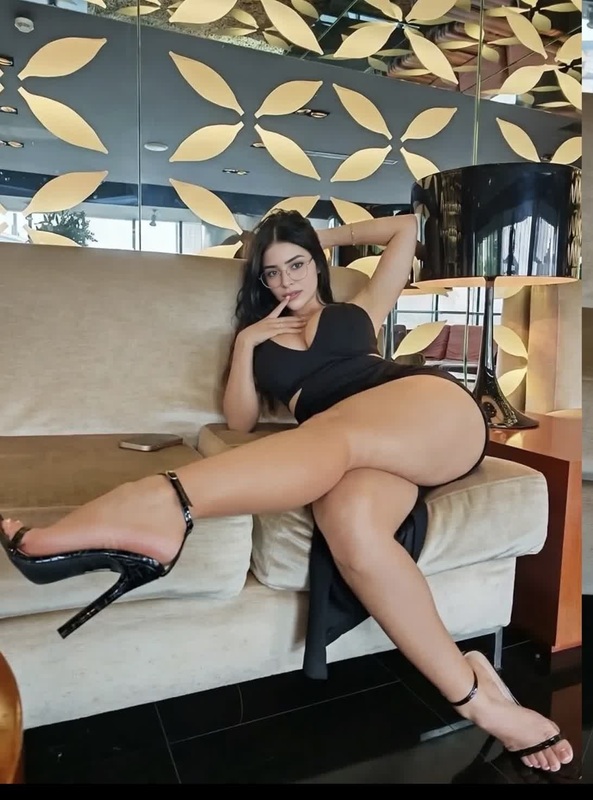
Green Satin Portrait
- Image
- 576 × 1024 px
Any aspect ratio
Overview
The Green Satin Portrait template is designed for those looking to create engaging video content through the Video Face Swap technique. Ideal for creative projects, this tool integrates smoothly with existing media workflows.
This template leverages advanced face-swapping techniques to superimpose new faces onto video footage, transforming both professional and personal projects with flair and precision. For other creative approaches, explore AI Talking Photo and AI Video Extender to enhance your project's visual storytelling.
What It Does
The Green Satin Portrait template swaps faces in video content. By replacing original faces with new ones, it allows creators to explore distinct identities and scenarios.
This template ensures high-quality video outputs in formats that align with standard professional needs. This works well with other Magic Hour tools, such as the Face Swap product for GIFs or stills.
Who It's For
This template is excellent for video editors, social media influencers, and digital marketers who want to create eye-catching, unique video content. It's perfect for users seeking to revitalize their marketing strategies or entertain audiences in innovative ways.
If you're an influencer looking to engage with followers on platforms like TikTok and Instagram, this can serve as a cornerstone of your video content strategy, much like the tools available in Lip Sync.
Summary
The Green Satin Portrait video face swap template offers an innovative way to customize video content. It stands out for its ease of use and ability to produce professional-quality outputs in just a few clicks.
Positioned for dynamic content creators, this tool helps diversify your video offerings with minimal effort. Elevate your campaign strategies or simply entertain with seamless face swaps that captivate audiences.
How to Use
Choose Template

Customize

Generate Video

Use Cases
Social Media Entertainment
- Face swap for comedic content
- Enhance dance videos by swapping faces
Marketing Campaigns
- Promote products with engaging visuals
- Create personalized brand videos
Film and Animatics
- Swap faces in short film scenes
- Add dynamics to animated sequences
Best Practices
Choose Clear Source Material
Select video clips with high-resolution images to ensure the swap appears clear and natural.Refine Outputs
Use the customization settings to tweak and refine facial alignments for more realistic swaps.Combine with Other Tools
Enhance your projects by using this template alongside products like the AI Image Upscaler for improved video quality.
Frequently asked questions
More Like This