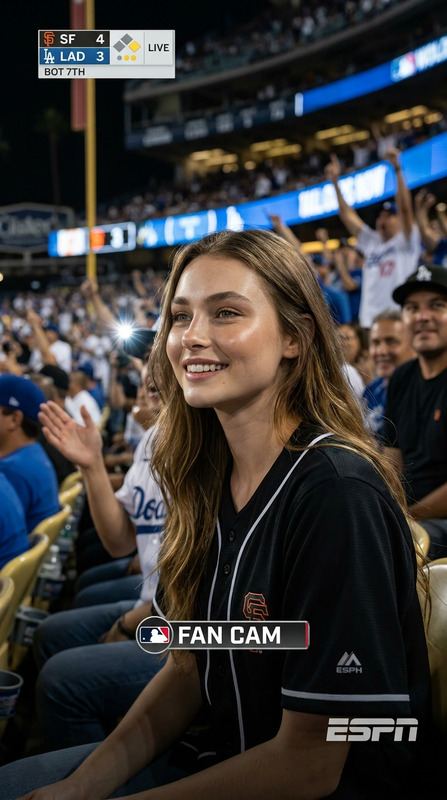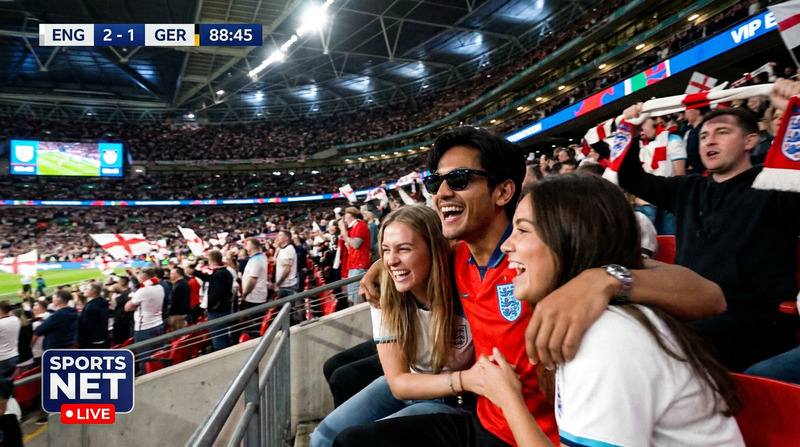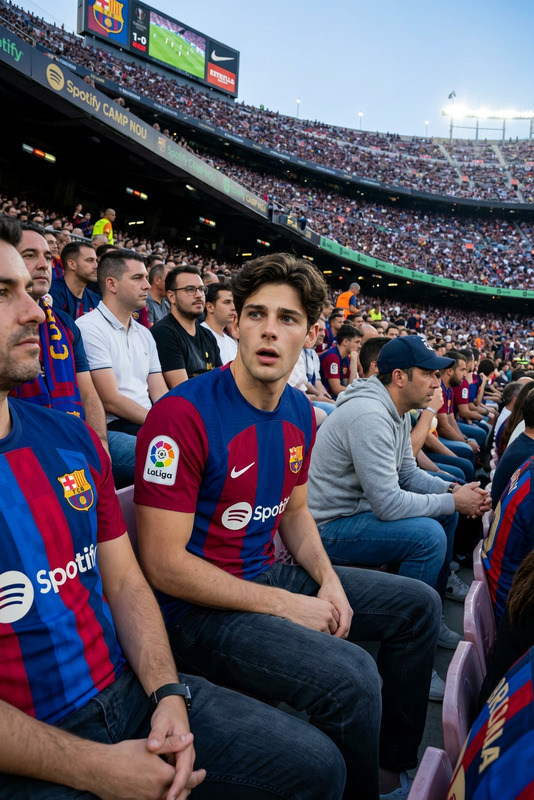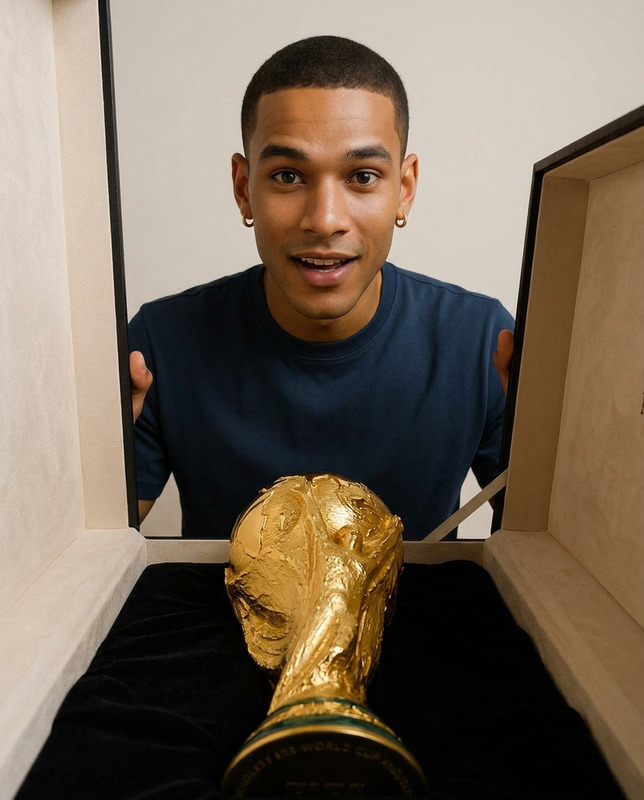
World Cup Live
- Model
- Nano Banana Pro
- Image
- 848 × 1264 px
Prompt
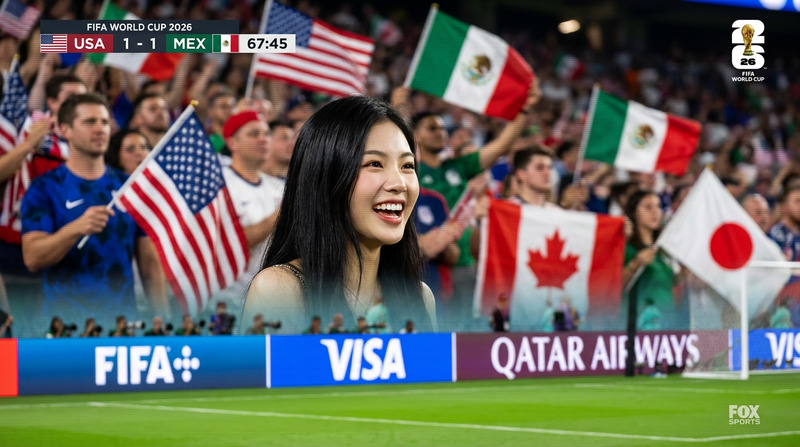
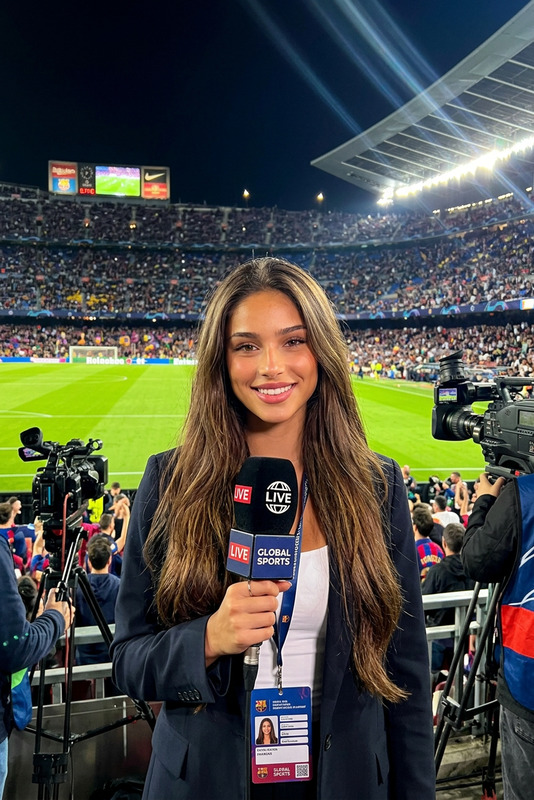
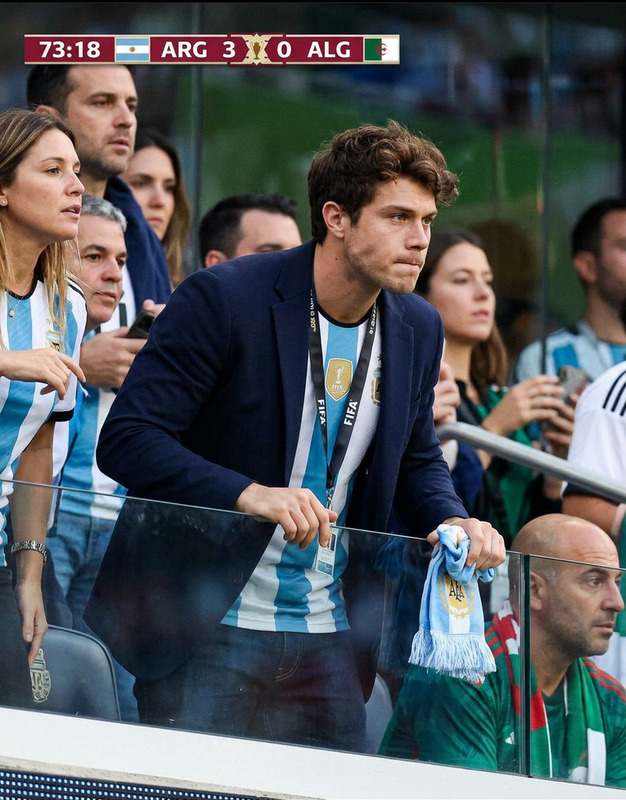
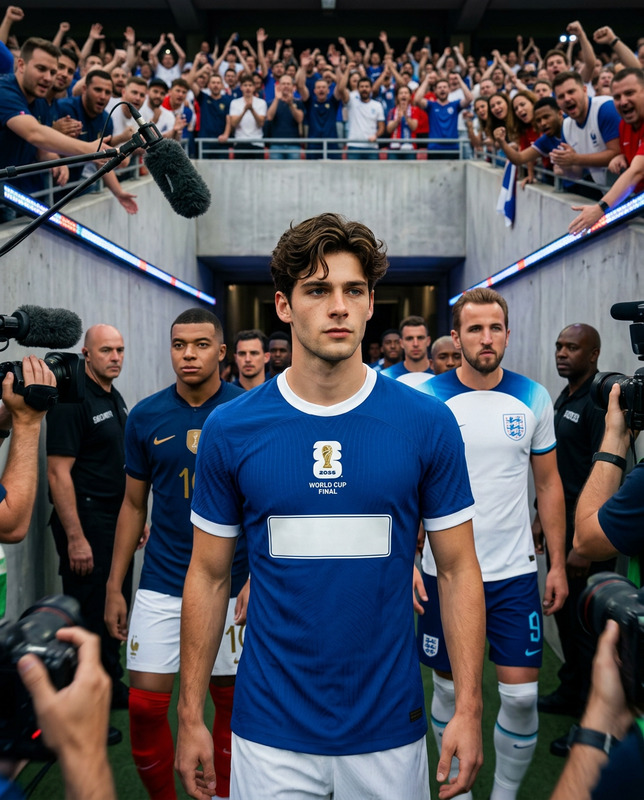
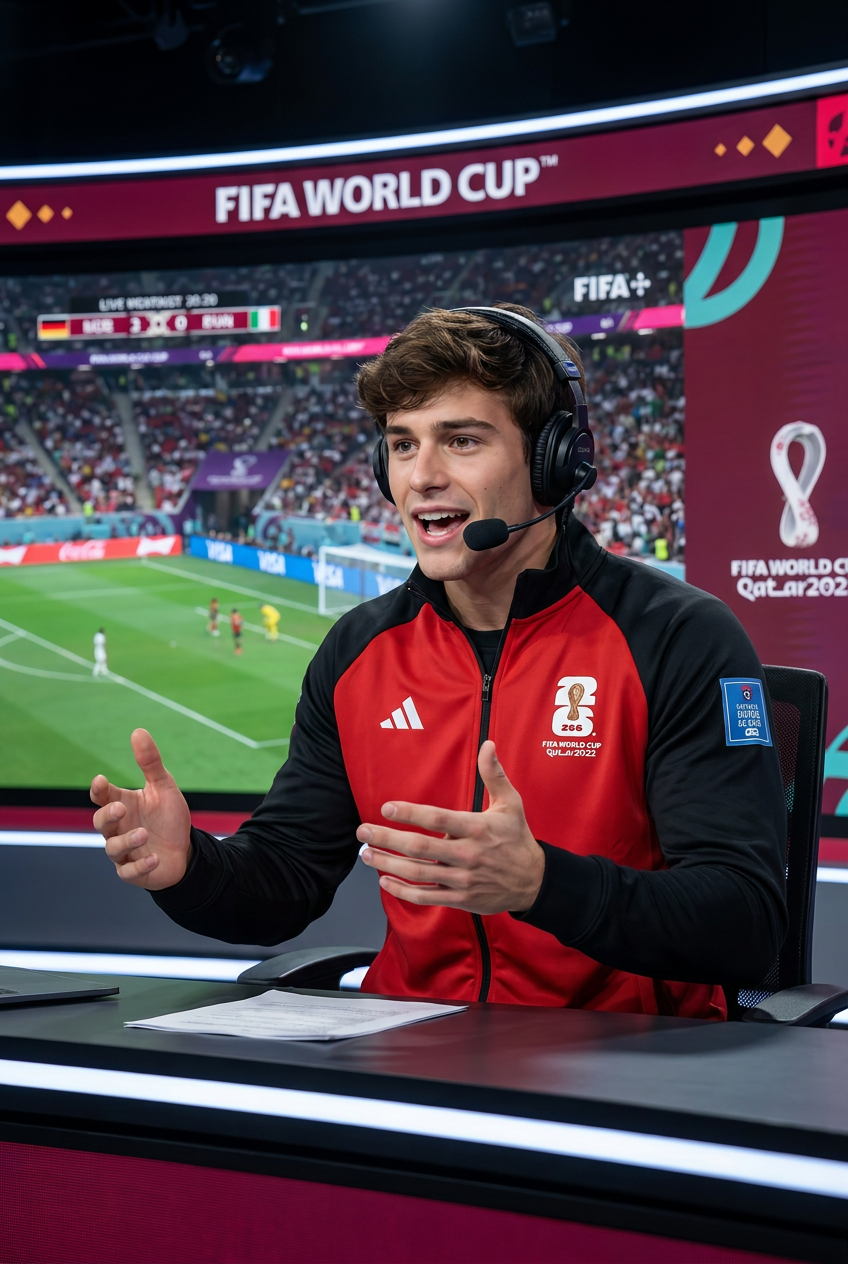
A highly realistic live World Cup broadcast scene, featuring a professional sports commentator providing commentary. The commentator is a perfect replica of the reference figure [describe the figure's appearance or directly use --reference image], with identical facial features, hairstyle, age, and overall appearance. Facial details are highly accurate, and identity information is fully preserved.The commentator wears a red and black 2026 FIFA World Cup professional commentator jacket with official logos, high-quality headphones and microphone, and sits in a modern World Cup broadcast studio. His expression is excited and enthusiastic, his tone is full and professional, and his gestures are vivid and powerful.Background: A large screen displays the football match, stadium, audience, score overlay, tactical analysis, and the "FIFA World Cup" logo, complemented by dramatic studio lighting to create a live broadcast atmosphere, and employs cinematic color calibration.Ultra-realistic, photorealistic, with sharp and clear details, 8K resolution, broadcast-grade camera style, professional sports TV screenshot --stylize 150 --v 6
Any aspect ratio
Overview
Capture the excitement of the World Cup with the AI Image Editor: World Cup Live template. Designed to create ultra-realistic broadcast scenes, this tool generates photorealistic images of a sports commentator in action, complete with a modern broadcast studio setting. Perfect for enhancing sports coverage, the template uses the AI Image Editor capabilities to bring your vision to life.
What It Does
The World Cup Live template uses the nano-banana-pro model to produce professional-grade images. You can generate images featuring a sports commentator in a 2026 FIFA World Cup setting, complete with a broadcast studio and real-time match visuals. With image-to-video potential, this template can be used to create visually stunning content for sports enthusiasts and professionals alike.
Who It's For
Ideal for broadcasters, sports content creators, and marketing professionals, this template is a powerful tool for anyone looking to create high-quality, realistic sports broadcasting visuals. It's perfect for developing promotional materials, social media content, or enhancing digital storytelling for sports-related media.
Summary
The World Cup Live template offers a powerful way to produce stunning, professional sports broadcast imagery. By simulating a live studio environment with high accuracy and detail, it serves as an essential resource for creating captivating sports visuals. Explore more applications through our Lip Sync and Face Swap tools.
How To
Choose Template

Customize Inputs

Generate Image

Use Cases
Broadcast Visualization
- Emulate professional sports programming
- Enhance sports journalism visuals
Social Media Campaigns
- Generate attention-grabbing images
- Engage fans with authentic-looking content
Sports Promotional Materials
- Design posters and ads
- Develop teaser content for broadcasts
Best Practices
Choose High-Quality References
Use a clear, high-resolution image of the commentator to ensure detail accuracy and fidelity.Adjust Studio Settings
Customize the background to feature match-relevant data, enhancing the realism of the broadcast environment.Optimize Lighting Effects
Leverage the cinematic lighting options to create a dynamic, immersive broadcast scene.