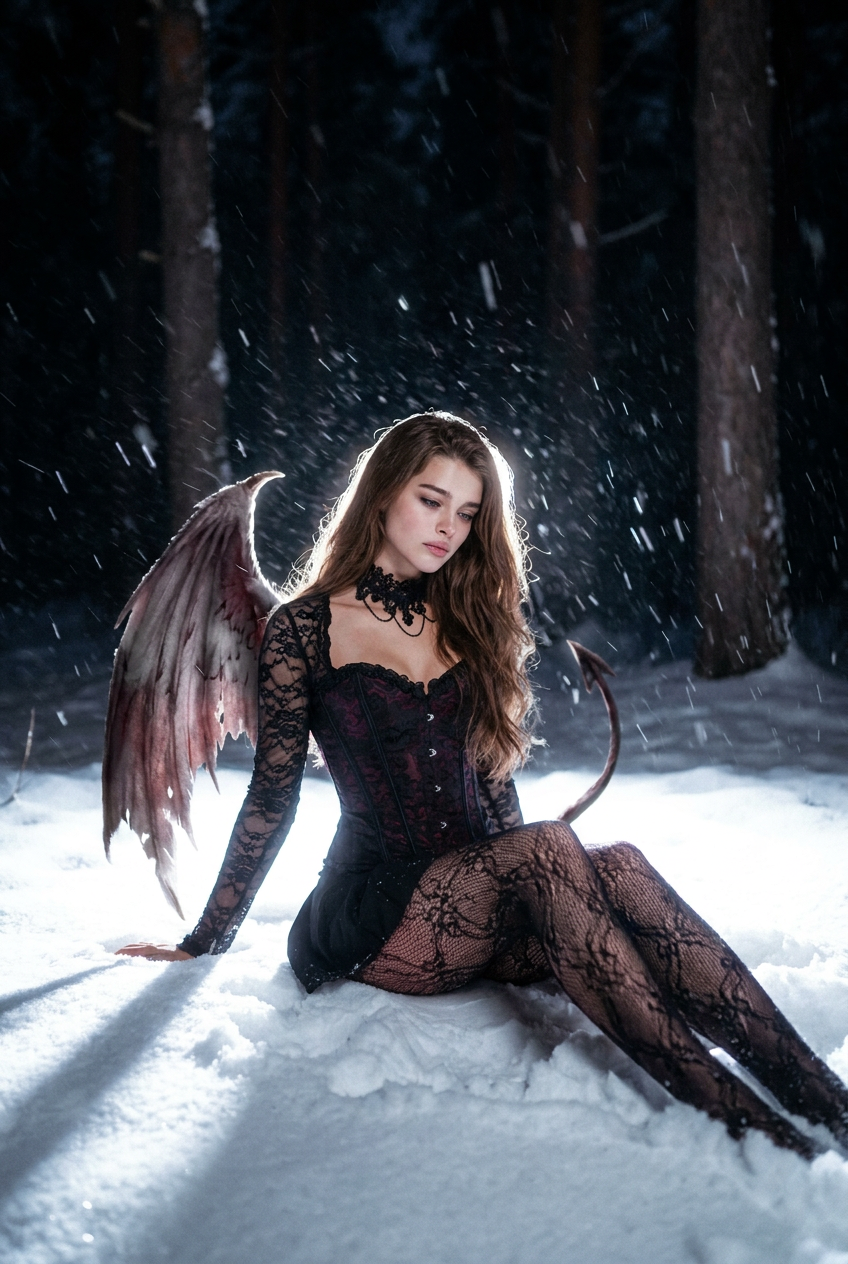
Midnight Wings
- Model
- Nano Banana Pro
- Image
- 848 × 1264 px
Prompt
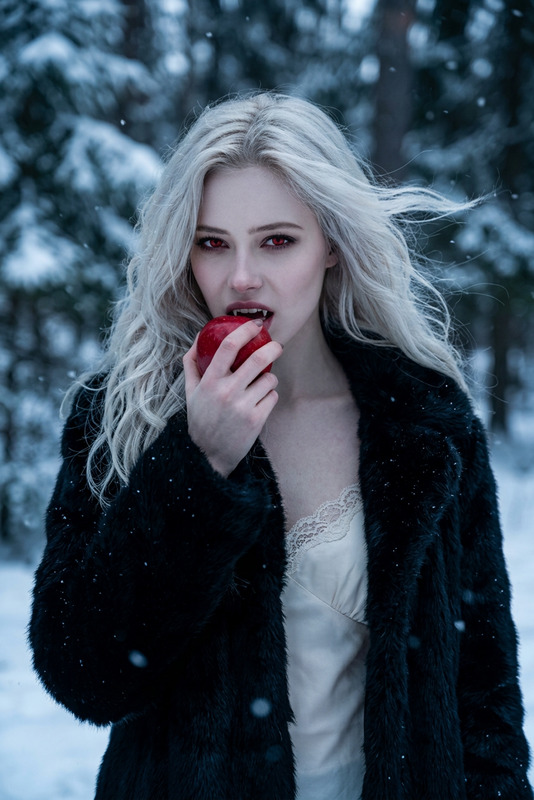
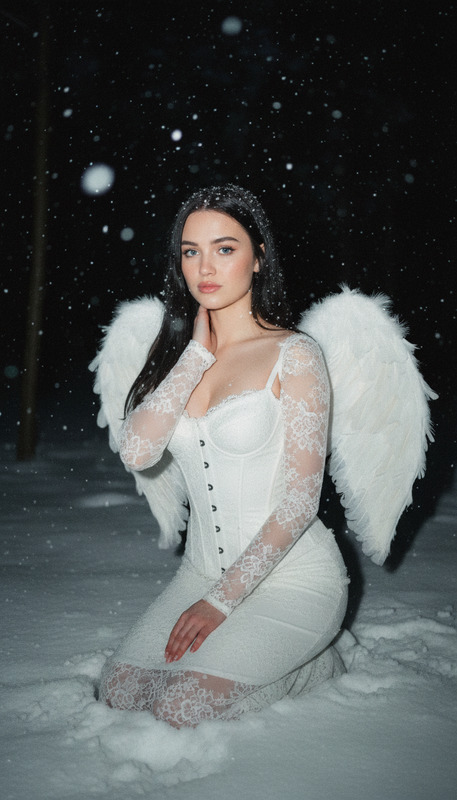
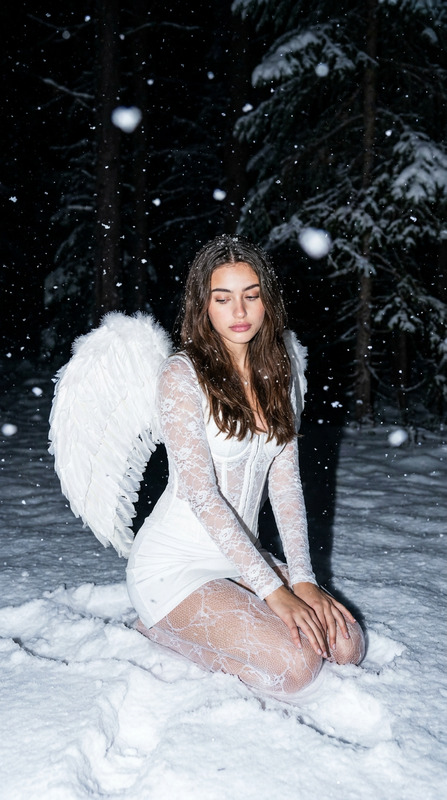
A hyper-realistic photographic work that strictly preserves the subject’s hair color and facial features. The scene is set in a snow-covered forest at night, with an overall atmosphere that is gloomy, mysterious, and rich in emotional tension.She is seated in deep snow, adopting a relaxed, asymmetrical pose, her body slightly leaning to one side to form soft, flowing curves. Her shoulders are naturally lowered, and her overall posture conveys a sense of vulnerability and introspection, rather than formality or deliberate posing. Her hands are casually propped behind her, fingers loose and relaxed. Her expression carries an ethereal, melancholic quality, with her gaze cast downward, lost in thought.She is wearing a black lace corset top, paired with long lace sleeves, a black mini skirt, patterned black lace tights, and a black lace choker. On her back are large, open, slightly damaged demon wings, and a thin demon tail is also visible. None of the black elements are pure black; instead, they carry subtle hints of red and purple, enhancing depth and a dark fantasy aesthetic.The lighting style is highly dramatic and cinematic, inspired by intense backlighting in a snowy environment. A strong light source positioned slightly behind and below her illuminates the snow-covered ground, with the reflected light casting upward onto her body, face, clothing, and wings, creating a striking contrast against the dark forest. A pronounced rim light outlines her silhouette, hair, shoulders, and especially the edges of the wings, causing them to glow with a halo-like radiance. Feather details are clearly visible, accompanied by a soft luminous aura.The image carries a vintage, slightly blurred film texture. Heavy snow is falling dynamically, and under the strong backlight the snowflakes are captured as visible light streaks and motion blur, with larger flakes appearing in the foreground to enhance depth and movement.The background is an extremely dark yet recognizable forest, where tall tree trunks and vertical forms gradually fade into near-black shadows. This maintains spatial depth while keeping the viewer’s focus firmly on the subject.Overall, the image presents:high-contrast cinematic lighting, snow-reflected illumination, an intense halo effect, a bright subject contrasted against a dark forest, cold winter tones, shallow depth of field, hyper-realism, ultra-high detail, 8K resolution, and a powerful cinematic dark fantasy atmosphere.
Any aspect ratio
Overview
The Midnight Wings template is a sophisticated AI Image Editor design that transforms an ordinary setting into an extraordinary cinematic experience. Utilizing the nano-banana-pro model, this template captures high-contrast scenes with dramatic lighting, focusing on hyper-realistic details and a unique dark fantasy mood.
What It Does
Midnight Wings meticulously edits your subjects into a snow-covered night forest scene, preserving hair color and facial features. This template enhances the depth and atmosphere with high-contrast lighting, ensuring that every feather and snowflake is portrayed with ultrafine detail. It provides a cinematic quality using a vintage film texture and dramatic backlighting techniques.
Who It's For
Midnight Wings is perfect for photographers and graphic designers looking to add a theatrical flair to their artwork. It's ideal for fantasy enthusiasts or creators crafting book covers and digital art pieces that require a mystical and thought-provoking atmosphere. Anyone who wants to dramatize their visuals with a richly detailed aesthetic will find this template invaluable.
Summary
With the Midnight Wings template, turn your visual narratives into a dark fantasy with unparalleled detail. Combine this with other tools like the AI Image Generator for creating magical backgrounds, or the AI Face Editor for refining facial details. Elevate your art with ultra-high definition techniques that capture the essence of each scene.
How To
Choose the Midnight Wings Template

Customize Your Scene

Generate and Download

Use Cases
Fantasy Art Creation
- Book covers
- Digital illustrations
- Character portraits
Photography Enhancement
- Portfolio pieces
- Thematic exhibitions
Marketing Materials
- Posters
- Ads
- Social media campaigns
Best Practices
Choose the Right Subject
Select images of subjects with distinct facial features and hair color to fully leverage the template's capability to preserve these elements.Lighting Considerations
Ensure your input images have balanced lighting to enhance the dramatic contrast in the final output.Complementary Tools
Combine with AI Image Upscaler for even greater resolution, or with the AI Background Changer to experiment with different settings.