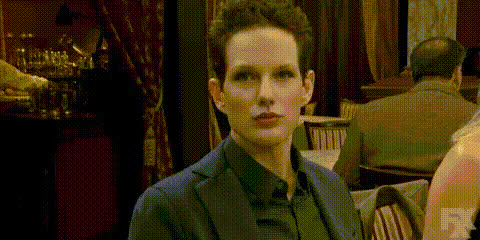
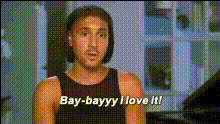
Uniform Reaction Moment
- Video
- 41.93 sec
Any aspect ratio
Overview
Transform any video scene by swapping in your own face or those of your actors with the Uniform Reaction Moment template. Featuring advanced Video Face Swap technology, this template allows for precise face transformation, ensuring natural seamlessness in reactions and expressions. Perfect for creating unique content or adding a touch of personalization to your projects.
What It Does
The Uniform Reaction Moment template replaces the faces in your video with designated ones while maintaining the original expressions. Leveraging AI, it captures subtle facial reactions, ensuring consistency and realism throughout. Enhance your video projects by harnessing the tools available in our Video Face Swap solution, part of the robust Face Swap family.
Who It's For
This template is ideal for content creators, marketers, and social media influencers seeking to create engaging content with a personal twist. It's also beneficial for filmmakers and video editors who need to replace actors' faces without filming additional footage. Personalize your projects further with the AI Talking Photo tool to match your video's theme.
Summary
By using the Uniform Reaction Moment template, you can effortlessly create high-quality videos that authentically represent desired facial expressions and reactions. Whether for professional animations or fun social media clips, this template empowers creators to make their mark. Explore our AI Video Generator for further enhancements and storytelling possibilities.
How To
Choose Your Template

Customize the Template

Generate and Download

Use Cases
Social Media Content Creation
- Custom reaction videos
- Personalized GIFs
Film Production
- Scene re-creation without reshooting
- Stunt double visualization
Marketing Campaigns
- Tailored advertisements
- Interactive video ads
Best Practices
Optimal Image Quality
Ensure the images for face swapping are of high resolution to maintain video quality.Consistent Lighting
Use source images with similar lighting conditions to your video for natural integration.Refine with AI Tools
Utilize additional tools like the AI Image Editor to enhance and fine-tune images before swapping.